Introduction
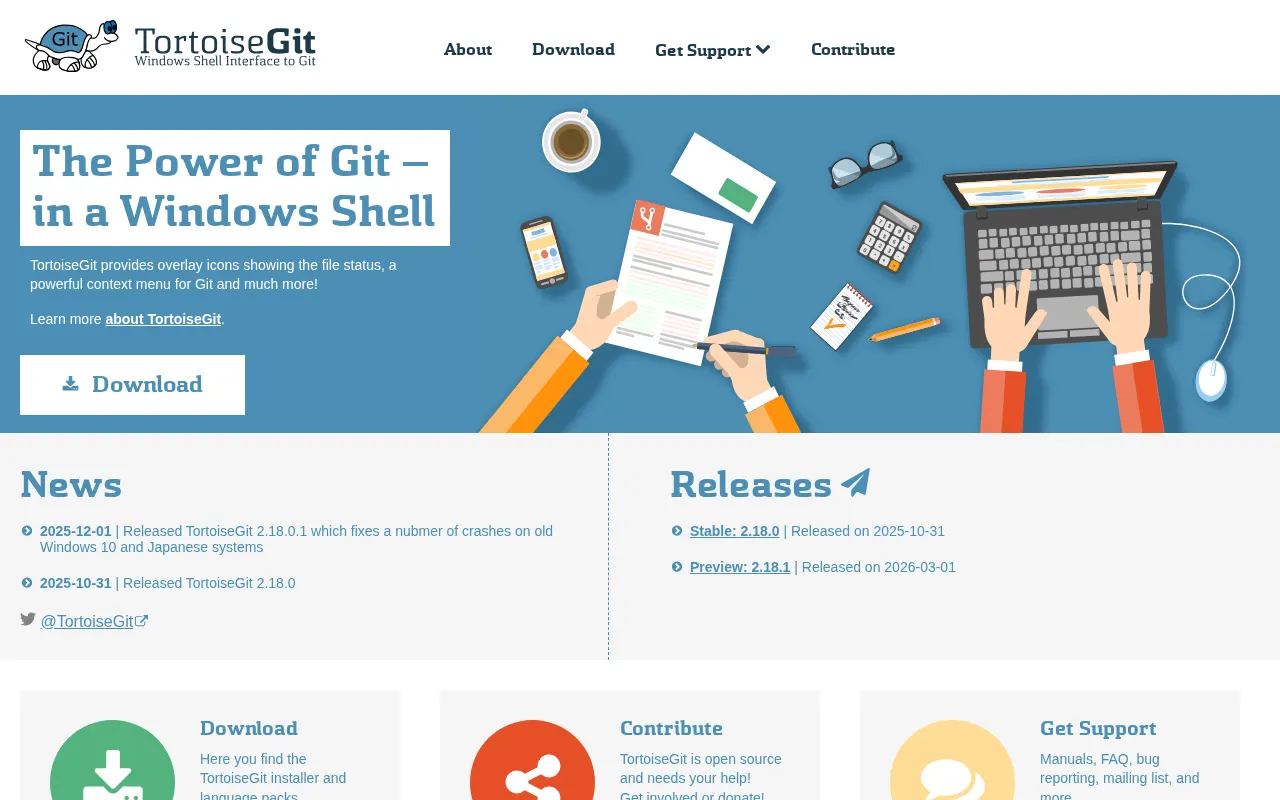
TortoiseGit offers a user-friendly graphical interface for Git operations, seamlessly integrating into the Windows Shell. As a free and open-source solution, it presents a compelling alternative to tools like GitKraken for developers seeking an intuitive way to manage their repositories directly from Windows Explorer.
Features
TortoiseGit streamlines version control with a suite of features designed for ease of use:
- Windows Explorer Integration: Perform common Git operations directly from context menus within Windows File Explorer.
- Free and Open-Source: Fully accessible for personal and commercial use without licensing costs.
- Lightweight Performance: Designed to be efficient and perform well on Windows systems.
- Issue Tracker Integration: Supports linking with various issue tracking systems to enhance workflow.
- Built-in Diff and Merge Tools: Includes TortoiseGitMerge for visualizing differences and resolving conflicts effectively.
This client provides a comprehensive set of tools for managing Git repositories without needing to interact with the command line.