8 Free & Open Source Alternatives to Gemini (2026)
Compare 8 free and open-source alternatives to Gemini: Open WebUI, ChatGPT, and Claude (+5 more). Pros, cons, pricing, and screenshots tested 2026.
Gemini
Freemium
★
★
★
★
★
4.0
Google's multimodal AI assistant available for free via web, Android, and the Gemini API.
Freemium
8 free options
AI Tools
4 / 5
💡
Why people look for alternatives Gemini has a free tier with limitations. Many users seek fully free or open-source alternatives that offer the same capabilities without paywalled features or usage caps.
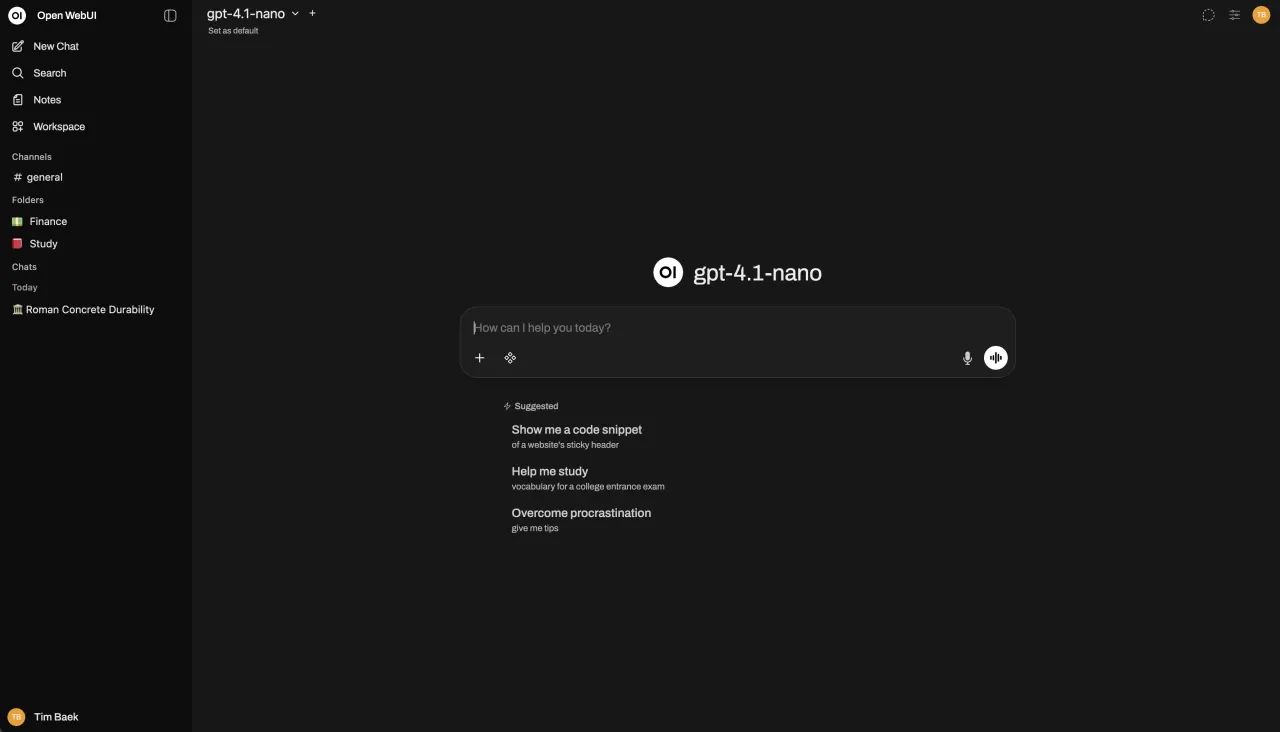
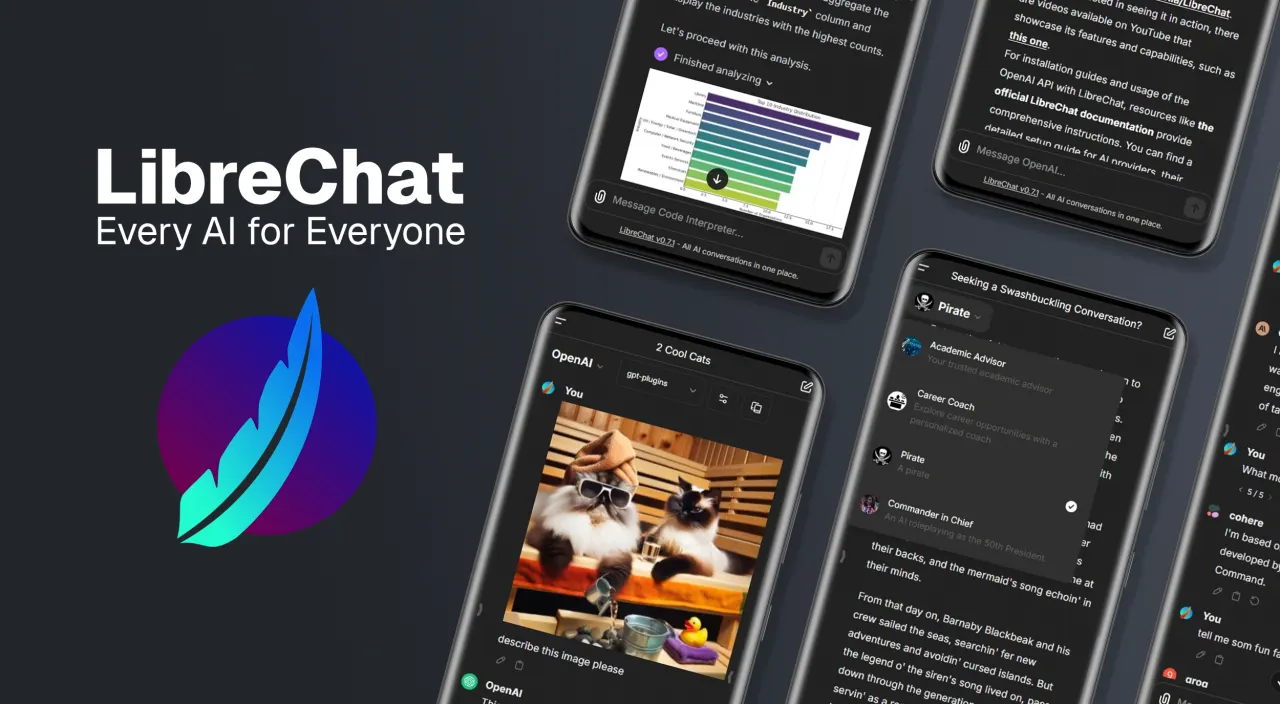
An extensible, feature-rich, and user-friendly self-hosted AI platform designed to operate entirely offline. It supports Ollama and OpenAI-compatible APIs, making it a powerful, provider-agnostic solution for both local and cloud-based models.
★
★
★
★
★
5.0
Free & Open SourceBest for: Self-hosted AI chat for technical users and organizations.
Free to use, with optional enterprise licenses available for professional support, custom branding, SLAs, and LTS versions. Costs for hardware and third-party AI API services are separate.
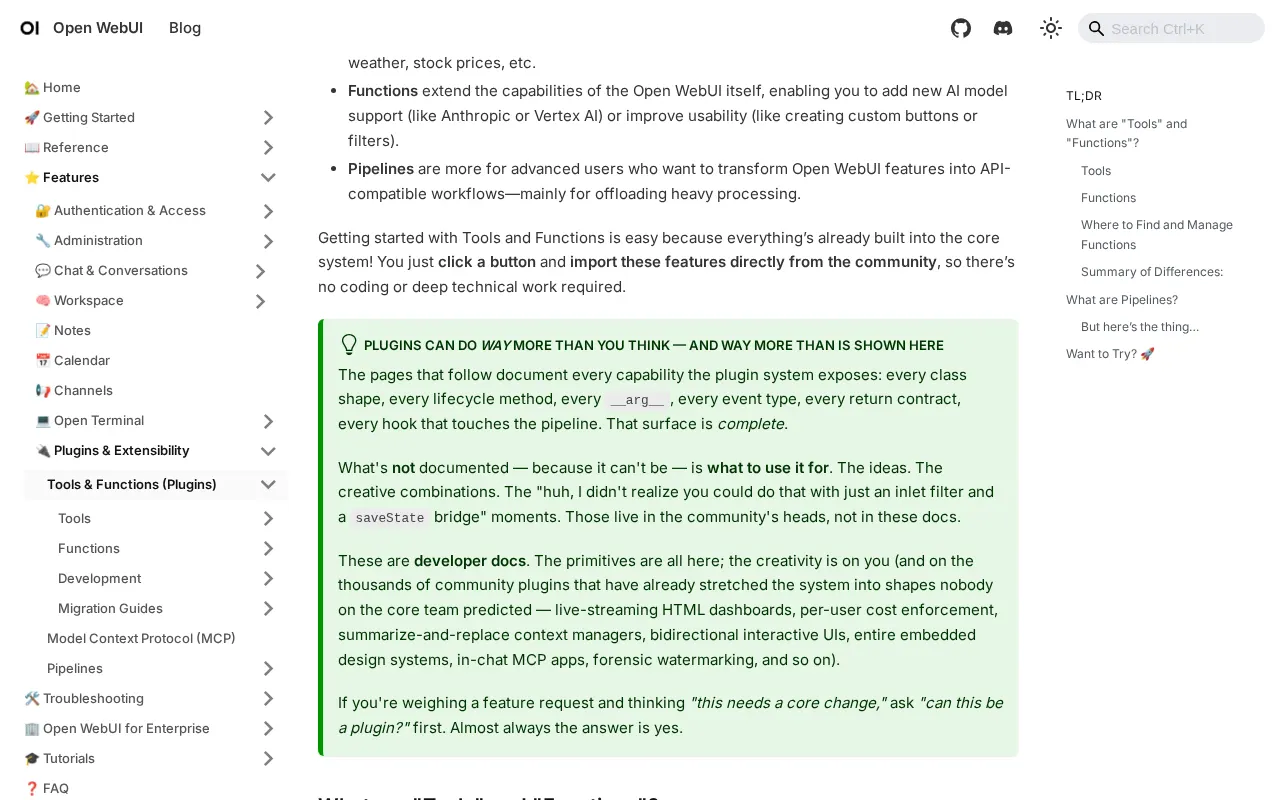
2 screenshots — click to enlarge
Screenshot 1Screenshot 2
✓ Pros
Completely free and open-source for the core platform.
Self-hosted and runs entirely offline.
Supports multiple AI models (Ollama, OpenAI, Claude, Llama 3.1) and OpenAI-compatible APIs.
Document upload and analysis with RAG capabilities.
Real-time web search integration.
Analytics dashboard for usage insights.
Cloud storage backend support (S3, GCS, Azure Blob Storage) for scalability.
OAuth management for user groups and SCIM 2.0 automated provisioning.
Persistent and scalable configuration stored in a database.
Portable import/export of configurations.
Supports running LLM-generated Python code in the browser.
Extensible with a Pipelines Plugin Framework.
Enterprise-grade security and compliance features (SOC 2, HIPAA, GDPR, FedRAMP, ISO 27001).
Reliable, scalable, and performance-optimized for large deployments.
Fully customizable and modular.
Cost-efficient as users only pay for API tokens (if using external APIs).
✕ Cons
Primarily designed for technically experienced users.
Installation can be complex without Docker knowledge.
Fewer business features such as advanced team management or role concepts compared to dedicated enterprise solutions.
Integrated RAG pipeline is simple and less scalable for a large number of documents (e.g., more than twenty).
User management could be improved (e.g., no strict user validation on registration, potential for impersonation).
Limitations appear when deploying on a very large scale (1000+ users, 200+ requests/second).
Default SQLite database not officially supported on network filesystems, leading to potential data corruption in some cloud deployments.
High network latency and low IOPS with cloud storage for SQLite can lead to slow response times under concurrent load.
Maintaining many provider integrations is a challenge for volunteer contributors, impacting updates, compatibility, and technical complexity.
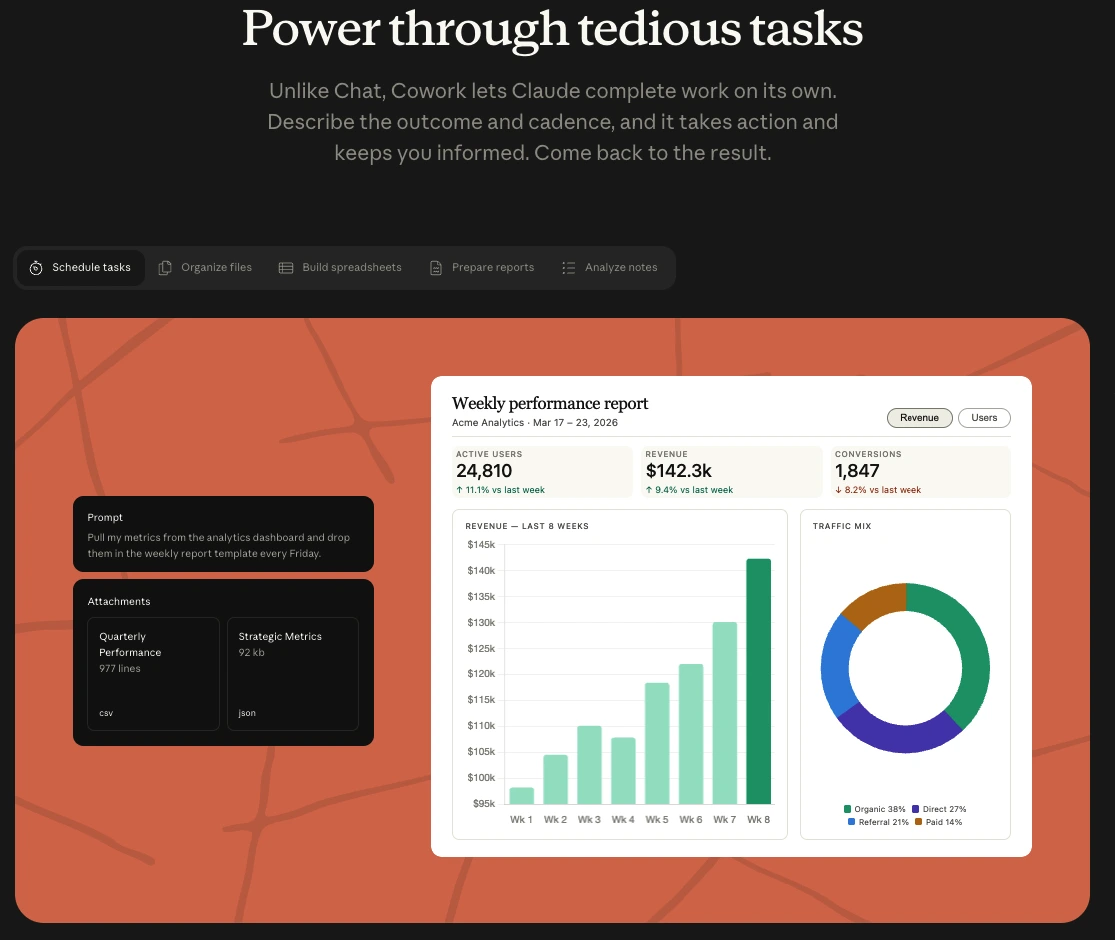
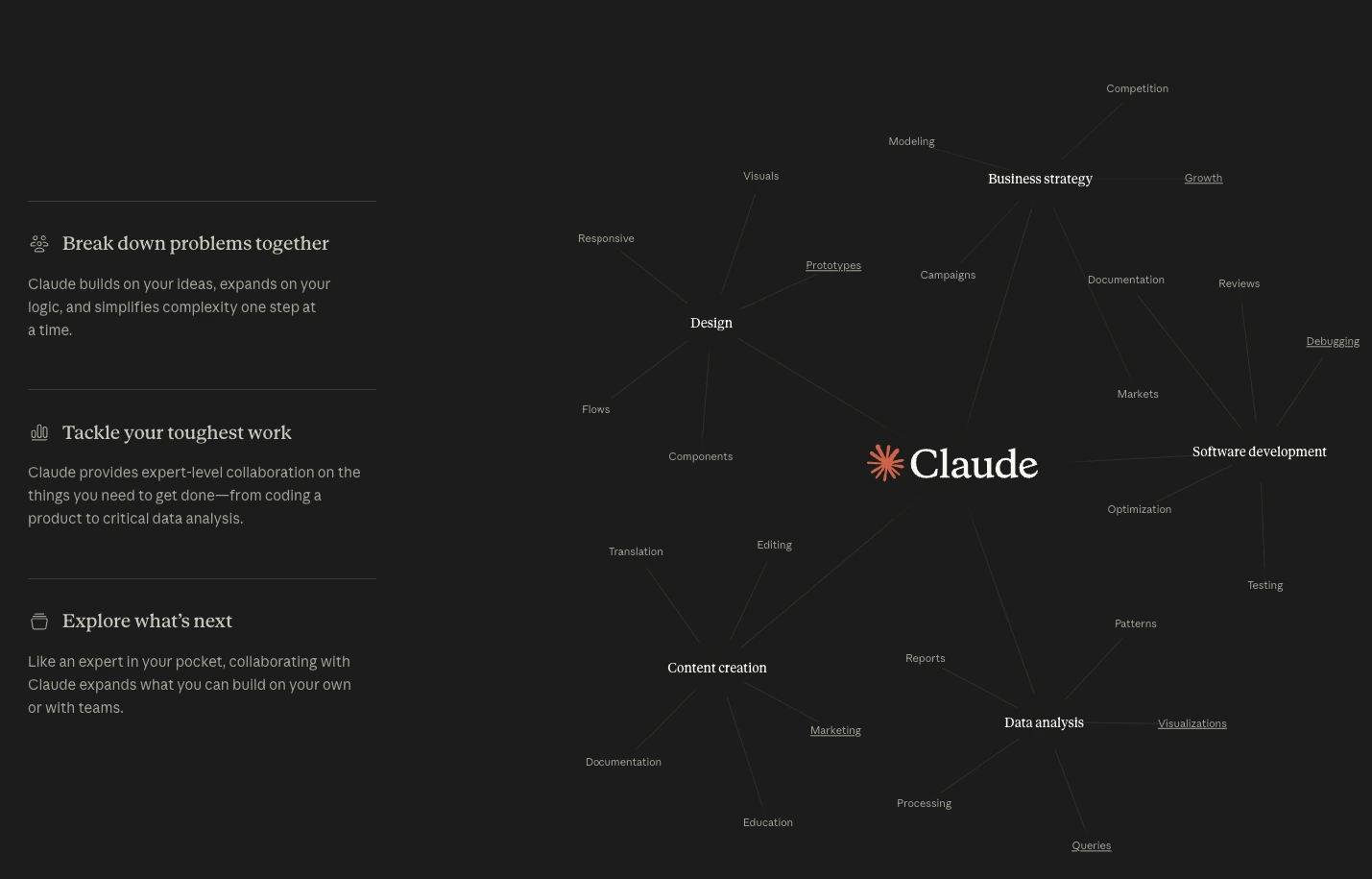
A powerful AI assistant known for its precise instruction following, advanced reasoning capabilities, and ability to handle extensive context windows for complex tasks in software development, content creation, and research.
★
★
★
★
★
4.5
FreemiumBest for: Long documents/prompts, developers, writers, and researchers.
Free plan available with usage limits. Paid plans include Pro ($17/month annual, $20/month monthly), Max ($100/month), and custom Enterprise pricing. Paid plans have usage caps and credits do not roll over.
3 screenshots — click to enlarge
Screenshot 1Screenshot 2
✓ Pros
Follows instructions with a high level of precision
Reasons through complex problems step by step
Handles enormous context windows without losing context
Excels in code review, identifying logic errors, regression bugs, and security vulnerabilities with a multi-agent architecture
Strong capabilities in text, code, and static image analysis
✕ Cons
Does not generate images
Does not browse the web by default
Paid plans have usage limits that can be reached quickly
Credits and usage do not carry over to the next billing cycle
Max plan is a significant price jump for increased usage



 Screenshot 1
  Screenshot 2

![Cabina.AI AI-driven chat interface on homepage screenshot [2026]](/assets/screenshots/cabina-ai-1.webp)