3 Free & Open Source Alternatives to Microsoft OneDrive (2026)
Compare 3 free and open-source alternatives to Microsoft OneDrive: Nextcloud, Seafile, and Twake Workplace (formerly Cozy Cloud). Pros, cons, pricing, and screenshots tested 2026.
Microsoft OneDrive
Freemium
★
★
★
★
★
4.5
Microsoft OneDrive is a cloud storage service that connects you to all your files, allowing you to store, protect, share, and access them from anywhere on all your devices. It integrates with Microsoft 365 apps.
Freemium
3 free options
Cloud Storage
4.5 / 5
💡
Why people look for alternatives Microsoft OneDrive has a free tier with limitations. Many users seek fully free or open-source alternatives that offer the same capabilities without paywalled features or usage caps.
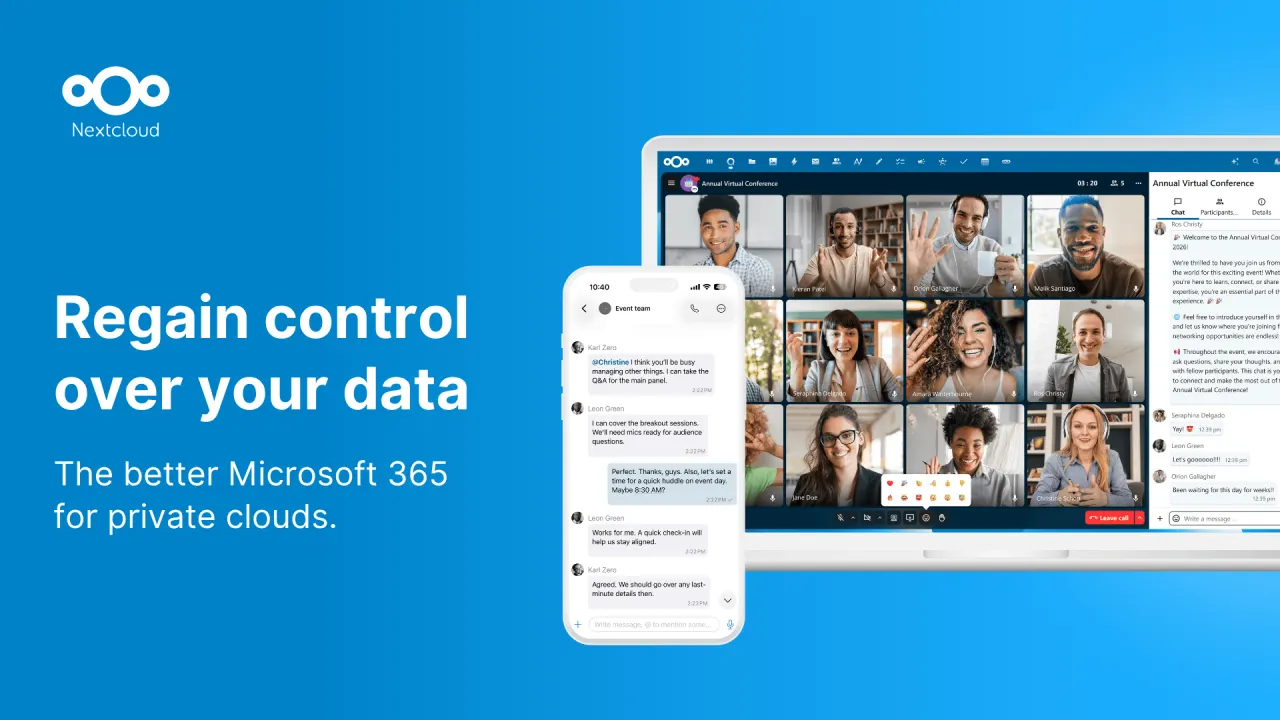
Nextcloud is an open-source, self-hosted content collaboration platform that provides file synchronization, sharing, and communication tools with a focus on privacy and security.
★
★
★
★
★
4.5
Freemium (Open Source)Best for: Individuals/orgs valuing data privacy and on-premise storage.
Free to self-host (open-source software), with paid Enterprise subscriptions starting at €68.94/user/year for 100+ users.
3 screenshots — click to enlarge
Screenshot 1Screenshot 2
✓ Pros
Full control over data through self-hosting
Strong focus on privacy and security
Open-source with an AGPL license
Comprehensive file synchronization and sharing features
Integrated collaboration tools like Talk, Groupware, and Whiteboard
Available on mobile and desktop platforms
Offers enterprise-grade features for businesses
✕ Cons
Can be complex to set up and maintain for self-hosting without technical expertise
Potential for file size limitations with certain shared hosting environments
Enterprise plans have a high minimum user count (100 users)
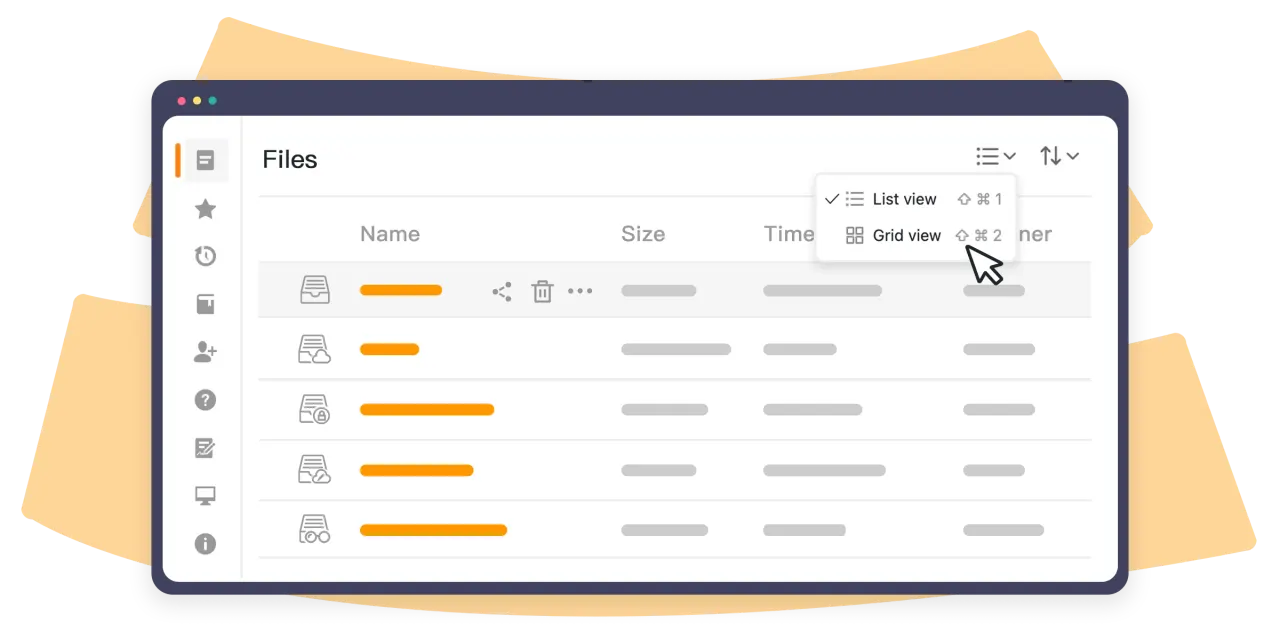
Seafile is an open-source, self-hosted cloud storage and syncing solution known for fast and efficient file synchronization, especially with large files, and collaborative features like document editing, version control, and granular permissions.
★
★
★
★
★
4.5
Freemium (Open Source)Best for: Teams and organizations needing high-performance, self-hosted file sync and collaboration.
Community Edition is free and open-source. Professional Edition has annual subscriptions (free for 3 users, then per-user pricing). Cloud from $8/user/month.
1 screenshot — click to enlarge
Screenshot 1
✓ Pros
Blazing fast file synchronization and low resource usage.
Git-like block-level sync for efficient updates and robust version control.
Libraries provide excellent organization and reliable syncing for large datasets.




 Screenshot 1
  Screenshot 2