2 Free & Open Source Alternatives to QuickBooks (2026)
Compare 2 free and open-source alternatives to QuickBooks: Akaunting and Odoo Accounting. Pros, cons, pricing, and screenshots tested 2026.
QuickBooks
Freemium
★
★
★
★
★
4.0
QuickBooks is a comprehensive finance and accounting software designed for small and medium-sized businesses. It offers features like income/expense tracking, invoicing, reporting, payroll, and inventory management.
Freemium
2 free options
Finance & Accounting
4 / 5
💡
Why people look for alternatives QuickBooks has a free tier with limitations. Many users seek fully free or open-source alternatives that offer the same capabilities without paywalled features or usage caps.
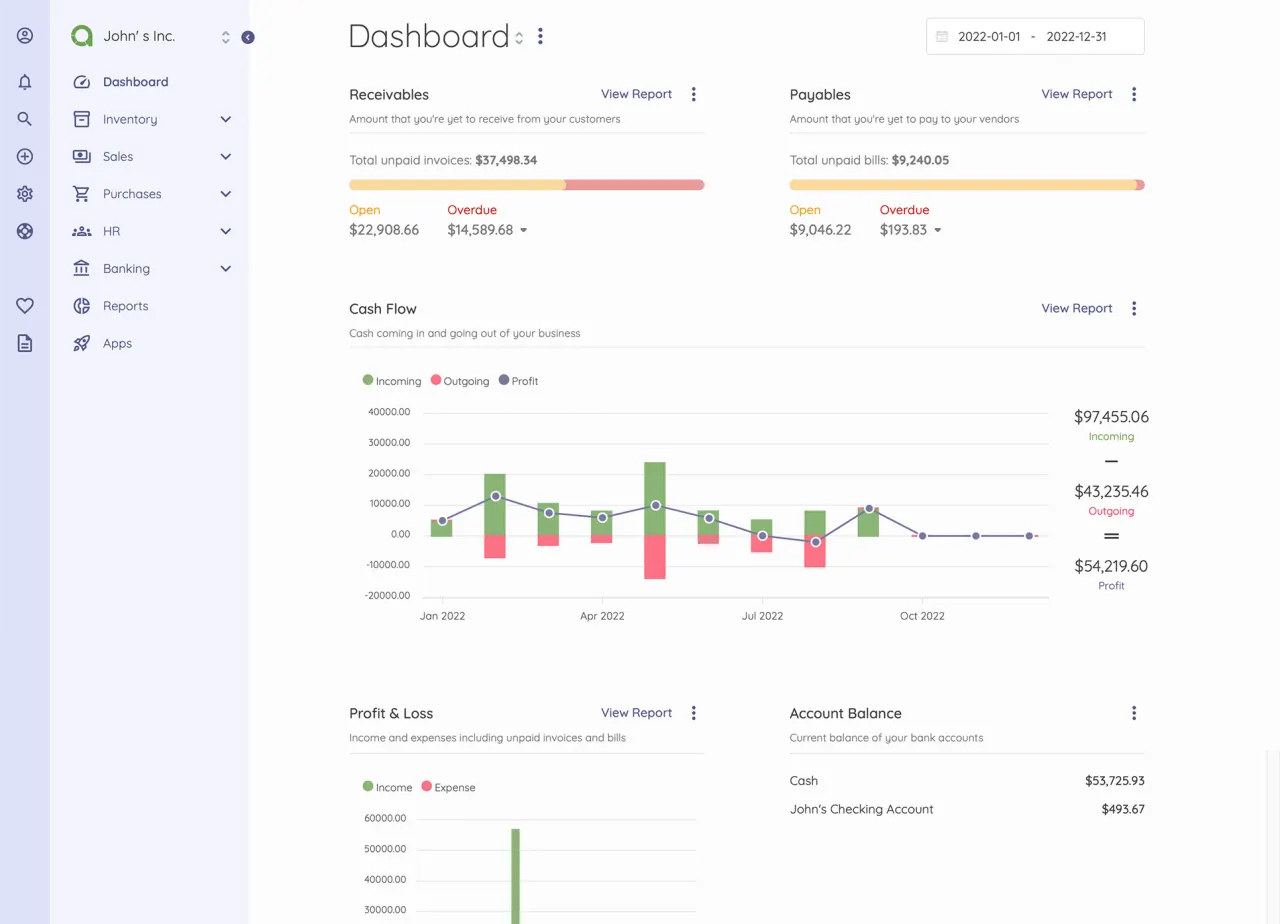
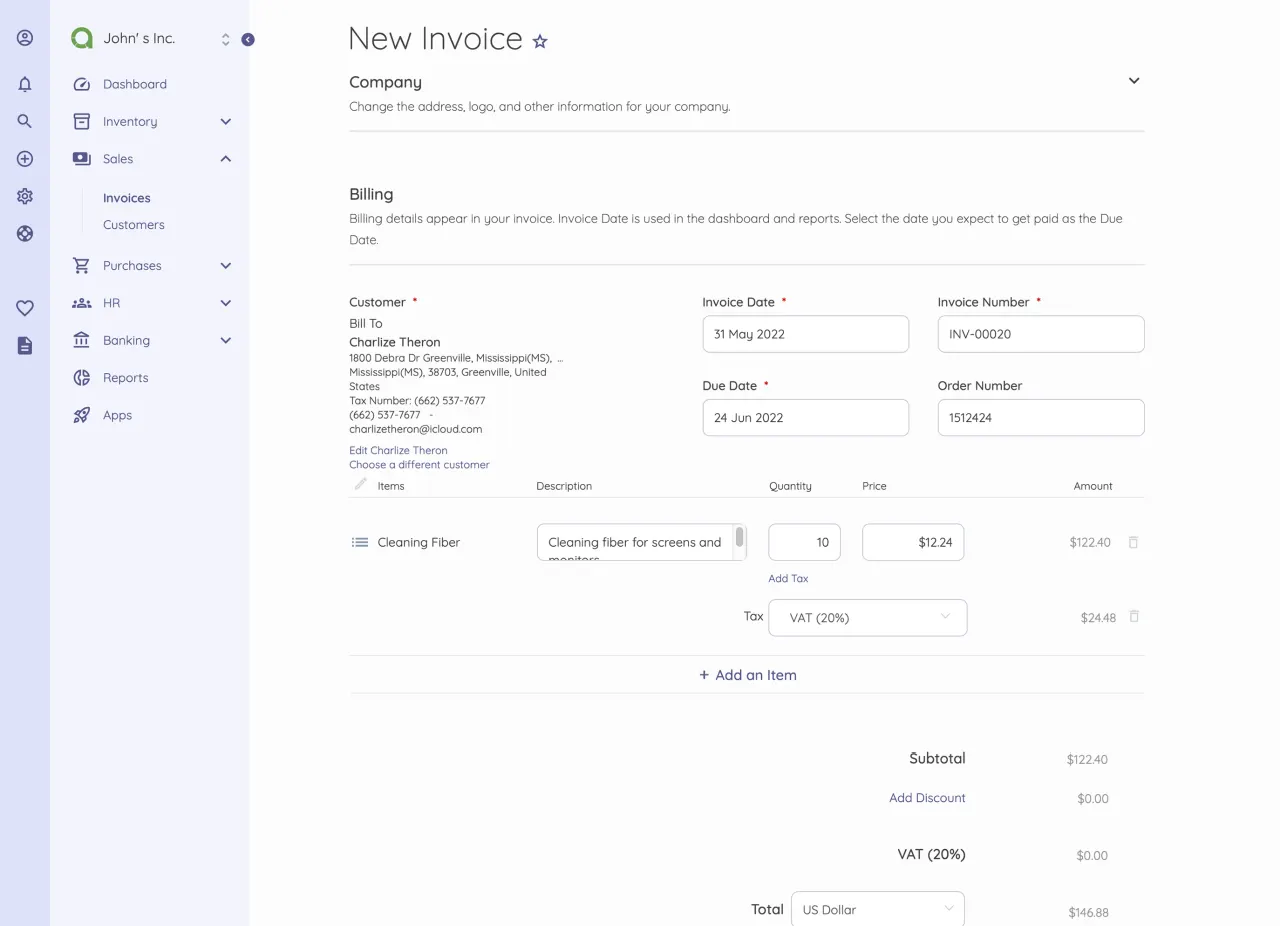
A comprehensive open-source accounting software solution for small and medium-sized businesses, offering invoicing, expense tracking, financial reporting, and bank reconciliation.
★
★
★
★
★
4.5
Freemium (Open Source)Best for: Small and medium-sized businesses and freelancers
Free for on-premise (self-hosted) standard plan; paid plans available for Akaunting Cloud with a 7-day free trial.
3 screenshots — click to enlarge
Screenshot 1Screenshot 2
✓ Pros
Provides an affordable or free self-hosted option, making it accessible for budget-conscious small businesses.
Offers comprehensive accounting tools including invoicing, expense tracking, bank reconciliation, and inventory management.
✕ Cons
Some users report difficulty with specific advanced functionalities, suggesting a steeper learning curve for certain configurations or integrations.
Access to advanced features and cloud hosting requires a paid subscription, limiting the fully free self-hosted standard plan.
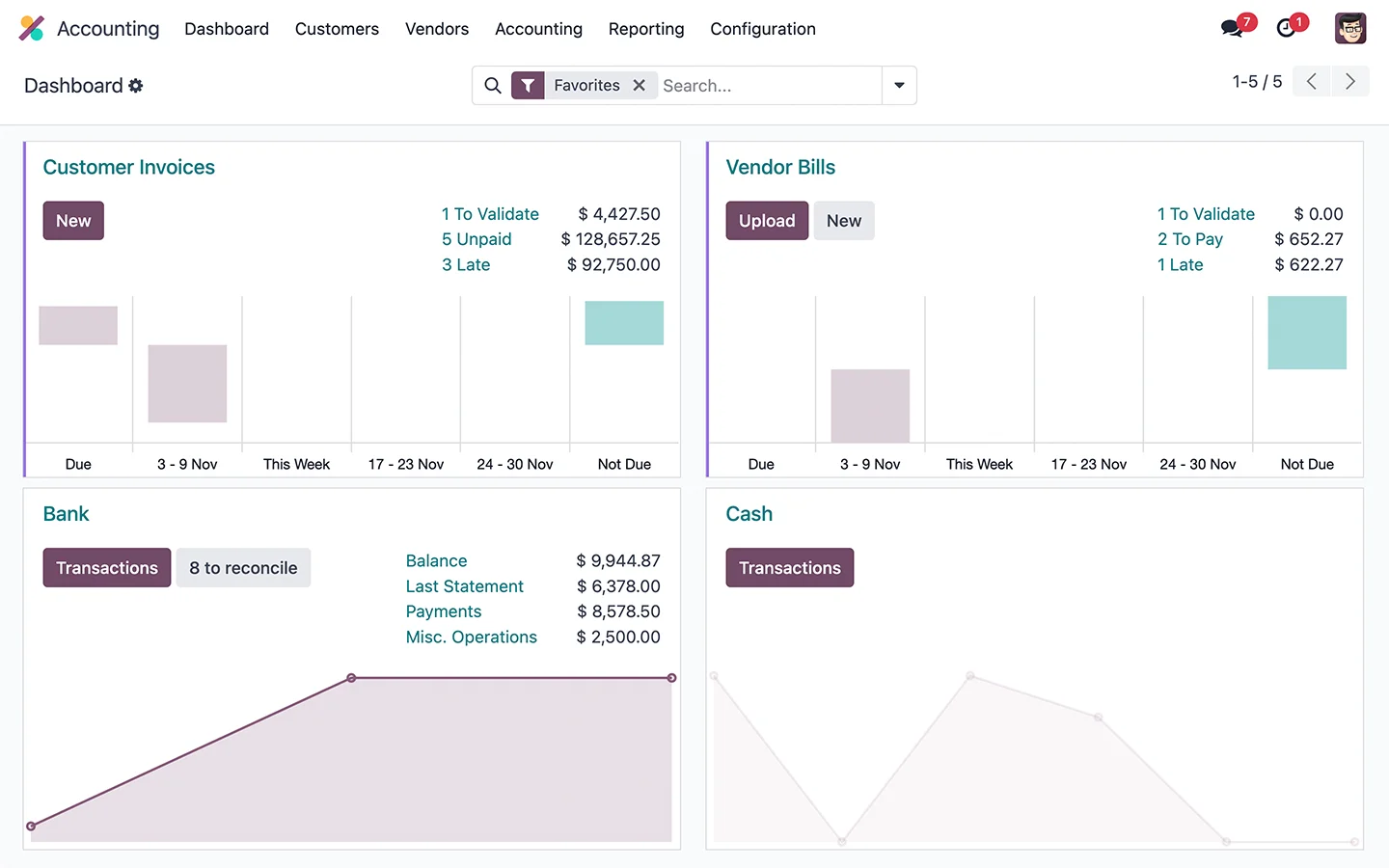
Odoo Accounting is a fully integrated finance application within the open-source Odoo ERP platform, managing bookkeeping, invoices, payments, taxes, and financial reporting for businesses of all sizes.
★
★
★
★
★
4.5
Freemium (Open Source)Best for: Integrated, scalable ERP with strong accounting features
Free for one app (e.g., Accounting) with unlimited users. Paid plans (Standard, Custom) start from $24.90/user/month (annual billing) for additional apps and advanced features.
3 screenshots — click to enlarge
Screenshot 1Screenshot 2
✓ Pros
Integrated with the full Odoo ecosystem (CRM, sales, inventory, HR, etc.)
Strong automation for routine tasks like invoice digitization and reconciliation
Flexible for multi-currency, multi-company setups and global operations
Scalable for growing businesses
Comprehensive financial analysis and reporting with bank integration
Meets global and local compliance standards (IFRS, US GAAP, GoBD)
✕ Cons
Some modules require specialist help for proper customization
Pricing per user can become high as the business grows
No automated migration from Standard to Custom version
Support can be inconsistent for uncommon issues
Interface may be complex for non-technical users
Some links are affiliate. We never accept payment for inclusion or ranking.


 Screenshot 1
  Screenshot 2