5 Free & Open Source Alternatives to Adobe Premiere Pro (2026)

Adobe Premiere Pro is a professional video editing application used for film, TV, and web content, offering advanced timeline editing, color grading, and audio tools. Below are the best free replacements we've tested.

Adobe Premiere Pro

Paid 4.0

Adobe Premiere Pro is a professional video editing application used for film, TV, and web content, offering advanced timeline editing, color grading, and audio tools.

Paid
5 free options
Design Tools
4 / 5
Why people look for alternatives Adobe Premiere Pro requires a paid subscription for full access. Many users seek free or open-source alternatives that offer similar functionality without the ongoing cost or vendor lock-in.
[Adobe Premiere Pro screenshot]
Visit Adobe Premiere Pro →

Quick Comparison

Tool Pricing Best for Rating

Detailed Reviews

Adobe After Effects

A powerful animation solution for motion graphics and visual effects. Features include animations, transitions, rendering, media import, text overlay, drag-and-drop functionality, and video editing.

4.0
Paid Best for: Motion graphics designers and video editors for visual effects.

$31.49/month for After Effects, or $52.99/month for Creative Cloud All Apps. A 7-day free trial is available.

✓ Pros

  • Powerful tools for adding effects, animations, and transitions
  • Comprehensive suite of features for motion graphics and visual effects
  • Robust compositing capabilities for integrating multiple elements
  • Advanced motion tracking for precise object animation
  • 3D integration for complex visual scenarios
  • Professional-grade results for high-quality productions

✕ Cons

  • Requires substantial RAM and a powerful graphics card for optimal performance
  • Has a steep learning curve for new users
  • Frequent re-rendering of the timeline for small adjustments can be time-consuming

DaVinci Resolve

A professional video editing and color grading application with a powerful free version that rivals commercial editors in features and quality.

4.0
Freemium

Free version is full-featured for most use cases with no watermark; DaVinci Resolve Studio is a one-time $295 upgrade for advanced GPU effects.

3 screenshots — click to enlarge

DaV Main interface
Blackmagic Design Settings view

✓ Pros

  • Free version is genuinely professional-grade with no export watermark on final videos
  • Industry-standard color grading tools used in Hollywood film and TV productions

✕ Cons

  • Not open source; Blackmagic Design controls the roadmap and free-versus-paid feature split
  • Resource-intensive — requires a capable GPU for smooth real-time playback on complex timelines

Kdenlive

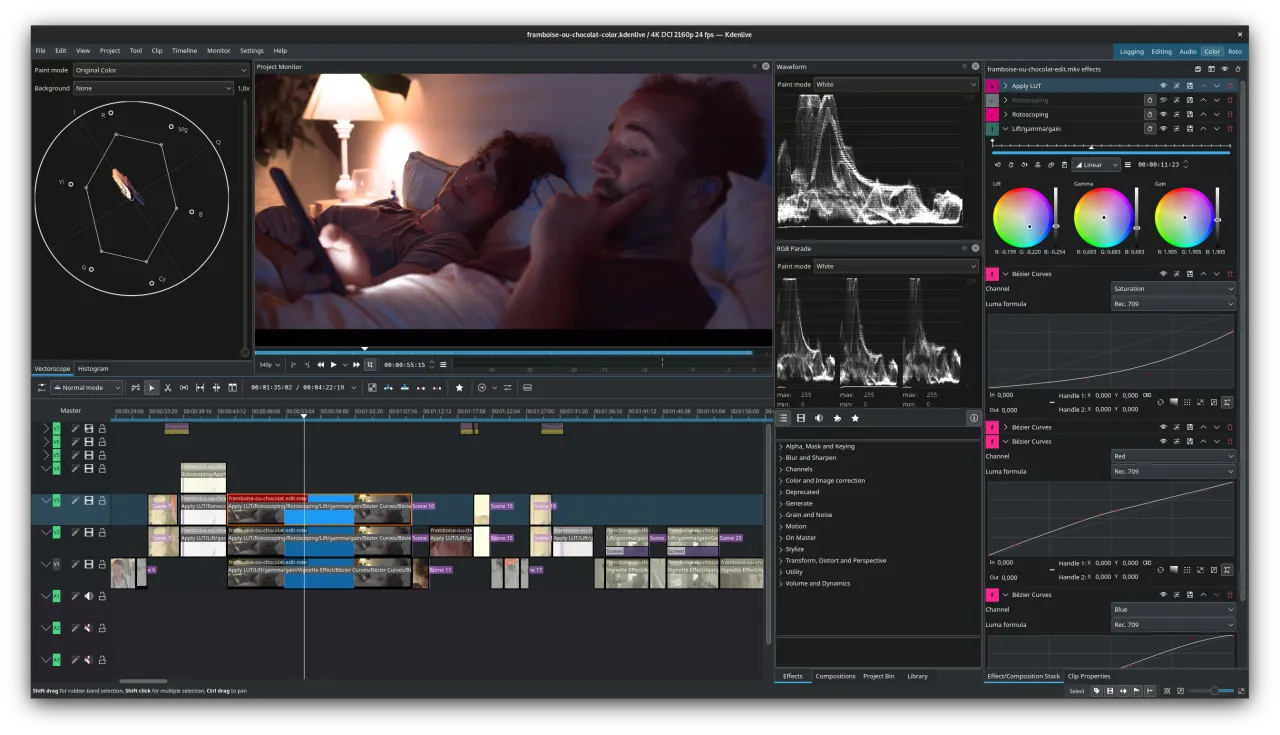
A free, open-source video editor for Linux, macOS, and Windows with multi-track editing, built-in effects, and a non-linear timeline.

4.0
Free & Open Source

2 screenshots — click to enlarge

Kdenlive Main interface
Kdenlive Settings view

✓ Pros

  • Fully open source under GPL — no watermarks, no paid tiers, and no feature restrictions
  • Active development with regular releases and a supportive community for bug reports

✕ Cons

  • Interface can feel less polished than commercial editors like Premiere Pro or Resolve
  • Occasional stability issues on Windows compared to its more reliable Linux performance

OpenShot

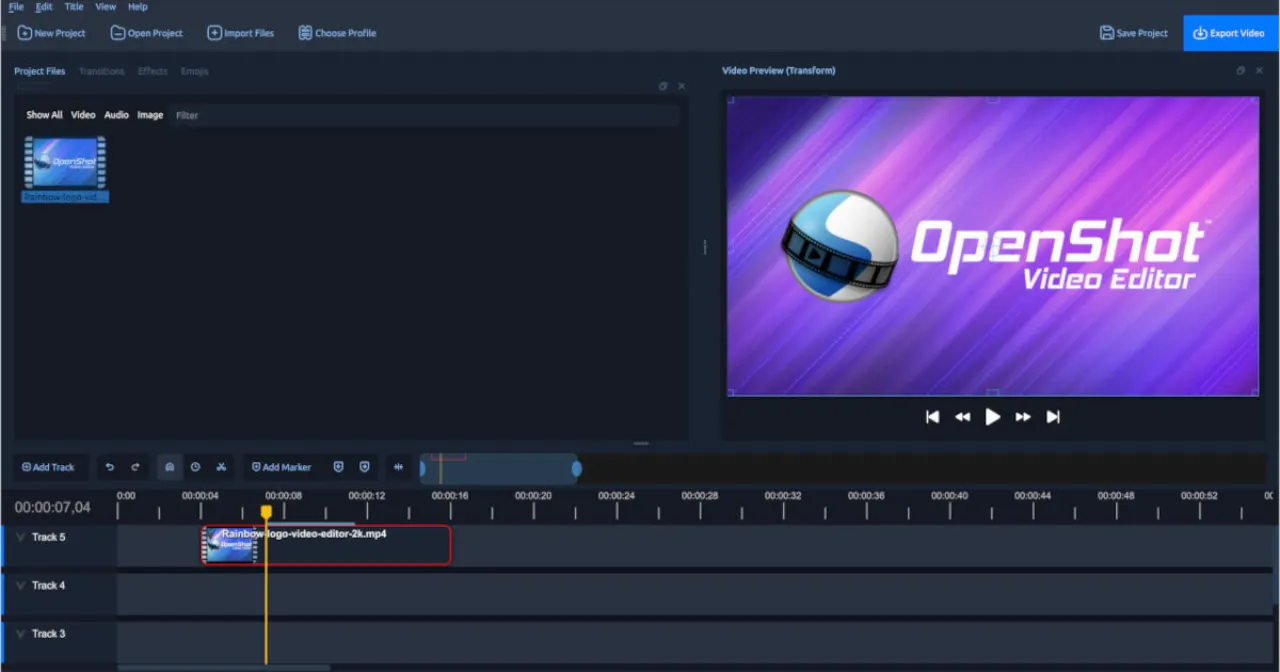
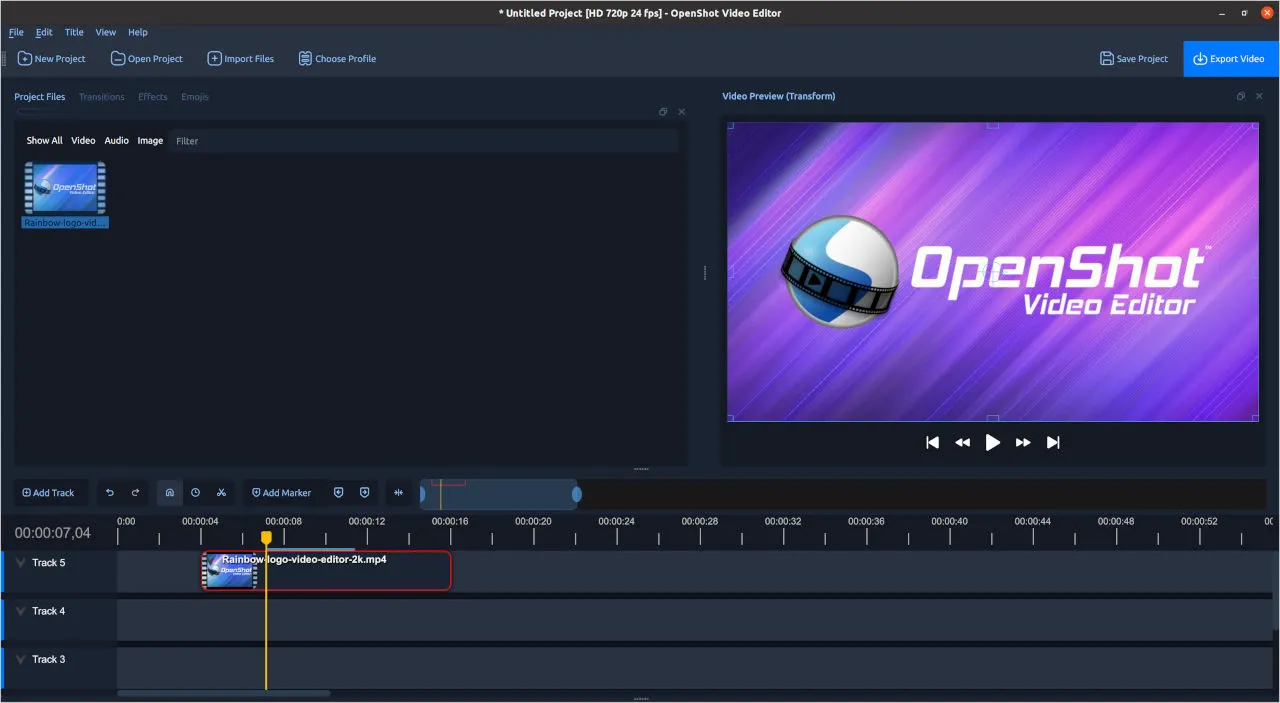
A simple, cross-platform open-source video editor designed for beginners, with drag-and-drop editing, titles, and animation keyframes.

4.0
Free & Open Source

2 screenshots — click to enlarge

OpenShot Main interface
OpenShot Features Settings view

✓ Pros

  • Beginner-friendly interface with a gentle learning curve and minimal setup required
  • Fully free and open source under GPL with no feature restrictions or export watermarks

✕ Cons

  • Limited advanced features compared to Premiere Pro or DaVinci Resolve for professionals
  • Can be slow on large projects; performance is weaker than more mature competitors

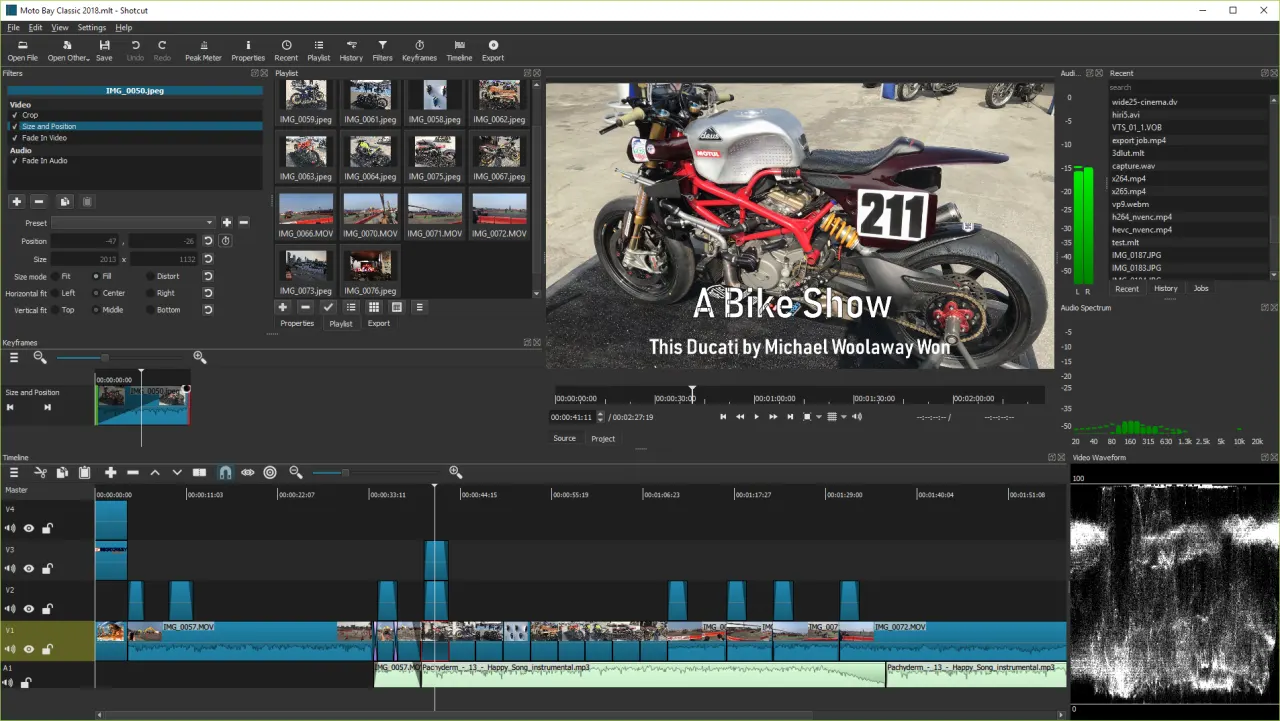
Shotcut

A free, open-source, cross-platform video editor with native timeline editing, broad format support via FFmpeg, and no export watermarks.

4.0
Free & Open Source

2 screenshots — click to enlarge

Shot Main interface
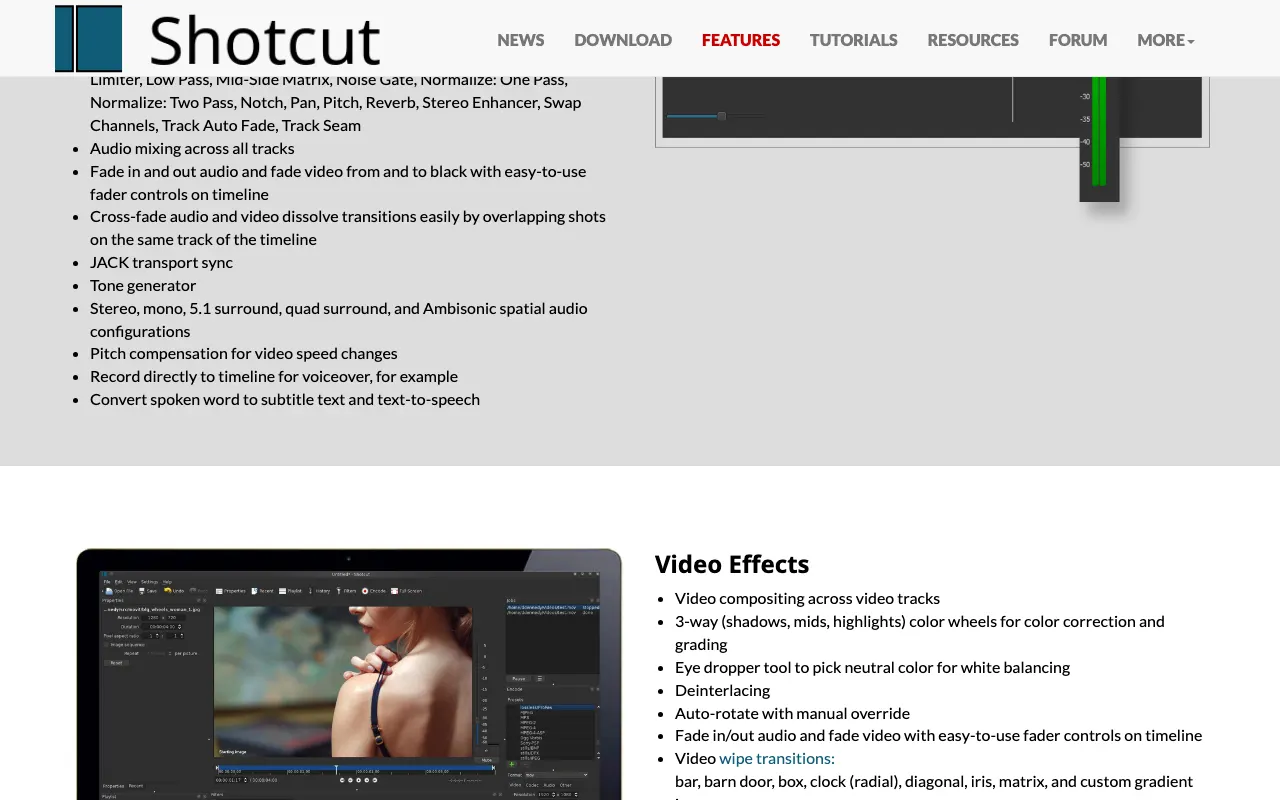
Shotcut features Settings view

✓ Pros

  • Completely free and open source with no export watermark or paid tier restrictions
  • Broad format support via FFmpeg — handles nearly any video or audio file format natively

✕ Cons

  • Interface layout can be confusing for users transitioning from Premiere Pro
  • Limited third-party effects and plugins compared to commercial video editors

Some links are affiliate. We never accept payment for inclusion or ranking.