4 Free & Open Source Alternatives to Google Drive (2026)
Compare 4 free and open-source alternatives to Google Drive: Nextcloud, Seafile, and Syncthing (+1 more). Pros, cons, pricing, and screenshots tested 2026.
Google Drive
Freemium
★
★
★
★
★
4.5
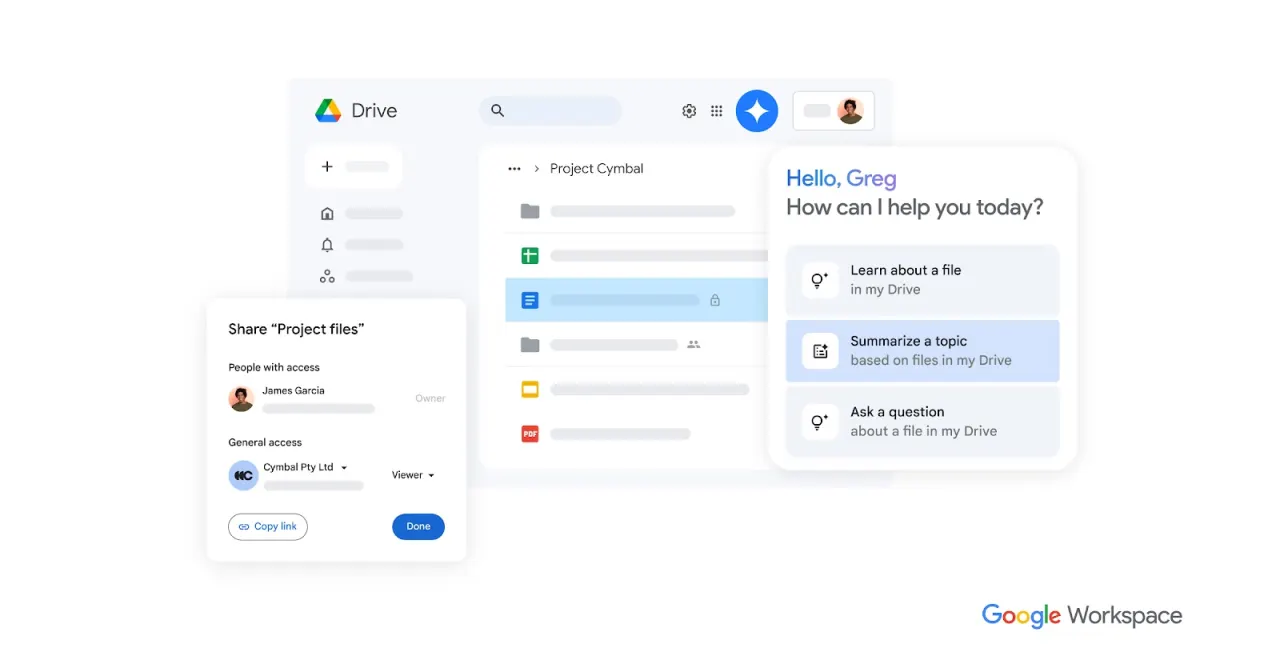
Google Drive is a comprehensive cloud-based file storage and syncing service that integrates with Google's collaborative office suite, allowing users to store, share, and edit files across devices.
Freemium
4 free options
Cloud Storage
4.5 / 5
💡
Why people look for alternatives Google Drive has a free tier with limitations. Many users seek fully free or open-source alternatives that offer the same capabilities without paywalled features or usage caps.
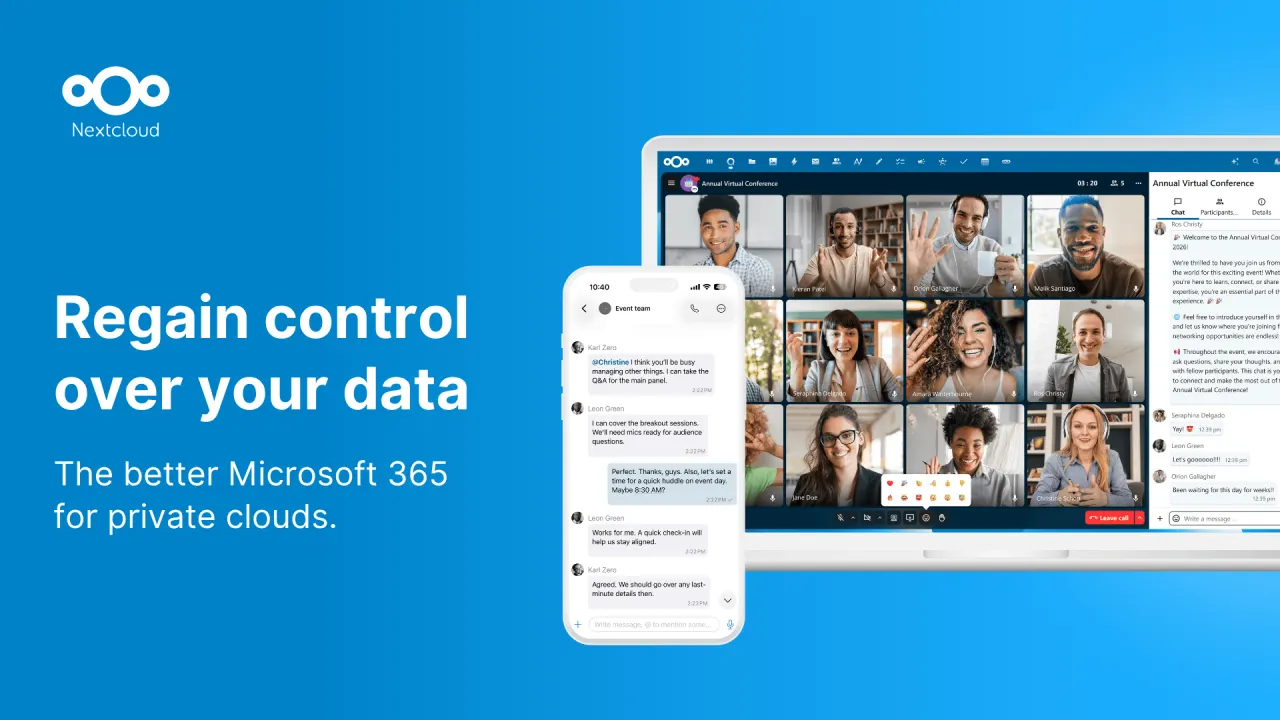
Nextcloud is an open-source, self-hosted content collaboration platform that provides file synchronization, sharing, and communication tools with a focus on privacy and security.
★
★
★
★
★
4.5
Freemium (Open Source)Best for: Individuals/orgs valuing data privacy and on-premise storage.
Free to self-host (open-source software), with paid Enterprise subscriptions starting at €68.94/user/year for 100+ users.
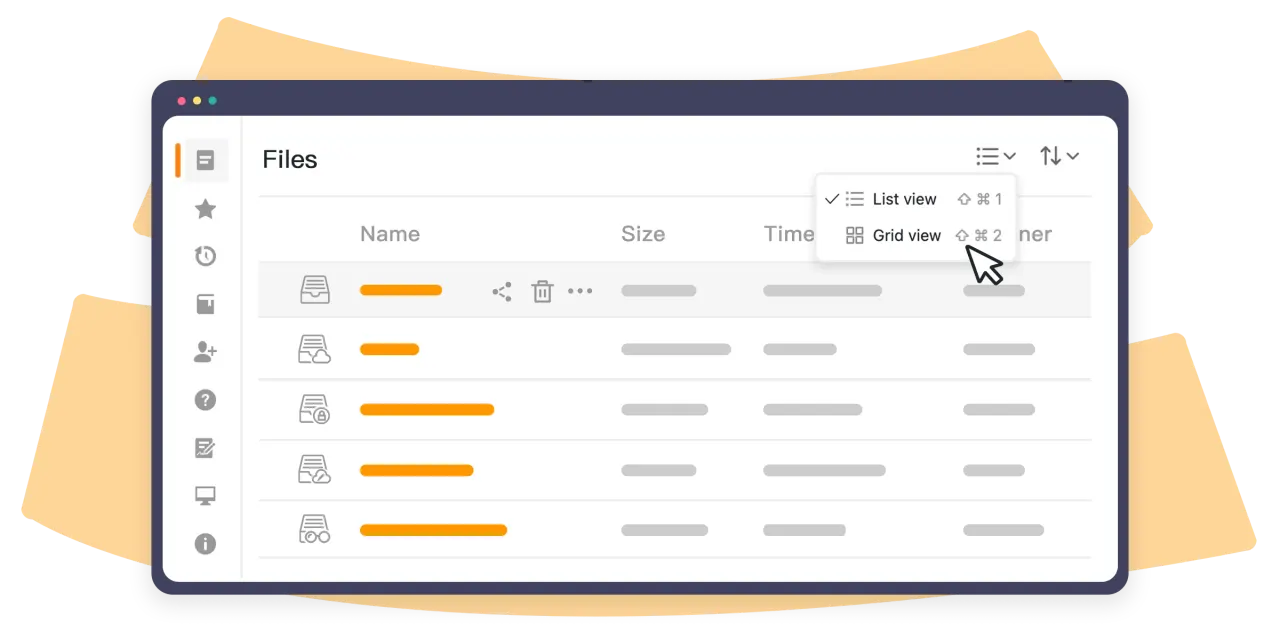
3 screenshots — click to enlarge
Screenshot 1Screenshot 2
✓ Pros
Full control over data through self-hosting
Strong focus on privacy and security
Open-source with an AGPL license
Comprehensive file synchronization and sharing features
Integrated collaboration tools like Talk, Groupware, and Whiteboard
Available on mobile and desktop platforms
Offers enterprise-grade features for businesses
✕ Cons
Can be complex to set up and maintain for self-hosting without technical expertise
Potential for file size limitations with certain shared hosting environments
Enterprise plans have a high minimum user count (100 users)
Seafile is an open-source, self-hosted cloud storage and syncing solution known for fast and efficient file synchronization, especially with large files, and collaborative features like document editing, version control, and granular permissions.
★
★
★
★
★
4.5
Freemium (Open Source)Best for: Teams and organizations needing high-performance, self-hosted file sync and collaboration.
Community Edition is free and open-source. Professional Edition has annual subscriptions (free for 3 users, then per-user pricing). Cloud from $8/user/month.
1 screenshot — click to enlarge
Screenshot 1
✓ Pros
Blazing fast file synchronization and low resource usage.
Git-like block-level sync for efficient updates and robust version control.
Libraries provide excellent organization and reliable syncing for large datasets.
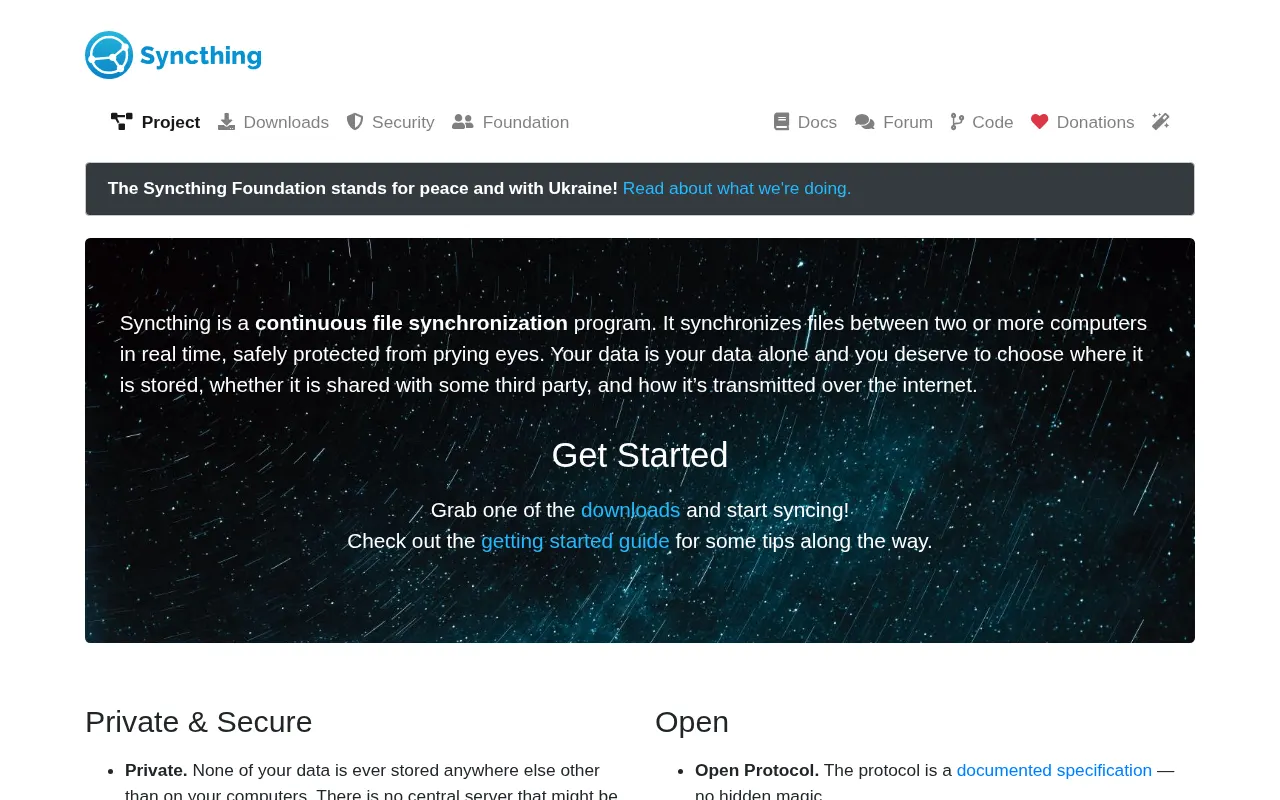
Syncthing is an open-source, decentralized, peer-to-peer file synchronization program that enables real-time, encrypted syncing between devices. It prioritizes user privacy and control.
★
★
★
★
★
4.5
Free & Open SourceBest for: Users prioritizing privacy and control for decentralized file sync.
Free and open-source, donations accepted. Third-party managed hosting services are available.
1 screenshot — click to enlarge
Screenshot 1
✓ Pros
Secure and private with end-to-end encryption and perfect forward secrecy.
Decentralized peer-to-peer file synchronization, no reliance on third-party cloud servers.
Open-source under the MPLv2 License, allowing full transparency and self-hosting.
Cross-platform compatibility across Windows, macOS, Linux, Android, FreeBSD, Solaris, and OpenBSD.
Supports offline synchronization over local networks.
Configurable file versioning to protect against data loss.
User-friendly graphical interface installers available for easier setup.
Offers users more control over their data compared to commercial cloud solutions.
✕ Cons
Not a backup service by default; changes on one device replicate to all shared folders.
Can lead to sync conflicts, especially noted on Android devices.
Requires users to provide and manage their own hardware/servers (BYO Cloud model).
Initial setup and configuration can be complex or confusing for less technical users.
Official iOS version is currently in beta with no official release date.
Requires more user responsibility for data management and security.



 Screenshot 1
  Screenshot 2