3 Free & Open Source Alternatives to Adobe Lightroom (2026)
Compare 3 free and open-source alternatives to Adobe Lightroom: Darktable, LightZone, and RawTherapee. Pros, cons, pricing, and screenshots tested 2026.
Adobe Lightroom
Paid
★
★
★
★
★
4.0
Adobe Lightroom is an all-in-one cloud-based photo organizing, editing, and sharing tool with powerful features for desktop, mobile, and web.
Paid
3 free options
Design Tools
4 / 5
💡
Why people look for alternatives Adobe Lightroom requires a paid subscription for full access. Many users seek free or open-source alternatives that offer similar functionality without the ongoing cost or vendor lock-in.
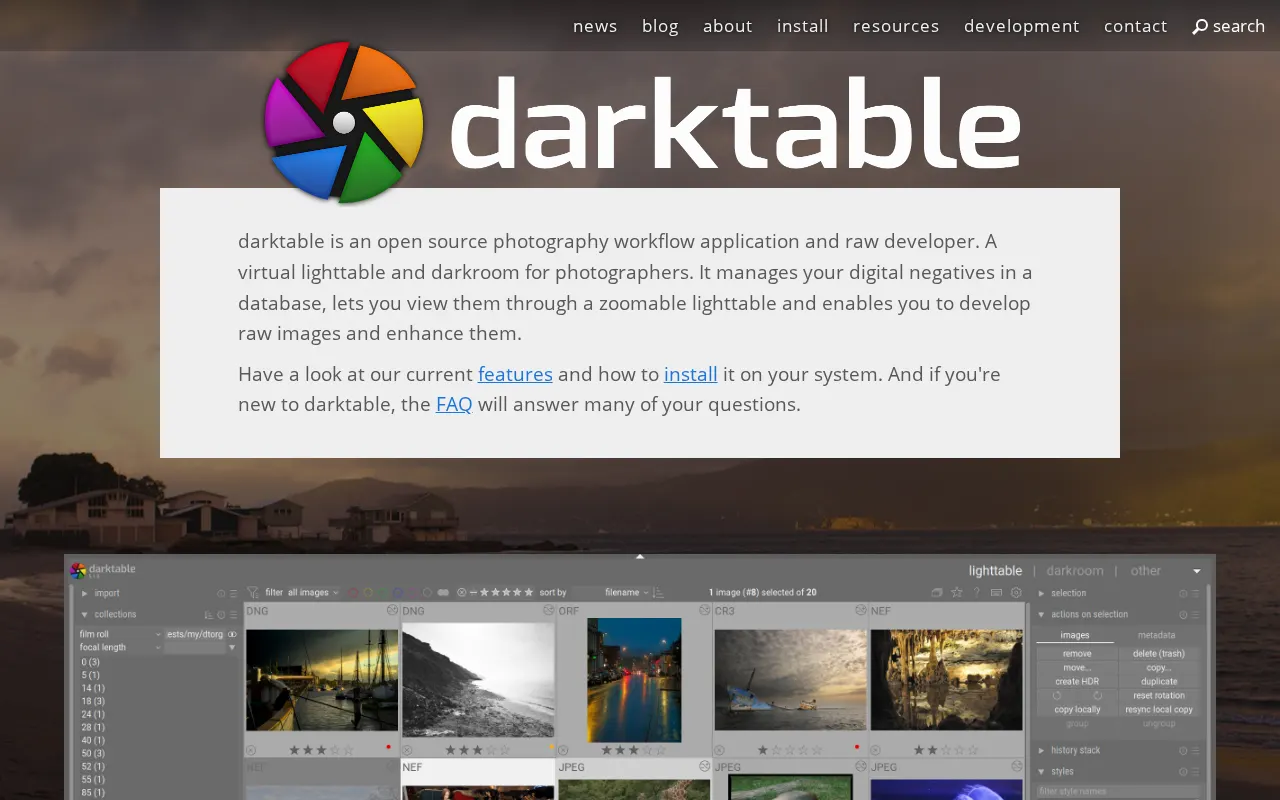
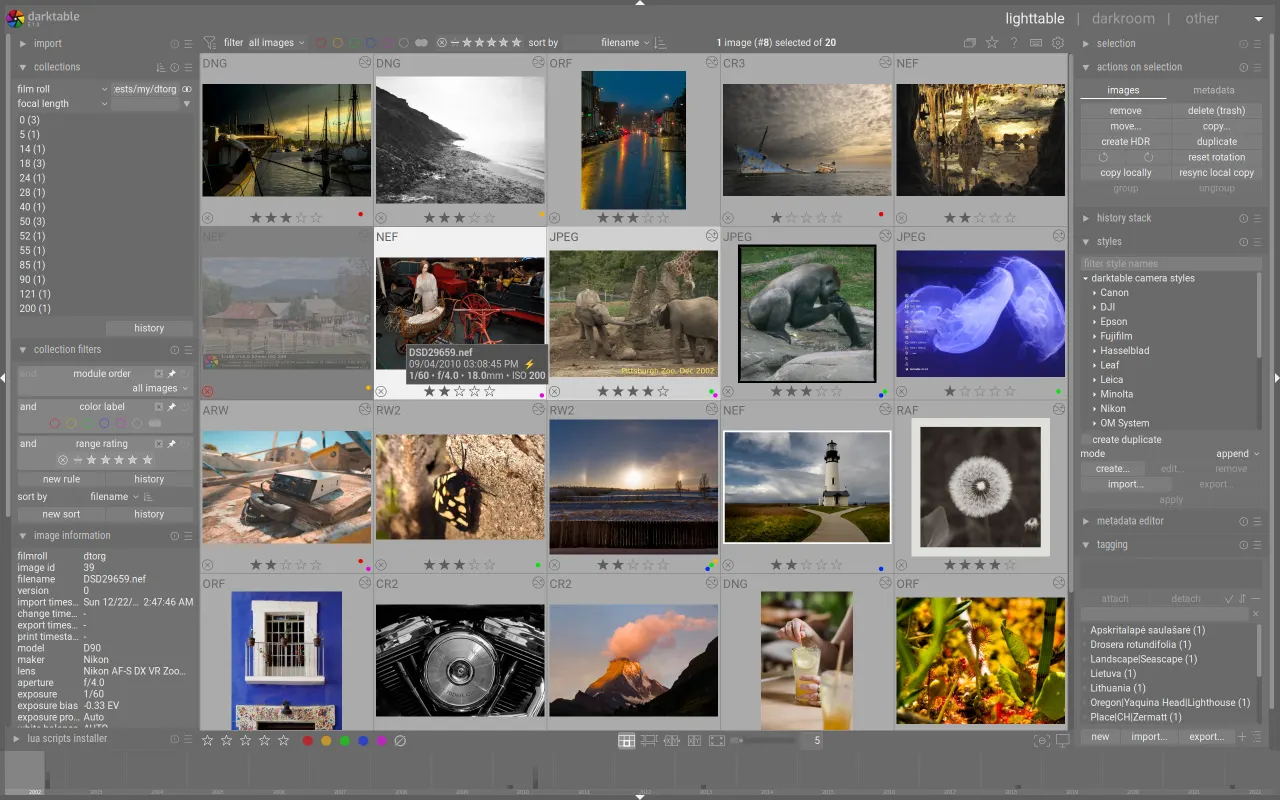
An open-source photography workflow application and RAW developer for photographers, offering extensive customization and control over the editing process.
★
★
★
★
★
4.5
Free & Open SourceBest for: Photographers seeking free, powerful, customizable RAW editor
2 screenshots — click to enlarge
Screenshot 1Screenshot 2
✓ Pros
Open source and completely free
Powerful suite of modules
Offers greater customization and control over the editing process
Flexible for nailing perfect looks in photos
Feature-rich
Supports various standard, raw, and high dynamic range image formats
Zero-latency, zoomable user interface through multi-level software caches
Tethered shooting support for some camera brands
Translated into many languages
Powerful export system
Never loses image development settings using XMP sidecar files and a fast database
Automate repetitive tasks with Lua scripting
✕ Cons
Steep learning curve
Can be slow and cluttered
Slow to view results and revert changes when editing RAW files
RAW file editing takes considerable processing power
User interface needs an overhaul for better attractiveness
LightZone is a free, open-source digital photo editor and RAW image processor. It offers non-destructive editing, a layer-based workflow, and unique tools like the ZoneMapper and Relight.
★
★
★
★
★
4.5
Free & Open SourceBest for: Photographers, engineers, researchers needing RAW photo editing.
3 screenshots — click to enlarge
Screenshot 1Screenshot 2
✓ Pros
Free and open-source
Non-destructive editing
RAW and JPEG file support
Layer-based workflow for image modification
Unique Zone-Mapper for exposure control
Relight tool for one-touch photo enhancing
Can apply "styles" to batches of photos
Minimal resource consumption
Keyboard-driven navigation for efficiency
✕ Cons
Advanced features require a learning curve
May lack some features compared to commercial alternatives
Potential for stability issues or bugs in specific environments (as it's actively developed and open-source)
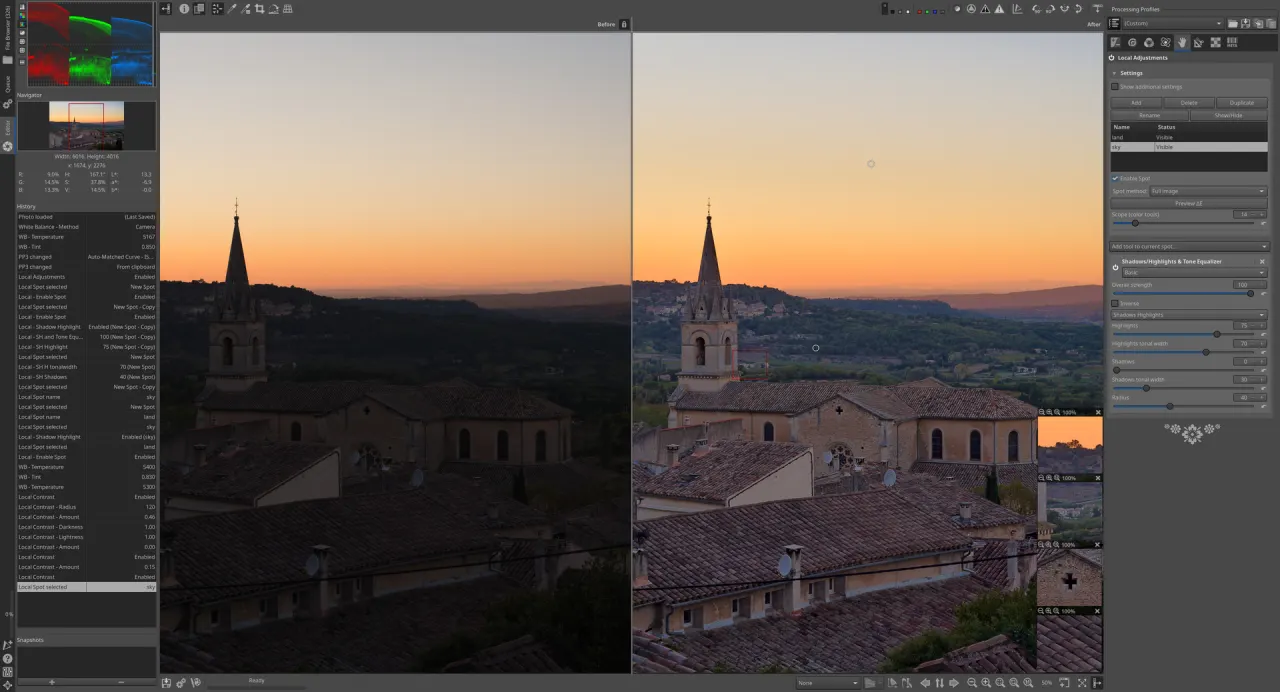
Powerful, cross-platform, and open-source raw photo processing system for developing raw files from a broad range of digital cameras, offering advanced control and flexibility.
★
★
★
★
★
4.5
Free & Open SourceBest for: Enthusiast and professional photographers seeking advanced raw processing


 Screenshot 1
  Screenshot 2