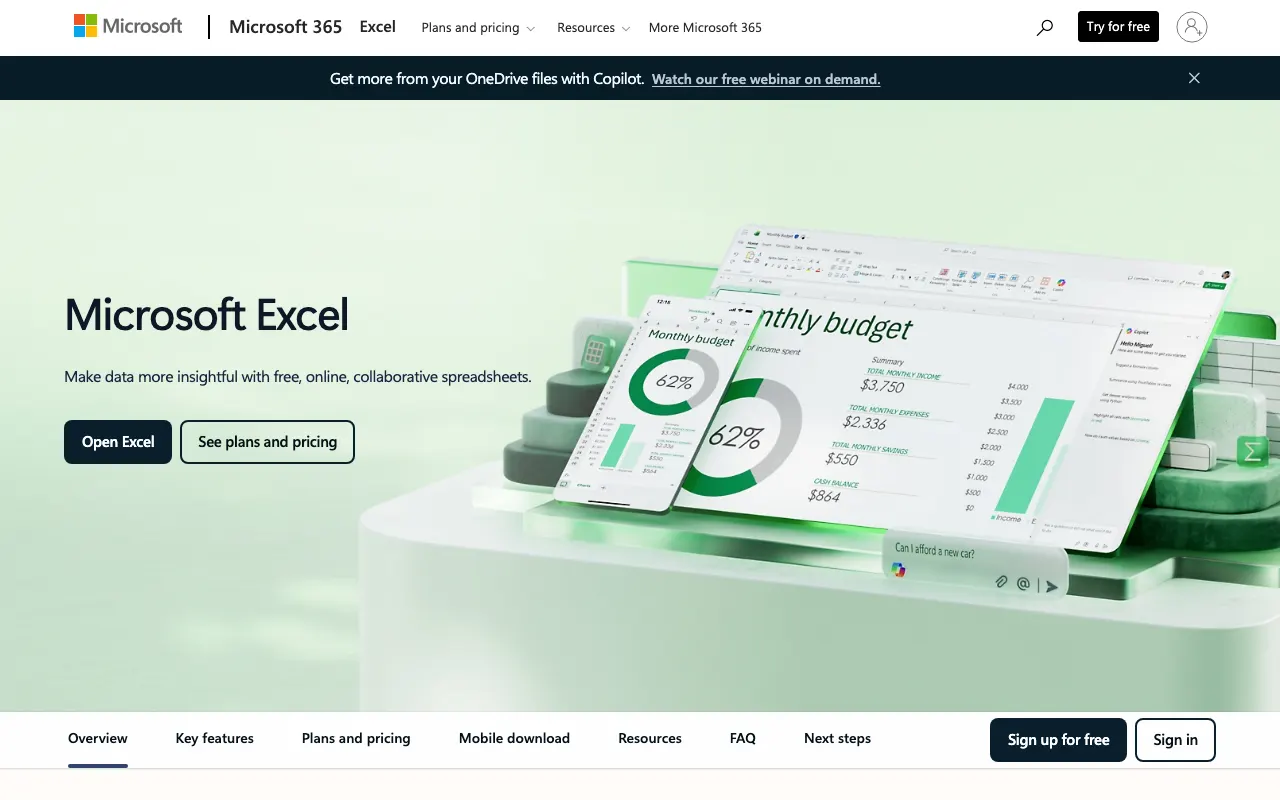
Compare 7 free and open-source alternatives to Microsoft Excel: Apache OpenOffice Calc, EtherCalc, and Gnumeric (+4 more). Pros, cons, pricing, and screenshots tested 2026.
Detailed Reviews Free & Open Source Best for: Completely free alternative with basic Excel compatibility
Completely free and open source with no commercial offerings
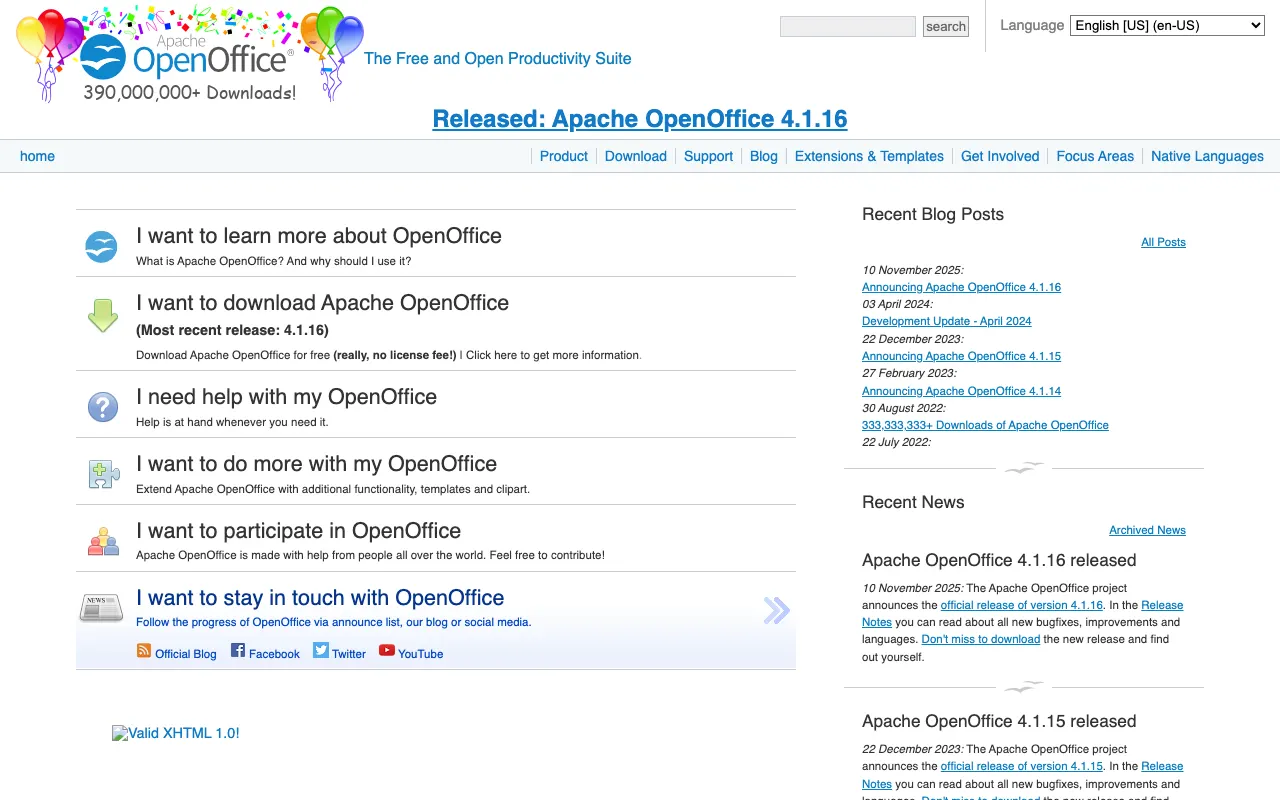
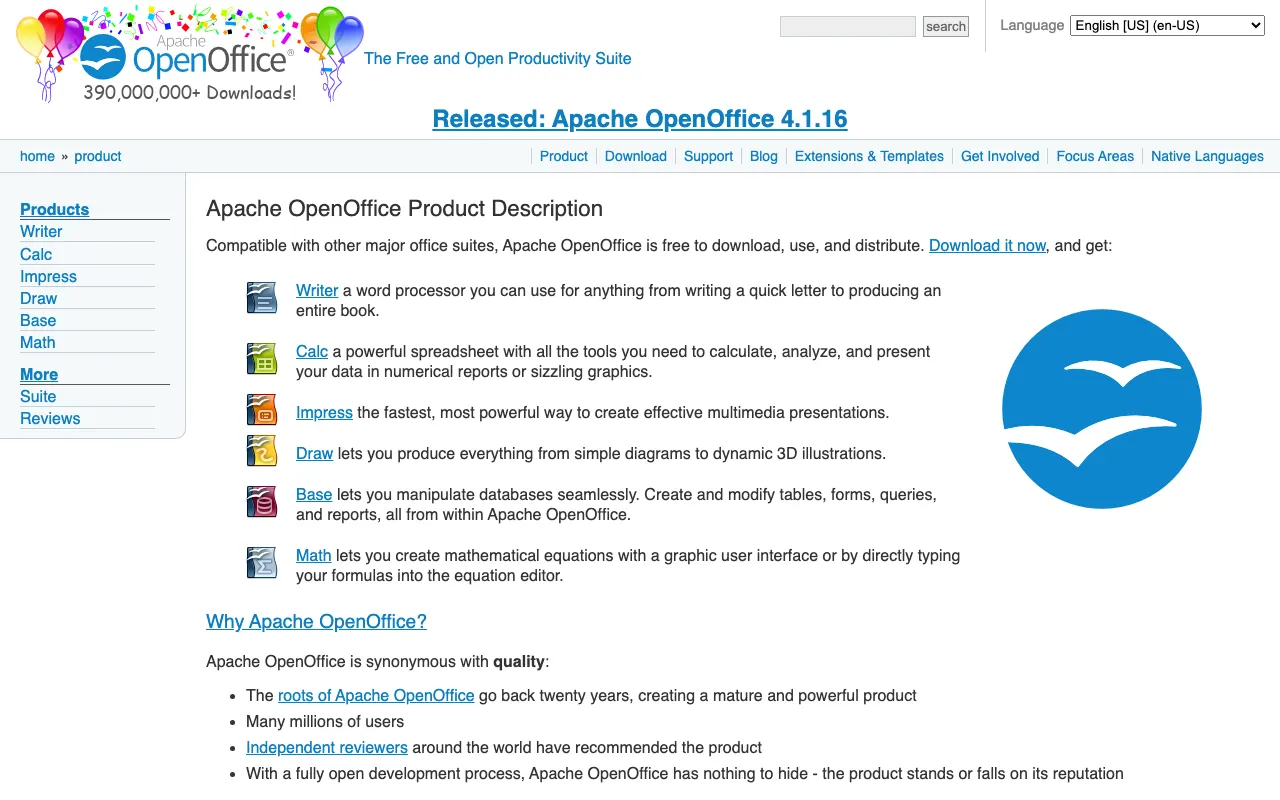
2 screenshots — click to enlarge
Screenshot 1 Screenshot 2 ✓ Pros Completely free with no restrictions or paid tiers Good compatibility with Microsoft Excel file formats ✕ Cons Development updates are less frequent than LibreOffice May lack some modern features found in newer alternatives Free & Open Source Best for: Quick collaborative editing without account creation
Completely free and open source, can be self-hosted
2 screenshots — click to enlarge
Screenshot 1 Screenshot 2 ✓ Pros No account required - start editing instantly with just a URL Real-time collaboration with multiple simultaneous editors ✕ Cons Limited features compared to full desktop spreadsheet applications Data persistence depends on server availability Free & Open Source Best for: Fast, lightweight spreadsheet software
Completely free and open source with no paid options
1 screenshot — click to enlarge
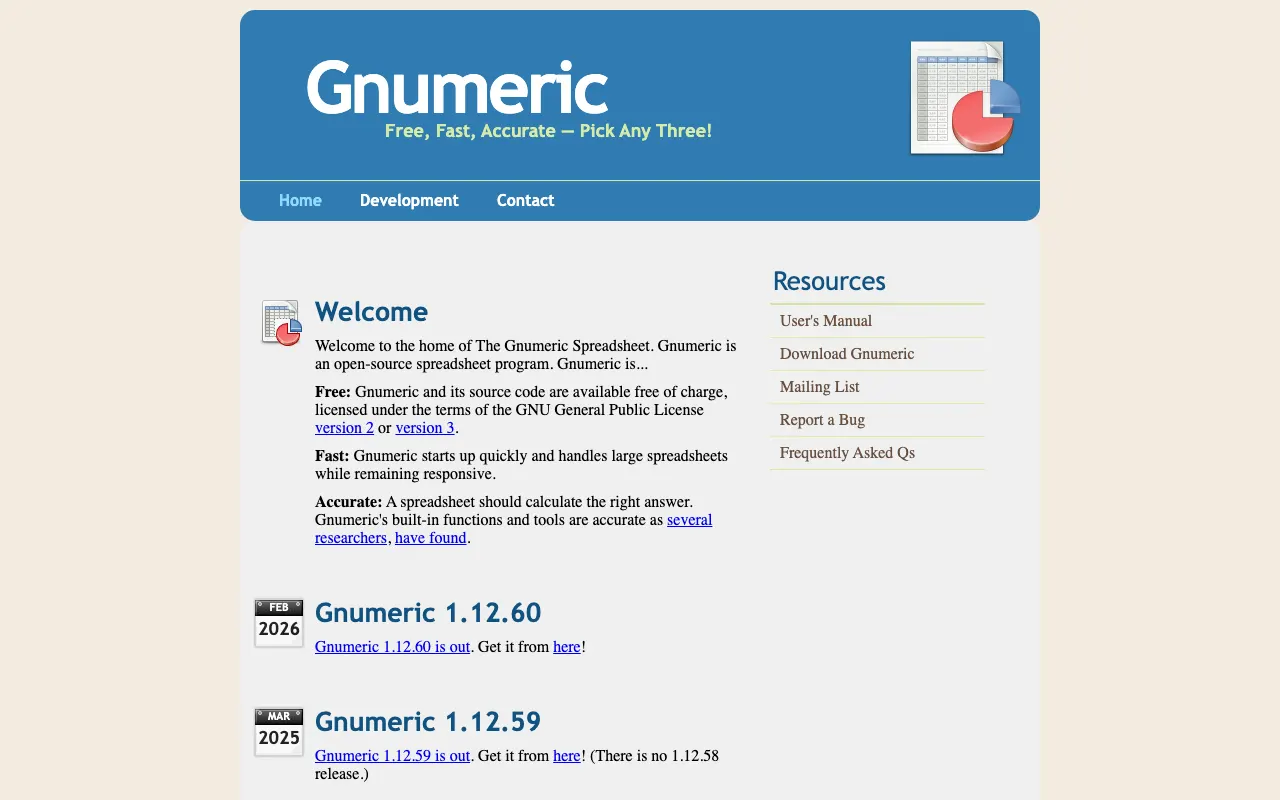
Screenshot 1 ✓ Pros Exceptionally fast performance with low system resource usage High mathematical accuracy with extensive function library ✕ Cons Limited advanced features compared to full office suites Interface may feel dated compared to modern alternatives Freemium (Open Source) Best for: Spreadsheet-database hybrid for data-heavy applications
Free community edition, Pro plan at $8/user/month for teams
3 screenshots — click to enlarge
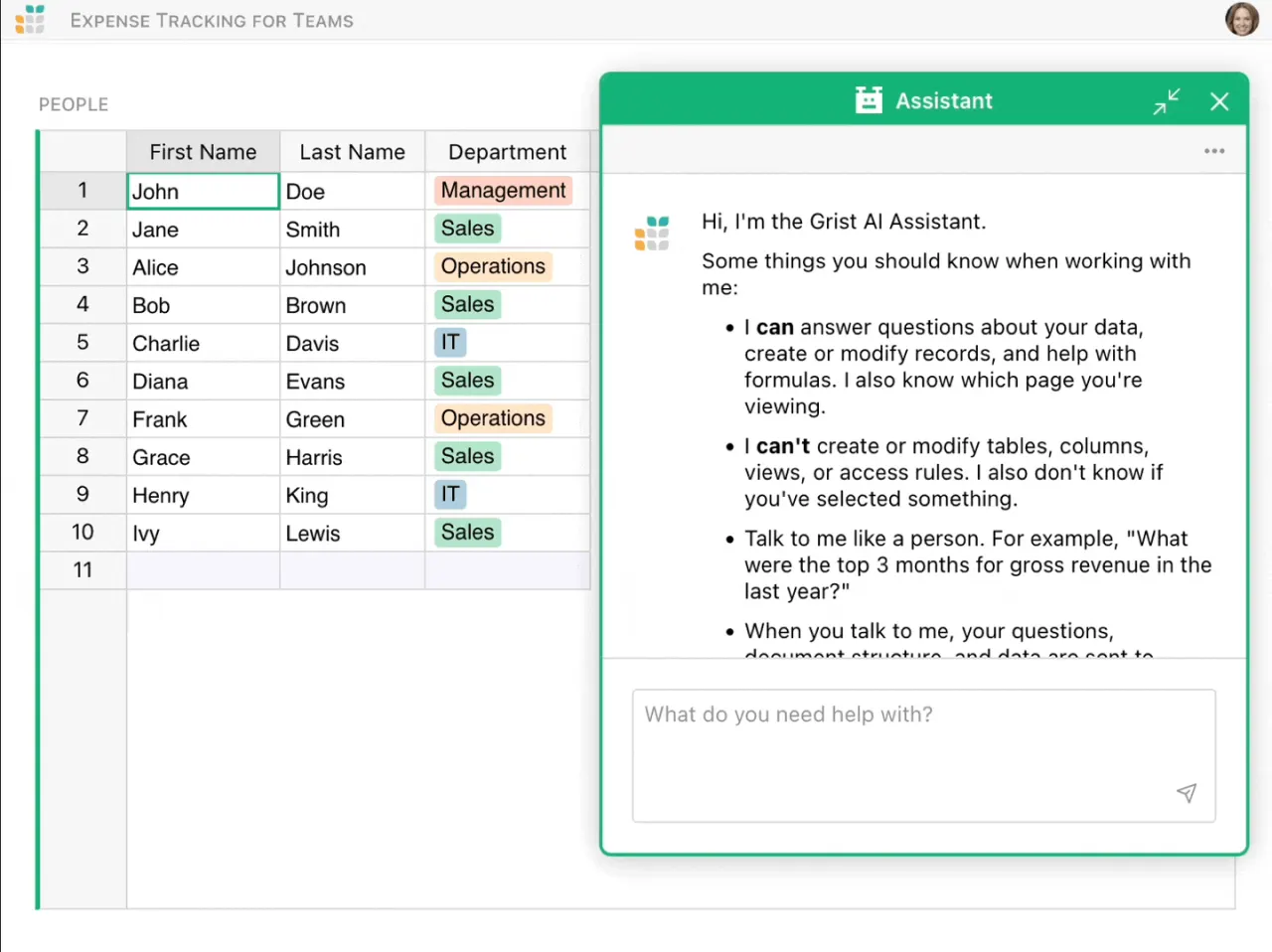
Screenshot 1 Screenshot 2 +1 more ✓ Pros Combines spreadsheet flexibility with relational database capabilities Supports Python formulas and custom widget development ✕ Cons Steeper learning curve for users unfamiliar with database concepts Documentation can be insufficient for complex implementations Free & Open Source Best for: Free desktop Excel alternative with strong compatibility
Completely free and open source with no paid tiers
1 screenshot — click to enlarge
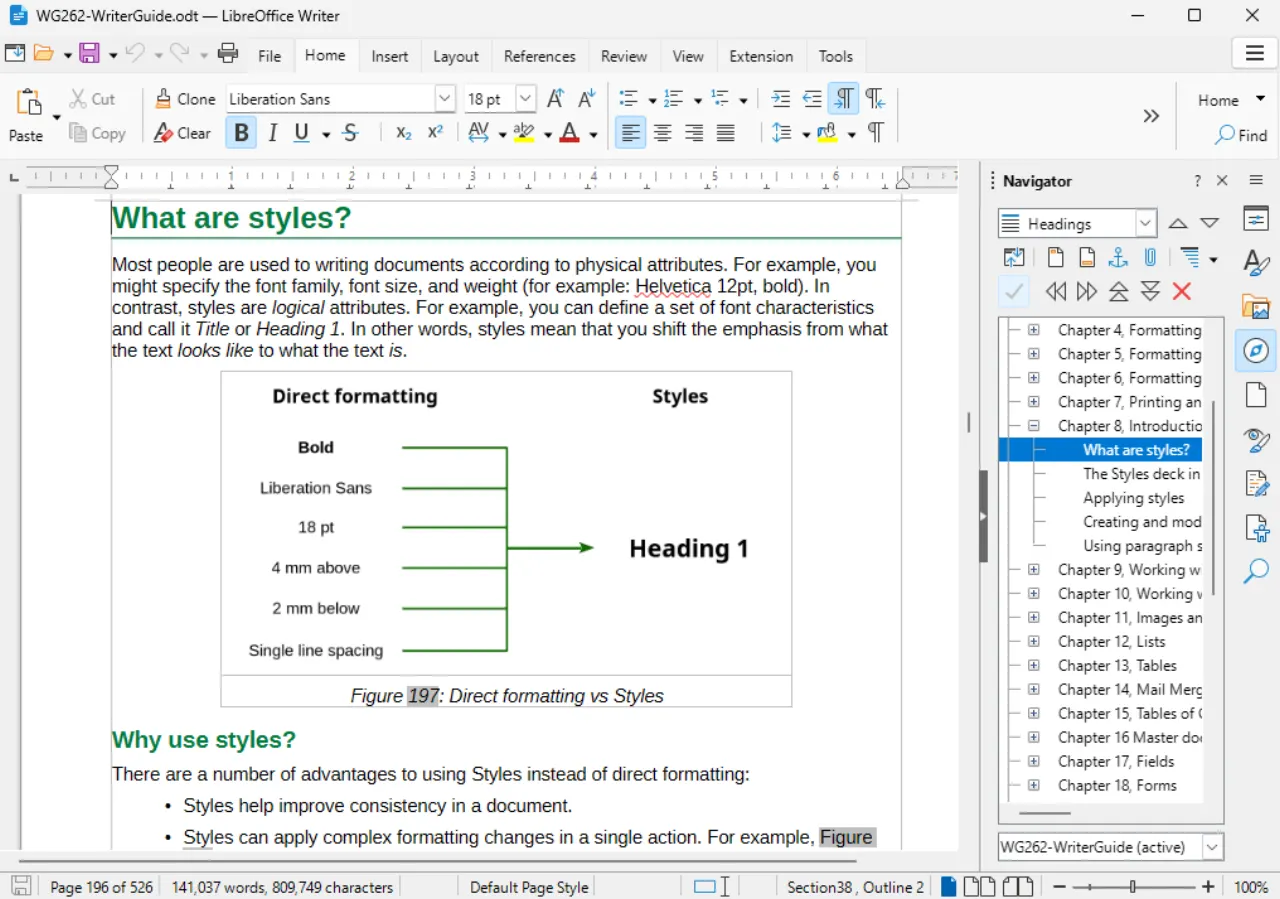
Screenshot 1 ✓ Pros Excellent compatibility with Microsoft Excel file formats including .xlsx and .xls Completely free with no limitations on features or usage ✕ Cons May lack some advanced Excel features used by power users Interface can feel less polished compared to Microsoft Office Freemium (Open Source) Best for: Teams needing real-time Excel collaboration
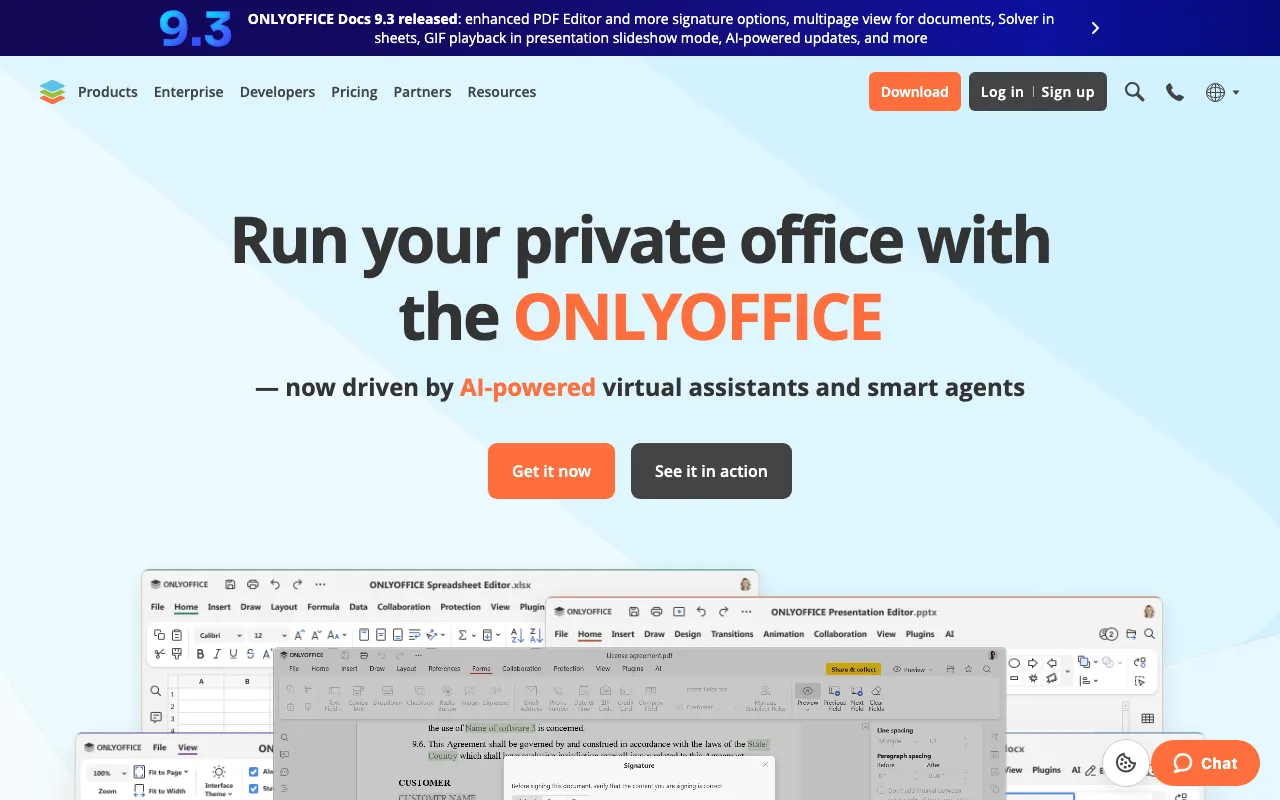
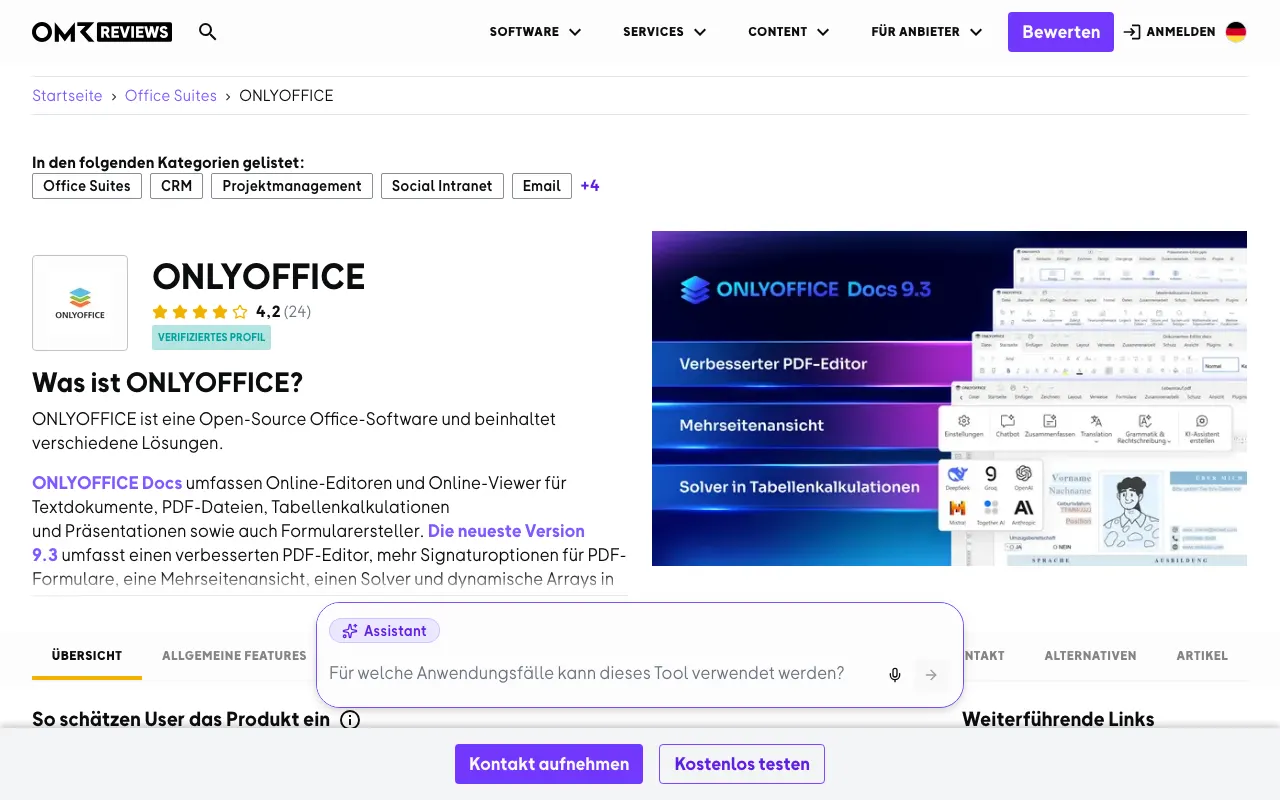
Free desktop editors, cloud plans start at $5/user/month
3 screenshots — click to enlarge
Screenshot 1 Screenshot 2 +1 more ✓ Pros Real-time collaborative editing with multiple users simultaneously Extensive file compatibility with Microsoft Excel formats ✕ Cons Self-hosted deployment requires technical expertise Cloud version has limitations in free tier Freemium (Open Source) Best for: Data scientists needing code integration in spreadsheets
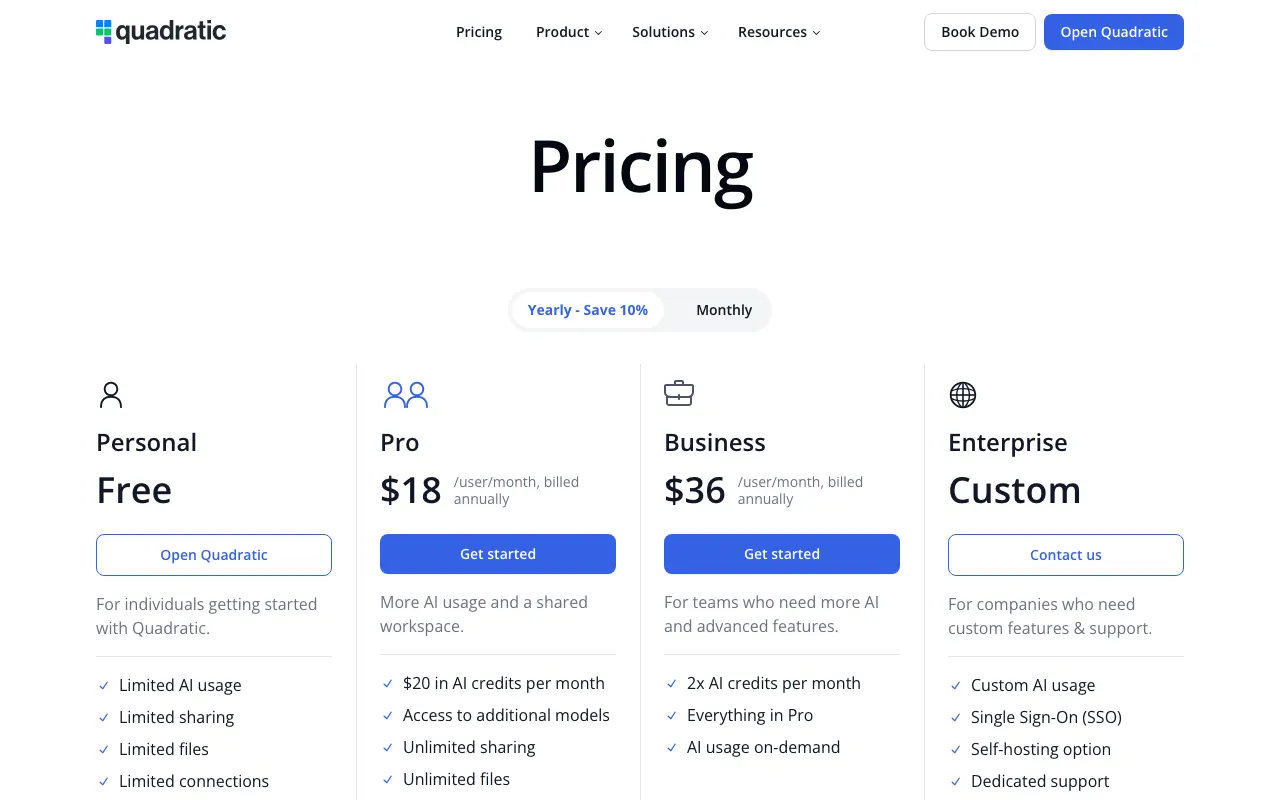
Free open source version, Pro plan at $20/user/month with AI credits
3 screenshots — click to enlarge
Screenshot 1 Screenshot 2 +1 more ✓ Pros Direct integration of Python, SQL, and JavaScript within spreadsheet cells AI-powered code assistance and debugging tools ✕ Cons Requires programming knowledge to utilize full capabilities Limited to Python and SQL with JavaScript support planned 


 Screenshot 1
  Screenshot 2