3 Free & Open Source Alternatives to Asana (2026)

Compare 3 free and open-source alternatives to Asana: OpenProject, Taiga, and Tuleap. Pros, cons, pricing, and screenshots tested 2026.

Asana

Freemium 3.5

A work management platform for teams to organize, track, and manage their work with collaboration, task management, customizable workflows, and AI capabilities.

Freemium
3 free options
Project Management
3.5 / 5
Why people look for alternatives Asana has a free tier with limitations. Many users seek fully free or open-source alternatives that offer the same capabilities without paywalled features or usage caps.

Quick Comparison

Tool Pricing Best for Rating

Detailed Reviews

OpenProject

OpenProject is an open-source project management software for self-managed on-premise or cloud hosting, offering planning, task management, agile boards, and time tracking.

4.5
Freemium (Open Source) Best for: Open-source project management, construction, or data sovereignty.

Free Community edition; paid plans for cloud (from $7.25/user/month) and on-premise editions.

3 screenshots — click to enlarge

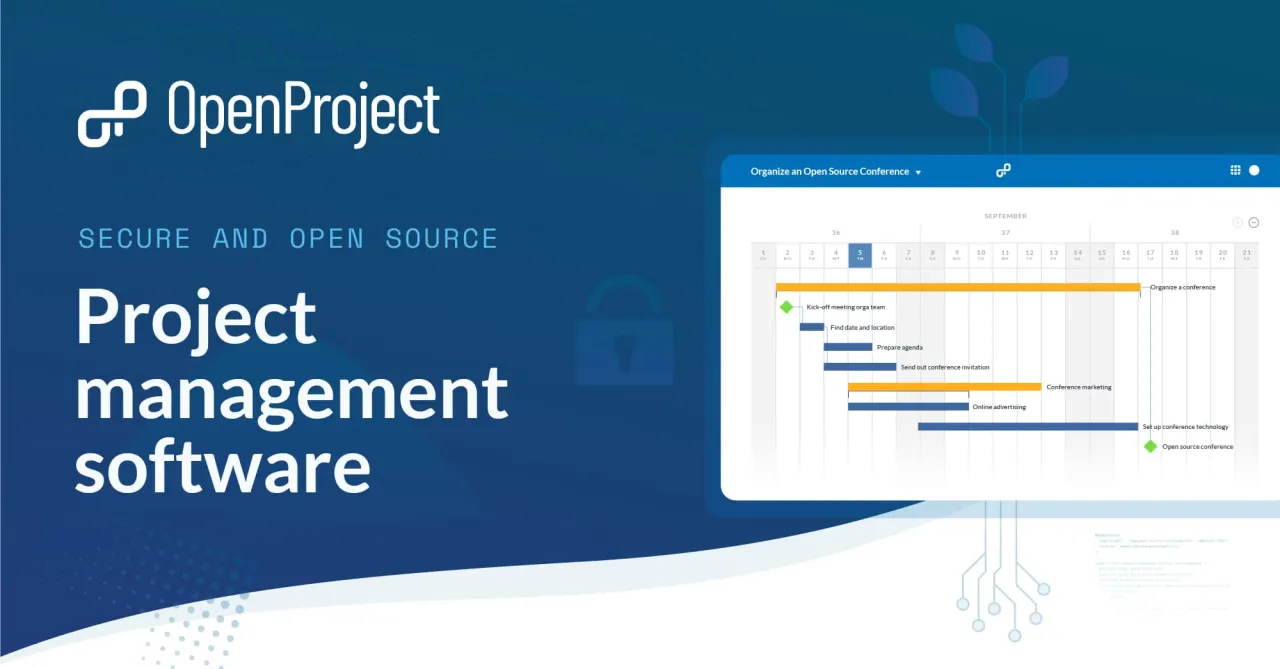
OpenProject Project Management Dashboard Overview 2026 Screenshot 1
OpenProject Collaboration Feature Overview Screenshot 2026 Screenshot 2

✓ Pros

  • Comprehensive feature set for project management (Gantt charts, Agile boards, time tracking, cost reporting, etc.)
  • BIM module for construction projects
  • Automations and integrations with development tools (GitHub, GitLab) and file storage (Nextcloud, OneDrive/SharePoint)
  • Meeting features with shareable minutes and macros
  • Roadmap feature for project overview and updates
  • Data sovereignty for self-hosted versions
  • Free of charge Community edition with unlimited users and projects

✕ Cons

  • Installation can be tricky for non-technical users (for on-premise version)
  • Paid plans have minimum user requirements

Taiga

An open-source project management platform for agile teams, Taiga supports Scrum, Kanban, and Scrumban with customizable boards and issue tracking.

4.5
Freemium (Open Source) Best for: Agile development and design teams using Scrum or Kanban

Free plan with limitations; Premium plan at $7/user/month (or $5/year); Enterprise plan available.

2 screenshots — click to enlarge

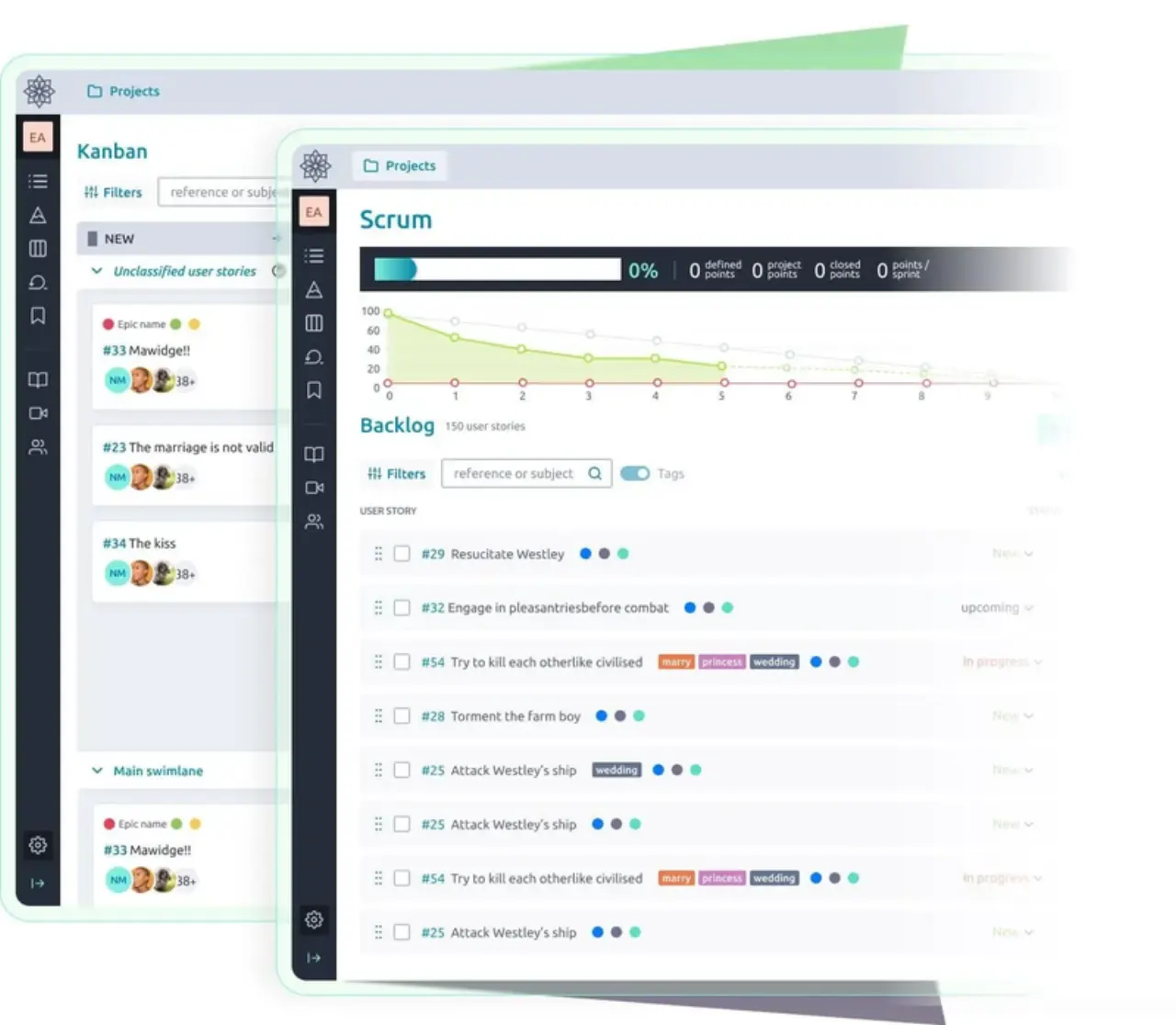
Taiga Project Management Tool Dashboard Overview 2026 Screenshot 1
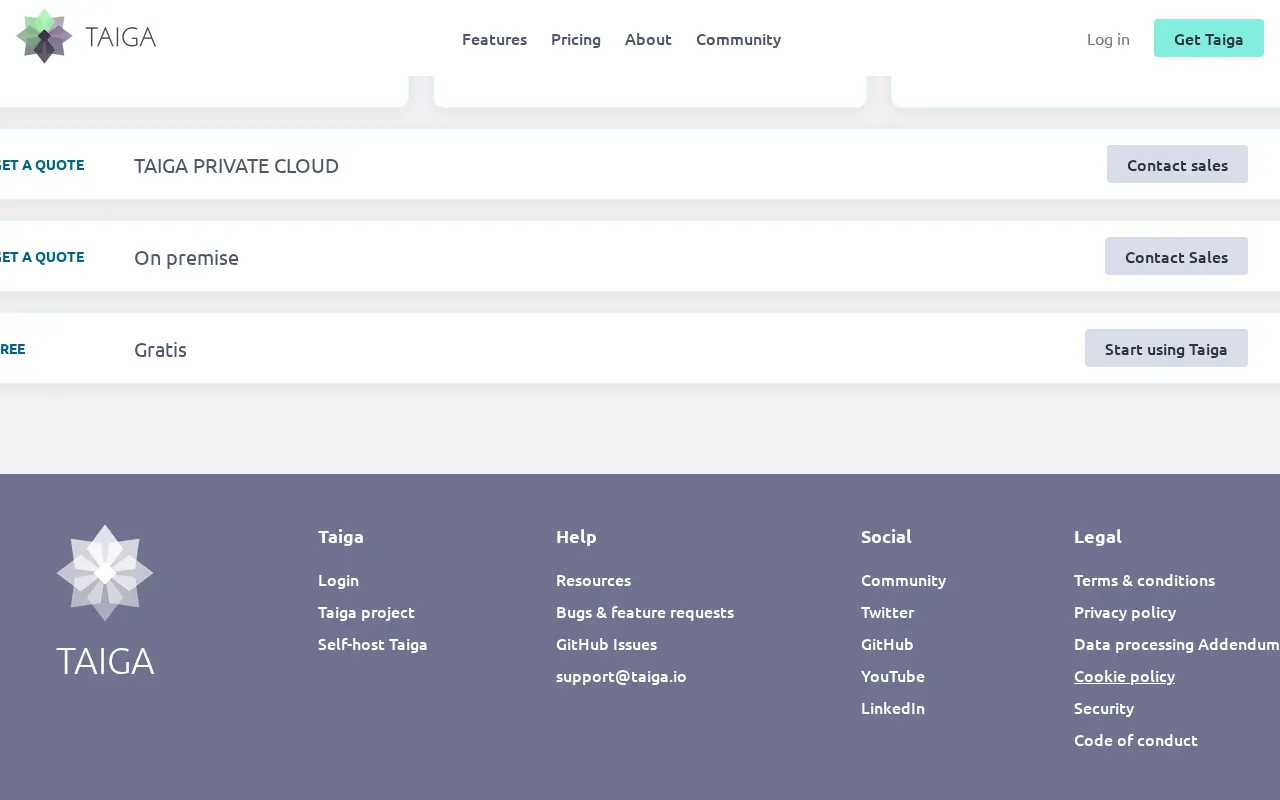
Taiga Pricing Screenshot Software Tool Pricing Options 2026 Screenshot 2

✓ Pros

  • Open-source and self-hostable
  • Intuitive user interface for agile methodologies
  • Customizable Kanban boards with WIP limits
  • Supports Scrum, Kanban, Scrumban, and issue tracking
  • Rich features including Epics, subtasks, and Wiki
  • Extensive integrations and API for customizability
  • Ability to import data from other project management tools

✕ Cons

  • Requires solid understanding of Scrum and Agile methodologies
  • Free plan has significant limitations (1 private project, 3 members, 300MB storage)

Tuleap

An open-source, all-in-one platform for Agile and DevOps, offering robust tools for project management, requirements, test management, version control, and continuous integration.

4.5
Freemium (Open Source) Best for: Agile and DevOps teams needing structured planning & lifecycle management.

Tuleap Community Edition is free and open-source. Enterprise Edition offers paid plans: on-premises Expert at €23/user/month, Managed at €33/user/month; and cloud plans: myTuleap at €13/user/month, Premium Cloud at €26/user/month.

3 screenshots — click to enlarge

Tuleap Project Management Dashboard Overview 2026 Screenshot 1
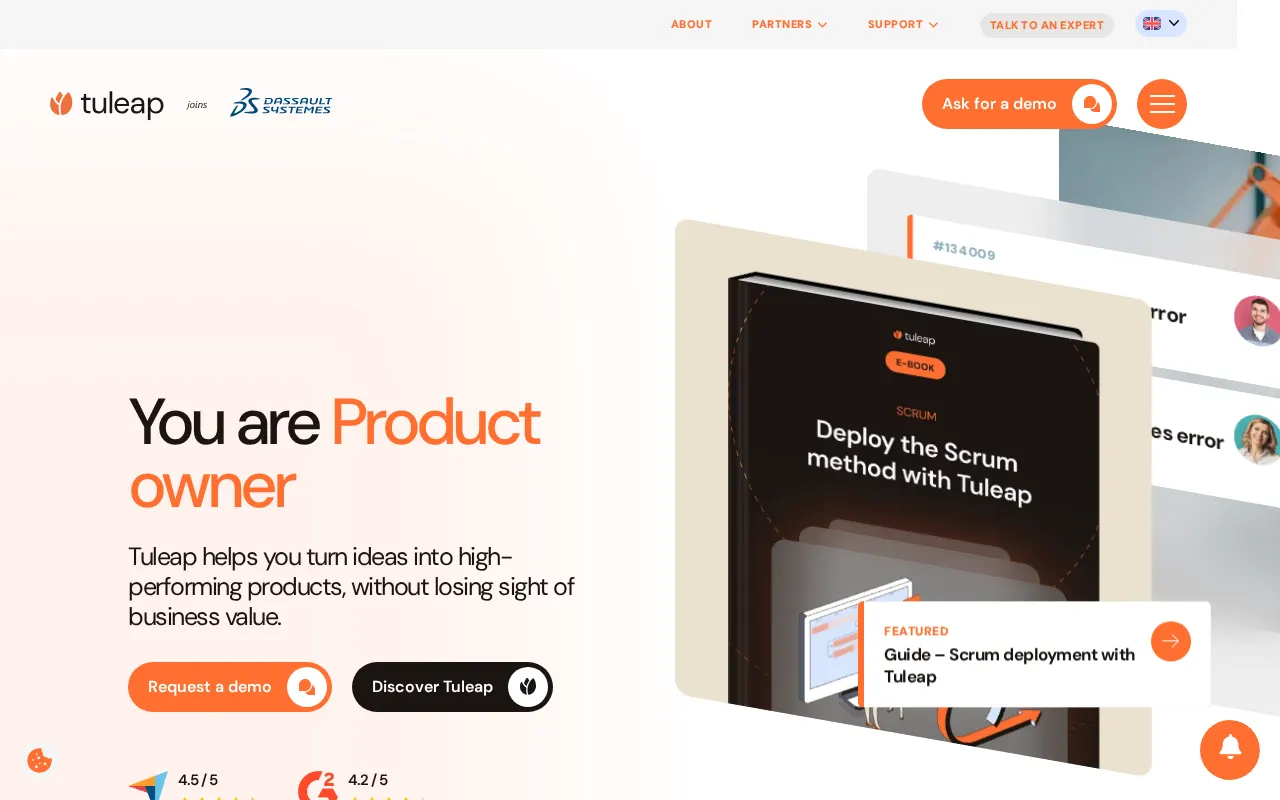
Tuleap Product Owner Dashboard Interface 2026 Screenshot 2

✓ Pros

  • Robust Agile features with customizable Scrum and Kanban boards.
  • Comprehensive Application Lifecycle Management (ALM) platform.
  • Strong integration capabilities with development tools like GitLab and Jenkins.
  • Open-source nature provides flexibility, customization, and no vendor lock-in.
  • Supports enterprise-scale deployments (10 to +50,000 users).
  • Offers end-to-end traceability from requirements to tests and deployments.
  • Provides full control over data, workflows, and deployments (on-premises or cloud).
  • Cost-effective at scale with a focus on immediate ROI.
  • User-friendly interface and highly customizable workflows and trackers.
  • Supports multi-project program management with cross-team visibility.
  • Excellent customer support and responsiveness.

✕ Cons

  • Does not support mobile devices.
  • Can be overwhelming for new users due to a rich interface with many navigation levels and information.
  • Steep learning curve and high initial setup time for customization, requiring a "power user" to achieve goals quickly.

Some links are affiliate. We never accept payment for inclusion or ranking.