Slack is a team communication and collaboration platform offering channels, direct messaging, file sharing, and integrations with hundreds of third-party apps to streamline workplace productivity. Below are the best free replacements we've tested.
Slack
Freemium
★
★
★
★
★
4.0
Slack is a team communication and collaboration platform offering channels, direct messaging, file sharing, and integrations with hundreds of third-party apps to streamline workplace productivity.
Freemium
5 free options
Communication Tools
4 / 5
💡
Why people look for alternatives Slack has a free tier with limitations. Many users seek fully free or open-source alternatives that offer the same capabilities without paywalled features or usage caps.
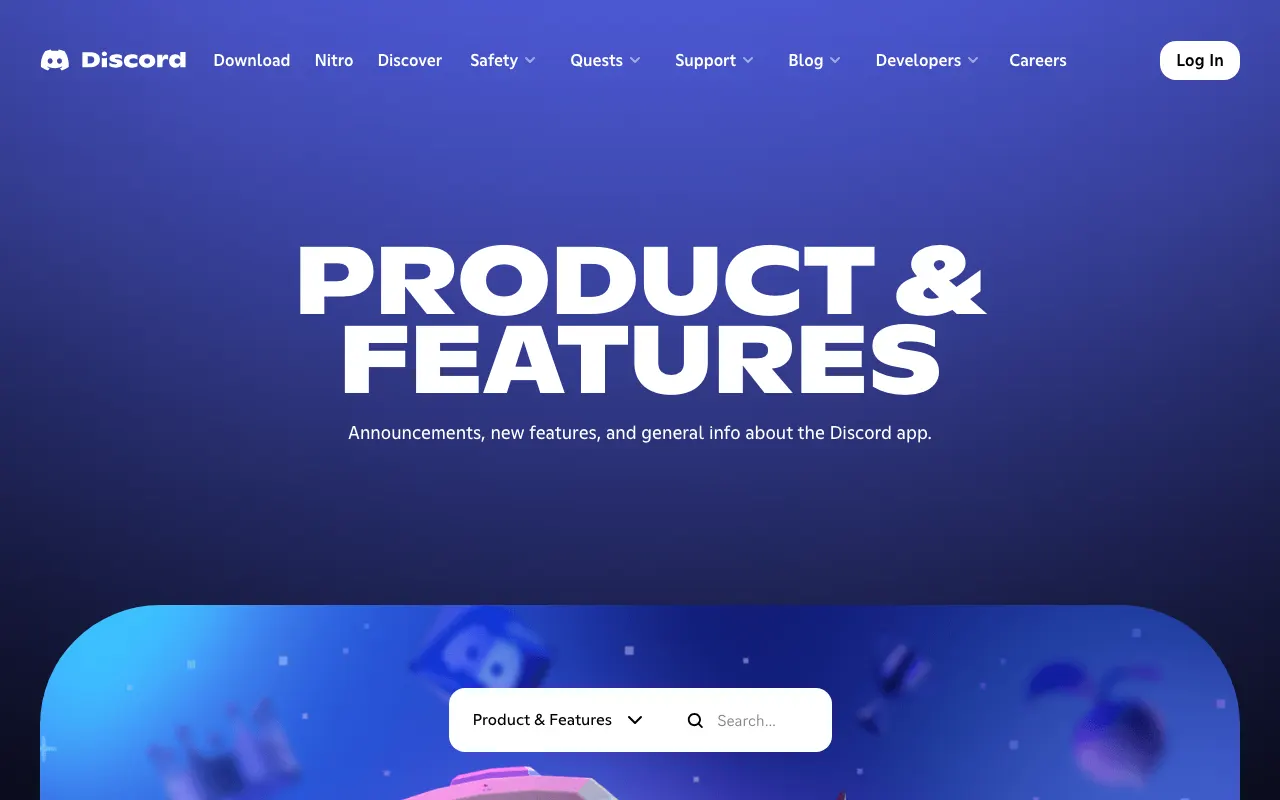
A voice, video, and text communication platform built for communities, gamers, and teams. Discord offers free persistent servers with chat rooms, voice channels, and screen sharing.
★
★
★
★
★
4.0
FreemiumBest for: Gaming communities, hobby groups, and informal team communication
Free for basic use; Discord Nitro at $9.99/month for enhanced features like higher upload limits and custom emojis
3 screenshots — click to enlarge

Main interfaceSettings view
✓ Pros
Free tier includes unlimited messaging, voice channels, and up to 25MB file uploads
Excellent voice chat quality with low latency and noise suppression
Strong community-building features: roles, permissions, and moderation bots
Cross-platform support on Windows, macOS, Linux, iOS, Android, and web
Rich integrations with gaming platforms, bots, and third-party apps
Persistent chat history available in the free tier
✕ Cons
Not optimized for formal workplace collaboration compared to Slack or Teams
Free file upload limit is 25MB (500MB for Nitro subscribers)
Video call limit of 25 participants in the free tier
Can become noisy and distracting with many servers and channels
Lacks native task management and calendar features found in productivity suites
Privacy concerns around data collection and usage practices
Open-source, self-hostable messaging platform for secure team collaboration. An alternative to Slack with enterprise-grade security and compliance features.
★
★
★
★
★
4.0
Freemium (Open Source)Best for: Organizations needing secure, self-hosted team communication
Free self-hosted Team Edition; paid Enterprise plans with advanced compliance and scalability features
3 screenshots — click to enlarge
Main interfaceSettings view
✓ Pros
Open source with full code transparency and community contributions
Self-hosted deployment for data sovereignty and regulatory compliance
Highly customizable with an extensive plugin and integration ecosystem
Strong security features including SAML, AD/LDAP, and eDiscovery
Unlimited search history on self-hosted plans with no message cap
On-premise deployment option ideal for regulated industries
✕ Cons
User interface feels less polished than proprietary alternatives like Slack
Smaller community and third-party integration library compared to Slack
Mobile app experience can be less reliable than desktop
Requires server administration and ongoing maintenance effort
Fewer native integrations out of the box compared to Slack or Teams
A comprehensive communication and collaboration platform with chat, video conferencing, and seamless integration with the Microsoft 365 ecosystem.
★
★
★
★
★
4.0
FreemiumBest for: Businesses and teams utilizing the Microsoft 365 ecosystem.
Free version available. Paid plans start at $4.00/user/month for Teams Essentials (annual subscription), also available with Microsoft 365 subscriptions.
3 screenshots — click to enlarge
Main interfaceSettings view
✓ Pros
Seamless integration with the Microsoft 365 ecosystem for enhanced workflows.
Robust collaboration with chat, video conferencing, and real-time file sharing.
Strong security features and centralized team administration for effective management.
Designed to boost employee productivity and engagement across various team sizes.
✕ Cons
The free version does not offer guaranteed uptime for critical operations.
Meeting recording functionality is unavailable in the complimentary free tier.
Cloud storage is limited to 5GB in the free version, requiring careful management.
An open-source team communication platform offering messaging, video conferencing, and file sharing with self-hosted deployment as a privacy-focused alternative to Slack.
★
★
★
★
★
4.0
Freemium (Open Source)Best for: Organizations needing self-hosted, privacy-focused team chat
Free self-hosted Community Edition; paid cloud plans start at $4/user/month
3 screenshots — click to enlarge
Main interfaceSettings view
✓ Pros
Open source with full self-hosting capability for data sovereignty
Built-in video and audio conferencing with screen sharing
Customizable via marketplace apps, bots, and integrations
Open-source team chat application with topic-based threading, combining the real-time nature of chat with the organization of email-like conversations.
★
★
★
★
★
4.0
Freemium (Open Source)Best for: Engineering teams wanting organized, topic-based async communication
Free cloud tier with limited storage; Cloud Standard at $8/user/month (monthly) or $6.67/user/month (annual). Self-hosted is free.
2 screenshots — click to enlarge
Main interfaceSettings view
✓ Pros
Topic-based threading model keeps conversations organized and easy to follow
Excellent open-source community with active development on GitHub
Free self-hosted option with full feature set and no user limits
Powerful search and archive capabilities across all conversations
Supports markdown formatting, code snippets, and LaTeX rendering
Integrations with GitHub, GitLab, Jira, Jenkins, and many more tools
✕ Cons
Can feel overwhelming to new users unfamiliar with topic-based threading model
Smaller user base and community compared to Slack or Discord
Fewer native integrations and marketplace apps than some competitors
UI/UX design is functional rather than modern or polished
Self-hosting requires technical expertise to deploy and maintain
Some links are affiliate. We never accept payment for inclusion or ranking.