5 Free & Open Source Alternatives to HubSpot (2026)
Compare 5 free and open-source alternatives to HubSpot: Listmonk, Matomo, and Mautic (+2 more). Pros, cons, pricing, and screenshots tested 2026.
HubSpot
Freemium
★
★
★
★
★
4.0
An all-in-one CRM platform offering free CRM, marketing automation, sales pipeline management, and operations tools for businesses.
Freemium
5 free options
Marketing Tools
4 / 5
💡
Why people look for alternatives HubSpot has a free tier with limitations. Many users seek fully free or open-source alternatives that offer the same capabilities without paywalled features or usage caps.
Listmonk is a free, open-source, self-hosted newsletter and mailing list manager. It's built for efficiency, allowing users to manage millions of subscribers and send transactional emails.
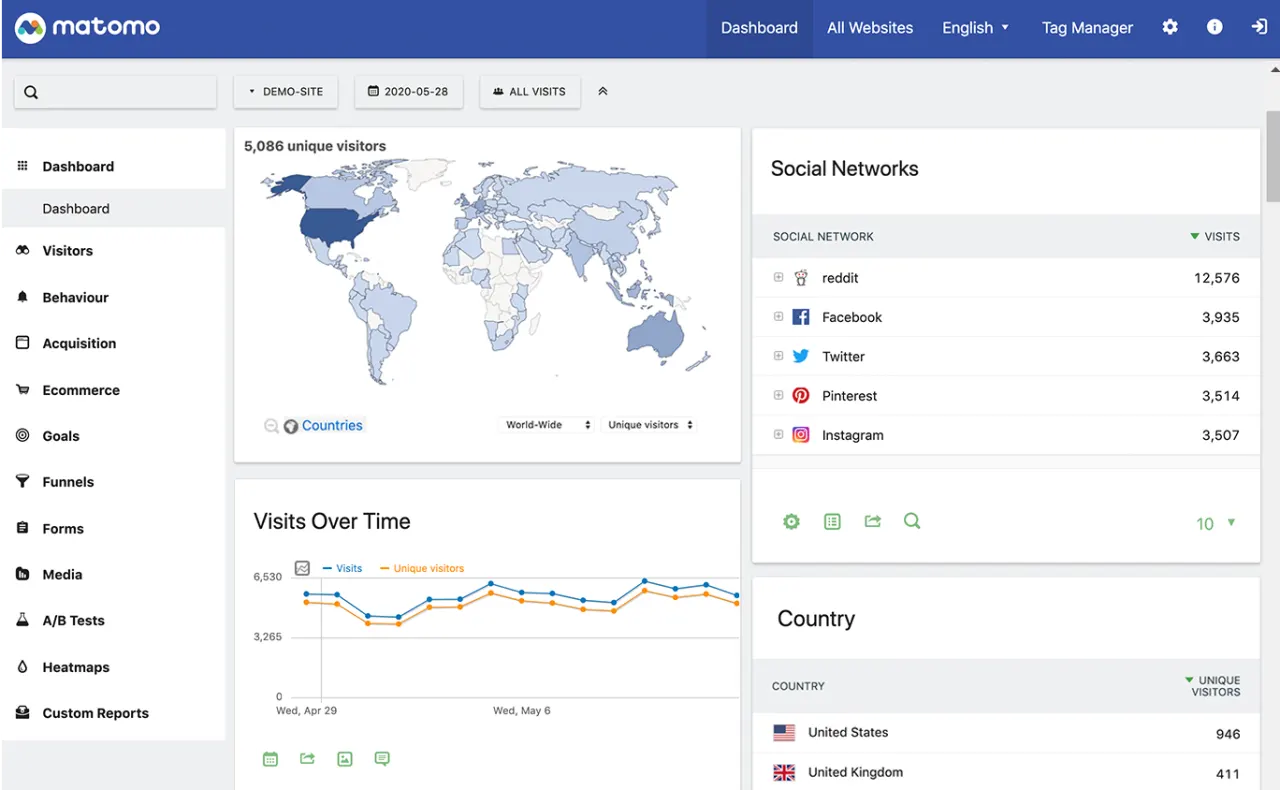
Matomo is a free and open-source web analytics platform that helps users track, analyze, and optimize their website's performance with full data ownership and privacy.
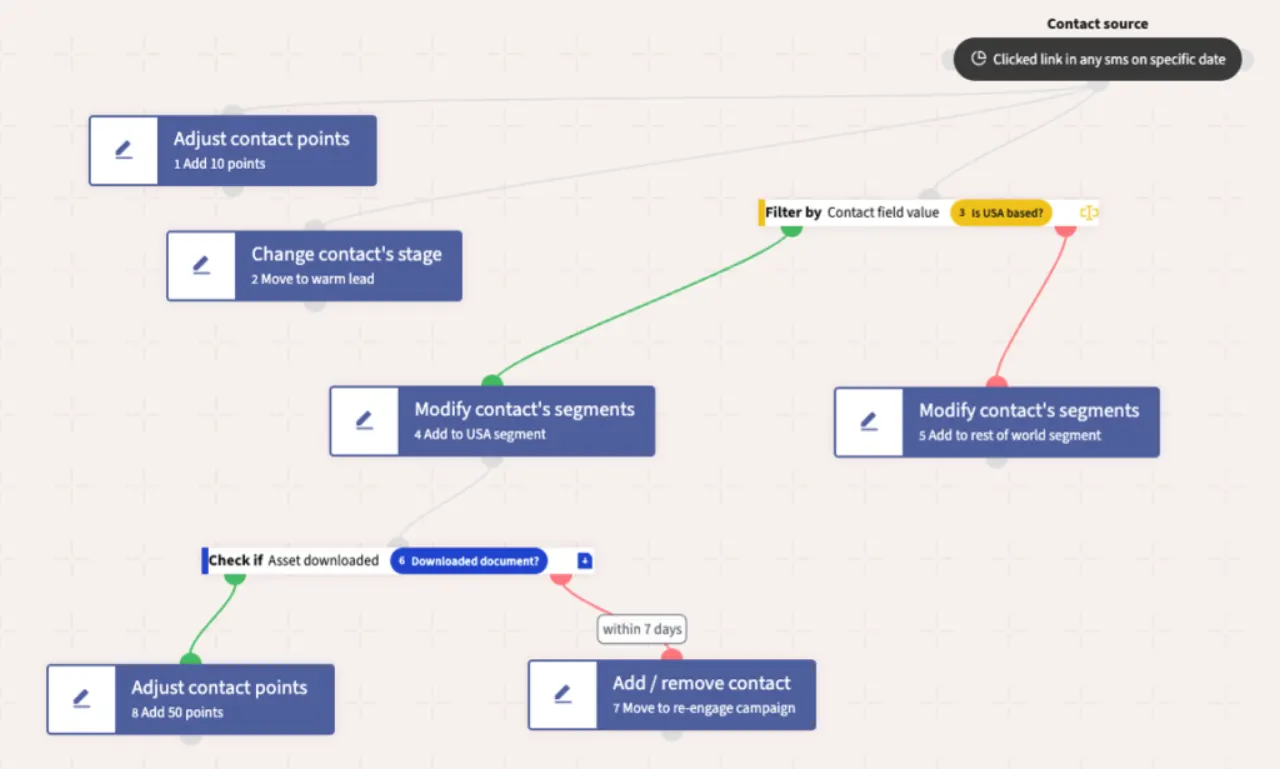
Open-source marketing automation platform providing email campaigns, lead scoring, multi-channel automation, and landing pages. Offers a powerful, flexible, and data-driven approach for customer engagement.
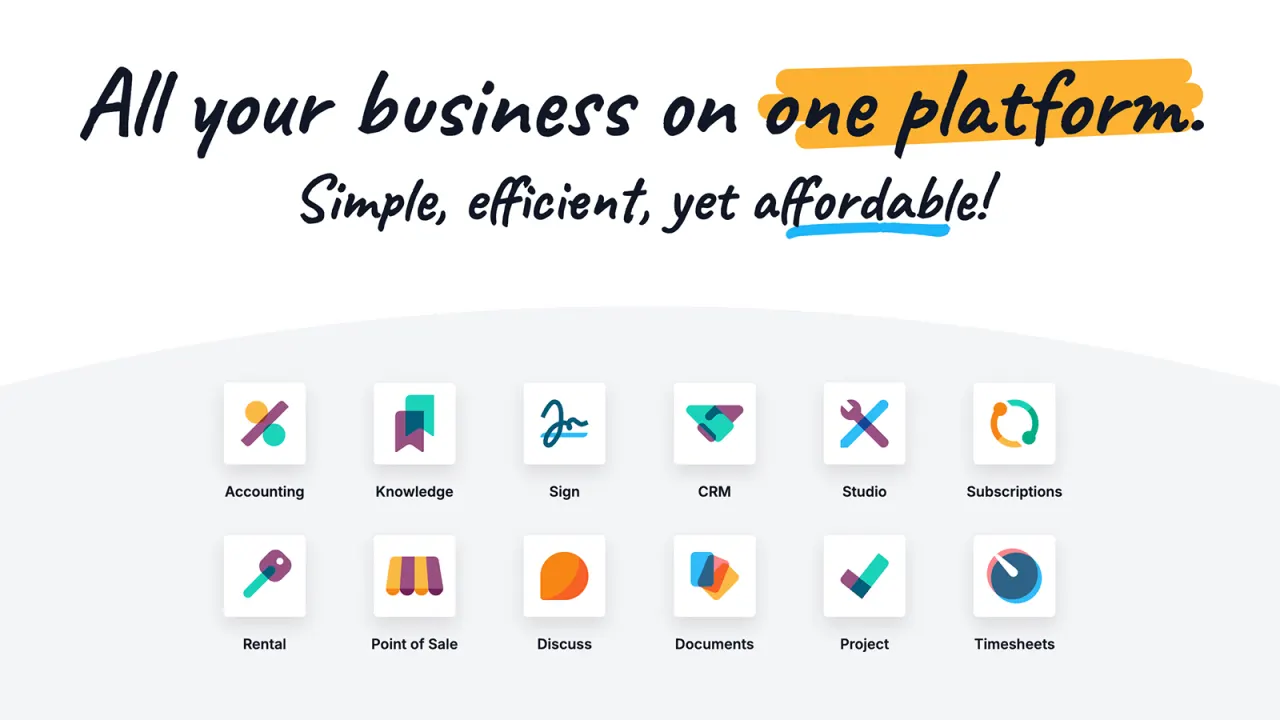
Odoo is an open-source enterprise resource planning (ERP) platform with over 30 integrated business applications, combining tools for CRM, sales, accounting, inventory, HR, project management, website building, and e-commerce.
★
★
★
★
★
4.5
Freemium (Open Source)Best for: Businesses looking for an integrated, scalable ERP solution with open-source flexibility.
Free for one app, paid plans for more apps and enterprise features, starting around $7-$11 per user per month (billed annually).
1 screenshot — click to enlarge
Screenshot 1
✓ Pros
All-in-one integrated solution for various business functions
Highly scalable and customizable due to its open-source nature
User-friendly interface for managing multiple workflows
Offers both community (free) and enterprise (paid) editions
✕ Cons
Some modules may require specialist help for customization
Per-user pricing can increase significantly with business growth
No automated migration from Standard to Custom versions
Self-hosted newsletter application built on Node.js and MySQL/MariaDB for managing email marketing campaigns with features like subscriber list management, segmentation, automation, and reporting.
★
★
★
★
★
3.5
Free & Open SourceBest for: Self-hosting email marketing for full data control.
Free, self-hosted open-source software.
3 screenshots — click to enlarge
Screenshot 1Screenshot 2
✓ Pros
Self-hosted
Subscriber list management for large lists
List segmentation
Custom fields and merge tags
MJML-based responsive email templates
Automation capabilities (triggered and RSS campaigns)
Granular user permissions
Built-in reporting
GPG Encryption
Detailed click statistics
Supports sending via any SMTP provider, with webhooks for major services (SES, SparkPost, SendGrid, Mailgun)
Completely open source (GPLv3 license)
API for subscriber management
✕ Cons
No native paid subscriptions feature
Lack of embeddable forms for subscriptions
No landing page builder
Limited direct third-party integrations (beyond email sending)
No drag-and-drop visual email editor
No custom domain support
No referral program management
Requires technical expertise for setup and maintenance (self-hosted)
Development activity might be slow (last commit over 2 years ago)
Some links are affiliate. We never accept payment for inclusion or ranking.




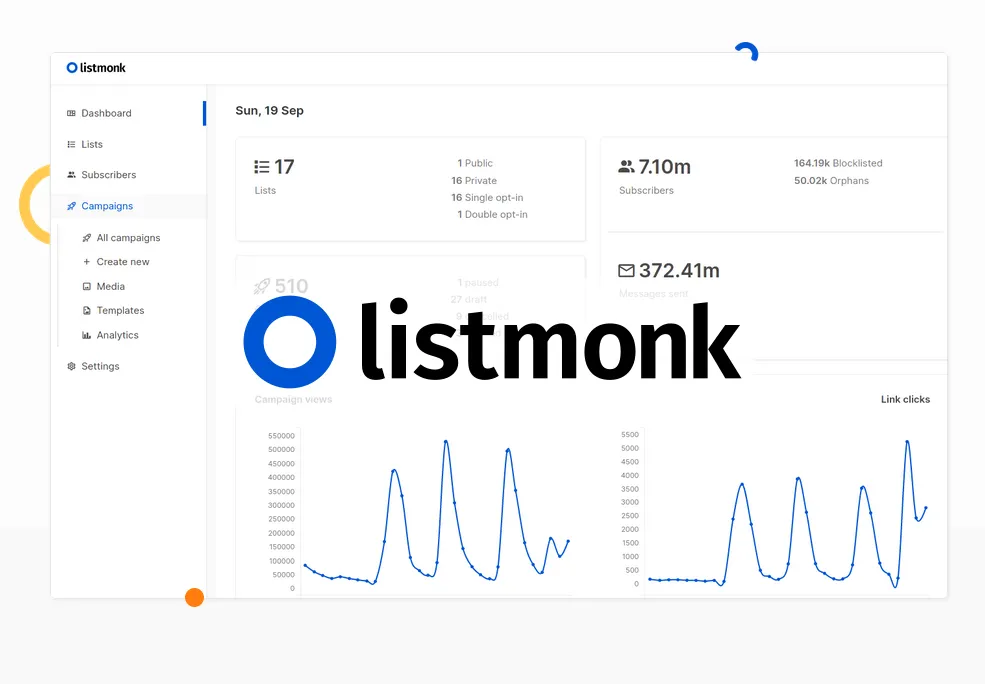 Screenshot 1