Introduction
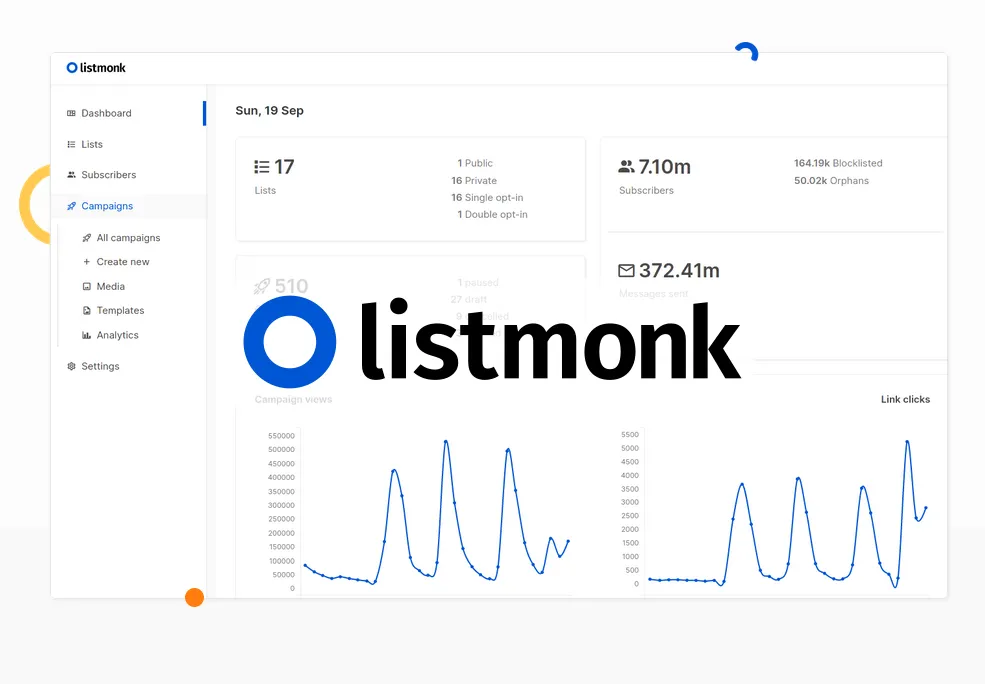
Listmonk is a robust, open-source, and self-hosted newsletter and mailing list manager that provides a powerful alternative to commercial email marketing platforms like HubSpot. Designed for efficiency and control, Listmonk allows users to manage extensive subscriber lists and send various types of emails without subscription fees.
Features
Listmonk offers a comprehensive set of features for managing email communications, particularly appealing to users who prefer a self-hosted solution. Key capabilities include:
- High Performance: Built to efficiently handle millions of subscribers, making it suitable for large-scale operations.
- Self-Hosting & Data Control: Users maintain full ownership and control over their data and infrastructure by hosting Listmonk on their own servers.
- Advanced Segmentation: Leverage powerful SQL expressions to create highly targeted subscriber segments for personalized campaigns.
- Transactional and Campaign Emails: Supports both one-off transactional emails (e.g., password resets, order confirmations) and full-fledged marketing campaigns.
- Rapid Data Handling: Features a fast bulk importer, capable of processing 10,000 records per second, ensuring quick setup for new lists.
- Compliance & Deliverability: GDPR compliant with features designed to improve email deliverability, such as email verification, warm-up routines, inbox rotation, and adaptive sending.