2 Free & Open Source Alternatives to 1Password (2026)
Compare 2 free and open-source alternatives to 1Password: Bitwarden and KeePassXC. Pros, cons, pricing, and screenshots tested 2026.
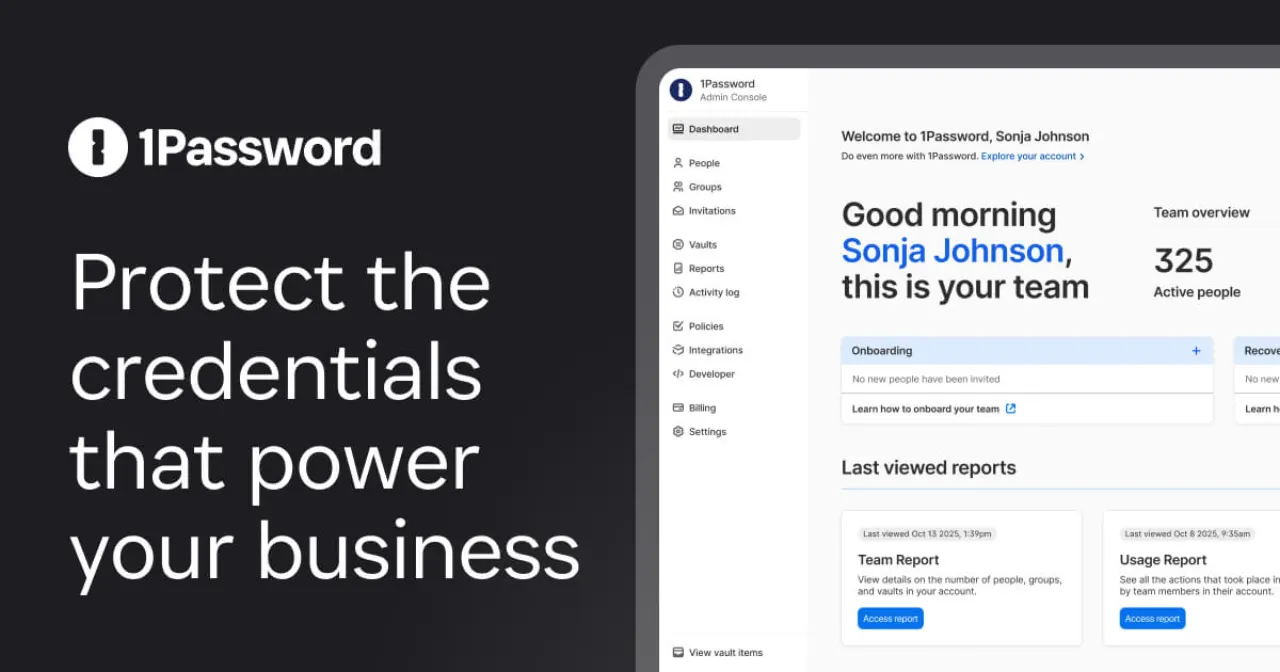
1Password
Paid
★
★
★
★
★
3.5
Securely stores passwords, credit cards, and sensitive information, offering features like password generation, two-factor authentication, and multi-device access for individuals and businesses.
Paid
2 free options
Security & Privacy
3.5 / 5
💡
Why people look for alternatives 1Password requires a paid subscription for full access. Many users seek free or open-source alternatives that offer similar functionality without the ongoing cost or vendor lock-in.
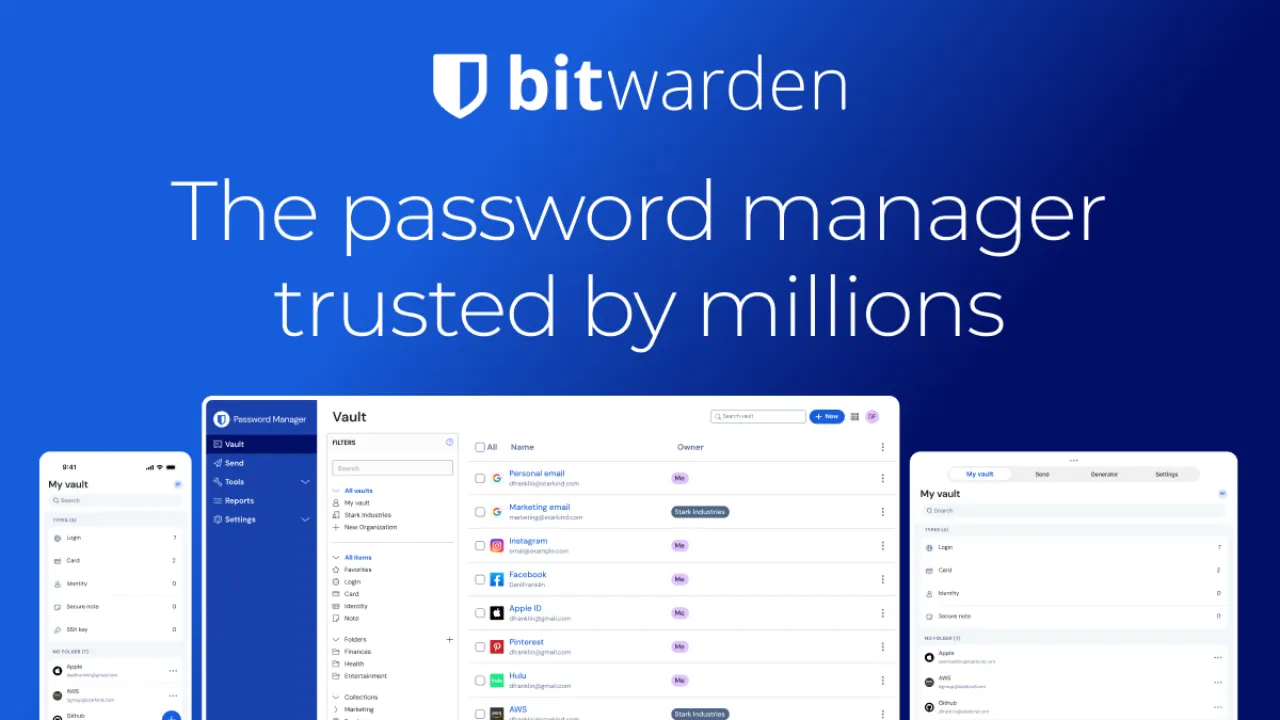
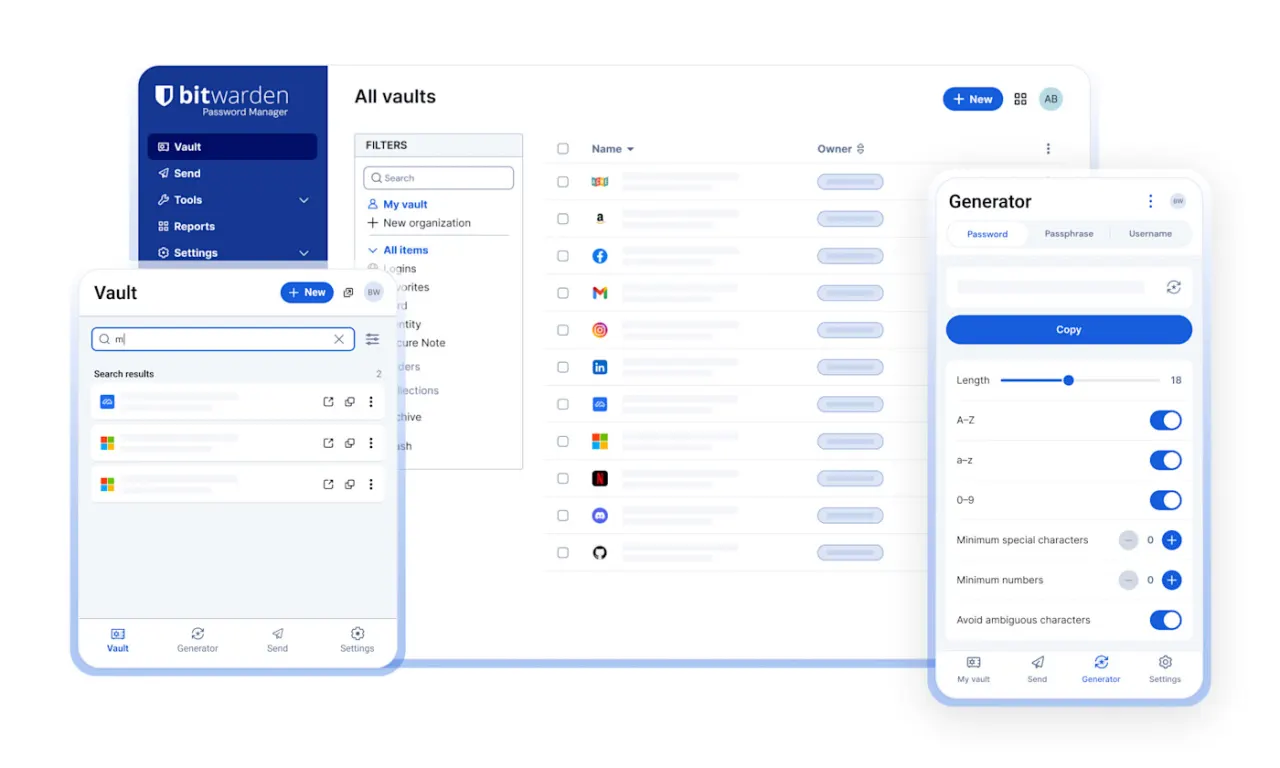
Bitwarden is an open-source password manager that provides secure storage and management of sensitive information, offering a free tier and competitively priced plans for individuals, families, and businesses.
★
★
★
★
★
4.5
Freemium (Open Source)Best for: Individuals and businesses who prioritize security and affordability
Free unlimited logins. Premium for individuals $19.80/year. Families $47.88/year (up to 6 users). Teams start $4/user/month. Enterprise $6/user/month.
3 screenshots — click to enlarge
Screenshot 1Screenshot 2
✓ Pros
Open-source
Competitively priced
Unlimited passwords
Unlimited devices
2FA with all plans
Zero-knowledge encryption
Free sharing with one person (basic/free)
Username/password generator
Transparency and community collaboration
Superb command-line interface
Regularly audited by third-party security firms
Strong encryption (AES-256)
✕ Cons
Clunkier user interface
Rocky user experience compared to some competitors
A modern, secure, and open-source password manager for Windows, macOS, and Linux that stores and manages sensitive information offline in an encrypted file.
★
★
★
★
★
4.5
Free & Open SourceBest for: Secure offline password management for tech-savvy users
Free, open-source, accepts donations.
1 screenshot — click to enlarge
Screenshot 1
✓ Pros
Strong client-side (e2e) encryption
Cross-platform support (Windows, macOS, Linux)
Syncing via cloud services (though it stores locally)
2FA support
Autotype
Browser integration (via plugin)
Customizable and powerful password generator (including passphrase generator)
Can store various sensitive data beyond passwords (notes, attachments, files)
Robust security credentials
Easy to set up compared to original KeePass
Secure self-management of passwords
✕ Cons
No master password and/or keyfile recovery options
Does not support KeePass plugins (but supports KeePass containers encrypted with TwoFish)
Outdated interface
No built-in password synchronization (requires third-party for sync)
Limited password sharing (manual file sharing)
Some links are affiliate. We never accept payment for inclusion or ranking.



 Screenshot 1
  Screenshot 2