Introduction
Bitwarden is a powerful, open-source password manager offering secure storage for all your login credentials, passkeys, and sensitive data. As a strong alternative to tools like 1Password, Bitwarden stands out for its commitment to security, transparency, and affordability, making it an excellent choice for individuals and organizations seeking robust digital protection.
Features
Bitwarden provides a comprehensive suite of features to secure and streamline your online experience. Key capabilities include:
- Open-Source Transparency: Its open-source nature allows for community audits and collaboration, fostering trust and continuous improvement.
- Cost-Effective Security: Offers a generous free tier with unlimited passwords and devices, alongside competitively priced premium plans.
- Robust Encryption: Utilizes AES-256 encryption and zero-knowledge architecture to ensure your data remains private and secure.
- Universal Accessibility: Manage your passwords across an unlimited number of devices, ensuring access wherever you are.
- Enhanced Authentication: Supports two-factor authentication (2FA) across all plans, adding an extra layer of security to your accounts.
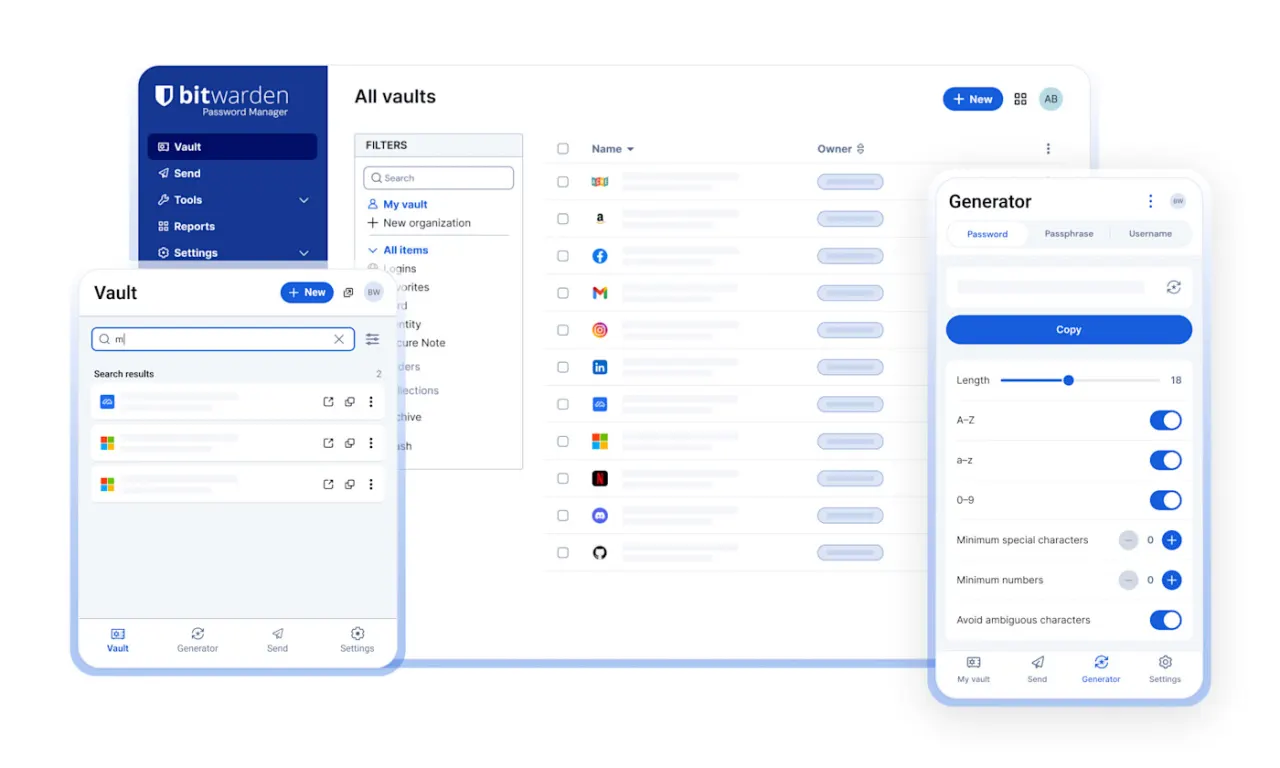
- Productivity Tools: Includes a username/password generator and secure sharing options, boosting efficiency while maintaining security.
- Regular Security Audits: Continuously audited by third-party security firms to maintain high security standards.