5 Free & Open Source Alternatives to Dropbox (2026)
Compare 5 free and open-source alternatives to Dropbox: Internxt, Nextcloud, and ownCloud (+2 more). Pros, cons, pricing, and screenshots tested 2026.
Dropbox
Freemium
★
★
★
★
★
3.0
Cloud storage, file sharing, and collaboration platform for individuals and teams. Offers file sync, sharing, productivity tools, and integrations for a streamlined workflow.
Freemium
5 free options
Cloud Storage
3 / 5
💡
Why people look for alternatives Dropbox has a free tier with limitations. Many users seek fully free or open-source alternatives that offer the same capabilities without paywalled features or usage caps.
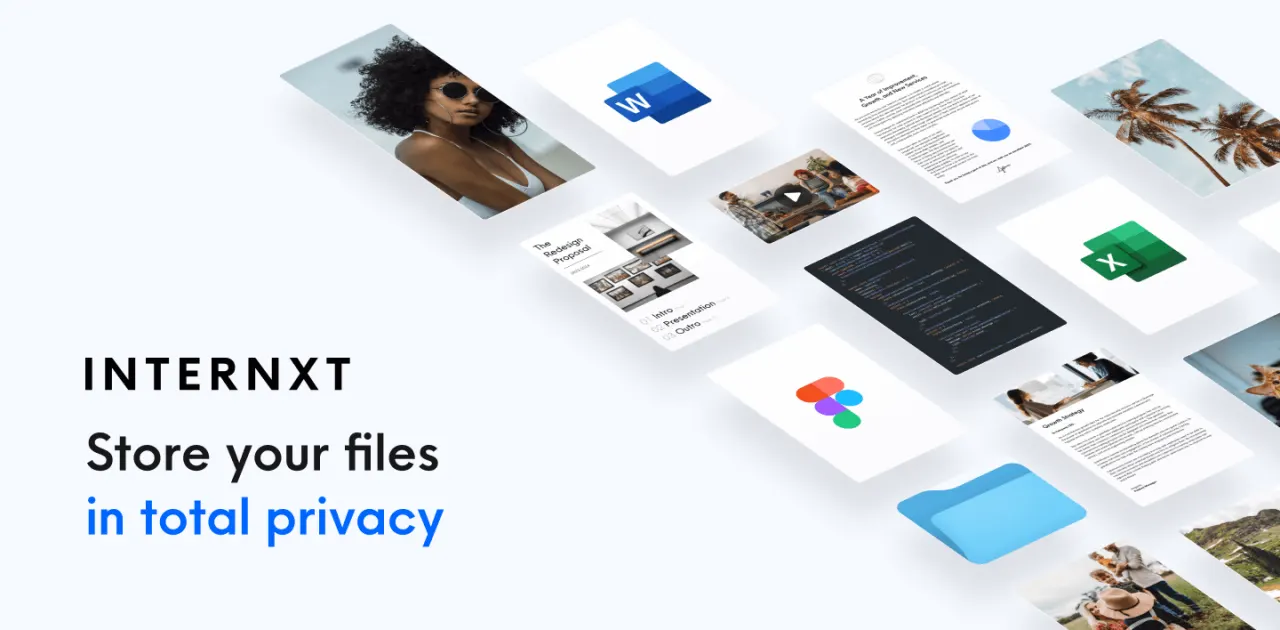
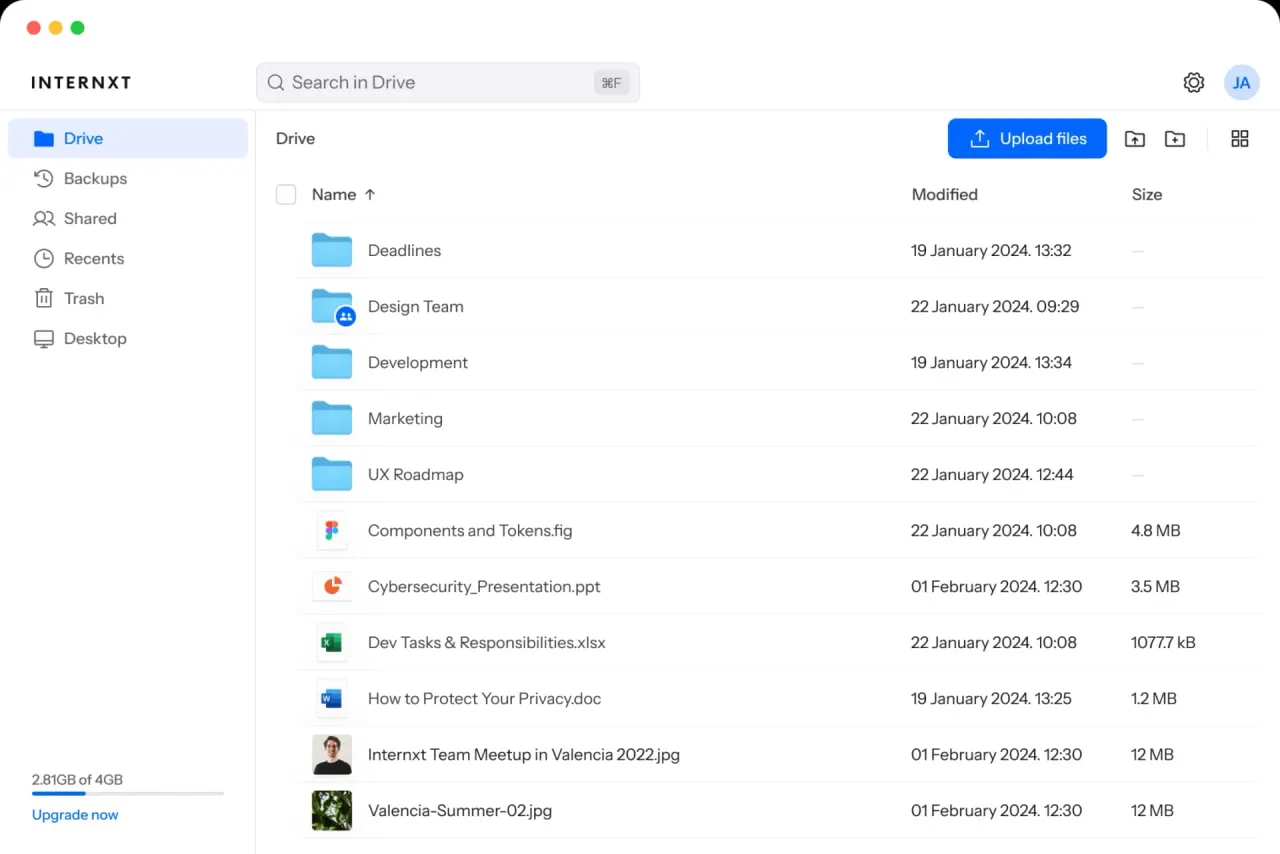
A private cloud service suite offering secure, end-to-end encrypted, and 100% open-source cloud storage, backup, and other privacy-focused services for all devices.
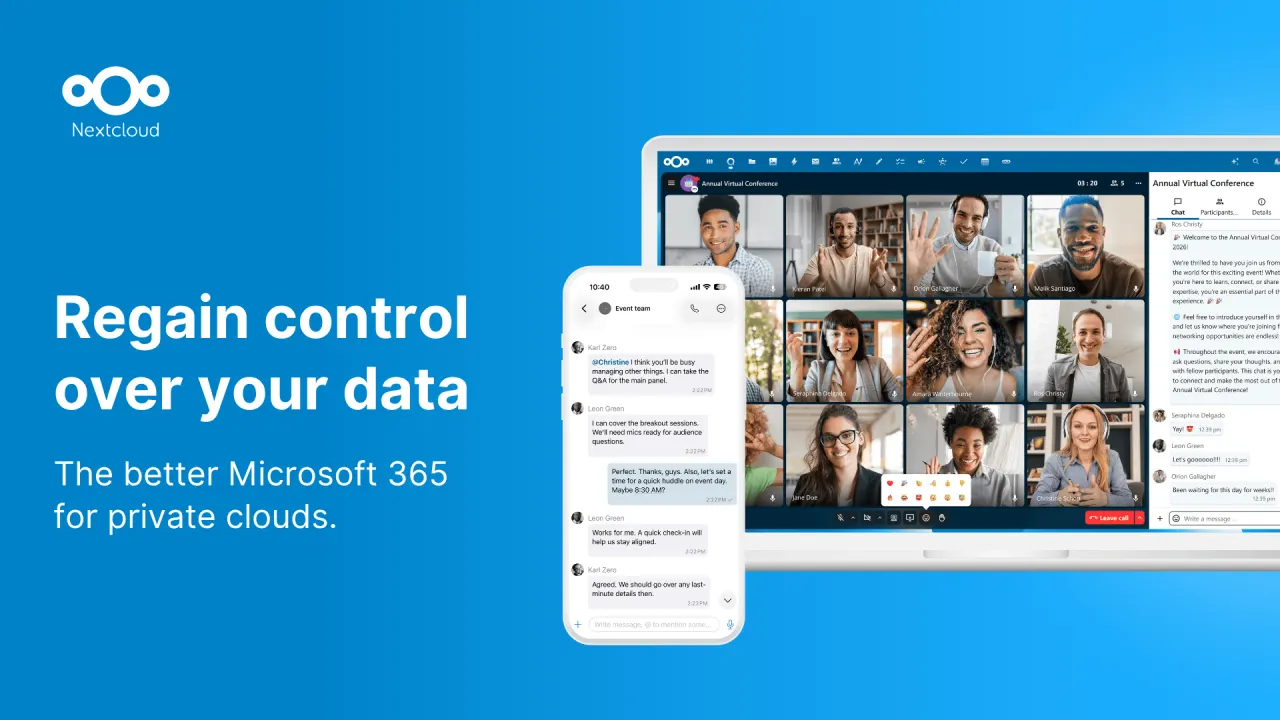
Nextcloud is an open-source, self-hosted content collaboration platform that provides file synchronization, sharing, and communication tools with a focus on privacy and security.
★
★
★
★
★
4.5
Freemium (Open Source)Best for: Individuals/orgs valuing data privacy and on-premise storage.
Free to self-host (open-source software), with paid Enterprise subscriptions starting at €68.94/user/year for 100+ users.
3 screenshots — click to enlarge
Screenshot 1Screenshot 2
✓ Pros
Full control over data through self-hosting
Strong focus on privacy and security
Open-source with an AGPL license
Comprehensive file synchronization and sharing features
Integrated collaboration tools like Talk, Groupware, and Whiteboard
Available on mobile and desktop platforms
Offers enterprise-grade features for businesses
✕ Cons
Can be complex to set up and maintain for self-hosting without technical expertise
Potential for file size limitations with certain shared hosting environments
Enterprise plans have a high minimum user count (100 users)
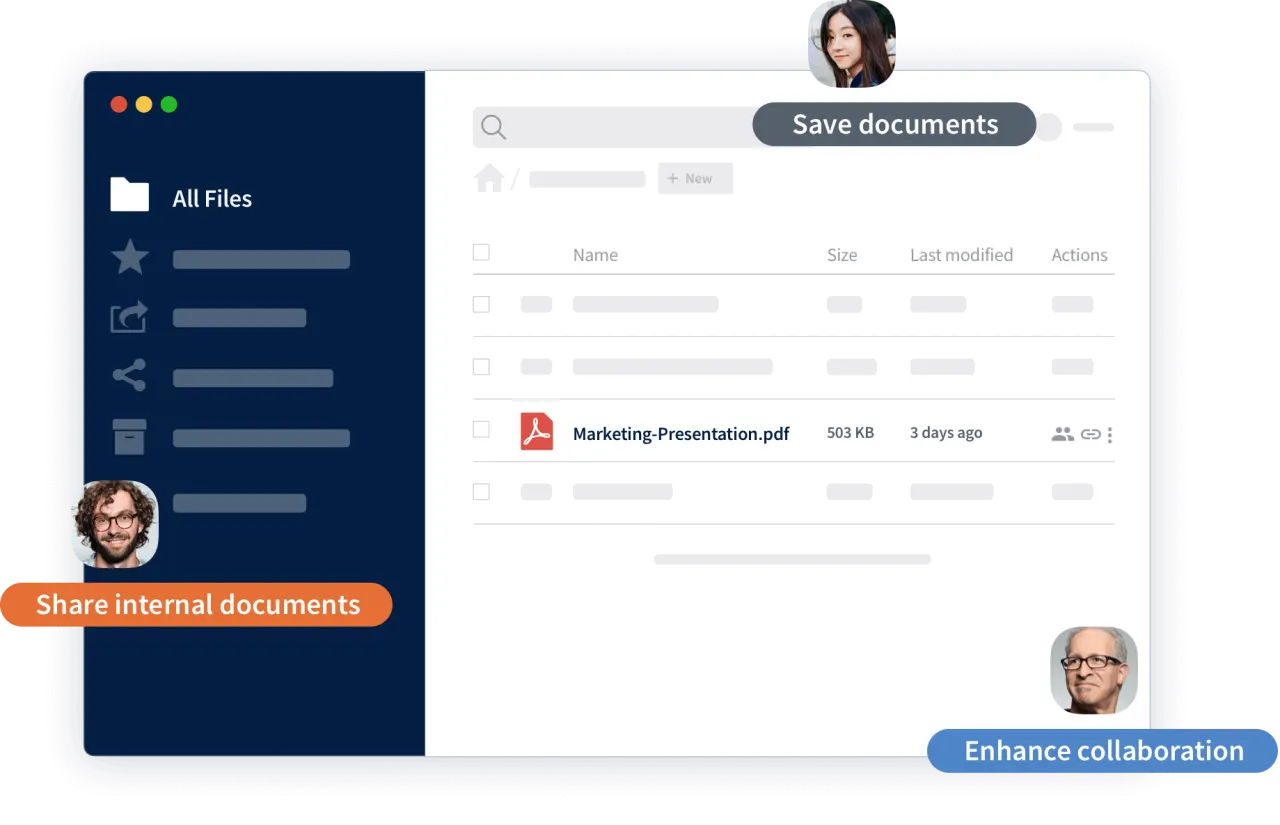
ownCloud is an open-source, self-hostable content collaboration platform providing secure file sync, share, and data management for businesses. It offers full data control, robust security, and flexible deployment.
★
★
★
★
★
4.5
Freemium (Open Source)Best for: Businesses and institutions prioritizing data control and secure file collaboration
Free basic version, with paid Standard and Enterprise subscriptions for teams/businesses starting from €1.85/user/year for large deployments or €5.24/user/month (min 25 users) for Standard.
3 screenshots — click to enlarge
Screenshot 1Screenshot 2
✓ Pros
Strong security and full control over data
Open-source with AGPLv3 license, allowing code audits
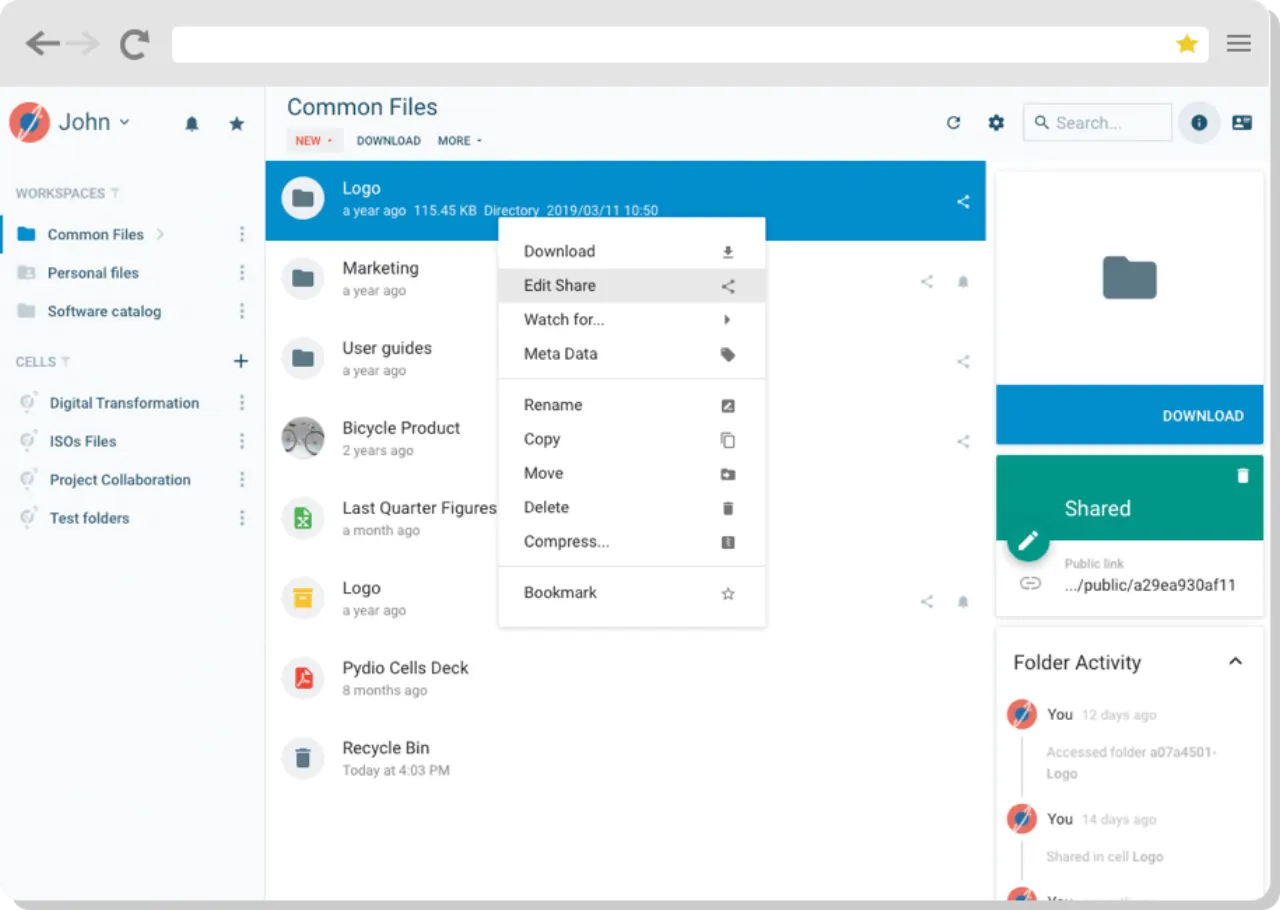
Pydio Cells is a secure, sovereign alternative to SaaS content platforms, built for enterprises requiring full control over their data. It offers high-performance file sharing, no-code automation, and collaboration features without compromising security or compliance.
★
★
★
★
★
4.5
Freemium (Open Source)Best for: Enterprises for secure, self-hosted file sharing, data sovereignty.
Free for individual use (Pydio Cells Home), with paid Connect and Enterprise tiers starting at 3280€/year for 50 users.
3 screenshots — click to enlarge
Screenshot 1Screenshot 2
✓ Pros
Secure document sharing and collaboration with a focus on data sovereignty.
Offers on-premise or private cloud deployment for full data control.
Robust administrative controls, granular sharing permissions, and activity monitoring.
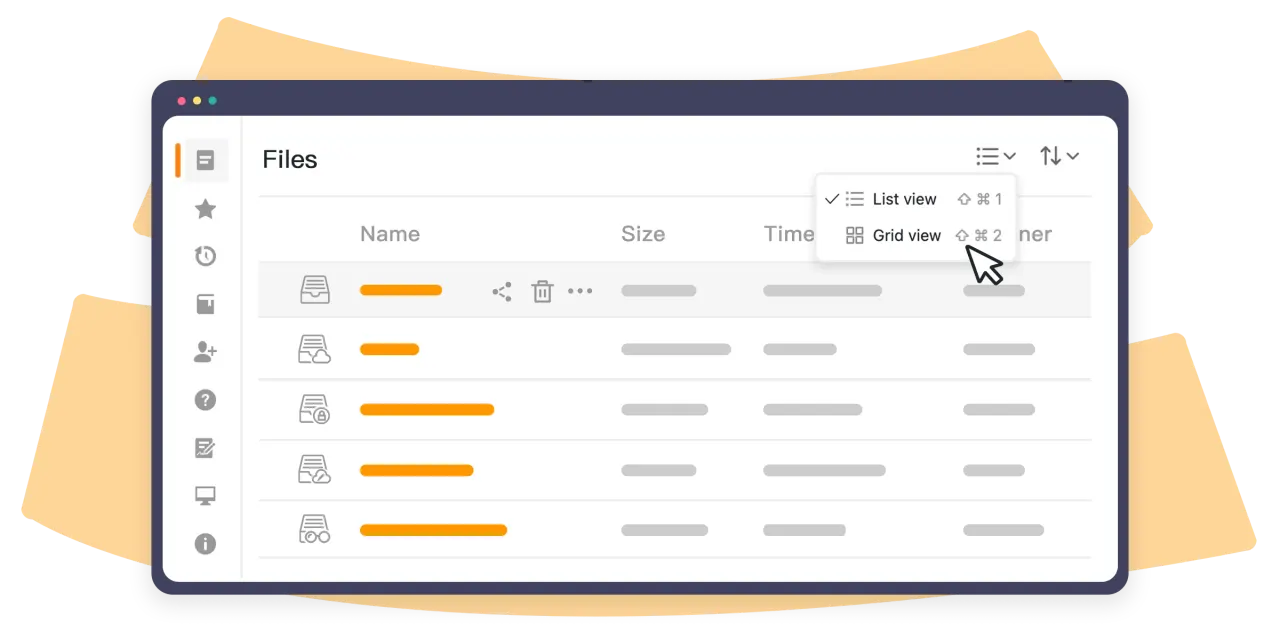
Seafile is an open-source, self-hosted cloud storage and syncing solution known for fast and efficient file synchronization, especially with large files, and collaborative features like document editing, version control, and granular permissions.
★
★
★
★
★
4.5
Freemium (Open Source)Best for: Teams and organizations needing high-performance, self-hosted file sync and collaboration.
Community Edition is free and open-source. Professional Edition has annual subscriptions (free for 3 users, then per-user pricing). Cloud from $8/user/month.
1 screenshot — click to enlarge
Screenshot 1
✓ Pros
Blazing fast file synchronization and low resource usage.
Git-like block-level sync for efficient updates and robust version control.
Libraries provide excellent organization and reliable syncing for large datasets.




 Screenshot 1
  Screenshot 2