7 Free & Open Source Alternatives to Notion (2026)

Notion is an all-in-one workspace combining notes, docs, wikis, project management, and databases into a single flexible platform for teams and individuals. Below are the best free replacements we've tested.

Notion

Freemium 4.0

Notion is an all-in-one workspace combining notes, docs, wikis, project management, and databases into a single flexible platform for teams and individuals.

Freemium
7 free options
Productivity Tools
4 / 5
Why people look for alternatives Notion has a free tier with limitations. Many users seek fully free or open-source alternatives that offer the same capabilities without paywalled features or usage caps.

Quick Comparison

Tool Pricing Best for Rating

Detailed Reviews

AFFiNE

Local-first workspace combining documents, whiteboards, and databases with open-source architecture and AI capabilities.

4.0
Freemium (Open Source) Best for: Teams needing combined document and whiteboard workspace

Free local use; cloud features start at $6.75/month; AI features at $8.90/month

2 screenshots — click to enlarge

AFFiNE Main interface
AFFiNE Settings view

✓ Pros

  • Combines document editing with whiteboard functionality
  • Local-first architecture with optional cloud collaboration
  • AI features available through affordable subscription tiers

✕ Cons

  • Performance can be slower with complex documents
  • Mobile experience is less developed than desktop
  • Database functionality is less mature than Notion's

AppFlowy

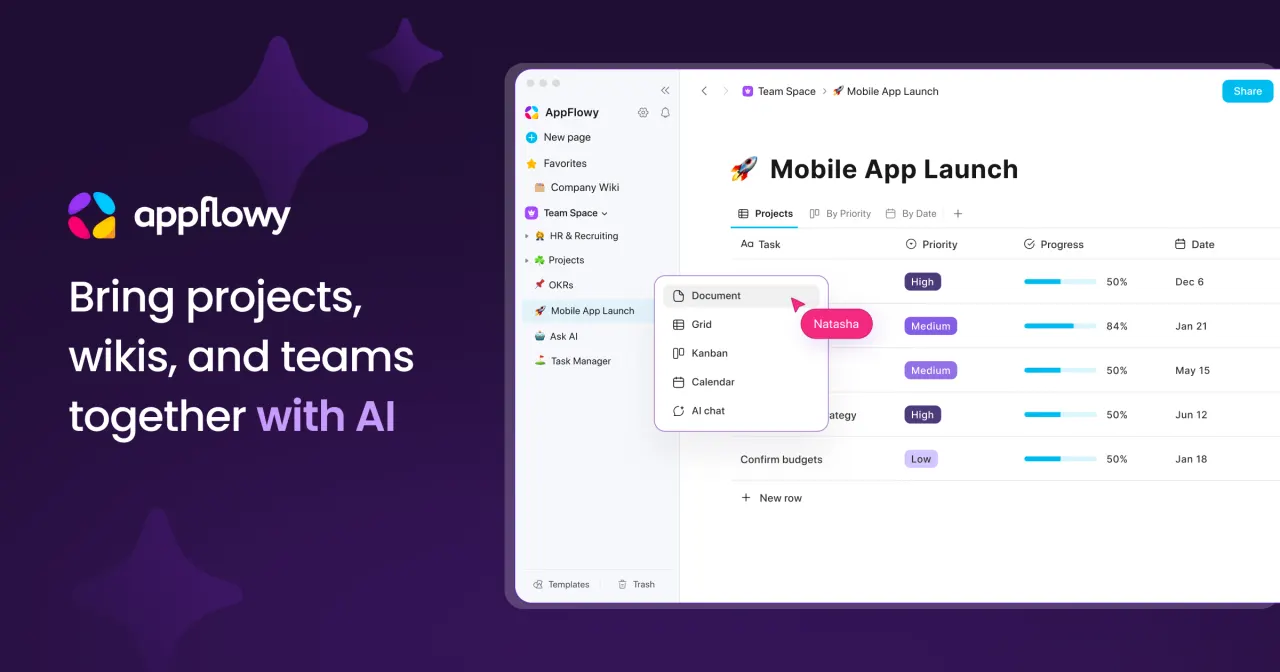
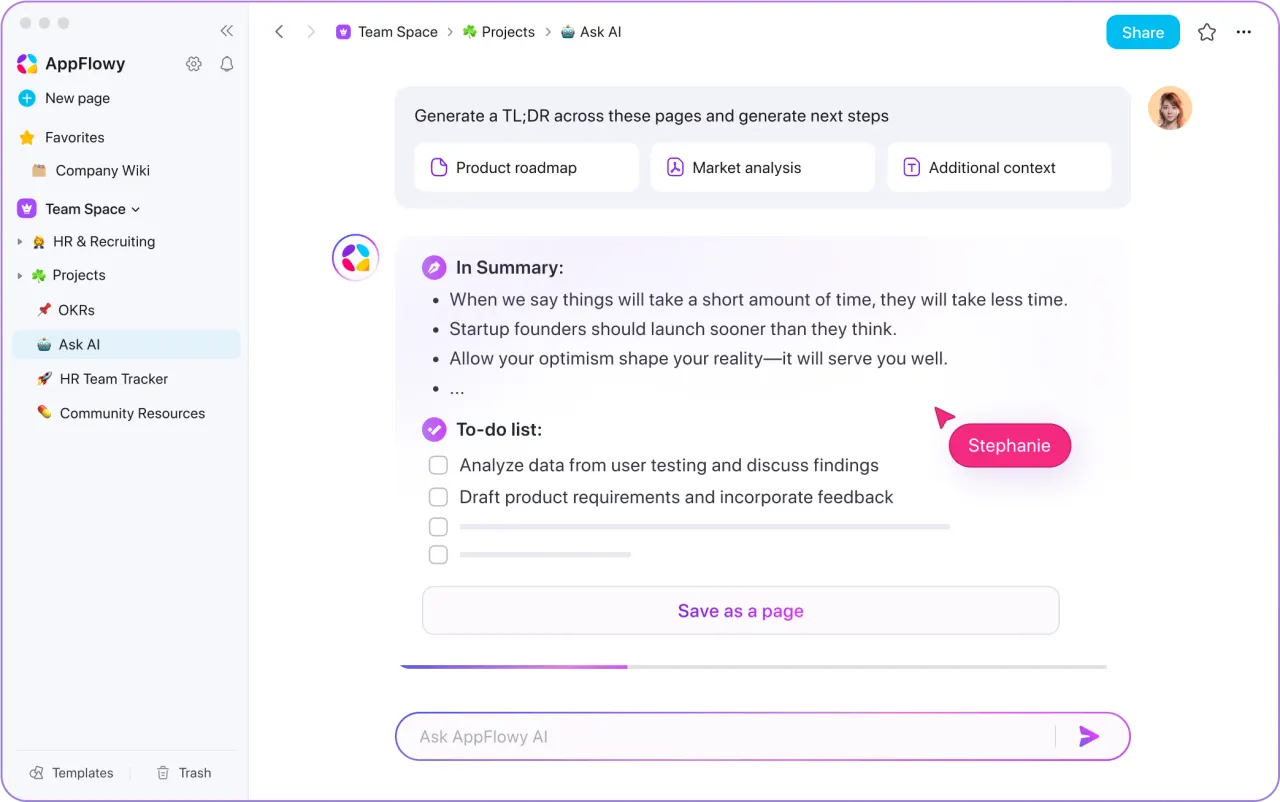
Open-source Notion alternative with local-first architecture, offering fast offline performance and privacy-focused workspace management.

4.0
Freemium (Open Source) Best for: Privacy-focused users needing offline-first workspace

Completely free to self-host; optional cloud services may have future paid tiers

2 screenshots — click to enlarge

AppFlowy Main interface
AppFlowy Settings view

✓ Pros

  • 100% local-first architecture with optional cloud sync
  • Self-hostable with no vendor lock-in or subscription fees
  • Built with Rust and Flutter for exceptional performance

✕ Cons

  • Smaller ecosystem compared to Notion's extensive integrations
  • Mobile apps are less mature than desktop versions
  • Limited collaborative features in self-hosted setup

Evernote

Captures and stores ideas, notes, tasks, and documents, offering robust tools for organizing notes and syncing across devices for individuals and teams.

4.0
Freemium Best for: Individuals and teams needing a comprehensive note-taking and task-management solution.

Free plan with significant limitations (50 notes, 1 notebook, 1 device). Personal Plan: $129.99/year. Professional Plan: $170/year.

3 screenshots — click to enlarge

Evernote note Main interface
Ever Settings view

✓ Pros

  • Powerful note-taking and organization capabilities
  • Integrates notes, tasks, and schedule efficiently
  • Syncs seamlessly across multiple devices
  • Offers real-time editing and collaboration features
  • Initial access to AI tools for all users

✕ Cons

  • Significantly increased pricing has caused user frustration
  • Limited free tier with strict caps on notes, notebooks, and devices
  • Fewer built-in templates compared to competitors

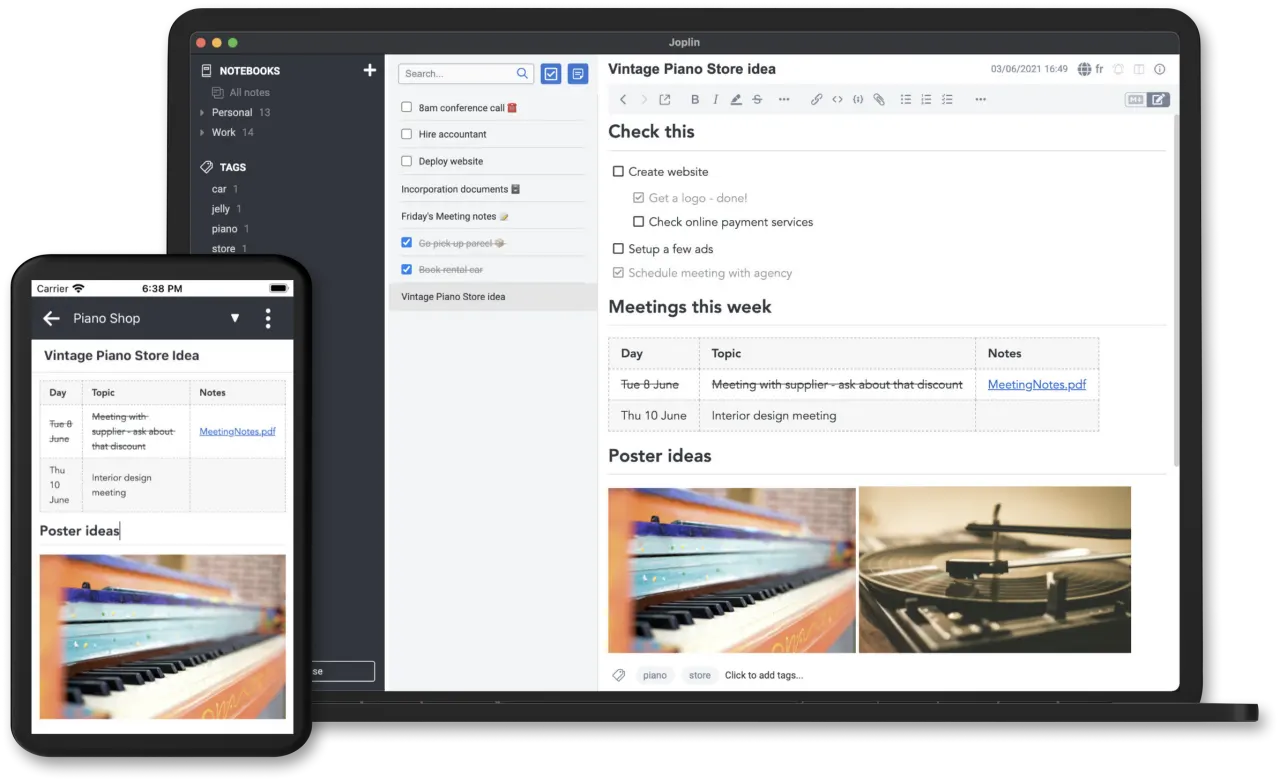
Joplin

Open-source note-taking app with end-to-end encryption, Markdown support, and flexible sync options across all platforms.

4.0
Freemium (Open Source) Best for: Privacy-conscious note-takers and Markdown enthusiasts

Free with optional Joplin Cloud starting at ~$32/year for enhanced sync

2 screenshots — click to enlarge

Jop Main interface
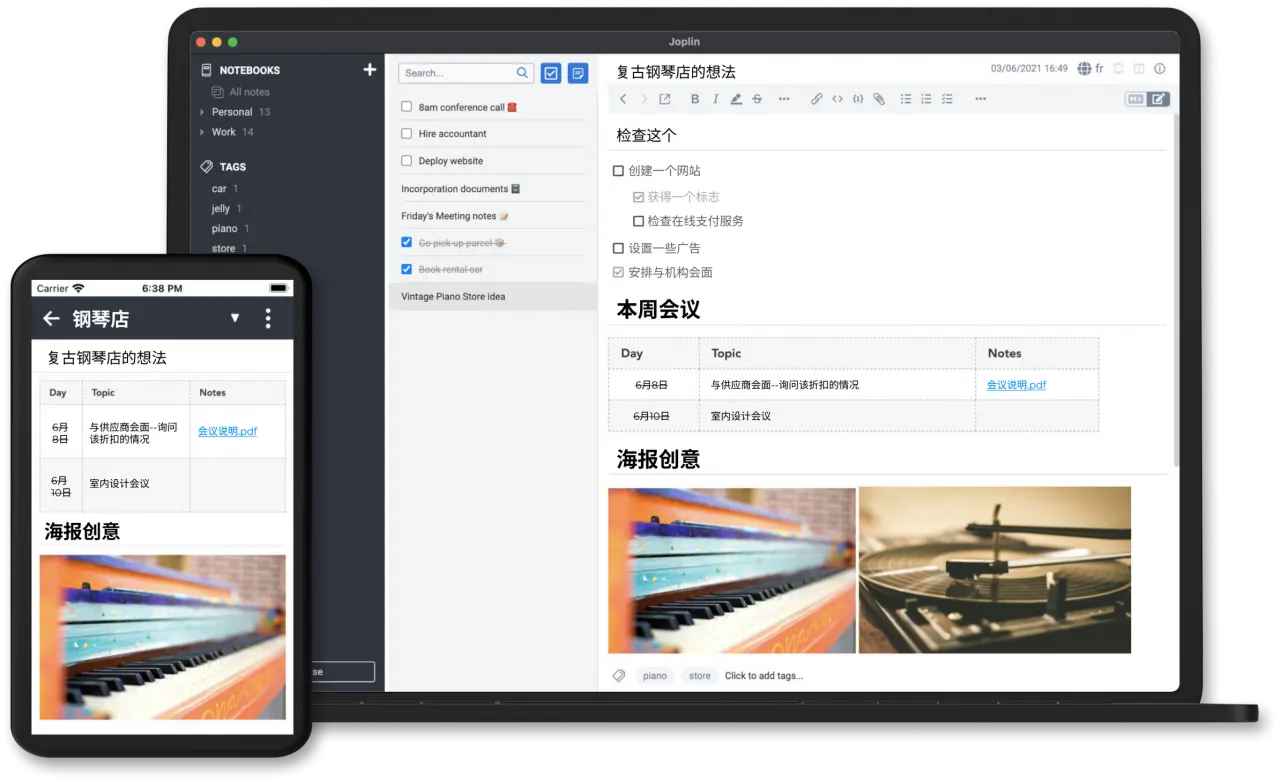
Joplin Settings view

✓ Pros

  • End-to-end encryption for maximum privacy protection
  • Uses standard Markdown format for complete data portability
  • Free sync via Dropbox, OneDrive, or self-hosted solutions

✕ Cons

  • No database functionality like Notion's relational databases
  • Interface is less polished than commercial alternatives
  • Limited real-time collaboration features

Obsidian

Create a personal knowledge base with Obsidian, a markdown-based note-taking app that stores all notes locally on your device for ultimate control.

4.5
Freemium Best for: Users building a personal knowledge base, writers, and researchers

Free for personal use. Commercial license $50/year. Optional add-ons: Sync $4/month, Publish $8/month/site.

2 screenshots — click to enlarge

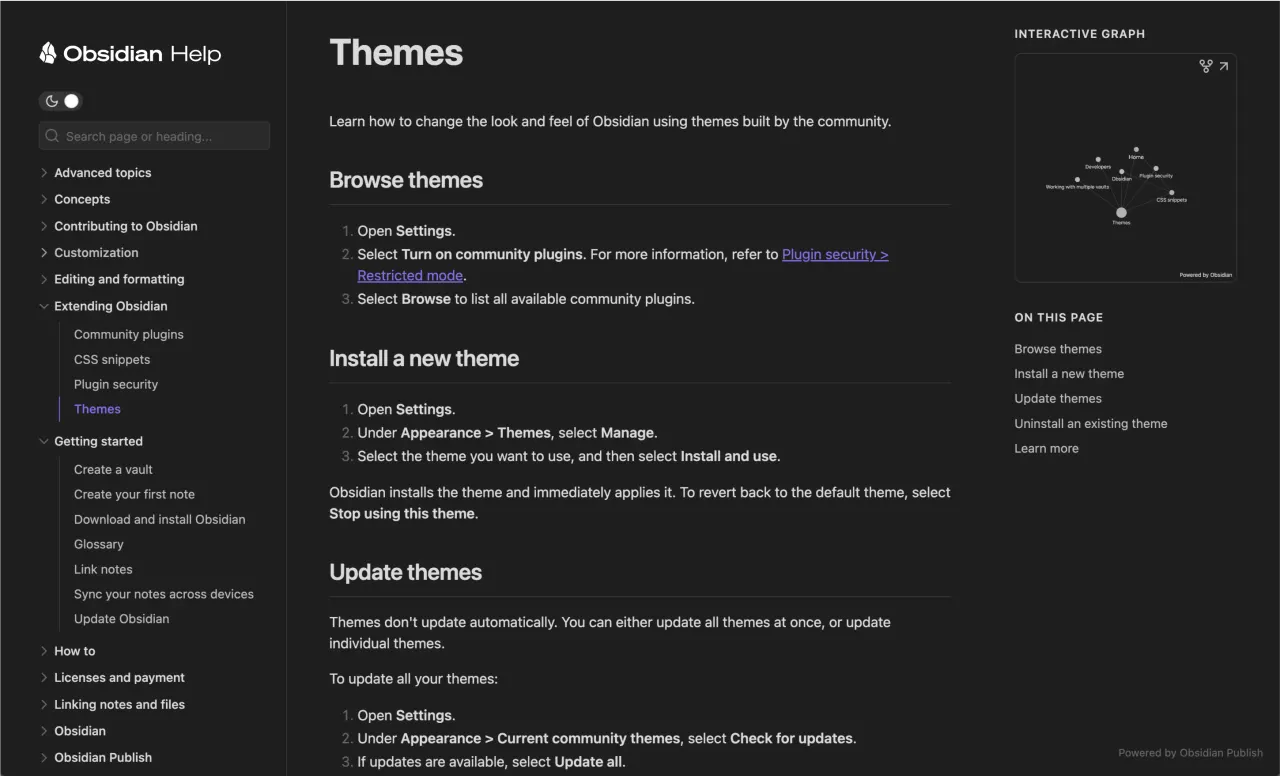
Obsidian Knowledge Management Software Screenshot 2026 Main interface
Obsidian pricing screenshot for premium features and plans 2026 Settings view

✓ Pros

  • Most core capabilities are available at no cost
  • Visually appealing user interface is easy to pick up and use
  • Native mobile and tablet apps for iOS and Android
  • Expansive plugin ecosystem allows for significant customization
  • Robust feature set
  • Strong community
  • User-friendly design

✕ Cons

  • Limited collaboration features
  • Advanced features require learning curve

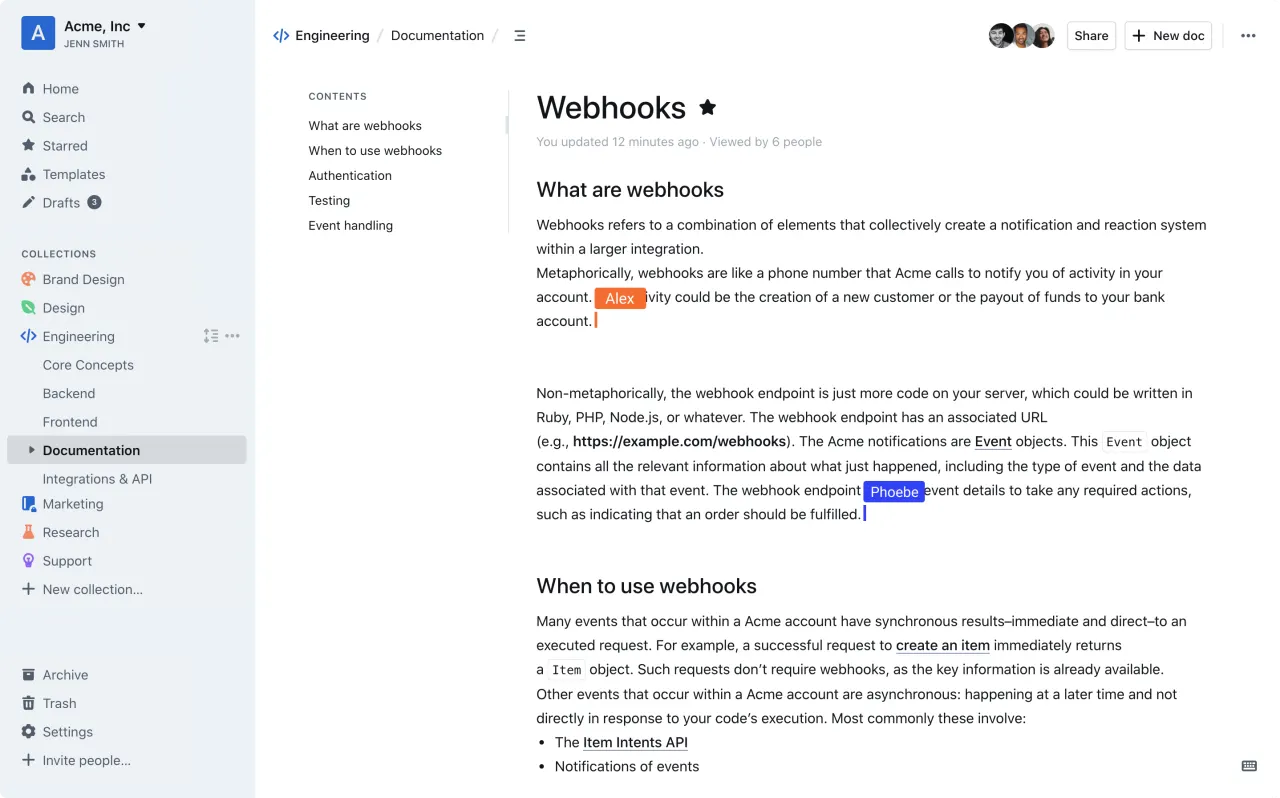
Outline

Outline is a modern, open-source team wiki and knowledge base with a clean interface, real-time collaboration, and Markdown support, designed as an alternative to Notion and Confluence.

4.0
Freemium (Open Source) Best for: Team knowledge base and documentation

Free self-hosted; cloud hosted at $10/member/month

2 screenshots — click to enlarge

Outline Main interface
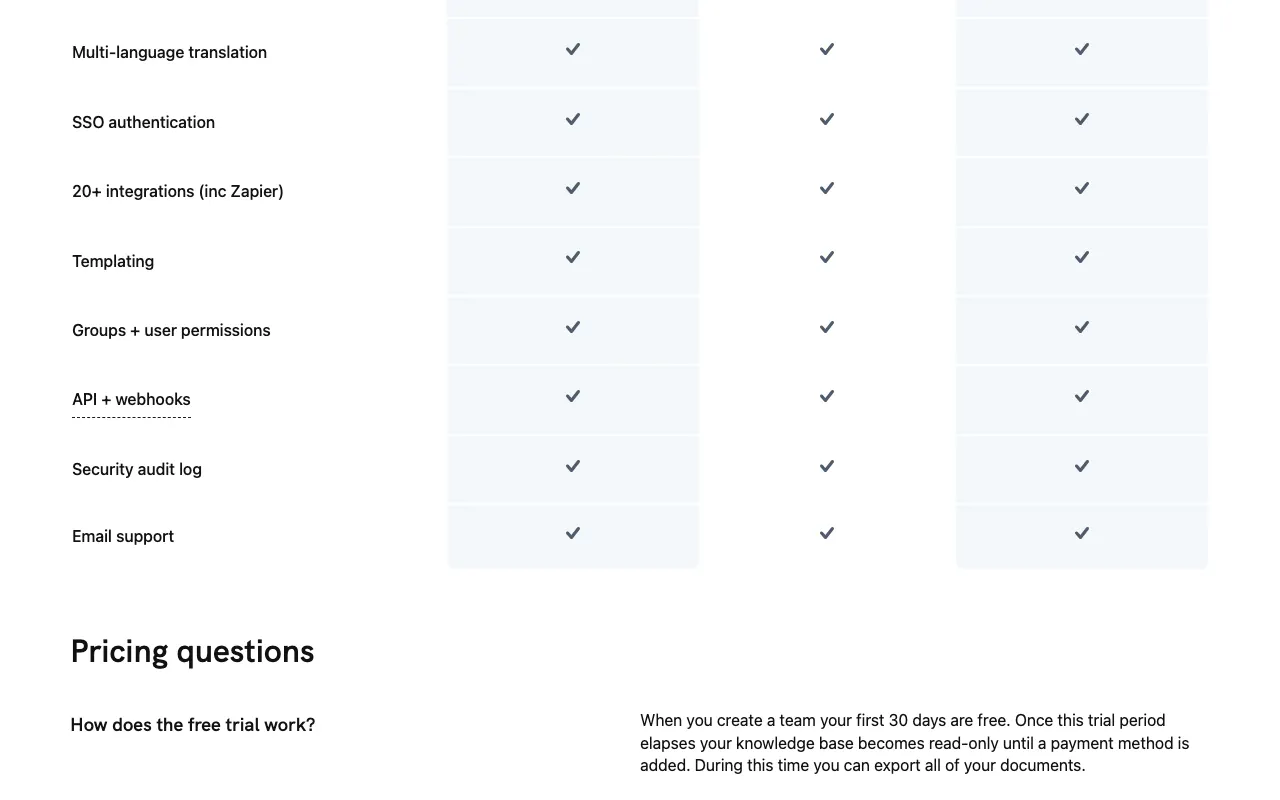
Outline Settings view

✓ Pros

  • Open source with self-hosting option for full data control
  • Clean, fast interface with Markdown and slash commands

✕ Cons

  • Fewer integrations compared to Notion or Confluence
  • Self-hosting requires technical setup and maintenance

Todoist

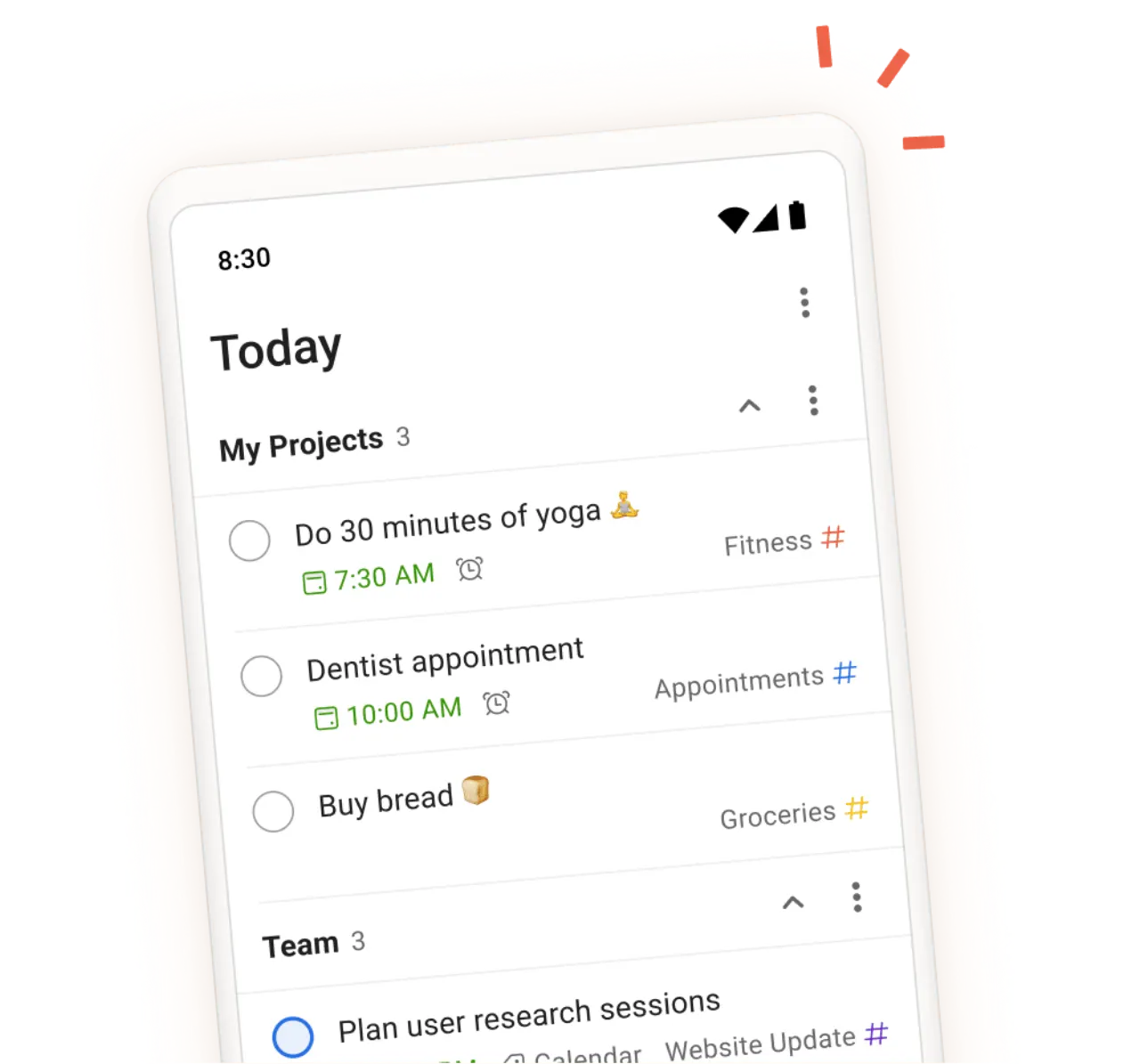
Todoist is a task manager for organizing work and life. It helps individuals and teams manage projects, set deadlines, and collaborate effectively across various platforms.

4.0
Freemium Best for: Individuals and teams for personal and collaborative task management

Free; $5/month for Pro (billed annually), $8/user/month for Business.

2 screenshots — click to enlarge

Todoist task Main interface
Todo Settings view

✓ Pros

  • Provides reliable cross-platform task management across devices.
  • Supports recurring tasks, custom priorities, and basic collaboration on the free tier.
  • Paid plans offer expanded project limits, calendar layout, and task duration tracking.
  • Enables efficient task delegation and deadline management within projects.

✕ Cons

  • Free plan limits users to 5 active projects and does not include reminders.
  • Advanced features like a visual calendar, task duration, and increased project count require a Pro or Business subscription.

Some links are affiliate. We never accept payment for inclusion or ranking.