6 Free & Open Source Alternatives to Microsoft Word (2026)

Microsoft Word is the dominant word processing application used globally for creating documents, reports, letters, and professional publications with rich formatting and collaboration tools. Below are the best free replacements we've tested.

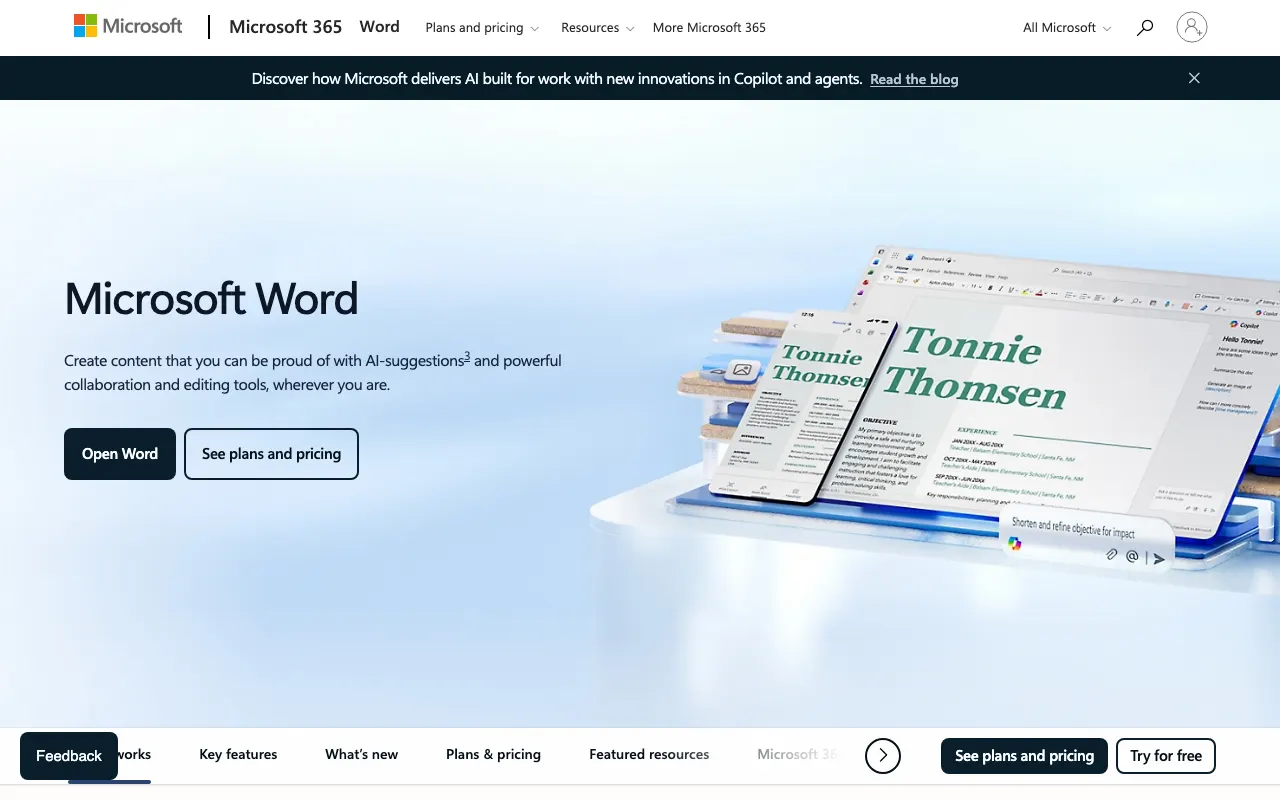
Microsoft Word

Freemium 4.0

Microsoft Word is the dominant word processing application used globally for creating documents, reports, letters, and professional publications with rich formatting and collaboration tools.

Freemium
6 free options
Productivity Tools
4 / 5
Why people look for alternatives Microsoft Word has a free tier with limitations. Many users seek fully free or open-source alternatives that offer the same capabilities without paywalled features or usage caps.

Quick Comparison

Tool Pricing Best for Rating

Detailed Reviews

AbiWord

A lightweight, free and open-source word processor that offers basic to intermediate document editing features with good format compatibility.

4.0
Free & Open Source Best for: Fast, lightweight word processor for basic documents

Completely free and open source

✓ Pros

  • Extremely fast startup and minimal system resource usage
  • Good compatibility with common document formats including DOCX

✕ Cons

  • Limited advanced features compared to full office suites
  • Interface may feel too basic for complex document work

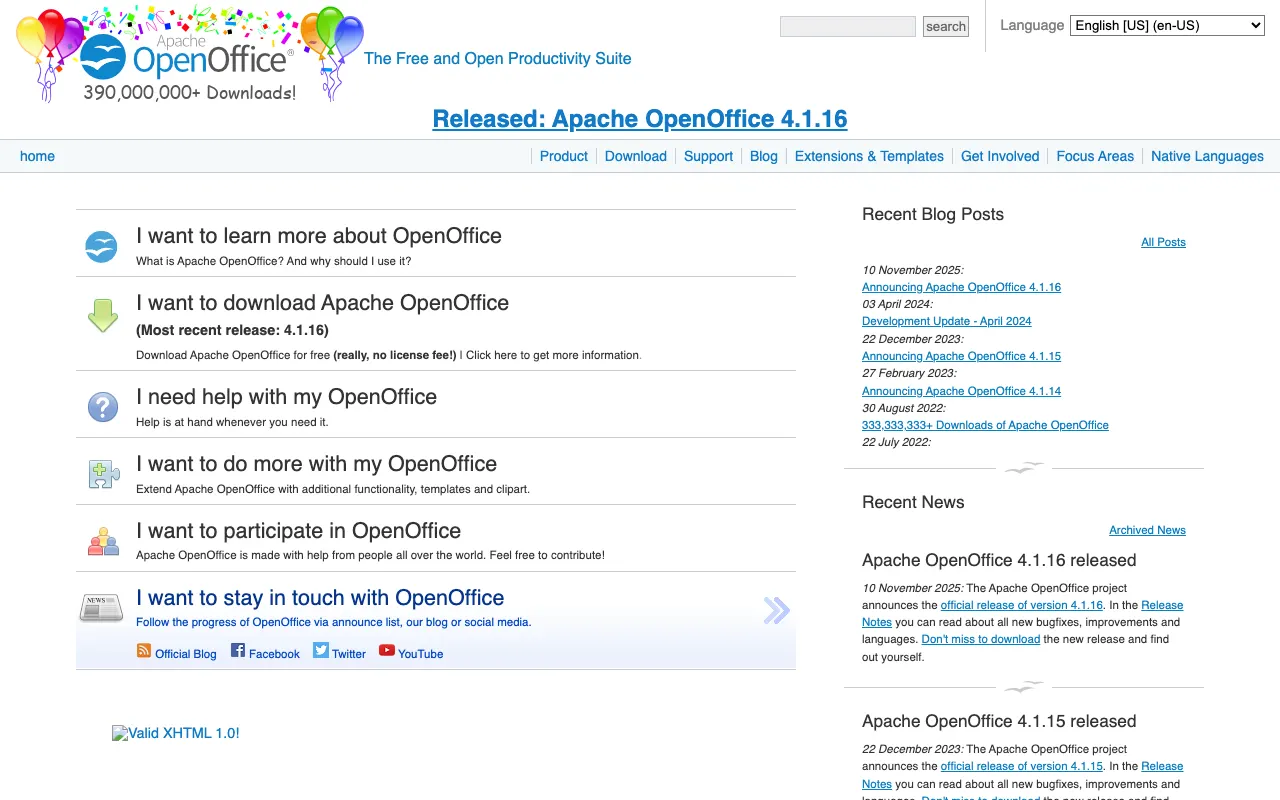
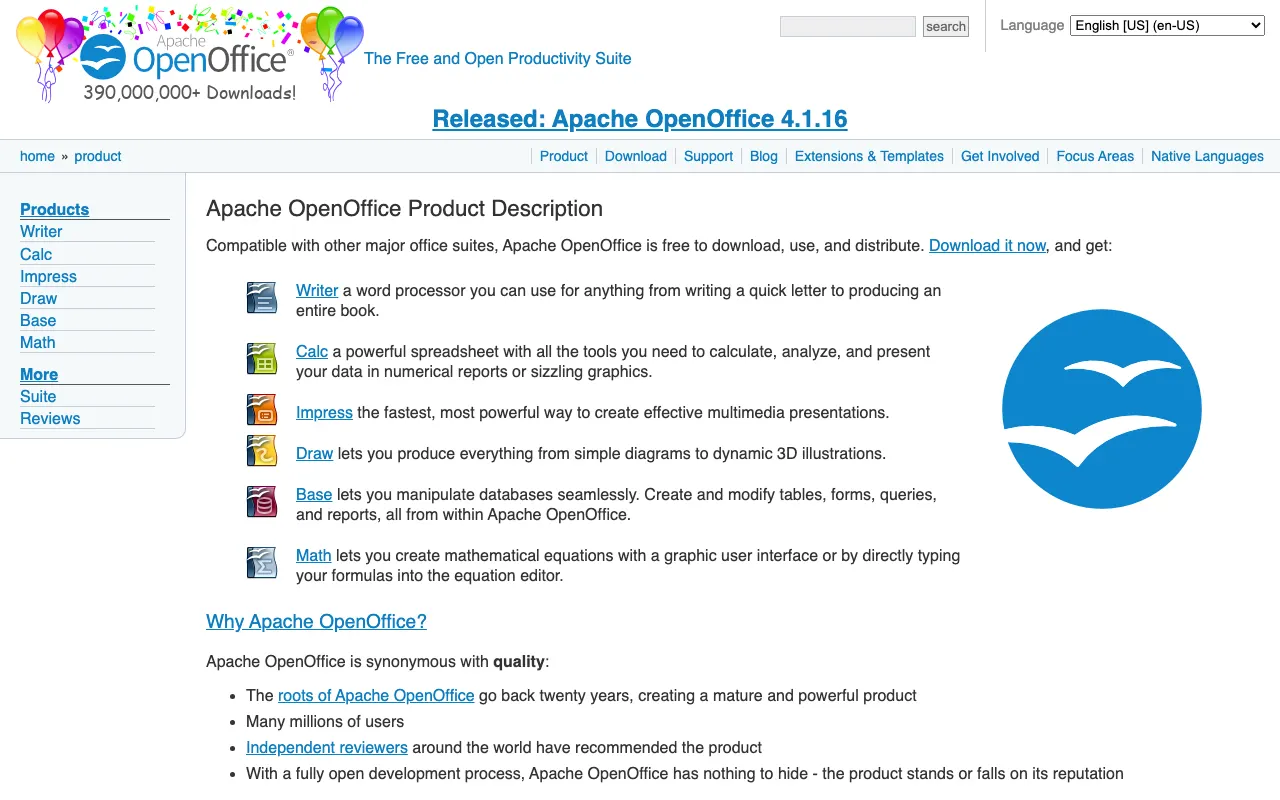
Apache OpenOffice Writer

A free and open-source word processor included in the Apache OpenOffice suite, providing reliable document creation and editing tools.

4.0
Free & Open Source Best for: Users seeking a stable, traditional word processor interface

Completely free and open source

2 screenshots — click to enlarge

Apache Main interface
Apache OpenOffice Writer product screenshot Settings view

✓ Pros

  • Stable, traditional interface familiar to users of older MS Word versions
  • Good basic document creation and editing capabilities

✕ Cons

  • Development updates less frequent than LibreOffice
  • Limited compatibility with advanced MS Word formatting

FocusWriter

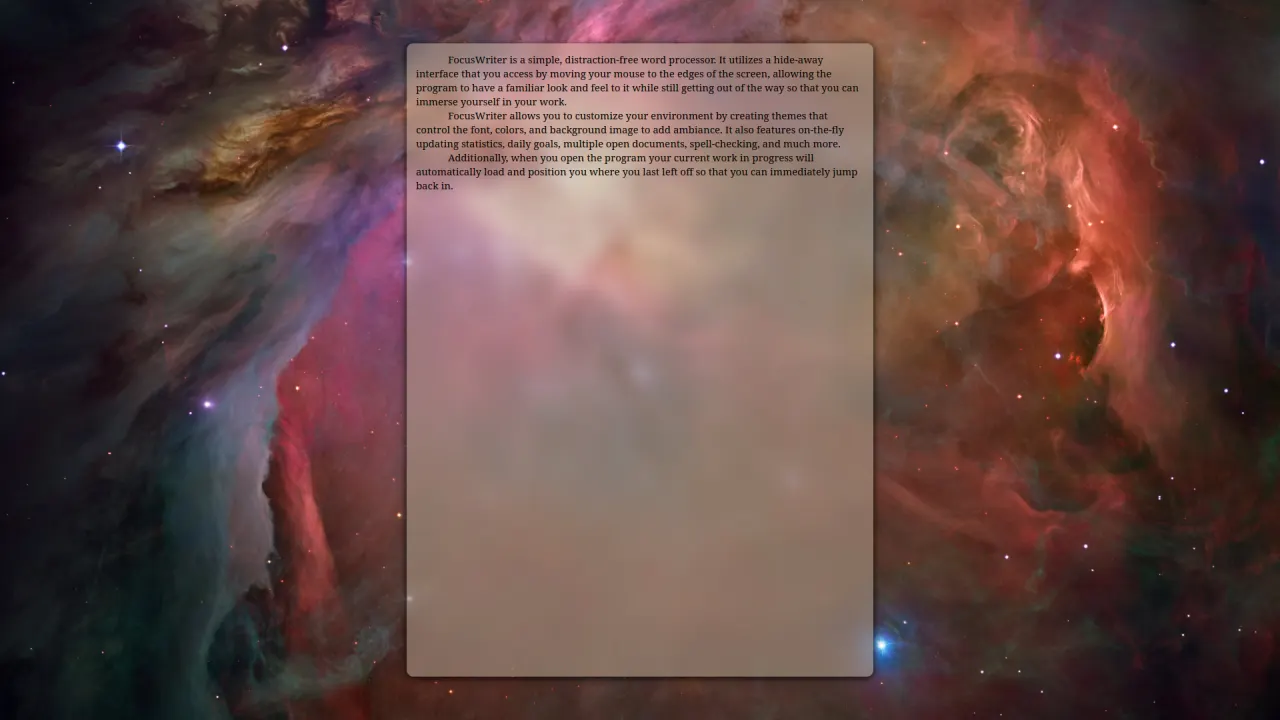
A simple, distraction-free open-source word processor with a hide-away interface designed for focused writing sessions.

4.0
Free & Open Source Best for: Distraction-free environment for creative writing

Completely free and open source

1 screenshot — click to enlarge

FocusWriter Main interface

✓ Pros

  • Excellent distraction-free full-screen writing environment
  • Built-in writing tools like daily goals and timers for productivity

✕ Cons

  • Limited formatting and document layout capabilities
  • Not suitable for complex documents or advanced formatting

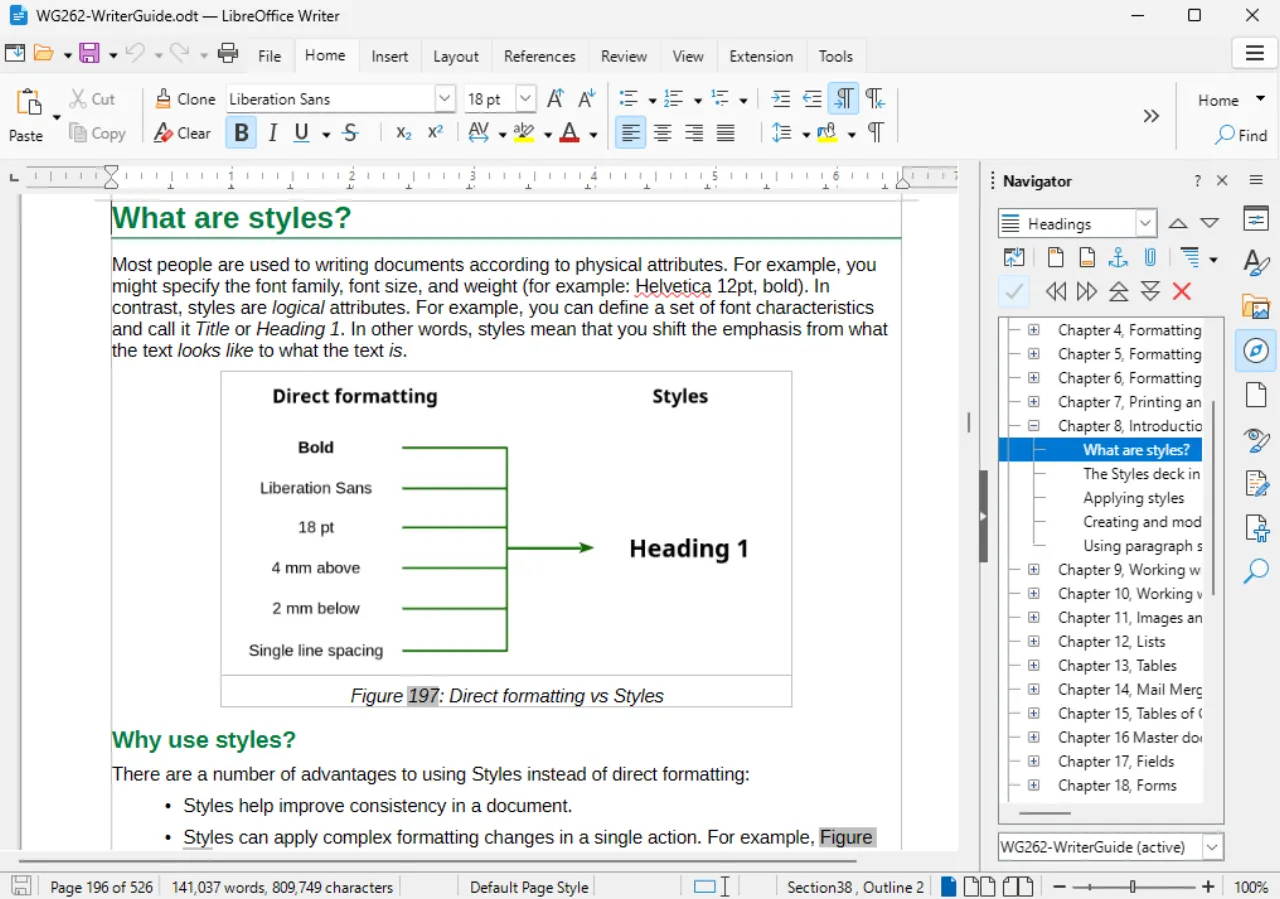
LibreOffice Writer

A free and open-source word processor that is part of the LibreOffice suite, offering comprehensive document editing features with strong Microsoft Word compatibility.

4.0
Free & Open Source Best for: Full-featured word processing with MS Word compatibility

Completely free and open source

1 screenshot — click to enlarge

LibreOffice Main interface

✓ Pros

  • Excellent compatibility with Microsoft Word formats for most documents
  • Comprehensive feature set including styles, tables, and mail merge

✕ Cons

  • Complex formatting or macros may not translate perfectly from MS Word
  • Interface can feel less polished than commercial alternatives

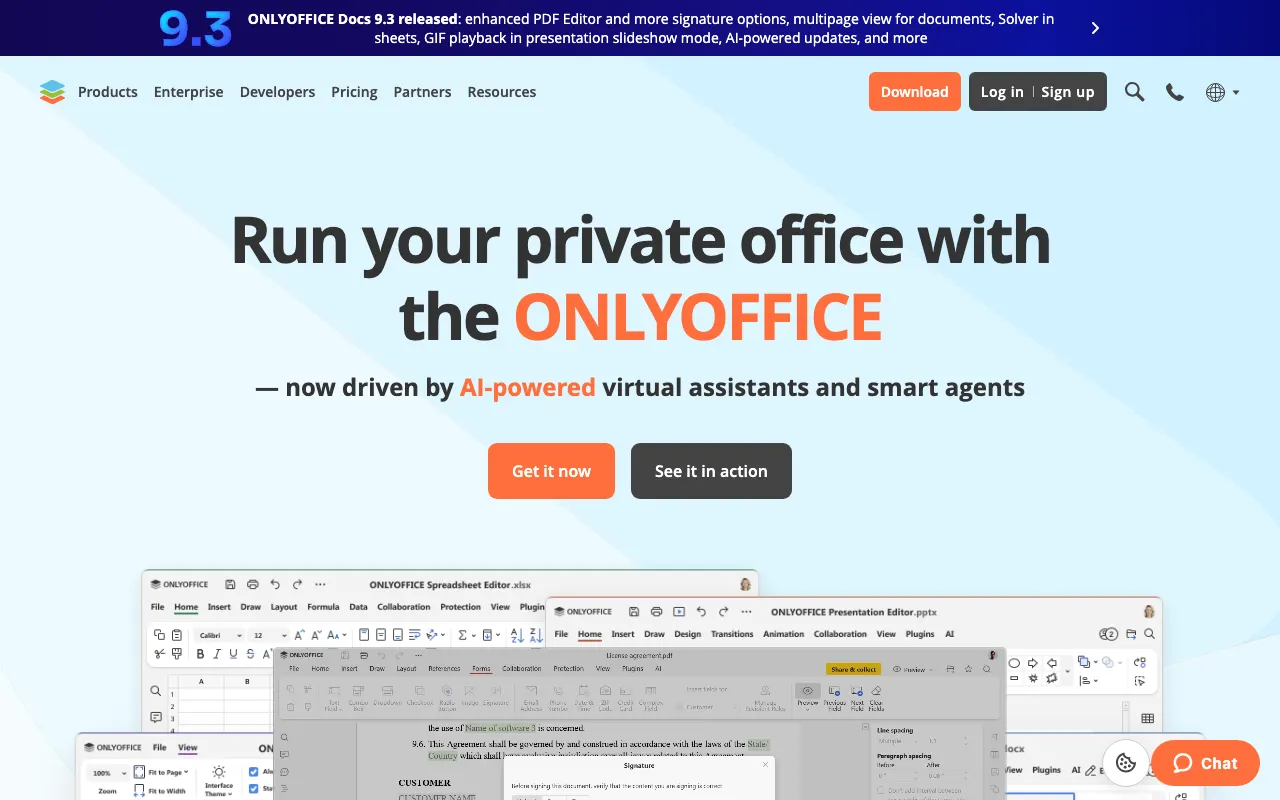
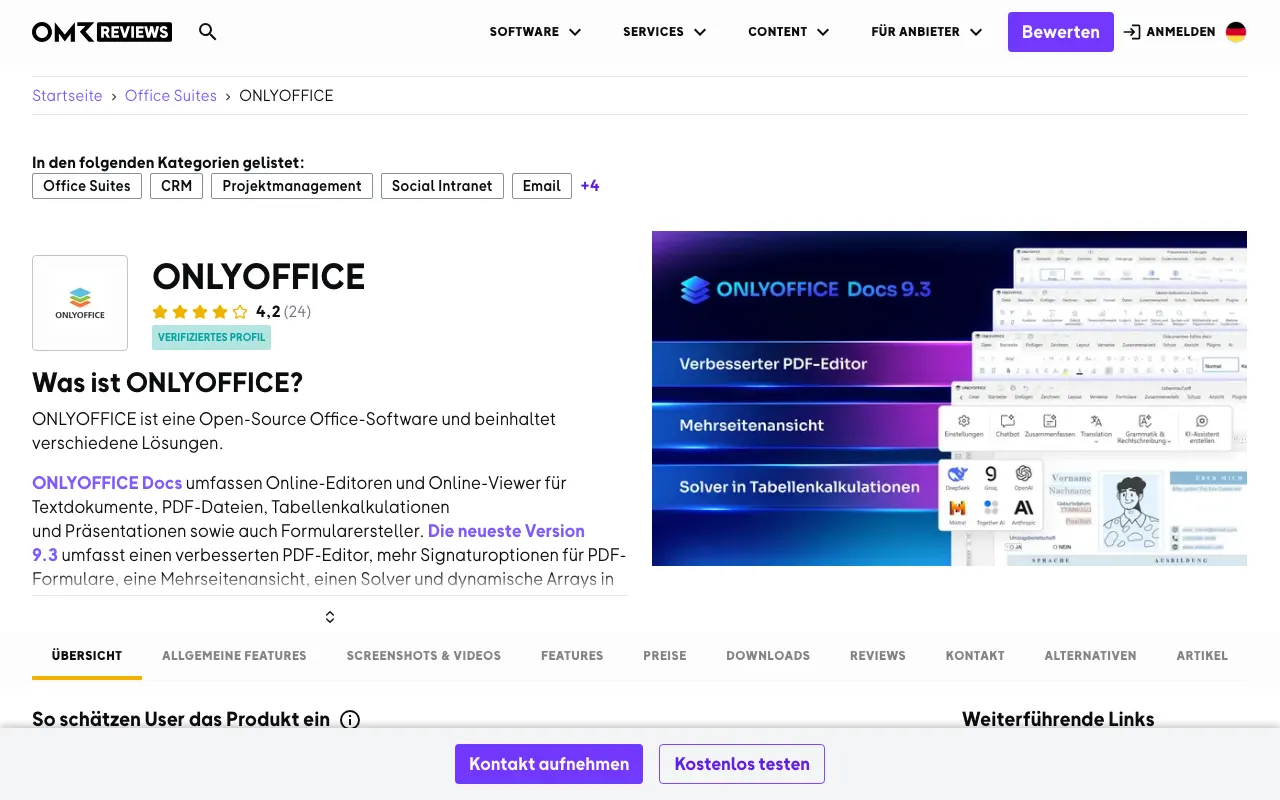
ONLYOFFICE Docs

An open-source office suite with collaborative document editing capabilities that supports all major Office formats and real-time collaboration.

4.0
Freemium (Open Source) Best for: Real-time collaborative editing with MS Office compatibility

Free open source version available; paid cloud hosting options

3 screenshots — click to enlarge

ONLYOFF Main interface
ONLY Settings view

✓ Pros

  • Real-time collaborative editing with paragraph-level co-editing
  • Strong Microsoft Office format compatibility, especially DOCX

✕ Cons

  • Advanced features may require paid enterprise version
  • Self-hosting requires technical expertise for setup

WordGrinder

A lightweight, console-based open-source word processor designed for minimal distraction and efficient text entry with Unicode support.

4.0
Free & Open Source Best for: Technical users preferring terminal-based writing tools

Completely free and open source

1 screenshot — click to enlarge

WordGr Main interface

✓ Pros

  • Extremely lightweight and runs in terminal environments
  • Efficient keyboard-driven interface with minimal distractions

✕ Cons

  • No visual formatting or WYSIWYG editing
  • Steep learning curve for non-technical users

Some links are affiliate. We never accept payment for inclusion or ranking.