Compare 4 free and open-source alternatives to Xero: GnuCash, Manager.io, and ZipBooks (+1 more). Pros, cons, pricing, and screenshots tested 2026.
Xero
Paid
★
★
★
★
★
3.5
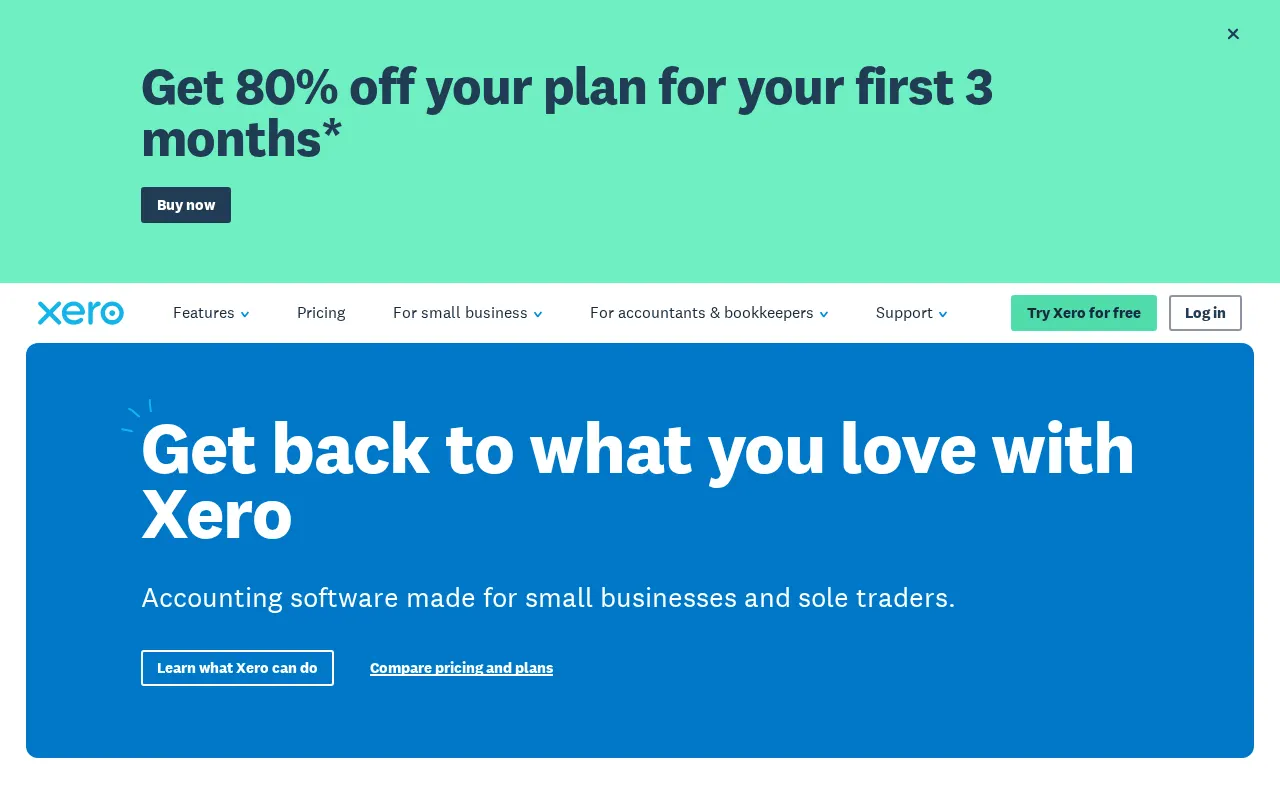
Cloud-based accounting software for small and growing businesses, offering features like invoicing, bill management, bank reconciliation, and expense tracking.
Paid
4 free options
Finance & Accounting
3.5 / 5
💡
Why people look for alternatives Xero requires a paid subscription for full access. Many users seek free or open-source alternatives that offer similar functionality without the ongoing cost or vendor lock-in.
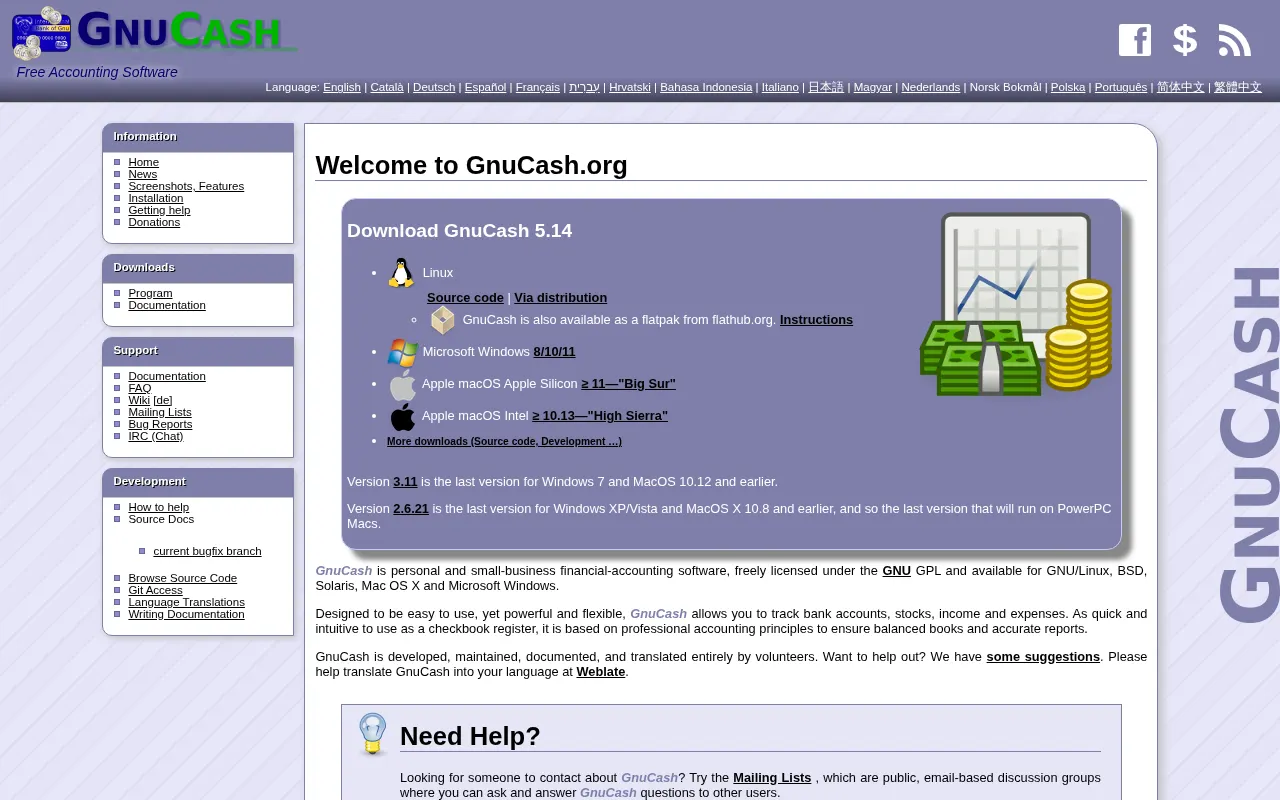
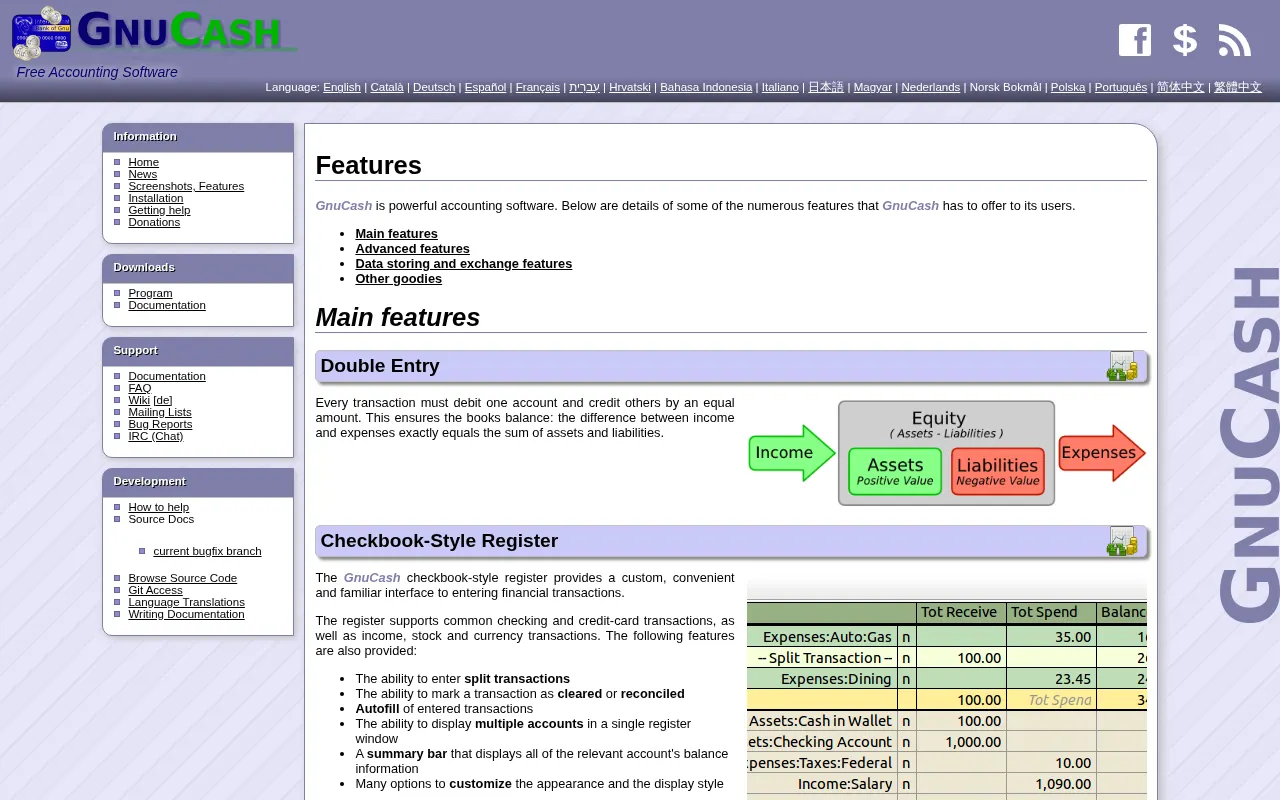
GnuCash is free and open-source accounting software for personal and small-business financial management, featuring double-entry bookkeeping, scheduled transactions, and customizable reports.
★
★
★
★
★
4.0
Free & Open SourceBest for: Small businesses, freelancers, individuals needing control
Completely free with no paid tiers or add-ons.
2 screenshots — click to enlarge
Screenshot 1Screenshot 2
✓ Pros
Completely free and fully featured
Open-source, ensuring data privacy and community-driven development
Works offline, no internet connection required
Uses professional double-entry bookkeeping
Supports scheduled transactions for recurring expenses
Offers customizable reports and graphs (balance sheets, profit & loss)
Handles multi-currency transactions and stock/mutual fund portfolios
Includes account reconciliation for bank statement matching
✕ Cons
Dated user interface compared to modern apps
Steep learning curve, especially for those new to accounting or double-entry bookkeeping
Primarily desktop-based with no native cloud sync; mobile app is for transaction recording only (CSV export)
Support is mainly through online forums, not a dedicated customer service team
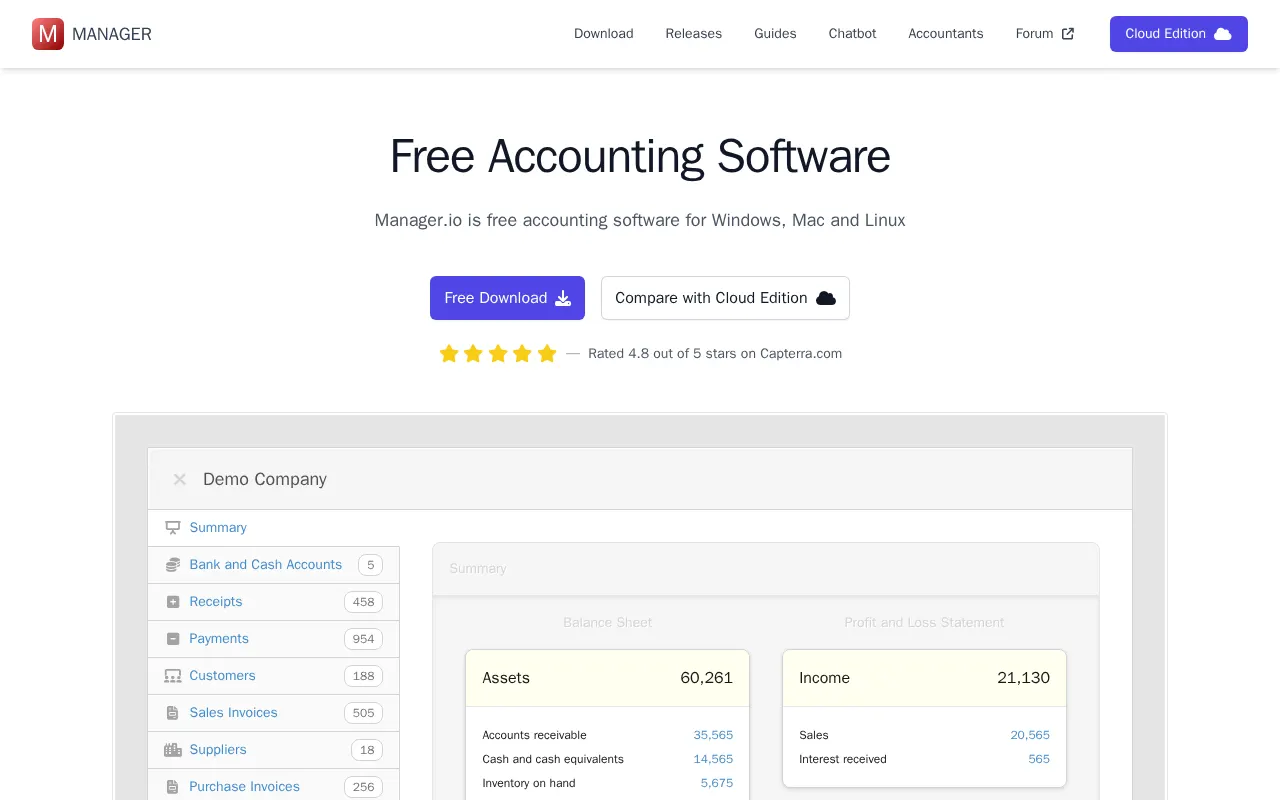
Manager.io is a comprehensive, free accounting software for Windows, Mac, and Linux, also offering a paid cloud-based solution for multi-user and remote access.
★
★
★
★
★
4.0
FreemiumBest for: Flexible and affordable accounting for freelancers & small businesses
Desktop edition is free. Cloud Edition is $59/month for unlimited users and businesses. A Server Edition is available as a one-time purchase with 12 months maintenance for self-hosting.
1 screenshot — click to enlarge
Screenshot 1
✓ Pros
Full double-entry accounting
Invoicing tools for sales, purchases, credit notes, and recurring billing
Customer, supplier, and inventory item management
Banking features including reconciliation and statement imports
Modular design allows enabling only necessary features
Fast, efficient, and capable of working offline (desktop edition)
Cross-platform compatibility (Windows, Mac, Linux for desktop)
Data is cross-compatible across all operating systems
Unlimited users and businesses in Cloud Edition for a flat fee
Download all data and continue using desktop edition for free upon cancellation of Cloud Edition
✕ Cons
Missing ability to sort columns on the batch bank statement import screen (mentioned in a review)
Adding accounts/customers/suppliers on the fly is not directly supported; requires opening multiple tabs (mentioned in a review)
Self-hosting Server Edition requires experience with web-servers
Cloud Edition is a paid subscription (not free like the desktop version)
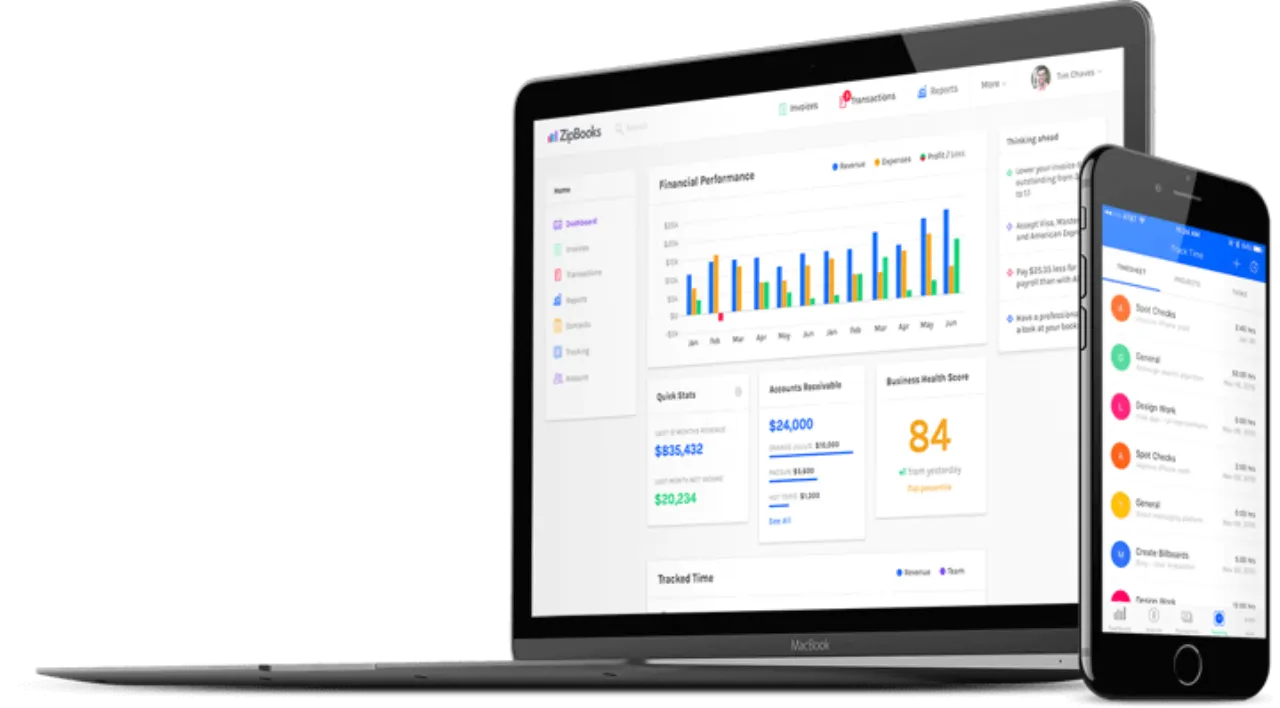
Cloud-based accounting software for small businesses, offering invoicing, expense tracking, and financial reporting. It provides user-friendly features, bank integration, time tracking, and AI-powered transaction categorization.
★
★
★
★
★
4.0
FreemiumBest for: Small businesses, freelancers, consultants, and agencies.
Free Starter plan, with paid Smarter ($15/month), Sophisticated ($35/month), and Accountant (custom pricing) plans.
1 screenshot — click to enlarge
Screenshot 1
✓ Pros
User-friendly interface for intuitive financial management
Affordable paid plans with robust features
Automated invoicing and recurring billing for efficiency
✕ Cons
Lacks some advanced enterprise-level features
No built-in contract or agreement signing capabilities
Mobile app offers limited functionality compared to web



 Screenshot 1
  Screenshot 2