Introduction
GnuCash is a free and open-source accounting software designed for personal and small-business financial management. It provides a robust desktop solution for individuals and businesses seeking full control over their financial data, making it a strong alternative to proprietary accounting solutions like Xero. Its commitment to open-source principles ensures transparency and community-driven development.
Features
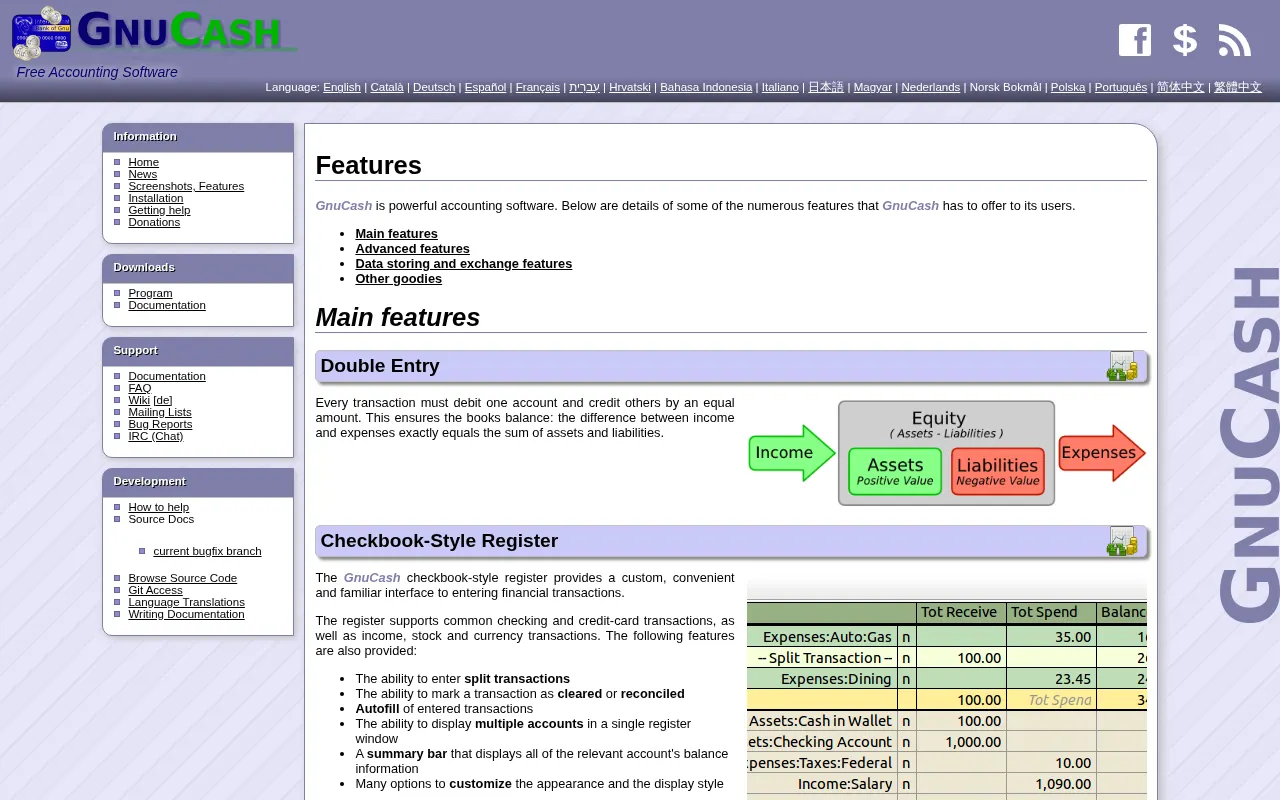
GnuCash offers a comprehensive set of features built around professional double-entry bookkeeping:
- Double-Entry Bookkeeping: Core functionality that ensures accurate and balanced financial records for all transactions.
- Scheduled Transactions: Automate recurring income and expense entries, helping to manage regular bills and payments efficiently.
- Multi-Currency Support: Manage finances across various currencies, ideal for international business or personal travel.
- Portfolio Management: Track stock, bond, and mutual fund portfolios, including capital gains/losses.
- Customizable Reports and Graphs: Generate detailed financial reports such as balance sheets, profit & loss statements, and transaction reports, all of which can be customized to specific needs.
- Account Reconciliation: Tools to reconcile bank statements with recorded transactions, ensuring accuracy and identifying discrepancies.
- Offline Operation: The desktop application works without an internet connection, providing continuous access to your financial data.
- QIF/OFX/CSV Import/Export: Facilitates importing data from banks and other financial software, and exporting data for analysis or migration.