Introduction
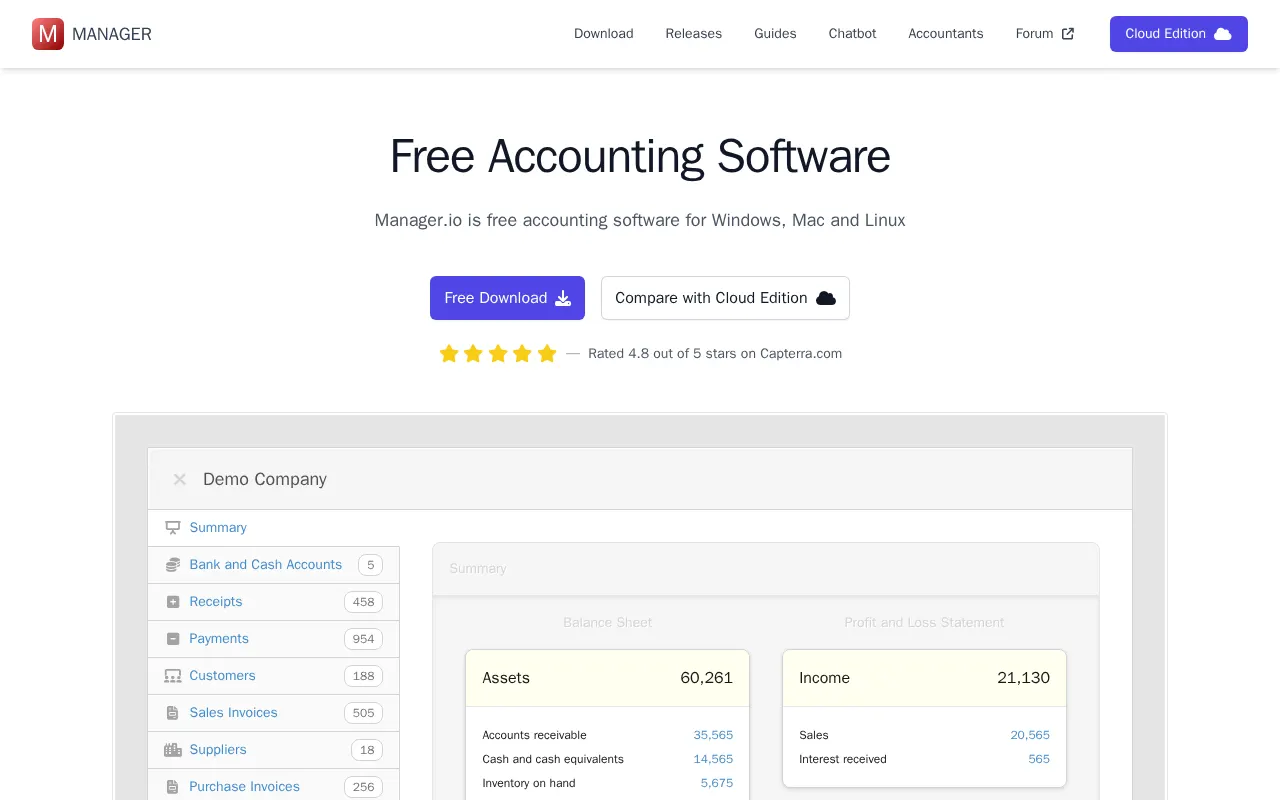
Manager.io is a versatile accounting software designed for freelancers, small businesses, and accountants. It provides robust double-entry accounting features, making it a compelling alternative for those seeking an affordable and flexible financial management solution, especially compared to tools like Xero. Its availability as a free desktop application, alongside paid cloud and server editions, offers options for various user needs.
Features
Manager.io provides a comprehensive suite of features to manage your business finances effectively:
- Complete Double-Entry Accounting: Ensures accuracy and compliance with full double-entry ledger capabilities.
- Invoicing and Billing: Create and manage sales invoices, purchase invoices, credit notes, and set up recurring billing for efficient revenue management.
- Customer, Supplier, and Inventory Management: Keep track of all your contacts and inventory items, simplifying operations.
- Banking and Reconciliation: Facilitates bank reconciliations and allows for easy import of bank statements.
- Modular Design: Only enable the features you need, providing a clean and tailored user experience.
- Offline Capability: The desktop edition runs fast and efficiently, even without an internet connection.
- Cross-Platform Compatibility: Enjoy the flexibility of using Manager.io on Windows, Mac, and Linux operating systems, with data being fully cross-compatible.
- Scalable Cloud Edition: The Cloud Edition supports unlimited users and businesses for a flat monthly fee, making it ideal for growing teams.
- Data Portability: Users can download all their data and continue using the free desktop edition if they cancel their Cloud Edition subscription.