5 Free & Open Source Alternatives to Telegram (2026)
Compare 5 free and open-source alternatives to Telegram: Signal, Berty, and Element (+2 more). Pros, cons, pricing, and screenshots tested 2026.
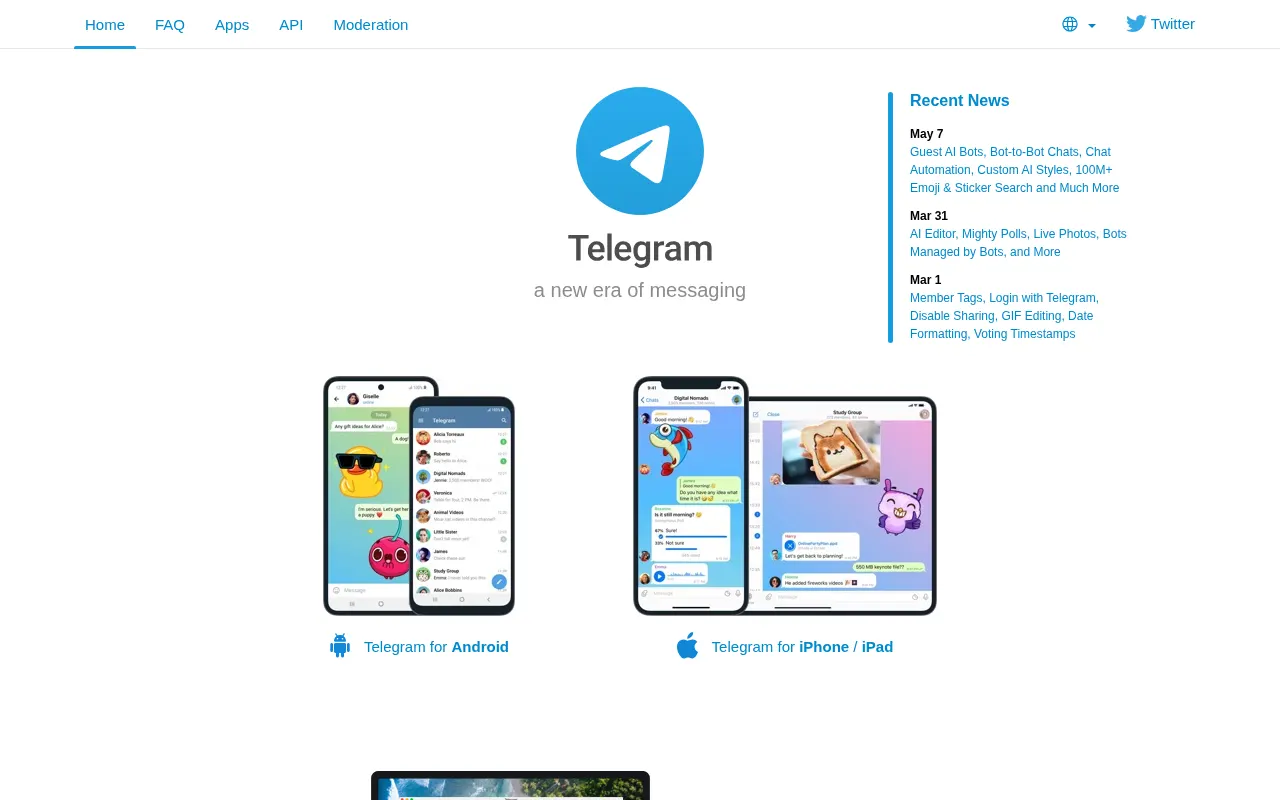
Telegram
Freemium (Open Source)
★
★
★
★
★
4.5
Telegram is a cloud-based mobile and desktop messaging app focused on security, speed, and privacy, offering a wide range of communication tools.
Freemium (Open Source)
5 free options
Communication Tools
4.5 / 5
💡
Why people look for alternatives Telegram has a free tier with limitations. Many users seek fully free or open-source alternatives that offer the same capabilities without paywalled features or usage caps.
Signal is a privacy-focused messaging app offering free, end-to-end encrypted communication, including texts, voice messages, photos, videos, and secure voice and video calls.
★
★
★
★
★
5.0
Freemium (Open Source)Best for: Individuals and groups seeking highly private and secure communication
Free for basic messaging and 45 days of media backups. Paid plan at $1.99/month for 100GB of full media backups.
✓ Pros
Strong end-to-end encryption for all communications
Free for core messaging features
User-friendly design
Supports voice and video calls (individual and group)
Offers group chats and disappearing stories
Nonprofit organization, no ads or data collection
Open-source code for transparency and verification
✕ Cons
Advanced features may have a learning curve
Not designed for easy self-hosting despite being open-source
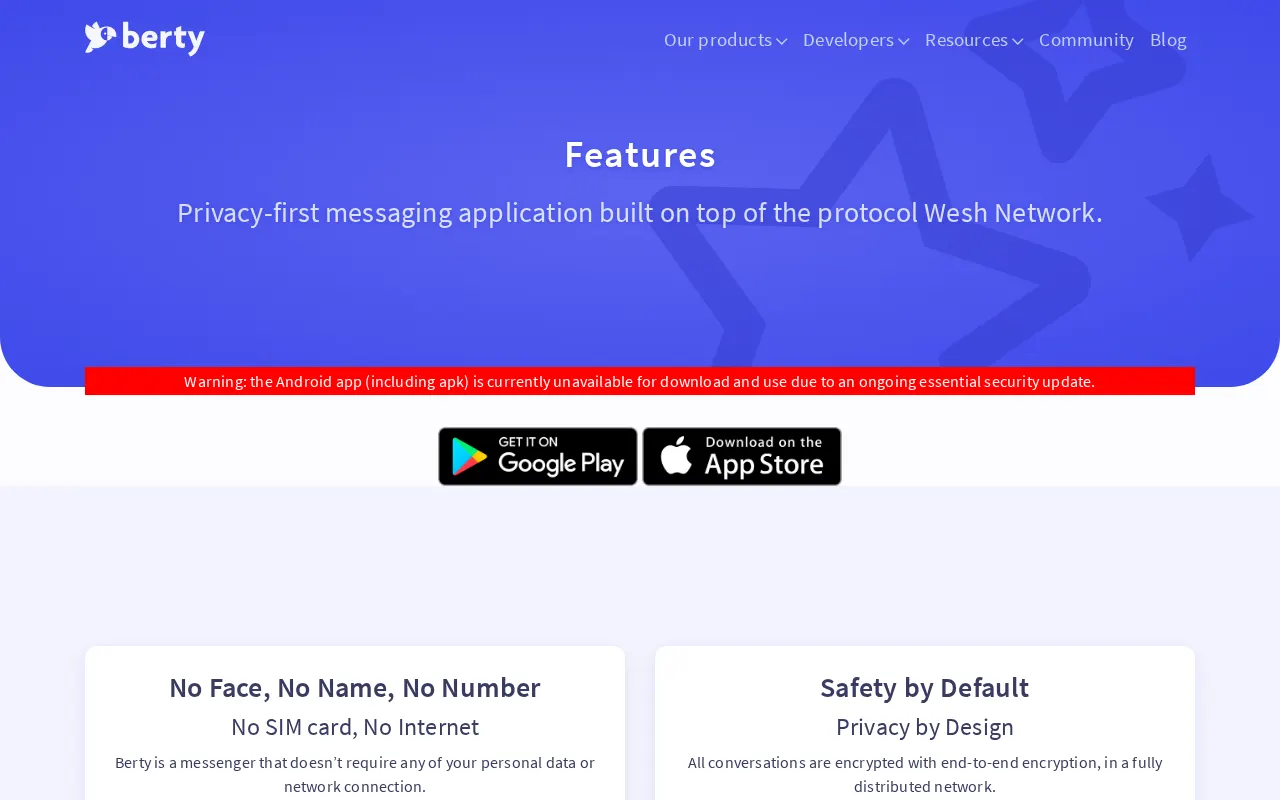
Berty is a privacy-first, secure, and decentralized messaging app. It offers end-to-end encryption, requires no phone number or email, and works offline via a distributed network using BLE technology.
★
★
★
★
★
4.5
Free & Open SourceBest for: Anonymous and secure communication in untrusted or offline networks.
Free forever.
2 screenshots — click to enlarge
Screenshot 1Screenshot 2
✓ Pros
End-to-end encrypted by default
Minimum metadata collected; no phone number or email required
Works without internet or SIM card using a distributed network (BLE, mDNS)
Censorship-resilient, decentralized, peer-to-peer, and serverless
Free forever and open-source
Designed for anonymous communication
✕ Cons
Interoperability challenges between Android and iOS
Limited performance due to Bluetooth Low Energy (BLE)
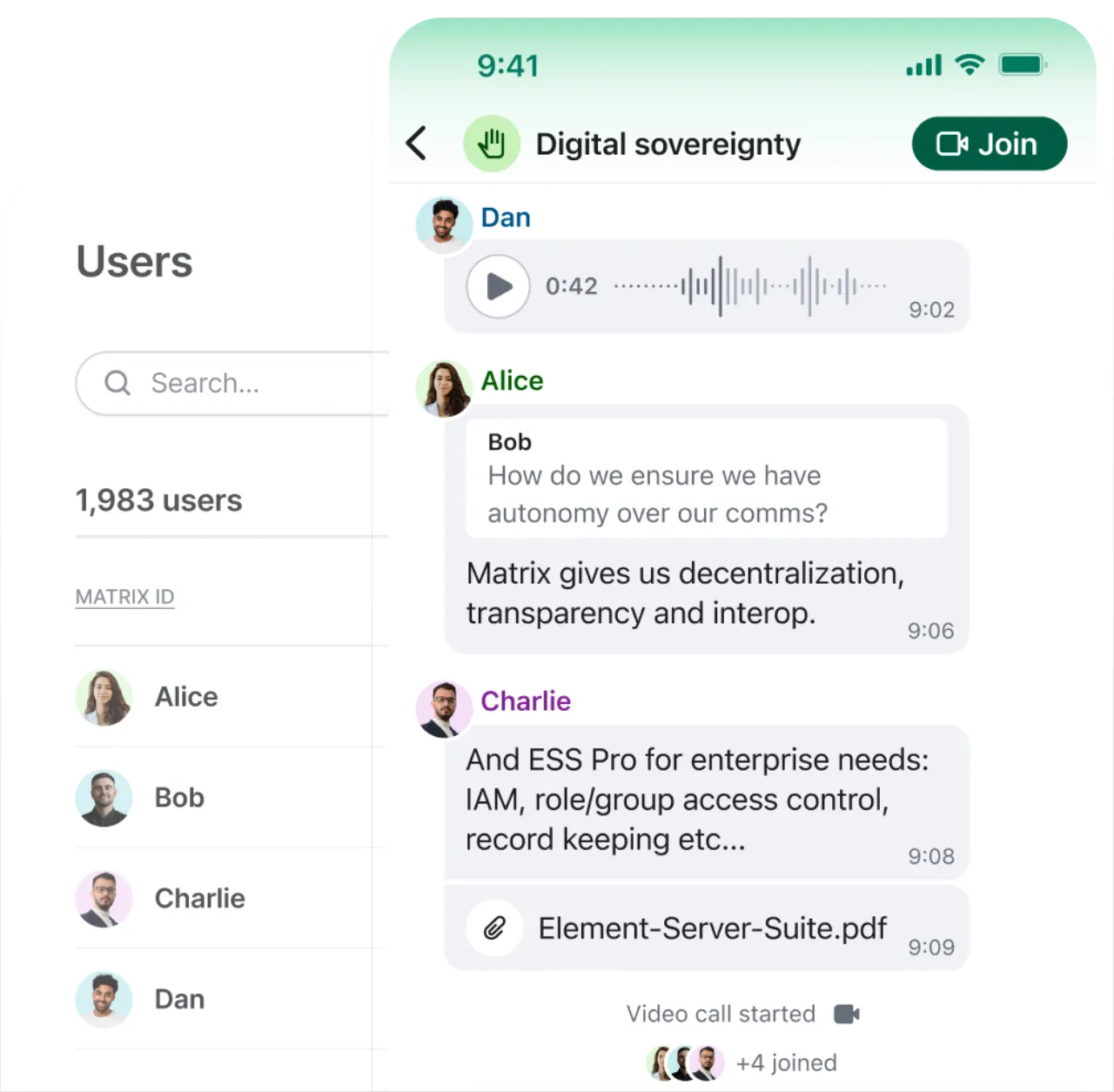
An end-to-end encrypted, decentralized communication tool offering public and private rooms, file sharing, and audio/video calls with enhanced security and user control.
★
★
★
★
★
4.5
Freemium (Open Source)Best for: Secure, private, self-hostable communication for organizations.
Free open-source apps, with paid Element Server Suite Pro for professional use and enterprise features.
3 screenshots — click to enlarge
Screenshot 1Screenshot 2
✓ Pros
Strong security features with end-to-end encryption
Open-source software and protocol (Matrix)
Decentralized platform with hosting flexibility (self-hostable)
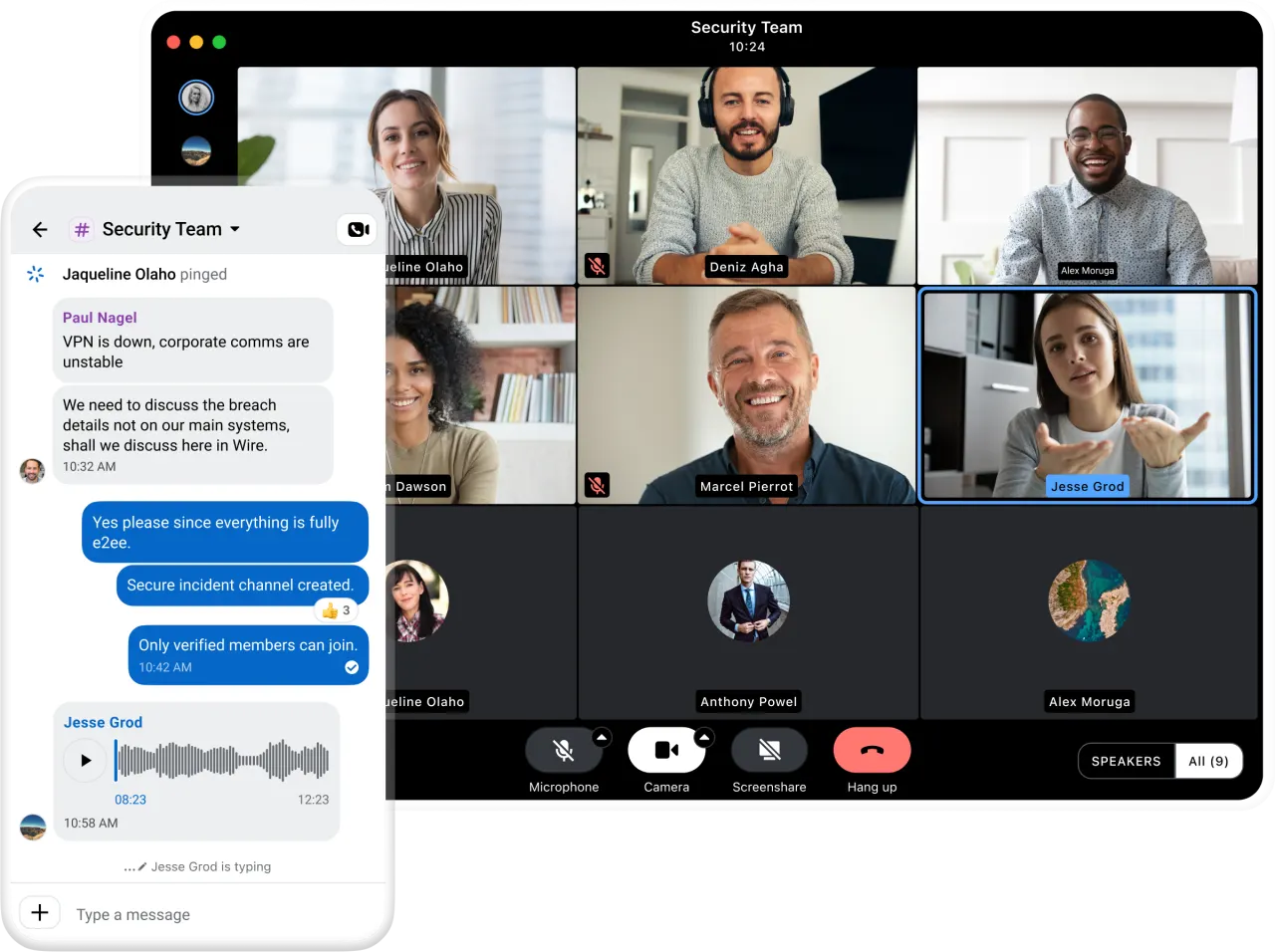
Wire is a secure communication app offering end-to-end encrypted messaging, voice, video calls, and file sharing, designed for private and corporate use with a focus on data privacy.
★
★
★
★
★
4.5
Freemium (Open Source)Best for: Organizations and teams requiring highly secure and compliant communication.
Free for small teams (up to 5 people), with paid SMB and Enterprise plans starting at €7.45/person/month (billed annually).
3 screenshots — click to enlarge
Screenshot 1Screenshot 2
✓ Pros
End-to-end encryption for all communications (messages, calls, files)
A decentralized and open-source messaging app focused on privacy and anonymity, using onion routing and the Signal protocol, designed to minimize metadata leakage without requiring personal information.
★
★
★
★
★
3.5
Freemium (Open Source)Best for: Individuals prioritizing extreme privacy and anonymity in their messaging
Free for core features; Session Pro for additional capabilities, pricing unconfirmed.
1 screenshot — click to enlarge
Screenshot 1
✓ Pros
Decentralized and open-source
Strong privacy and anonymity (no phone number or email required)
End-to-end encryption
Minimal metadata leakage
Censorship-resistant
Multi-device support
Supports attachments and group chats
✕ Cons
Critical funding issues leading to potential shutdown or volunteer-only maintenance by July 2026
Previously had forward secrecy issues (though planned to be brought back)
Attachment storage utilizes a centralized server (though content is unknown)