5 Free & Open Source Alternatives to Adobe Photoshop (2026)

Adobe Photoshop is the industry-standard raster graphics editor for photo editing, digital painting, compositing, and graphic design, used by professionals worldwide. Below are the best free replacements we've tested.

Adobe Photoshop

Paid 4.0

Adobe Photoshop is the industry-standard raster graphics editor for photo editing, digital painting, compositing, and graphic design, used by professionals worldwide.

Paid
5 free options
Design Tools
4 / 5
Why people look for alternatives Adobe Photoshop requires a paid subscription for full access. Many users seek free or open-source alternatives that offer similar functionality without the ongoing cost or vendor lock-in.
[Adobe Photoshop screenshot]
Visit Adobe Photoshop →

Quick Comparison

Tool Pricing Best for Rating

Detailed Reviews

Adobe Lightroom

Adobe Lightroom is an all-in-one cloud-based photo organizing, editing, and sharing tool with powerful features for desktop, mobile, and web.

4.0
Paid Best for: Cloud-based photo editing and organization for creators

US$11.99/mo, annual, billed monthly. Includes Lightroom for mobile, desktop, and web, plus Lightroom Classic.

✓ Pros

  • All-in-one photo organizing, editing, and sharing tool with cloud syncing
  • Nondestructive edits and powerful editing features
  • Works across desktop, mobile, and web
  • Great for quick simple edits and batch edits
  • Tools and terminology consistent with other Adobe products

✕ Cons

  • Requires a paid subscription
  • Cloud storage is included and required
  • May sacrifice some organizational features compared to Lightroom Classic

Affinity Photo

A professional-grade photo editing desktop application with non-destructive editing, RAW processing, and a one-time purchase model.

4.0
Paid

One-time purchase at $69.99 (version 2); no subscription required. Perpetual licence with paid upgrades for major versions.

1 screenshot — click to enlarge

Aff Main interface

✓ Pros

  • One-time purchase with no subscription — pay once and own it permanently
  • Professional features including RAW processing, focus stacking, and HDR merging

✕ Cons

  • Not free and not open source — requires an upfront purchase to use
  • Smaller community and fewer third-party plugins than Adobe Photoshop

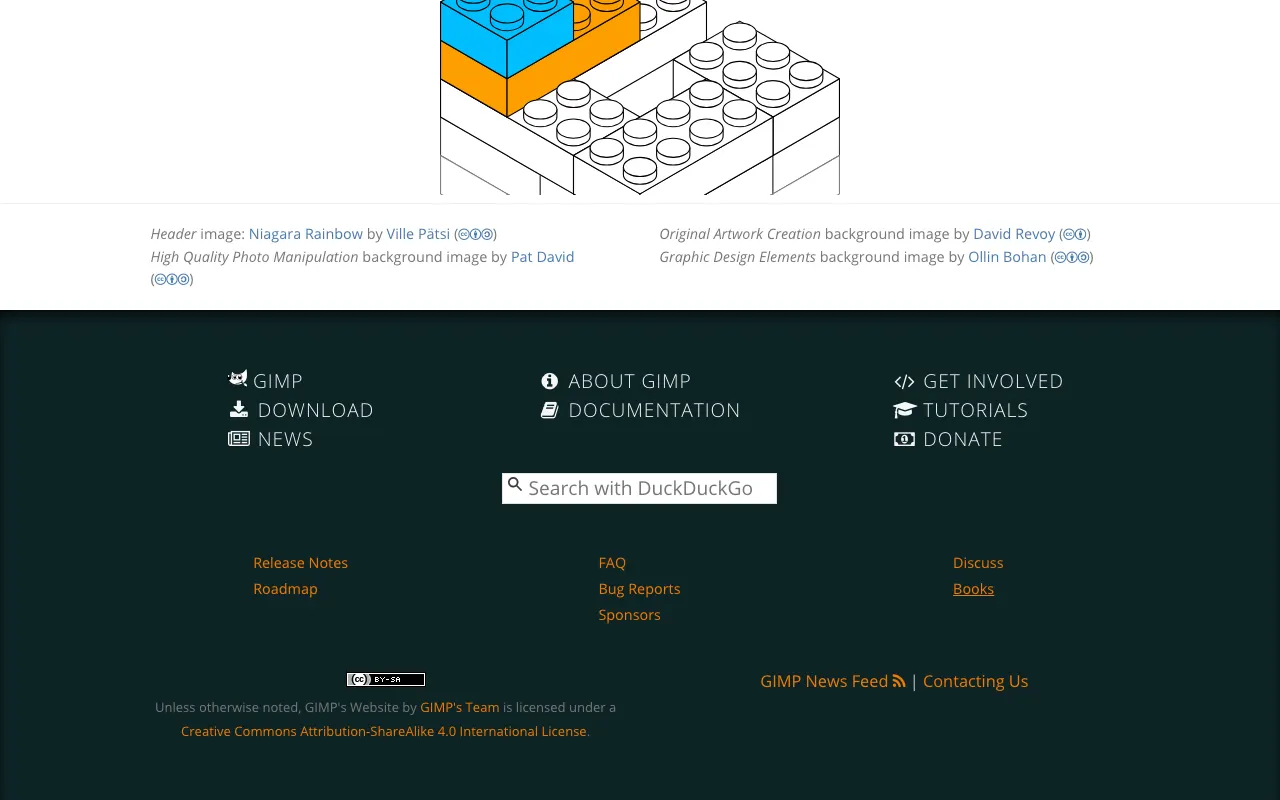
GIMP

A powerful open-source raster graphics editor for photo retouching, image composition, and authoring, available on Linux, macOS, and Windows.

4.0
Free & Open Source

1 screenshot — click to enlarge

GIMP Main interface

✓ Pros

  • Completely free and open source under GPL — no subscription or one-time fee required
  • Supports a wide range of file formats including PSD for Photoshop compatibility

✕ Cons

  • Interface and workflow differ significantly from Photoshop, requiring a learning curve
  • Lacks advanced features like non-destructive layer effects and native CMYK editing

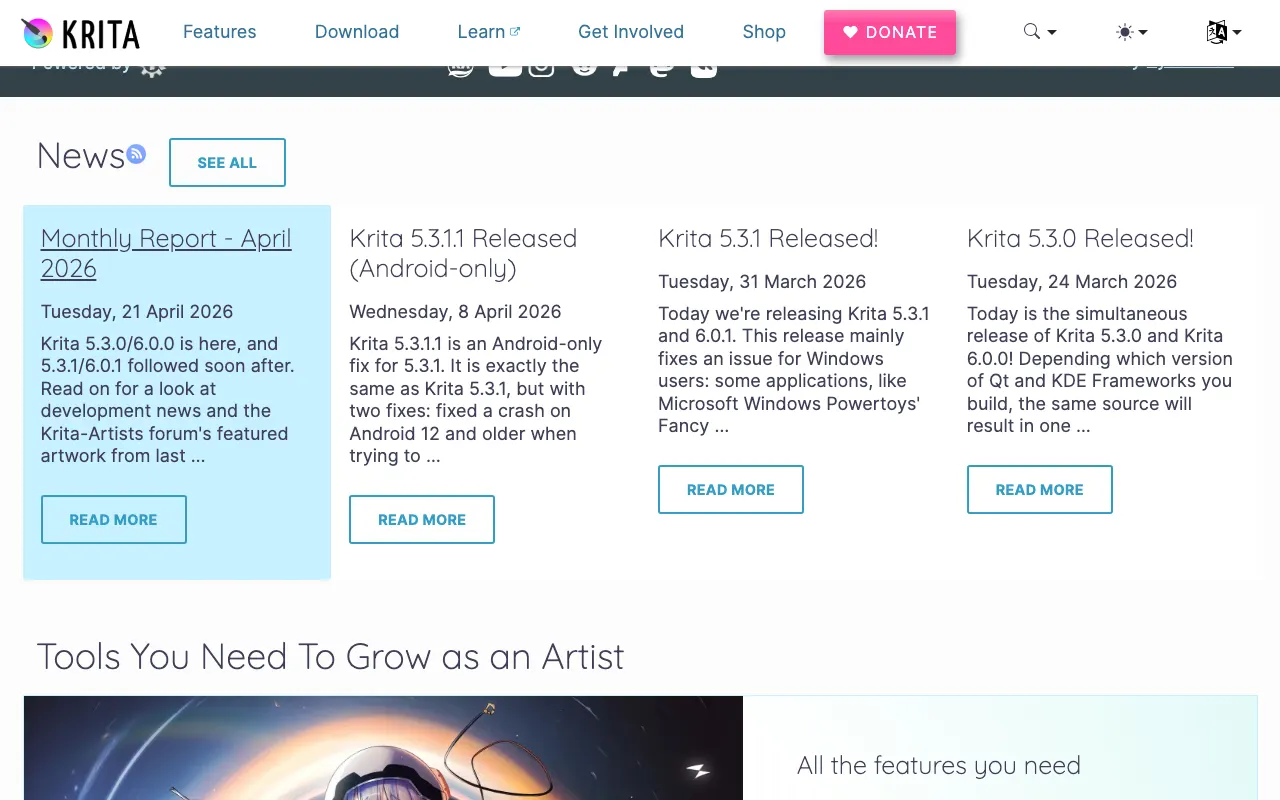
Krita

A professional open-source painting program designed for digital art, illustration, and concept art, with an exceptional brush engine.

4.0
Free & Open Source

1 screenshot — click to enlarge

Krita Main interface

✓ Pros

  • Fully free and open source under GPL with a welcoming and active community
  • Exceptional brush engine and drawing tools that surpass Photoshop for digital artists

✕ Cons

  • Optimised for painting and illustration rather than photo editing or compositing workflows
  • Performance can struggle on very large files compared to Photoshop

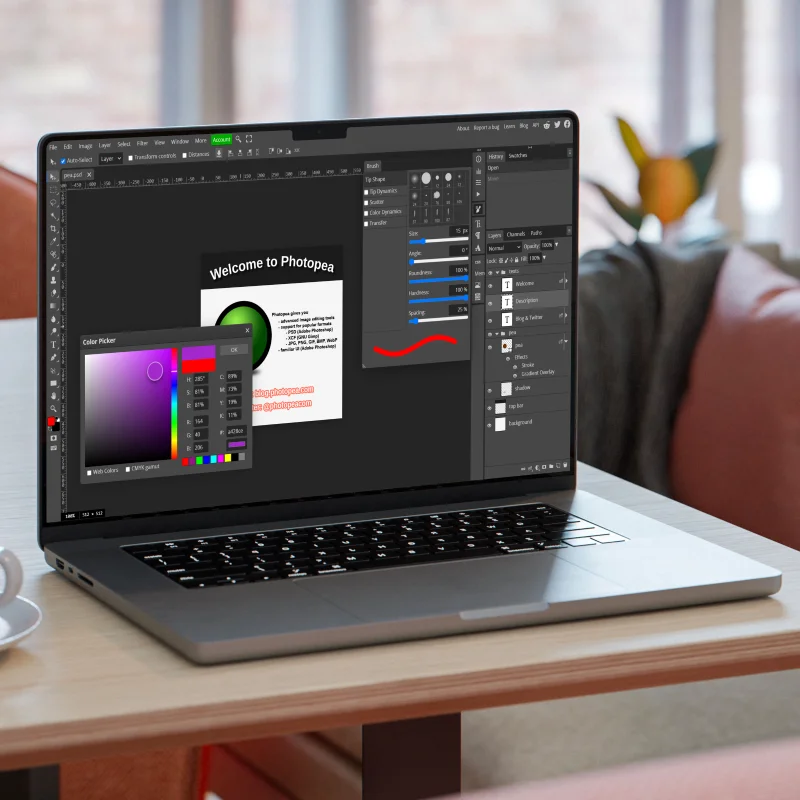
Photopea

A free browser-based photo editor with a Photoshop-like interface that reads and writes PSD files with no download or installation needed.

4.0
Freemium

Free with ads in the browser; Pro plan at $5/month removes ads and enables offline use.

1 screenshot — click to enlarge

Photo Main interface

✓ Pros

  • Runs entirely in the browser — no installation, works on any operating system or device
  • Reads and writes PSD, AI, XCF, and Sketch files natively

✕ Cons

  • Not open source; requires an internet connection for the free ad-supported version
  • Performance is slower than native desktop apps for large files or complex projects

Some links are affiliate. We never accept payment for inclusion or ranking.