4 Free & Open Source Alternatives to Claude Code (2026)
Compare 4 free and open-source alternatives to Claude Code: Aider, Gemini CLI, and Amazon Q Developer (+1 more). Pros, cons, pricing, and screenshots tested 2026.
Claude Code
Free
★
★
★
★
★
3.5
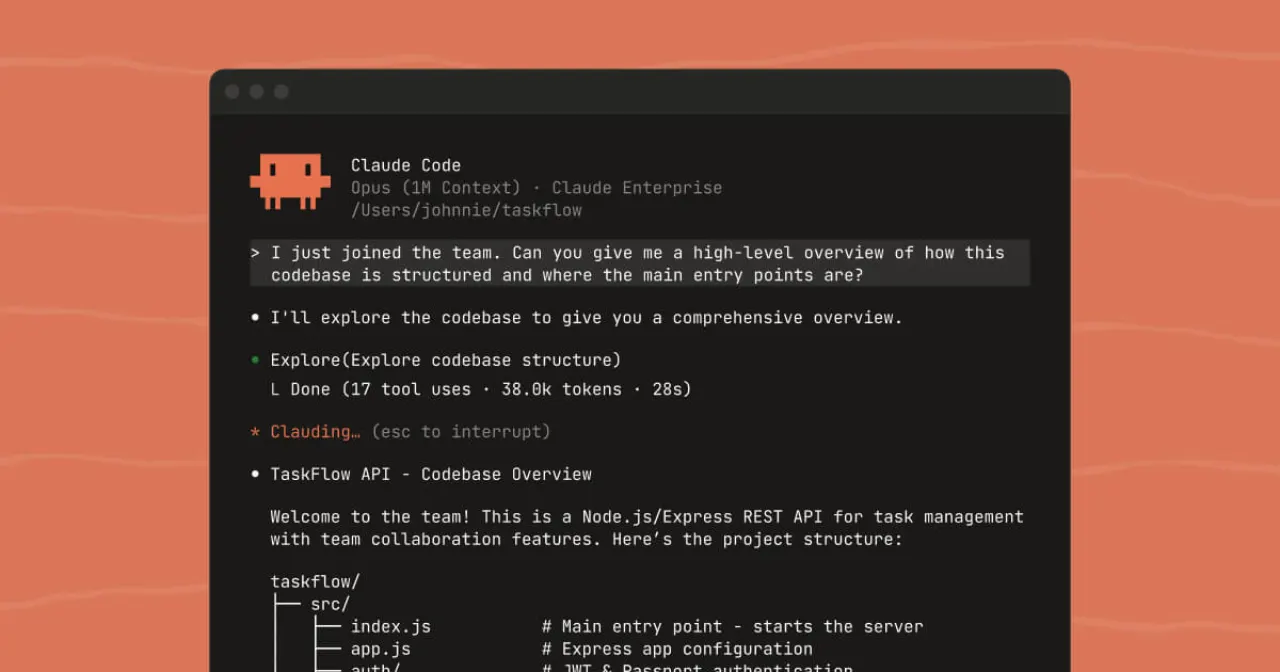
Claude Code is an agentic coding system that reads your codebase, makes changes across files, runs tests, and delivers committed code. For builders without an engineering background, it's an entry point to software development.
Free
4 free options
AI Tools
3.5 / 5
💡
Why people look for alternatives Some users prefer self-hosted or privacy-focused alternatives to Claude Code that give them full control over their data and infrastructure.
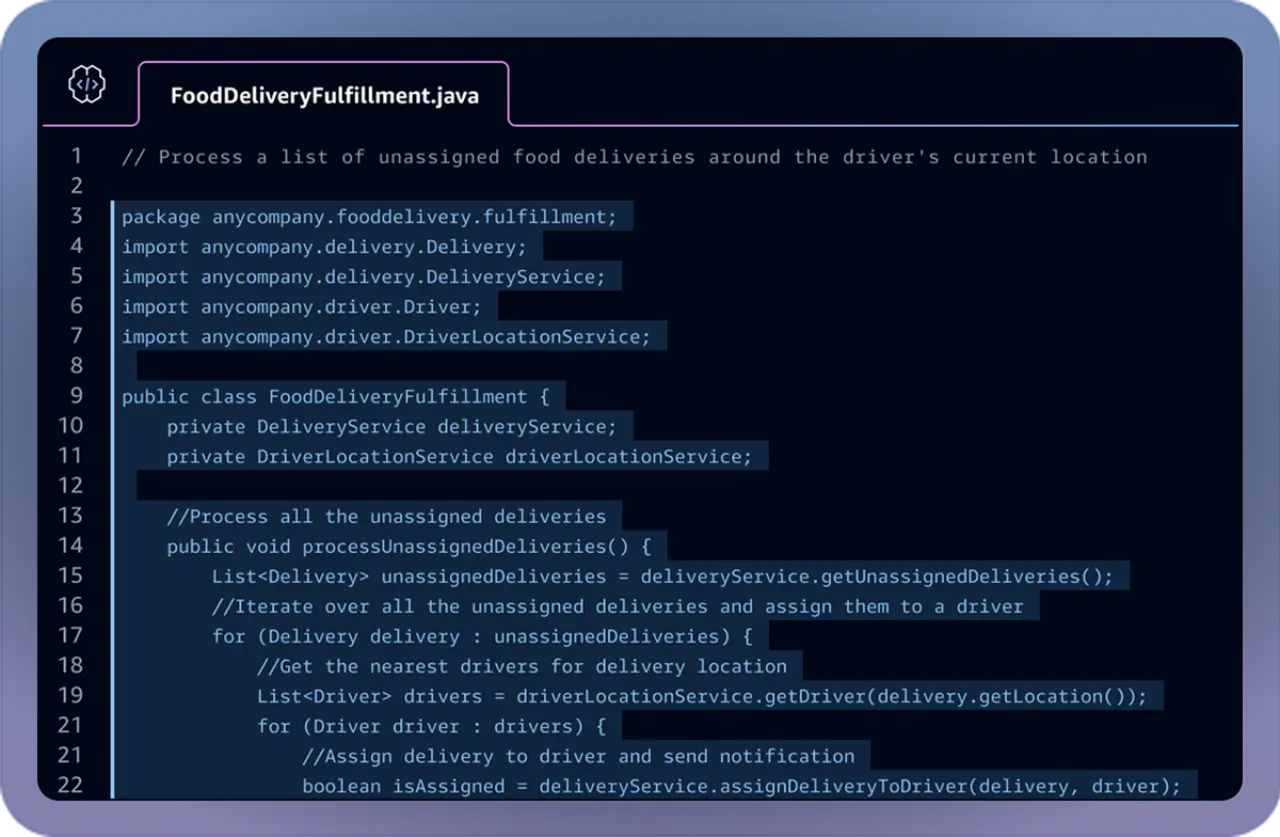
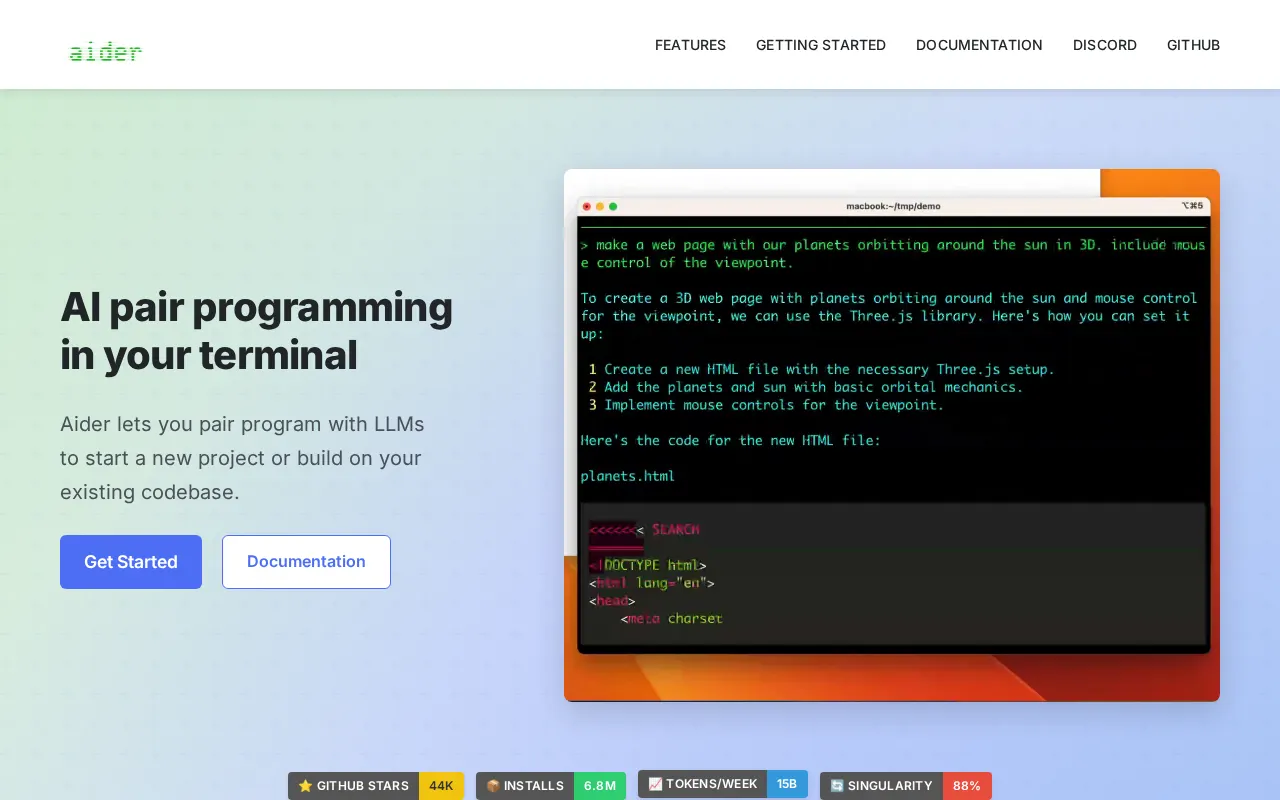
An AI pair programming tool that runs in your terminal, helping developers build new projects or extend existing codebases faster and more confidently by using powerful large language models to understand code and implement precise changes.
★
★
★
★
★
4.5
Free & Open SourceBest for: Terminal-first developers, open-source contributors, and those in CI/CD CLI workflows.
Aider is free to use; users provide their own API keys for large language models and pay LLM providers directly for usage.
1 screenshot — click to enlarge
Screenshot 1
✓ Pros
Supports a wide range of cloud and local LLMs (Claude, DeepSeek, OpenAI, etc.)
Automatically maps the full codebase for better context and accurate edits in large projects
Works with over 100 programming languages
Built-in Git integration with automatic commits and clear messages
Can be used inside various IDEs or editors
Offers features like linting, testing, image input, web references, and voice-to-code support
Capable of editing multiple files at once for complex requests
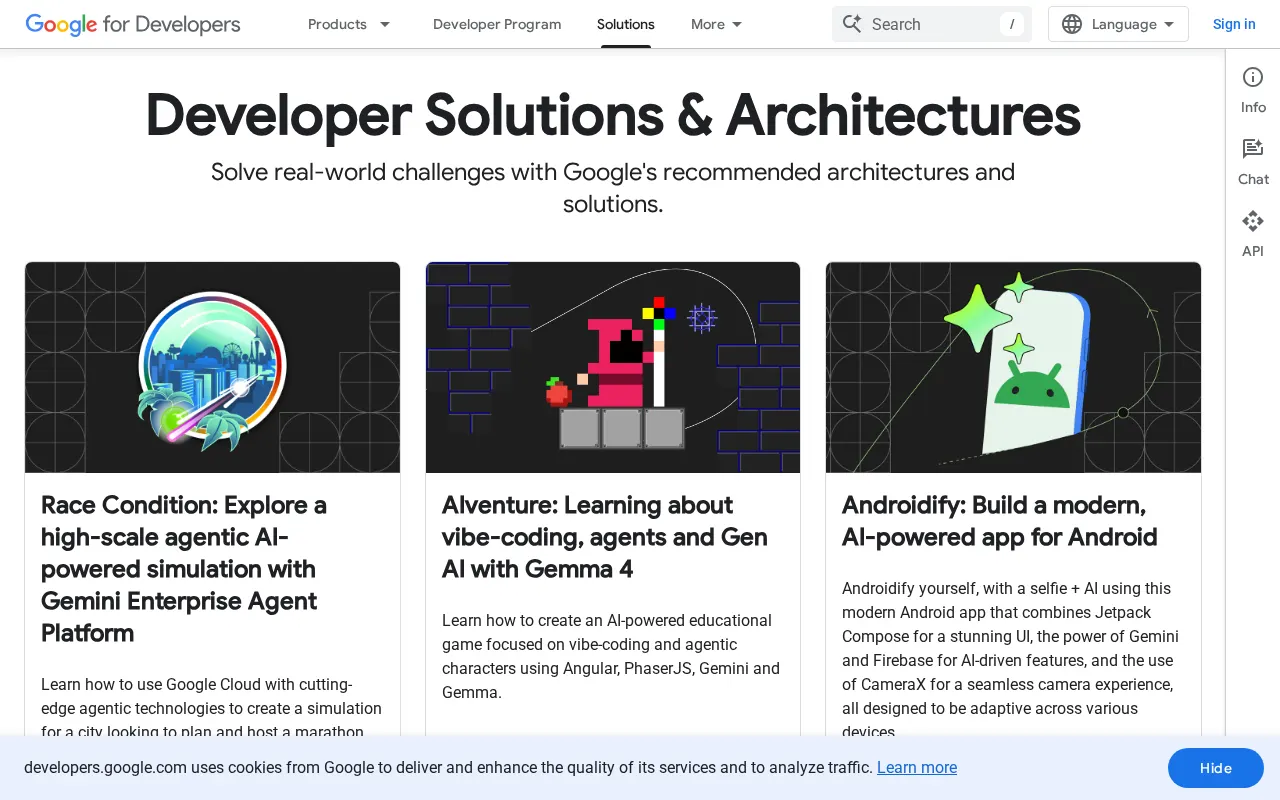
A free and open-source terminal-based AI coding agent that provides direct access to Gemini models, enabling tasks like fixing bugs, creating features, and improving test coverage in an interactive REPL environment.
★
★
★
★
★
4.5
Free & Open SourceBest for: Individual developers for rapid prototyping and personal projects
Free tier with 60 requests/min and 1,000/day with a personal Google account. Paid plans available for heavier usage via Google AI Studio or Gemini API.
2 screenshots — click to enlarge
Screenshot 1Screenshot 2
✓ Pros
Free access to a capable terminal coding agent
Good for rapid prototyping or exploring unfamiliar codebases
Google ecosystem integration (Search grounding, GitHub Actions)
Open source (Apache 2.0 licensed) for inspection, modification, or forking
Offers a strong price-to-performance ratio for API costs
Multimodal capabilities (can process PDFs, sketches, images)
Features a 1 million token context window
Powered by Gemini 2.5 Pro
Built-in tools for file operations, shell commands, and web fetching
Extensible with Model Context Protocol (MCP) for custom integrations
✕ Cons
May lack advanced features for deep code reasoning and multi-file refactoring compared to some paid alternatives
Quotas are shared with Gemini Code Assist agent mode
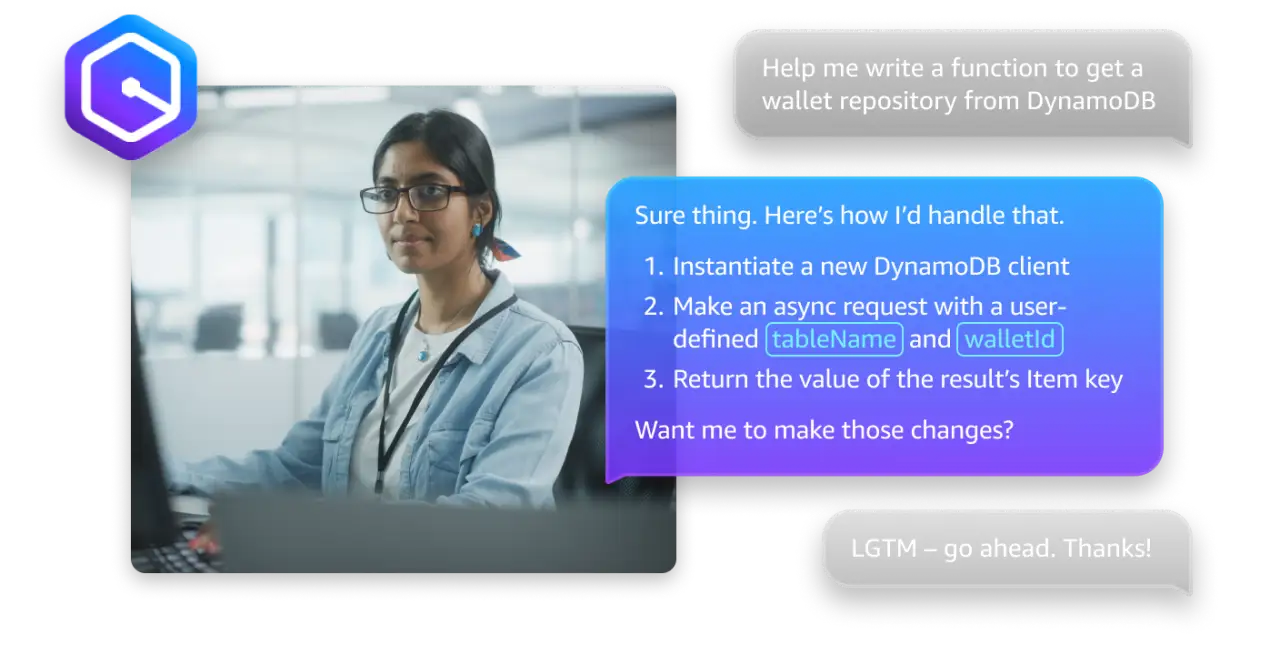
Generative AI-powered assistant for software developers and IT professionals building on AWS, offering code generation, security scans, application modernization, and AWS resource optimization.
★
★
★
★
★
4.0
FreemiumBest for: Developers and IT professionals building on AWS
Free tier with monthly limits; Pro tier at $19/user/month.
2 screenshots — click to enlarge
Screenshot 1Screenshot 2
✓ Pros
Deep integration with AWS services and best practices.
Offers code generation, security scans, and application modernization.
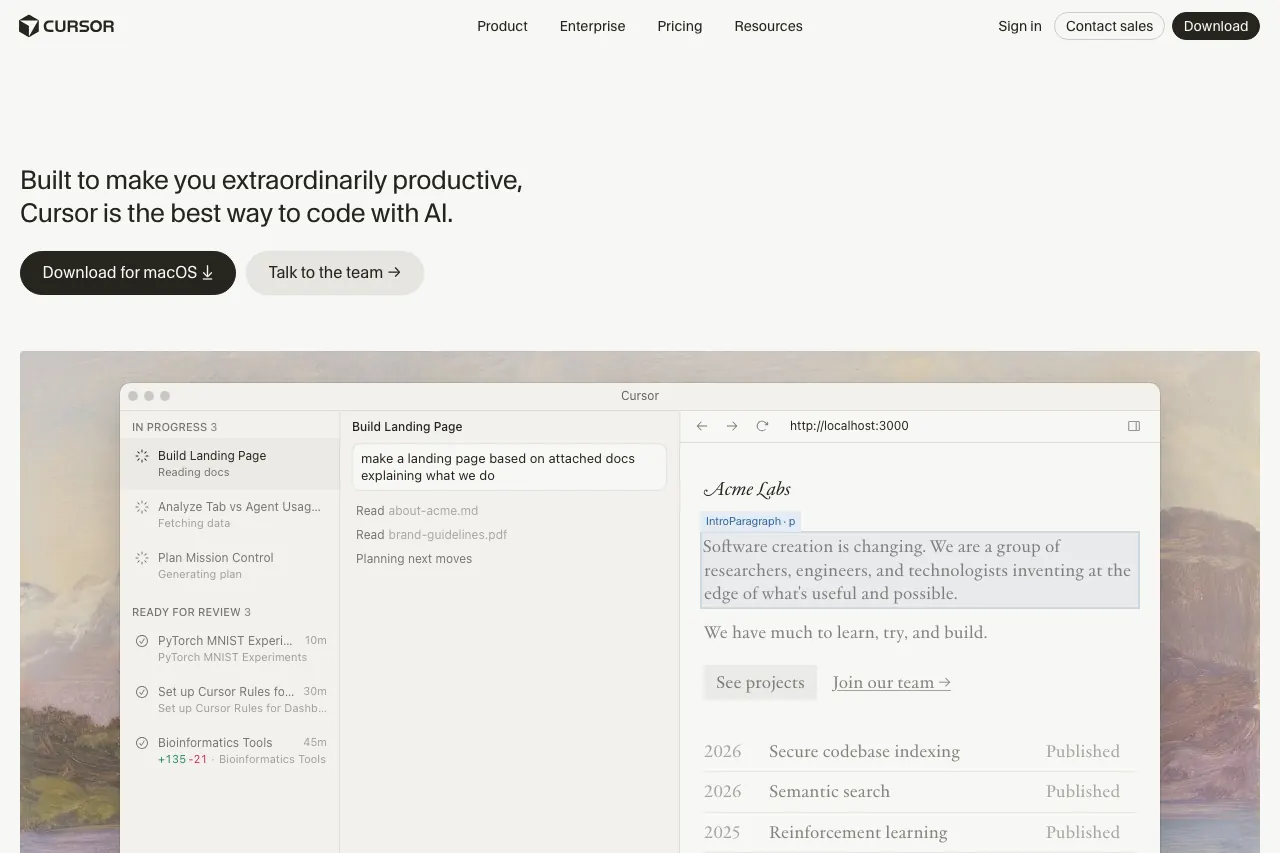
An AI-assisted integrated development environment (IDE) that forks Visual Studio Code, accelerating software development with intelligent features like codebase-aware AI, multi-file editing, and intelligent code generation.
★
★
★
★
★
4.0
FreemiumBest for: Professional developers and teams seeking to accelerate coding with advanced AI assistance
Free Hobby plan, Pro $20/mo ($16/mo annual), Pro+ $60/mo, Ultra $200/mo, Teams $40/user/mo, Enterprise custom. Usage-based credits can lead to overages. Student discount available.
3 screenshots — click to enlarge
Screenshot 1Screenshot 2
✓ Pros
Codebase-aware AI
Composer 1.5 for multi-file AI editing
Background Agents for parallel tasks
Subagents/Skills for specialized coding tasks
Deep, automatic codebase indexing
Flexible AI model support (GPT, Claude, Gemini)
Built on a VS Code fork with extension support
✕ Cons
Past pricing controversies and potential for unexpected charges due to usage-based credits
Bugbot is a separate, paid product
No self-hosting option
Some links are affiliate. We never accept payment for inclusion or ranking.



 Screenshot 1