Introduction
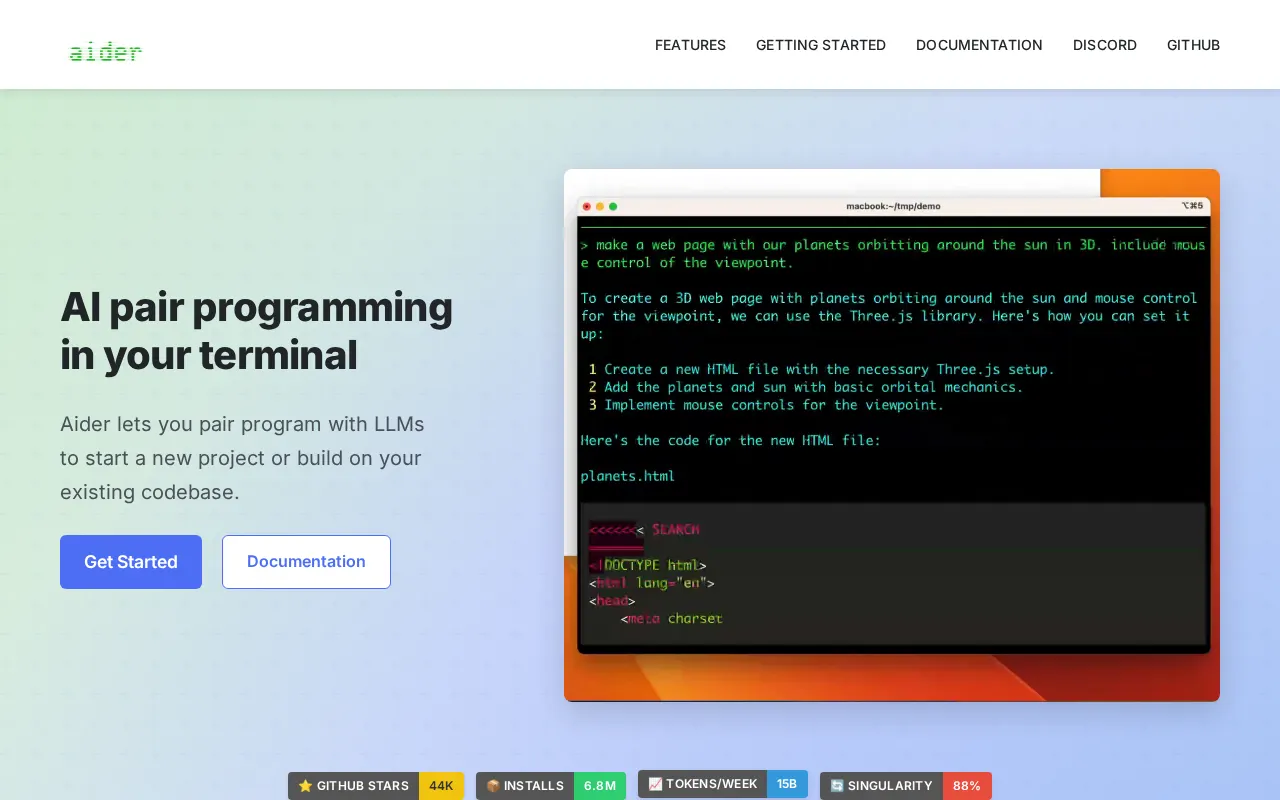
Aider is an open-source AI pair programming tool that operates directly within your terminal. It helps developers efficiently build new projects and extend existing codebases by leveraging powerful large language models to understand and implement precise code changes. Aider stands out as a strong alternative for developers seeking a robust, command-line interface for AI-assisted coding, much like other code-focused AI tools, but with a focus on terminal integration and local deployment capabilities.
Features
Aider provides a comprehensive set of features to enhance your coding workflow:
- Broad LLM Support: Works with a wide range of cloud and local Large Language Models (LLMs), including Claude, DeepSeek, and OpenAI, giving users flexibility in their AI choice.
- Codebase Context: Automatically maps the full codebase, providing better context for more accurate and relevant edits, especially in large and complex projects.
- Multi-language Support: Supports over 100 programming languages, making it versatile for diverse development environments.
- Git Integration: Features built-in Git integration with automatic commits and clear, descriptive messages to maintain a clean version history.
- IDE/Editor Compatibility: Can be used seamlessly within various Integrated Development Environments (IDEs) or text editors.
- Advanced AI Capabilities: Offers advanced features like linting, testing, image input for visual context, web references for up-to-date information, and voice-to-code support for hands-free coding.
- Multi-file Editing: Capable of editing multiple files simultaneously to handle complex development requests efficiently.
- Local-Only Deployment: Provides local-only deployment options, allowing for complete air-gapped capability and enhanced privacy.
- Open-Source Nature: Being open-source, Aider’s code is publicly available for inspection and extensibility, fostering community contributions.