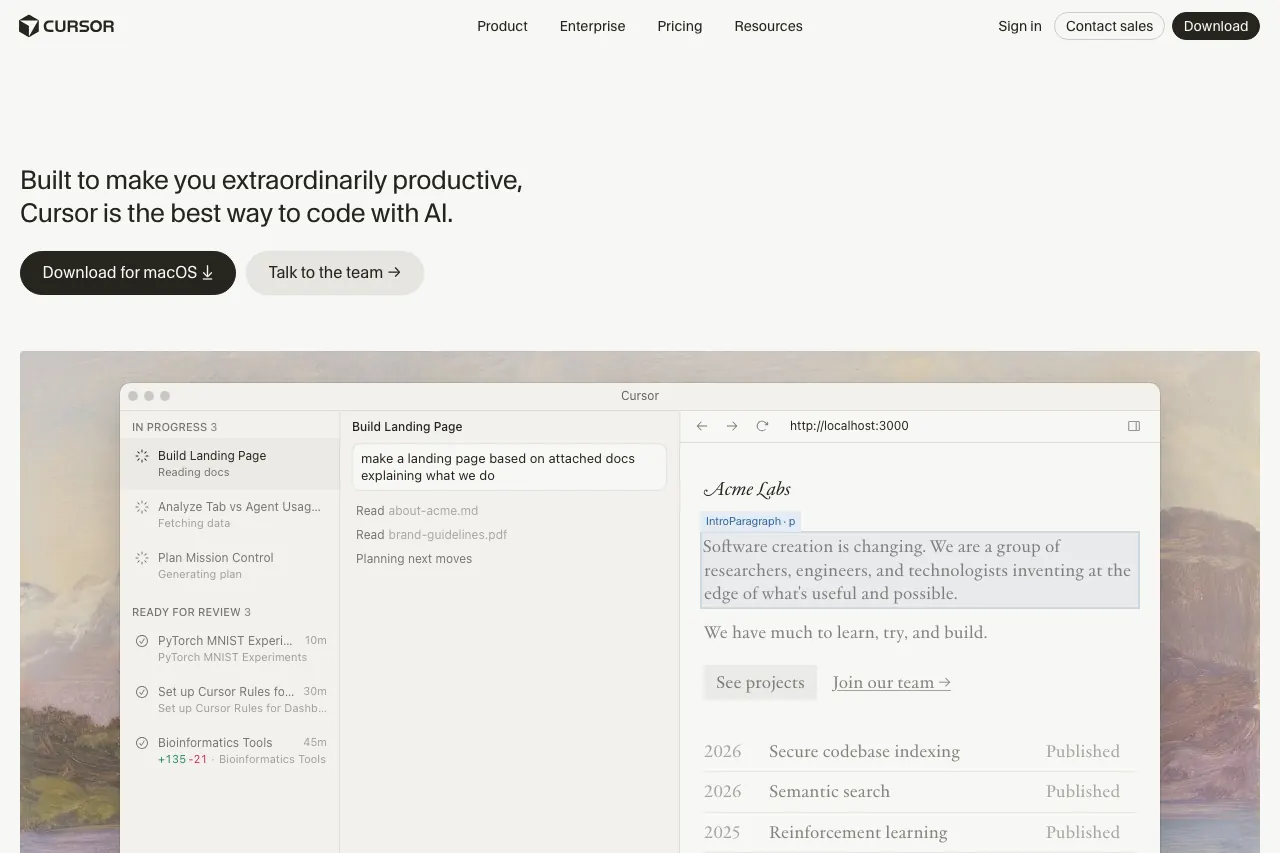
Introduction
Cursor is an advanced AI-assisted integrated development environment (IDE) that enhances the coding experience by integrating powerful artificial intelligence capabilities directly into a Visual Studio Code-forked interface. It offers a comprehensive suite of AI tools designed to accelerate software development, making it a compelling alternative for developers looking beyond traditional AI coding assistants like Claude Code.
Features
Cursor supercharges development with a range of innovative features:
- Codebase-Aware AI: The AI deeply understands your entire codebase, providing highly relevant and context-specific suggestions and completions.
- Composer 1.5 for Multi-File AI Editing: Tackle complex changes across multiple files simultaneously with Composer 1.5, allowing the AI to orchestrate modifications across your project.
- Background Agents: Delegate time-consuming tasks to Background Agents, which work in parallel to assist with various coding operations without interrupting your flow.
- Subagents/Skills: Utilize specialized Subagents and Skills tailored for specific coding challenges, enhancing the AI’s ability to assist with diverse development needs.
- Deep, Automatic Codebase Indexing: Cursor automatically indexes your codebase for instant recall and context, ensuring the AI always has the most up-to-date understanding of your project.
- Flexible AI Model Support: Choose from a variety of leading AI models including GPT, Claude, and Gemini, allowing you to leverage the strengths of different large language models.
- Built on a VS Code Fork: Enjoy the familiar interface and extensive extension ecosystem of Visual Studio Code, combined with Cursor’s powerful AI enhancements.