3 Free & Open Source Alternatives to Adobe Illustrator (2026)
Compare 3 free and open-source alternatives to Adobe Illustrator: Inkscape, Penpot, and SVG-Edit. Pros, cons, pricing, and screenshots tested 2026.
Adobe Illustrator
Paid
★
★
★
★
★
4.0
Create beautiful vector art and illustrations on desktop and iPad. Get the industry-standard vector graphics app to create logos, icons, drawings, typography, and illustrations for print, web, video, and mobile.
Paid
3 free options
Design Tools
4 / 5
💡
Why people look for alternatives Adobe Illustrator requires a paid subscription for full access. Many users seek free or open-source alternatives that offer similar functionality without the ongoing cost or vendor lock-in.
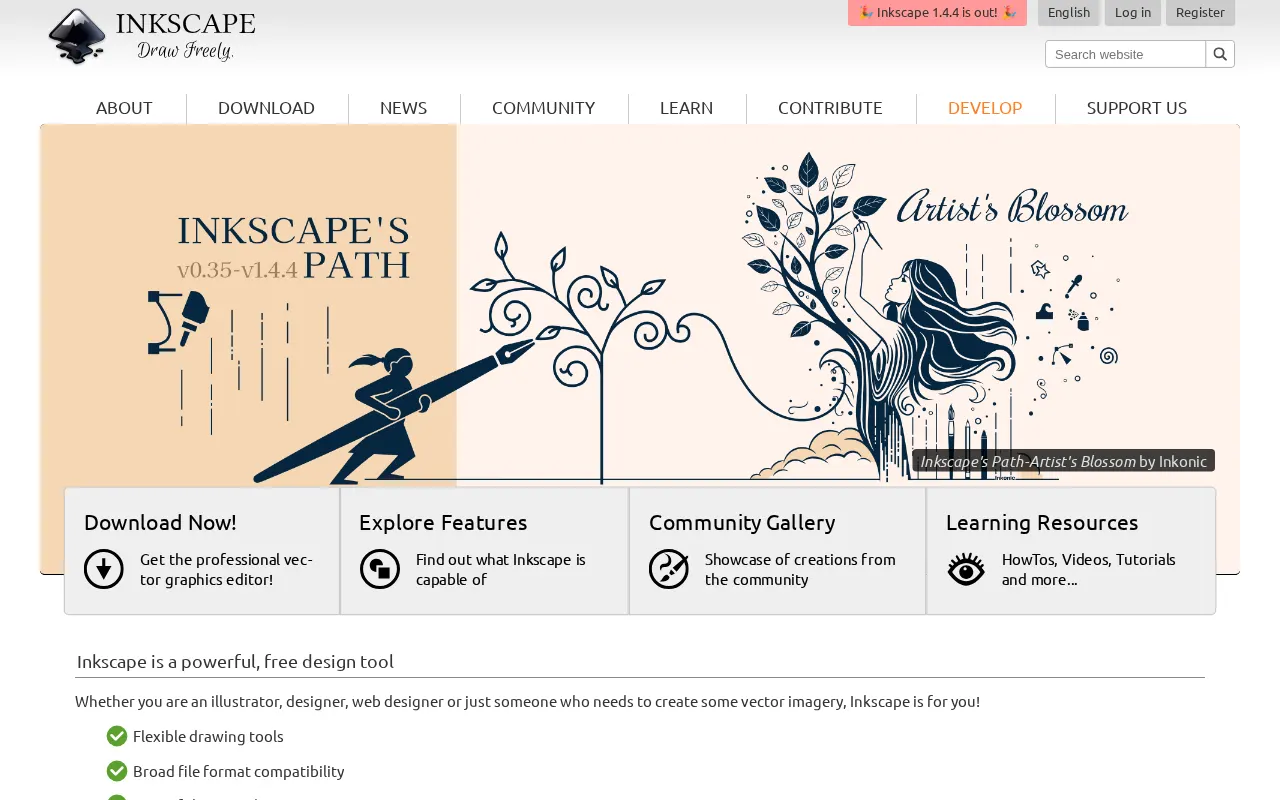
An open-source vector graphics editor for creating professional-quality designs, illustrations, logos, and web graphics. It offers a robust suite of tools for artists, designers, and hobbyists.
★
★
★
★
★
4.5
Free & Open SourceBest for: Artists, designers, and hobbyists of all skill levels
1 screenshot — click to enlarge
Screenshot 1
✓ Pros
Completely free and open-source.
Robust suite of tools comparable to industry-standard software.
Intuitive interface with powerful features (bezier tools, advanced path editing, SVG compatibility).
Unmatched precision for scalable artwork.
Continuously evolving with a passionate community.
Customizable interface and huge extension library.
Extensive support for various file formats (SVG, PNG, PDF, DXF, etc.).
Penpot is the web-based open-source design platform that bridges the gap between designers and developers. It offers prototyping and design software that can be self-hosted or used in the cloud.
★
★
★
★
★
4.5
Freemium (Open Source)Best for: Designers and developers seeking an open-source design & prototyping platform.
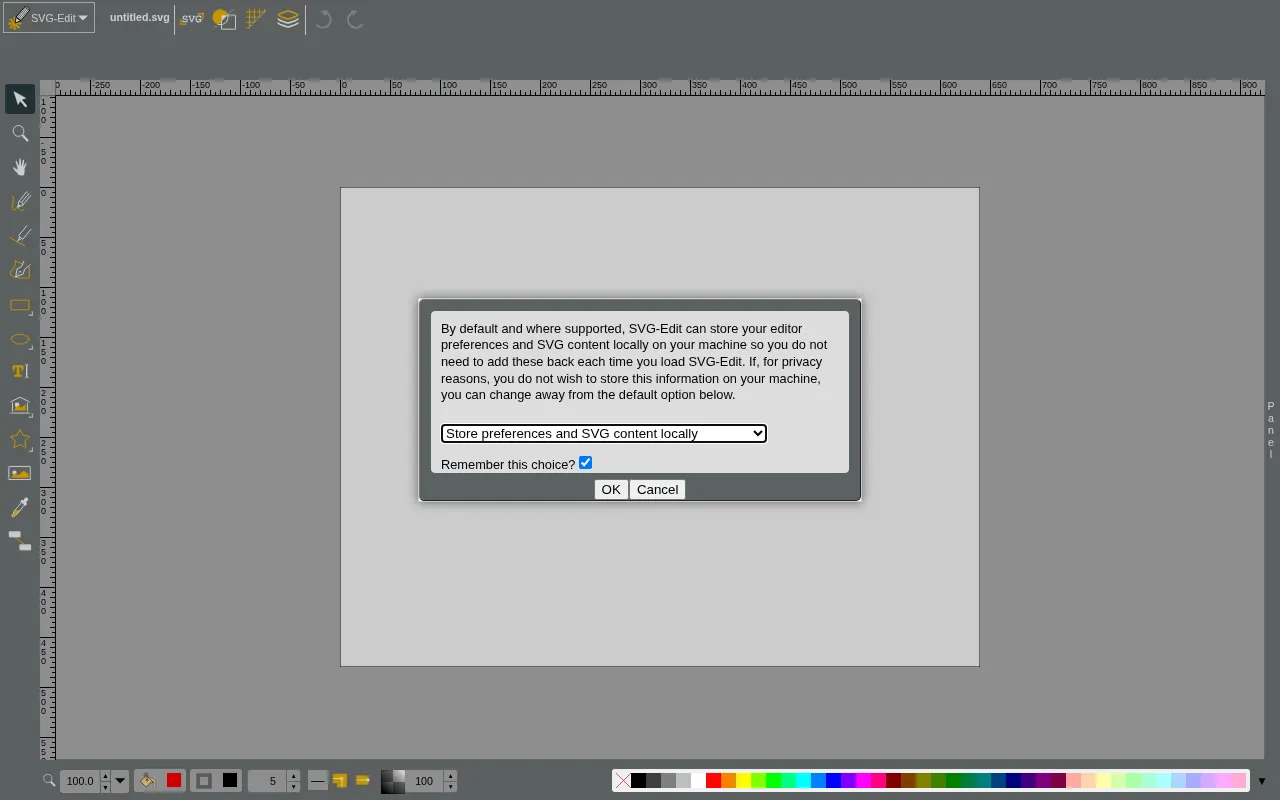
SVG-Edit is a free and open-source, web-based vector graphics editor for creating and editing Scalable Vector Graphics (SVG) images directly in a web browser.
★
★
★
★
★
4.0
Free & Open SourceBest for: Web developers and beginners needing a free, in-browser SVG editor
Completely free and open-source under the MIT license.
1 screenshot — click to enlarge
Screenshot 1
✓ Pros
Web-based, no installation required
Open-source and self-hostable
Simple interface suitable for beginners
Outputs clean and optimized SVG code
Supports path editing and layers
✕ Cons
Limited feature set compared to professional desktop editors
Lacks advanced features for complex design projects
Some links are affiliate. We never accept payment for inclusion or ranking.


 Screenshot 1