5 Free & Open Source Alternatives to Zendesk (2026)
Compare 5 free and open-source alternatives to Zendesk: FreeScout, Helpy, and osTicket (+2 more). Pros, cons, pricing, and screenshots tested 2026.
Zendesk
Paid
★
★
★
★
★
4.0
A complete AI-powered customer service solution with built-in ticketing, conversational messaging, live chat, and a knowledge base designed to help businesses deliver personalized service at scale.
Paid
5 free options
CRM & Support
4 / 5
💡
Why people look for alternatives Zendesk requires a paid subscription for full access. Many users seek free or open-source alternatives that offer similar functionality without the ongoing cost or vendor lock-in.
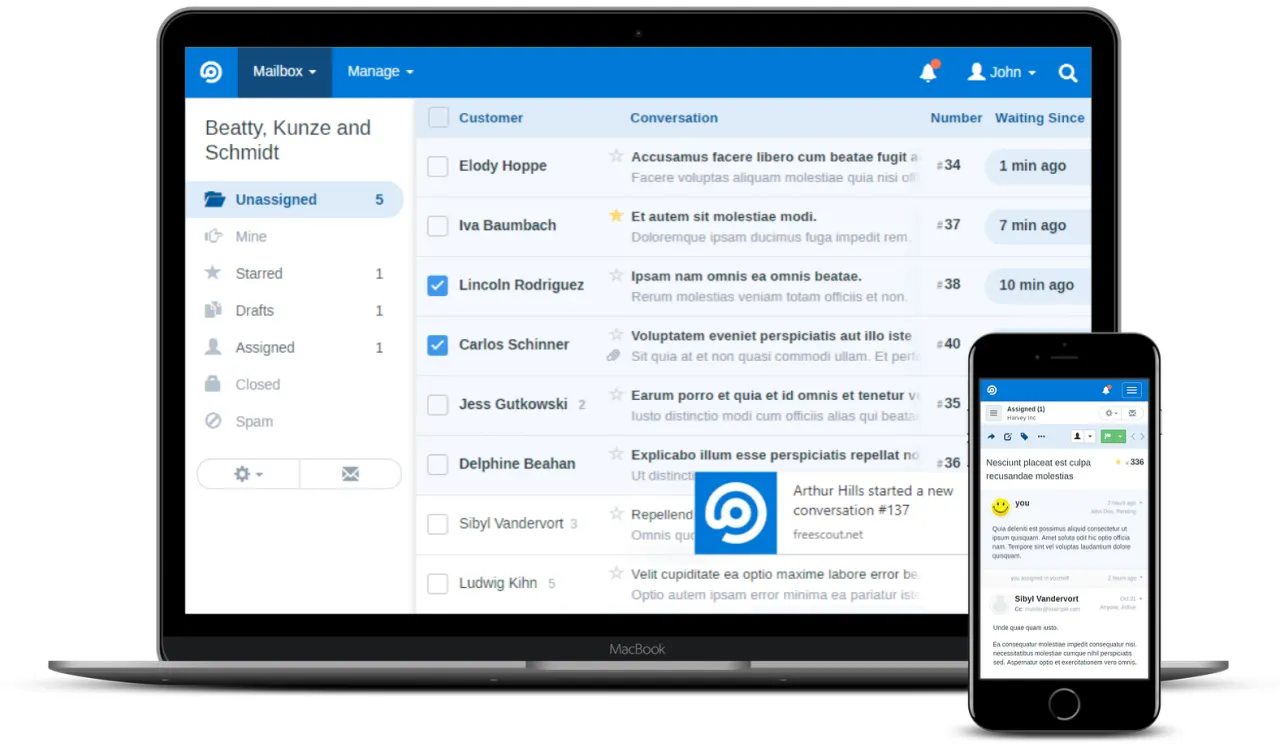
FreeScout is a super lightweight and powerful free open-source help desk and shared inbox solution. Built with PHP and MySQL, it enables businesses to manage customer emails, tickets, and support agents on their own servers.
★
★
★
★
★
4.5
Freemium (Open Source)Best for: Small businesses and teams needing an affordable, self-hosted help desk
Free core platform; optional modules available as one-time purchases ($4-15 each).
1 screenshot — click to enlarge
Screenshot 1
✓ Pros
Free and open-source core platform
Self-hostable, allowing full data control
Lightweight on server and browser resources
Customizable with full code access
User-friendly and intuitive interface (shared inbox, ticket management)
Workflow automation and mobile app support
Modules available as one-time purchases, no recurring fees for add-ons
✕ Cons
Community forum for support, no dedicated paid support options
Absence from standard enterprise evaluation platforms may be a procurement barrier for larger organizations
Self-hosted requirement can create adoption friction for non-technical users
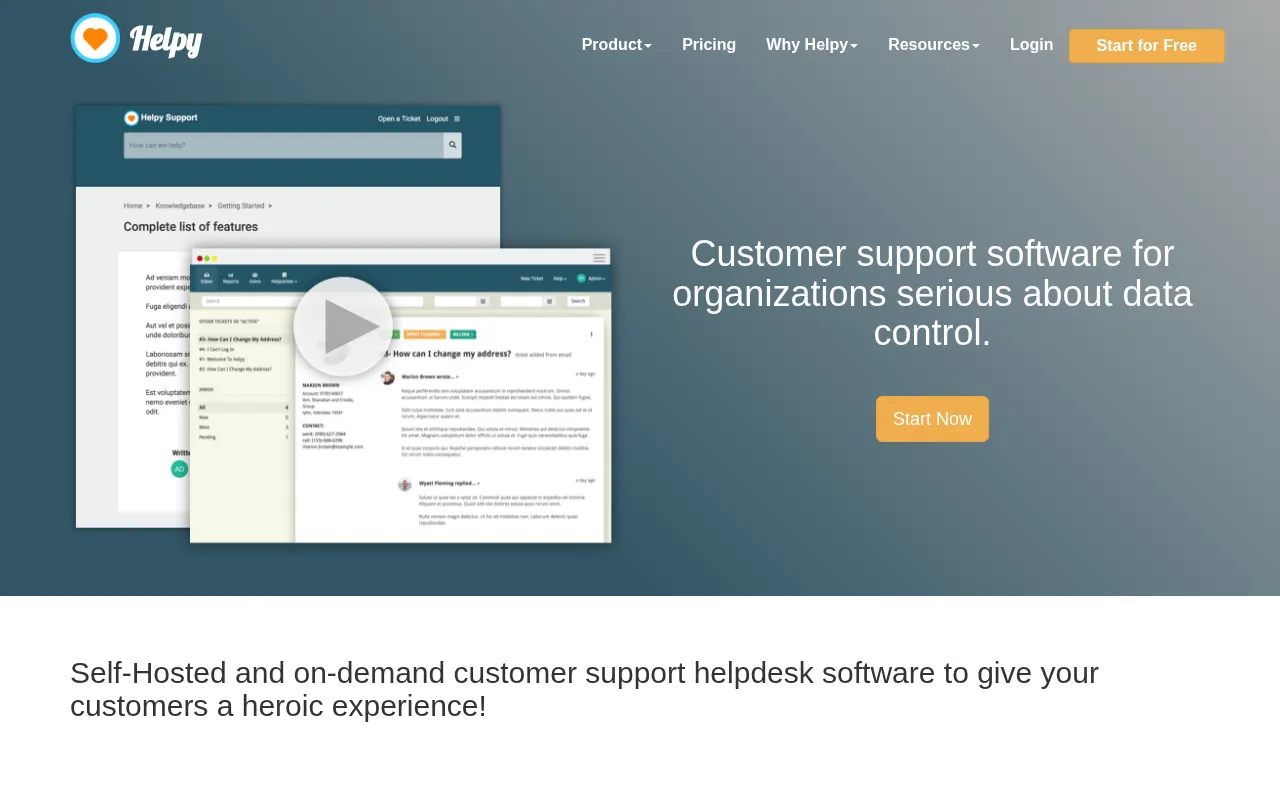
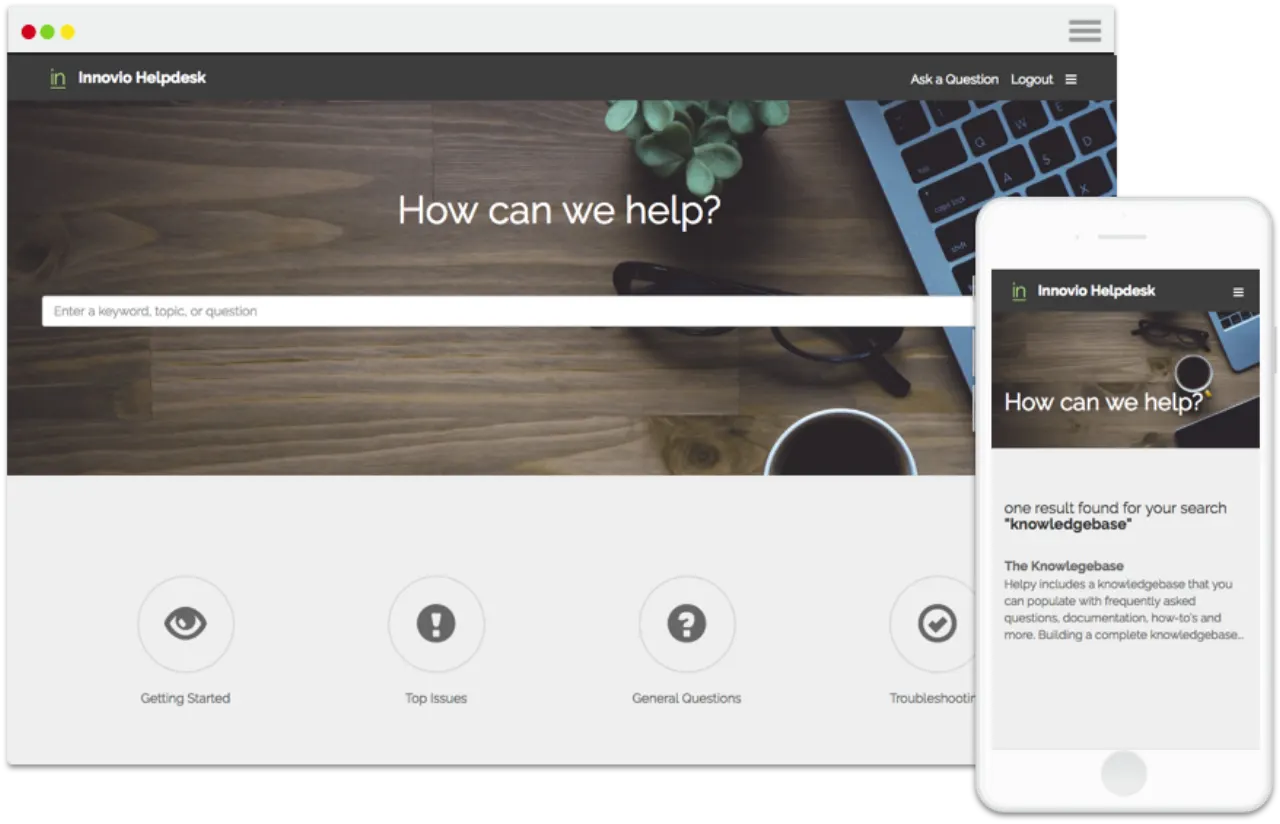
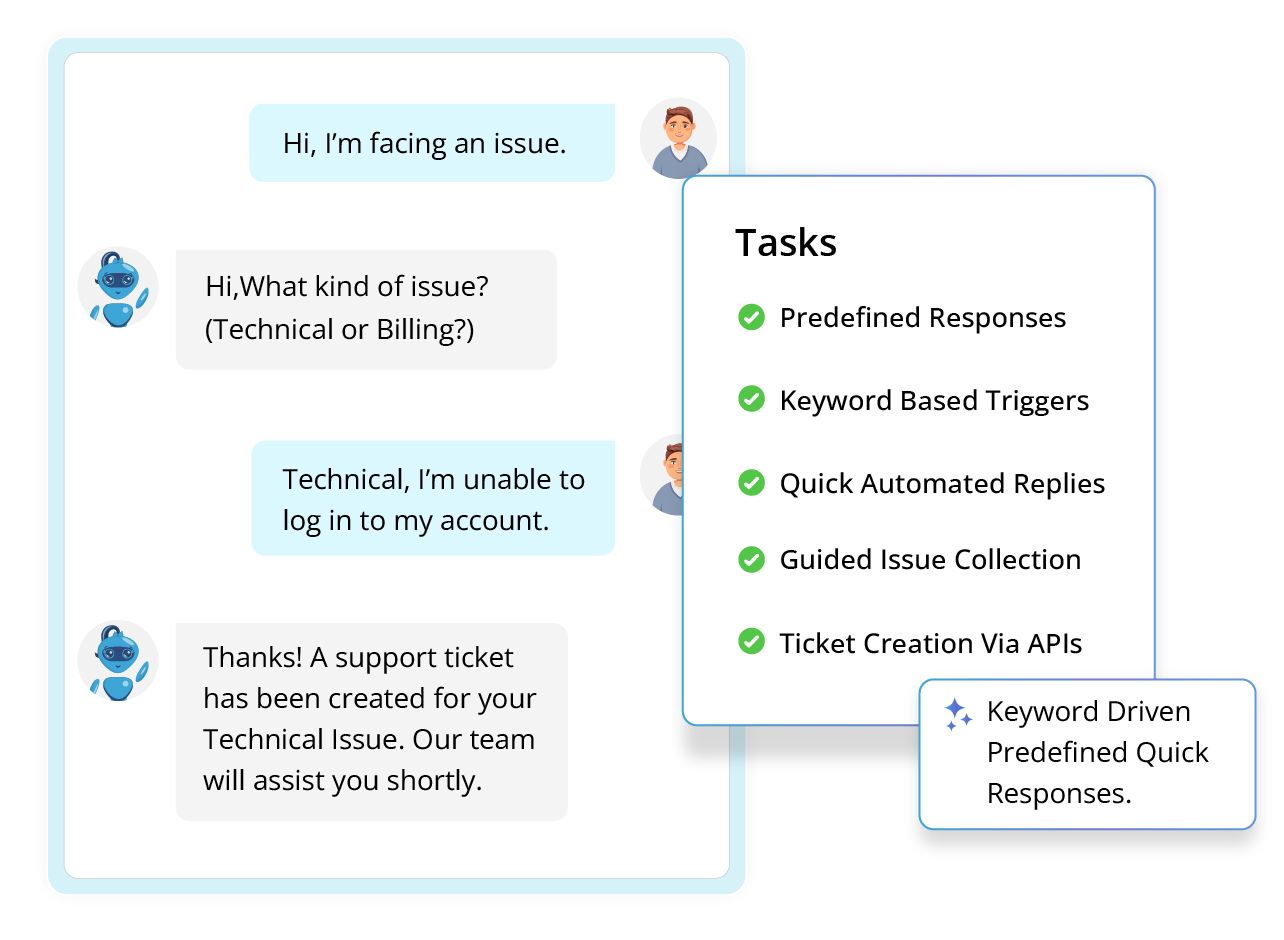
Helpy is an open-core customer support platform offering integrated ticketing, a knowledge base, and live chat with strong privacy controls. It is engineered for companies focused on customer data security and control.
★
★
★
★
★
4.5
Freemium (Open Source)Best for: Organizations prioritizing customer data security and control.
Free support platform with unlimited seats. AI-First Support at $0.50 per outcome. Self-Hosted at $40/month per seat. Enterprise with custom pricing.
2 screenshots — click to enlarge
Screenshot 1Screenshot 2
✓ Pros
Open-core architecture for customization and control
Integrated ticketing, knowledge base, and live chat
Strong privacy controls, data masking, and authentication controls
Deployment options: SaaS, private cloud, or self-hosted
Multi-lingual support with localization for over 19 languages
Integrates with popular platforms including HubSpot, Jira, Salesforce, GitHub, and Slack
Free support platform with unlimited seats available
Pay for outcomes, not seats, for AI-First plan
✕ Cons
Interface may not be fully responsive on all devices
Not ideal for businesses not concerned with self-hosting/advanced security
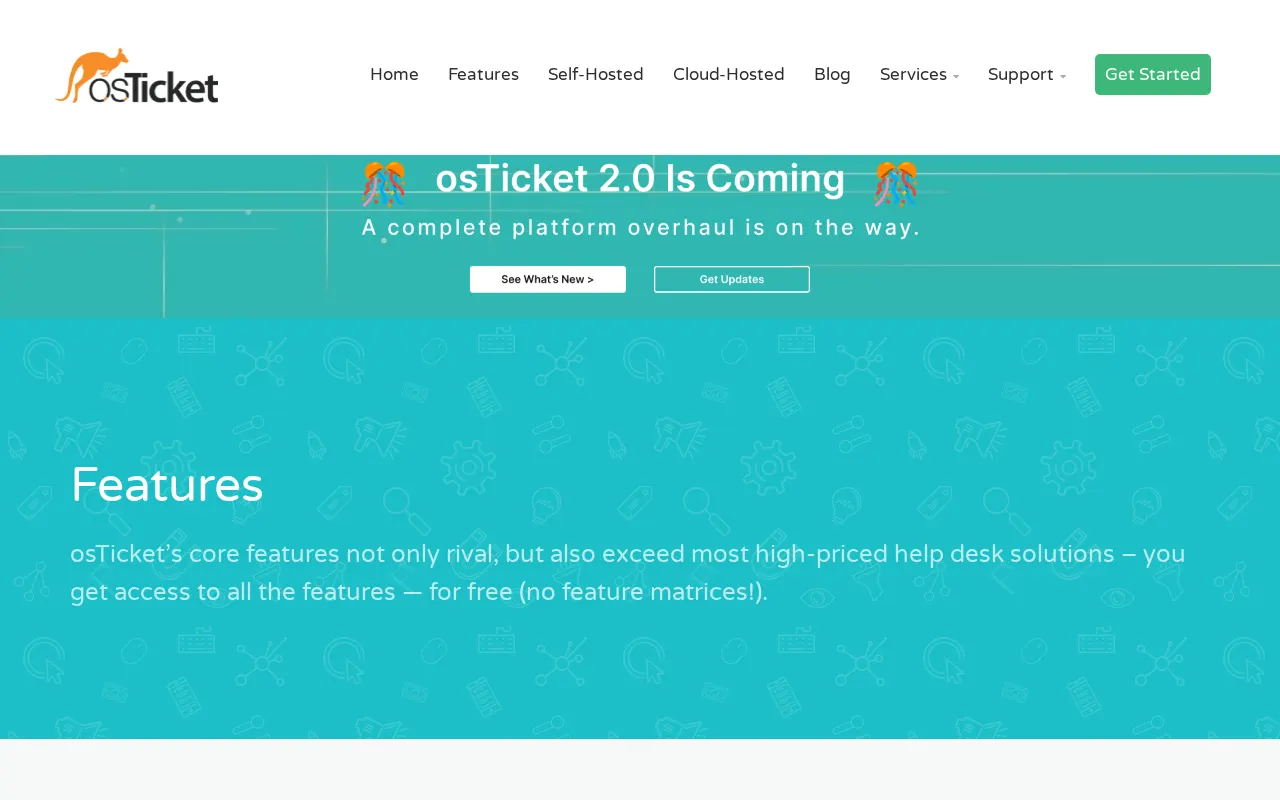
osTicket is a widely used open-source customer support ticketing system that seamlessly converts inquiries from email, web forms, and other channels into centralized, trackable tickets.
★
★
★
★
★
4.5
Freemium (Open Source)Best for: SMBs needing a cost-effective, customizable, open-source help desk.
Free for self-hosted open-source version; Cloud-hosted starts at $12/user/month.
2 screenshots — click to enlarge
Screenshot 1Screenshot 2
✓ Pros
Cost-effective, especially the self-hosted open-source version.
Strong core ticketing functionality including email-to-ticket conversion.
Features like SLA management, self-service portal, automated routing, and templated responses.
Highly customizable (fields and forms).
Open-source nature provides flexibility and control for technically capable teams.
Actively maintained with regular updates.
✕ Cons
Lack of extensive public user reviews and sentiment, making independent evaluation challenging.
Requires technical expertise for self-hosting and advanced configurations (e.g., PHP and OAuth2 plugin requirements).
Less feature-rich than some commercial competitors in multichannel, advanced AI, or broader customer engagement suites.
Cloud-hosted versions can incur per-user costs.
Potential for a steeper learning curve for users unfamiliar with open-source help desk systems.
Zammad is an open-source, web-based helpdesk and customer service software. It offers ticket management, multi-channel support (email, chat, social media), a knowledge base, and reporting for teams of all sizes.
★
★
★
★
★
4.5
Freemium (Open Source)Best for: Structured, reliable multi-channel support for all sizes
Free self-hosted open-source version available. Cloud plans start around €7 per agent/month (billed annually) with higher tiers for more features and enterprise options.
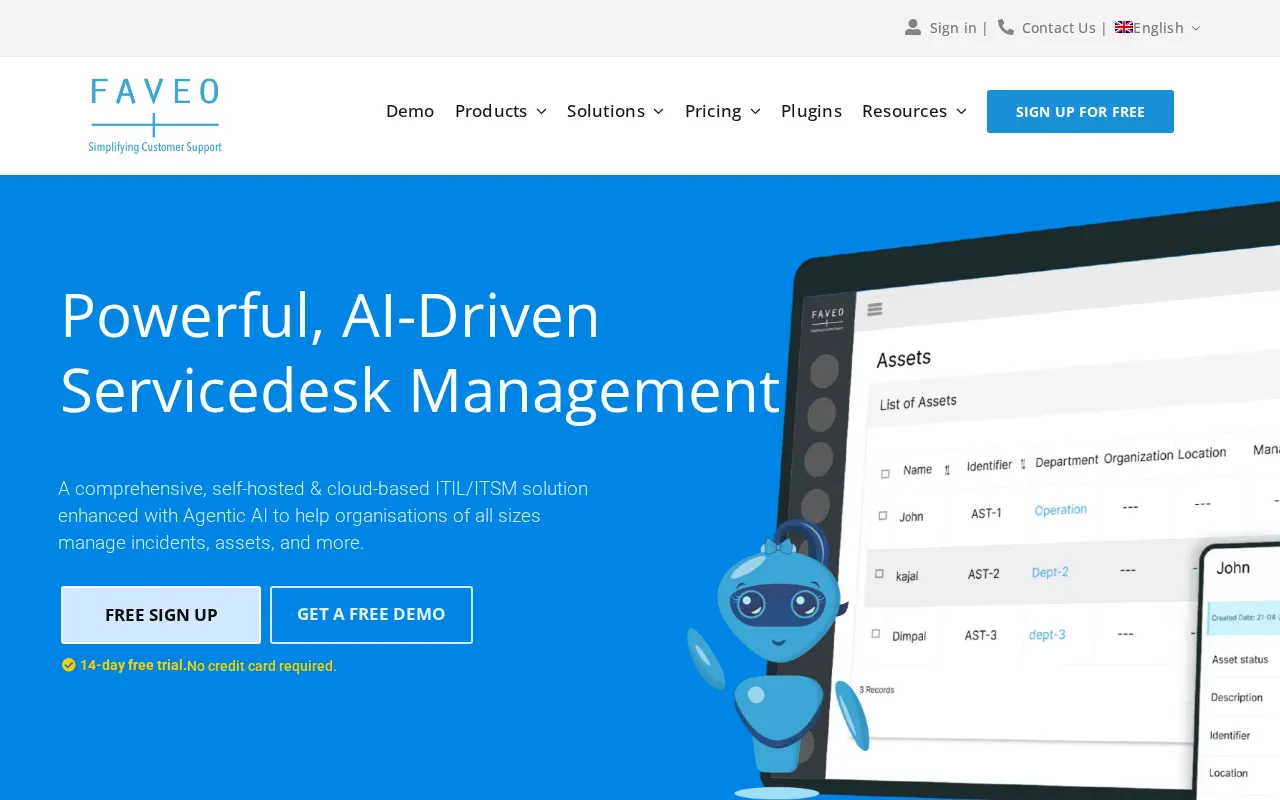
A comprehensive, self-hosted and cloud-based ITIL/ITSM solution enhanced with Agentic AI, designed to streamline support operations with a multi-channel ticketing system and intelligent AI-powered automations for organizations of all sizes.
★
★
★
★
★
4.0
Freemium (Open Source)Best for: Customizable, AI-enhanced helpdesk for small/large businesses.
Free open-source Community Edition; paid premium cloud (from $9/agent/month billed annually) or perpetual (free 'Freelancer' for 2 agents) licenses.
3 screenshots — click to enlarge
Screenshot 1Screenshot 2
✓ Pros
Free open-source Community Edition available.
Self-hosted and cloud-based deployment options.
Omni-channel integration.
AI-powered automations and features (e.g., AI-Powered Chatbot, Elea AI).
Customizable (branding, CSS, JS).
Flexible deployment (Docker, Kubernetes, various OS).
Supports unlimited agents with some plans.
Dynamic Ticket Form Management, SLA Process Management, Workflow & Approval Workflow Management, In-Depth Reports.
Good for self-service portals.
✕ Cons
Multilingual feature not fully complete.
Cost can be a drawback for paid versions, especially self-hosted (server use + software subscription).
The free open-source Community Edition may not be actively maintained (last release 2021) and has many open issues (4,150).
Documentation navigation can be difficult.
Design might not be considered "super modern".
Some links are affiliate. We never accept payment for inclusion or ranking.




 Screenshot 1