6 Free & Open Source Alternatives to Figma (2026)

Figma is a collaborative, browser-based design tool for UI/UX design, prototyping, and design systems. It allows real-time collaboration and runs entirely in the browser with optional desktop apps. Below are the best free replacements we've tested.

Figma

Freemium 4.0

Figma is a collaborative, browser-based design tool for UI/UX design, prototyping, and design systems. It allows real-time collaboration and runs entirely in the browser with optional desktop apps.

Freemium
6 free options
Design Tools
4 / 5
Why people look for alternatives Figma has a free tier with limitations. Many users seek fully free or open-source alternatives that offer the same capabilities without paywalled features or usage caps.

Quick Comparison

Tool Pricing Best for Rating

Detailed Reviews

Adobe Illustrator

Industry-standard vector graphics software for creating logos, icons, illustrations, and print and web graphics with precision and a robust feature set.

4.0
Paid Best for: Designers and artists creating scalable vector graphics, logos, icons, and illustrations

Monthly subscription starts at $22.99/month with an annual commitment, or $34.49/month.

✓ Pros

  • Extensive vector editing options for detailed artwork
  • High compatibility with other Adobe Creative Cloud products
  • Creates infinitely scalable graphics without loss of quality
  • Precise control over shapes, paths, and typography

✕ Cons

  • Steep learning curve, especially for beginners
  • Subscription-only model can be costly over time
  • Can experience performance issues with very large or complex files
  • Slower implementation of new user-requested features

Canva

A popular web-based design tool with a large template library and a generous free tier.

4.0
Freemium Best for: Quick designs without design expertise

Free tier with core features; Canva Pro at $15/month (individual) or $10/month per person (teams)

3 screenshots — click to enlarge

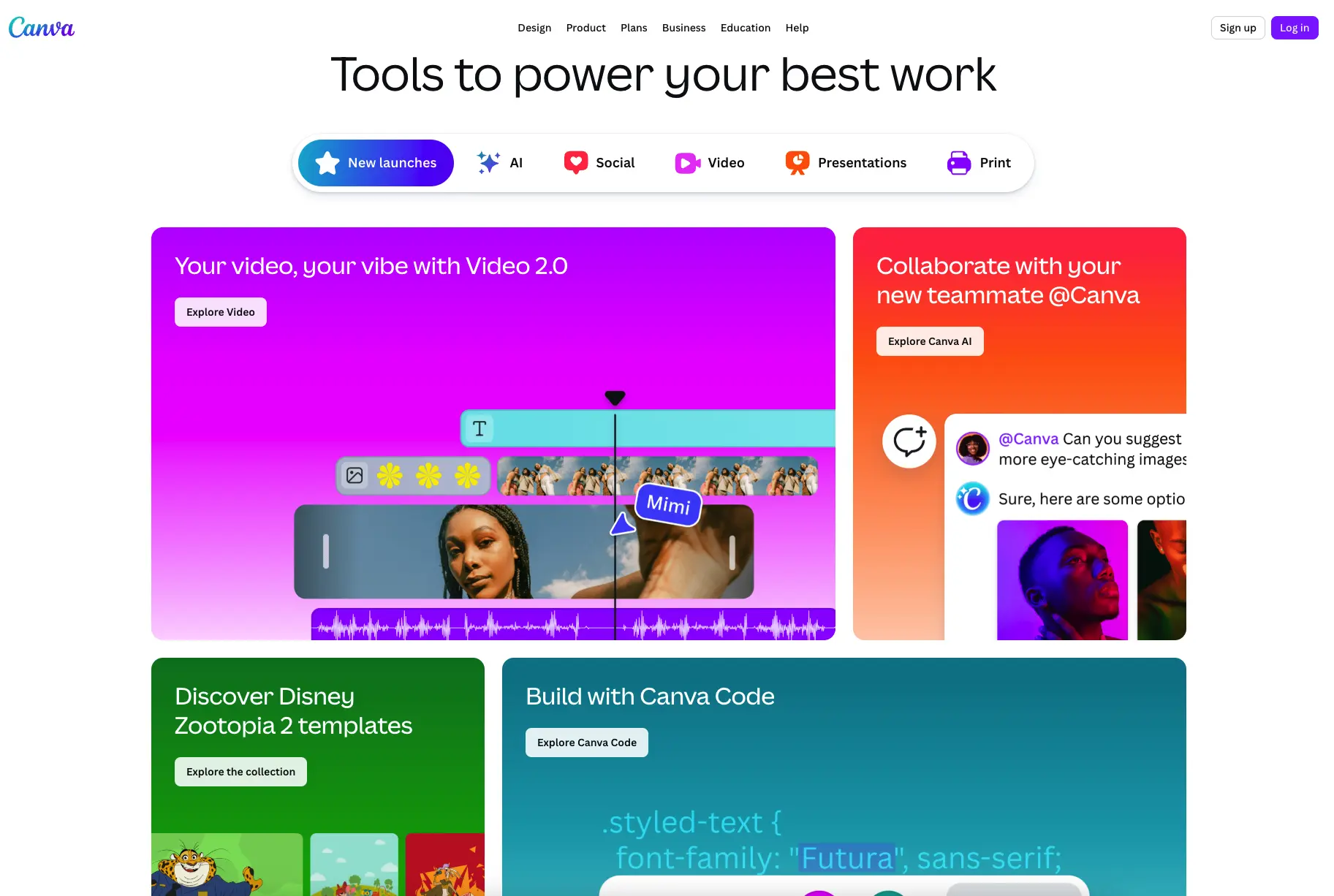
Canva design editor with template library and drag-and-drop canvas as Figma alternative 2026 Main interface
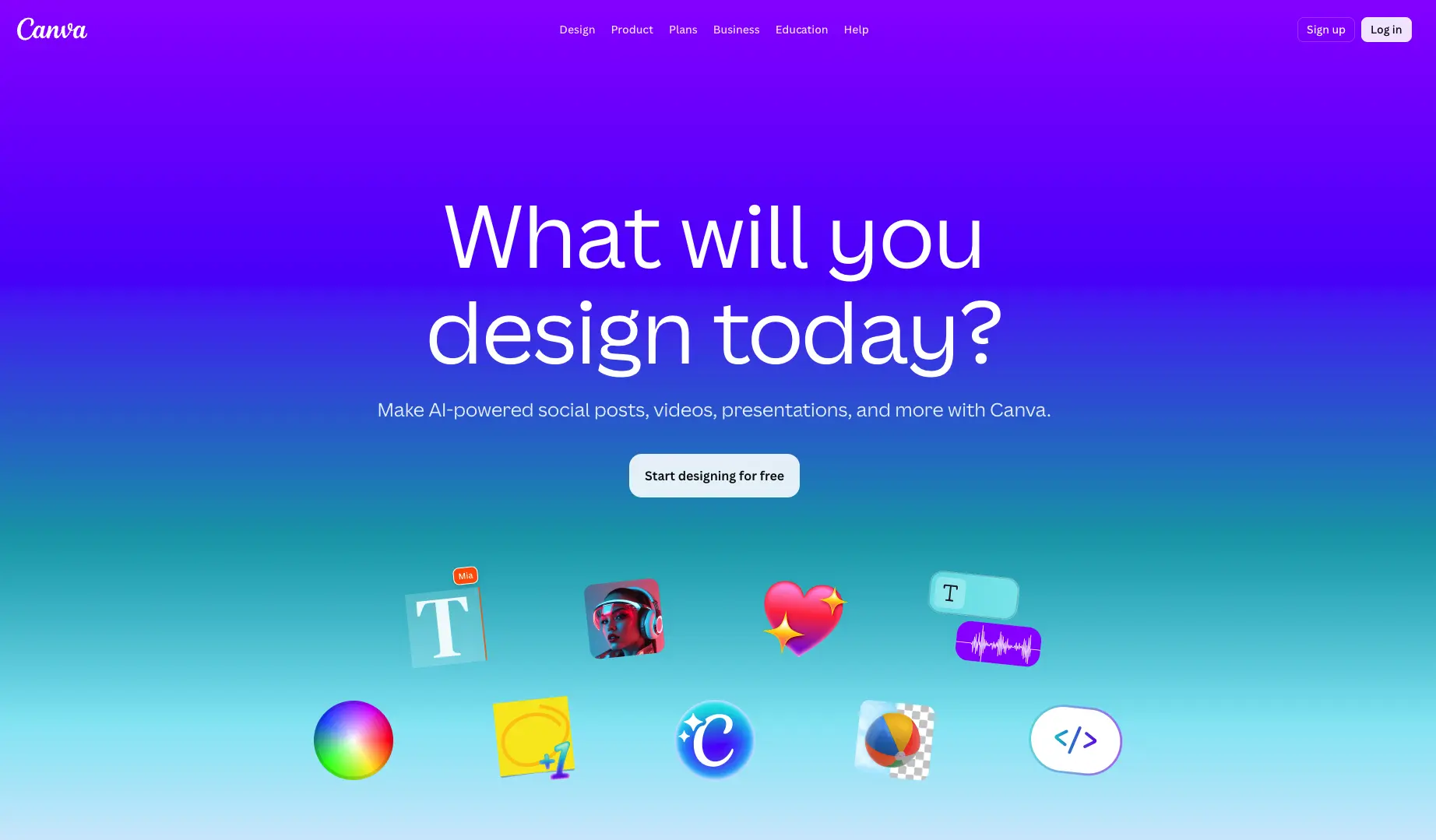
Canva design editor with template library and drag-and-drop canvas as Figma alternative 2026 Settings view

✓ Pros

  • Extensive library of templates and assets
  • Easy to learn — no design experience required

✕ Cons

  • Not open source — no self-hosting
  • Advanced features locked behind Canva Pro subscription

Inkscape

A professional-grade open-source vector graphics editor for SVG files, available on all platforms.

4.0
Free & Open Source Best for: Vector graphics & SVG editing

100% free — GPLv2+ licensed with no paid tiers

✓ Pros

  • Fully free and open source under GPL
  • Mature tool with decades of development and a large community

✕ Cons

  • Desktop-only — no cloud collaboration
  • UI is dated compared to modern tools

Lunacy

A free native design app by Icons8 that supports Sketch files and works fully offline.

4.0
Free Best for: Offline Sketch-compatible design

Free for all use including commercial; built-in Icons8 assets require a separate Icons8 subscription for full access

3 screenshots — click to enlarge

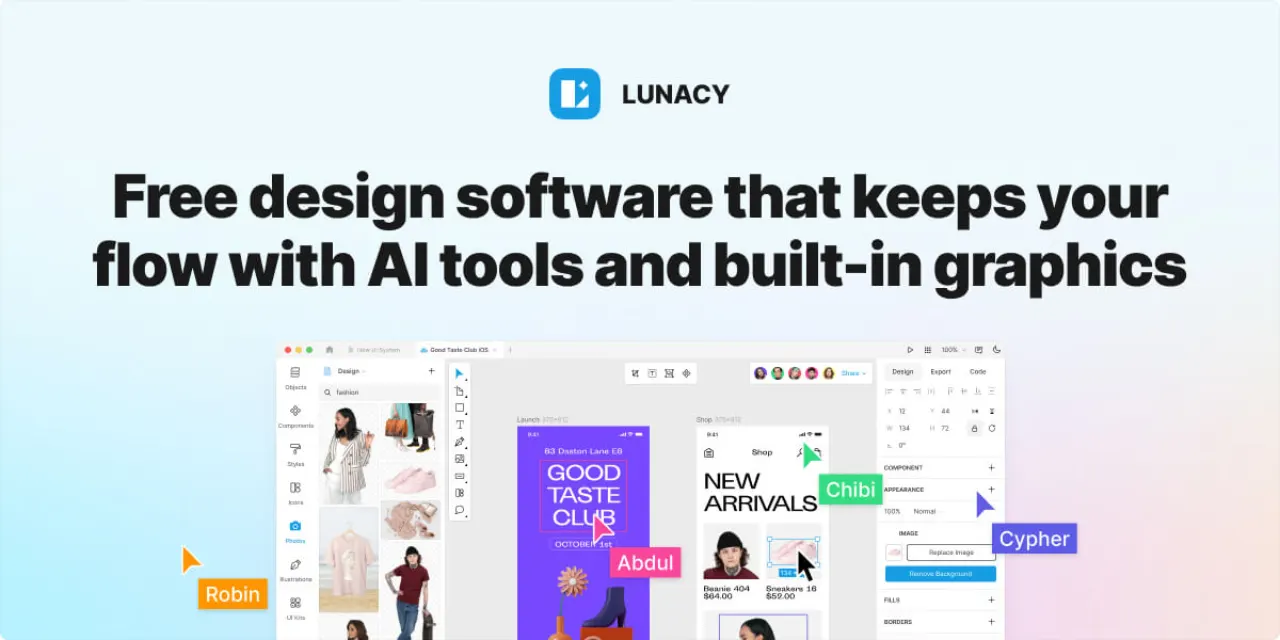
Lunacy vector Main interface
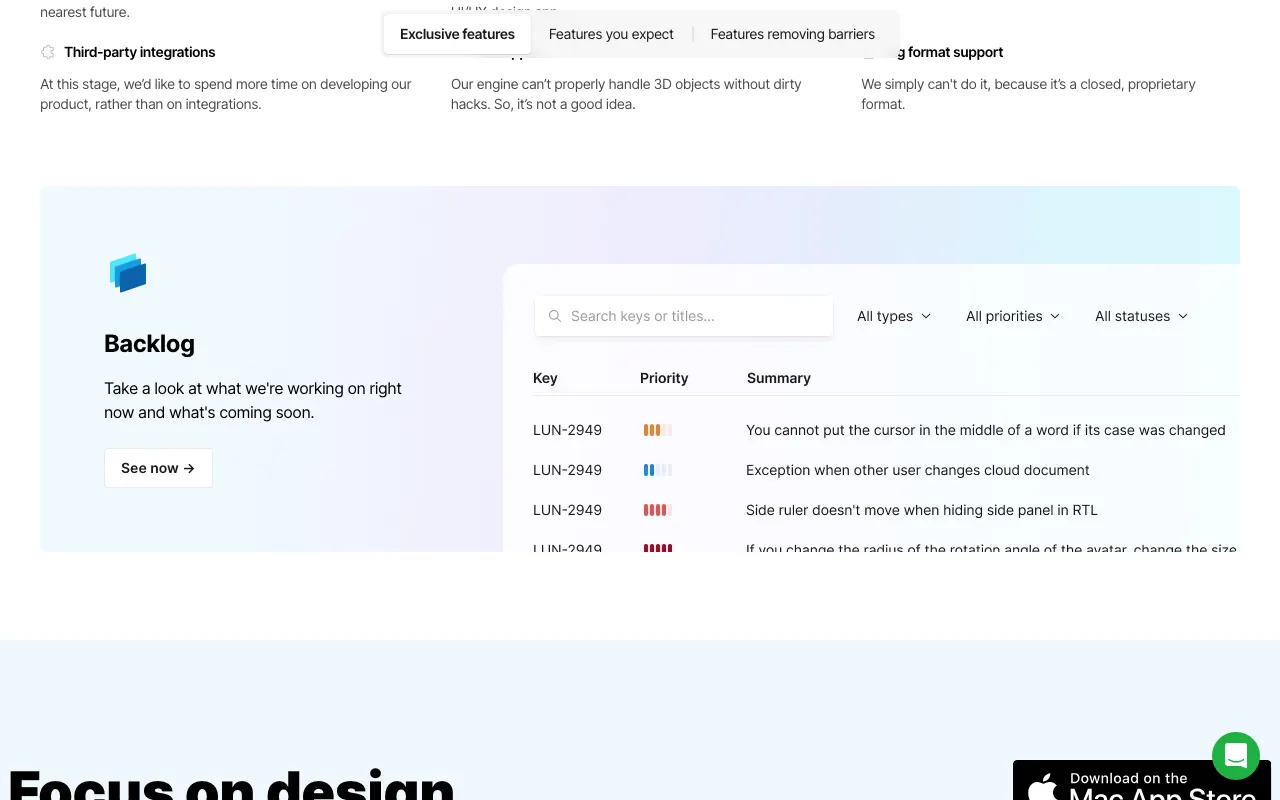
Lun Settings view

✓ Pros

  • Free for commercial use with no usage limits
  • Works offline and opens Sketch files natively

✕ Cons

  • Closed source — no self-hosting
  • Smaller community and plugin ecosystem than Figma

Penpot

A free, open-source design and prototyping tool built on open web standards, fully self-hostable.

4.0
Free & Open Source Best for: Self-hosting & data ownership

Free on penpot.app cloud with no usage limits; self-hosting is free and fully supported

3 screenshots — click to enlarge

Penpot design Main interface
Penpot Features Settings view

✓ Pros

  • 100% free and open source under MPL-2.0
  • Self-hostable — full data ownership

✕ Cons

  • Smaller plugin ecosystem than Figma
  • Some advanced prototyping features still in development

Sketch

A professional macOS design tool for UI/UX, popular in product teams for its Symbol system.

4.0
Paid Best for: Mac-based product design teams

$12/month (individual); $20/month per editor (teams); one-time license $120 includes one year of updates

3 screenshots — click to enlarge

Sketch design software Main interface
Sketch features screenshot Settings view

✓ Pros

  • Mature plugin ecosystem and Symbol system
  • Native macOS performance

✕ Cons

  • Paid subscription required
  • macOS only — no Windows or Linux support

Some links are affiliate. We never accept payment for inclusion or ranking.