Introduction
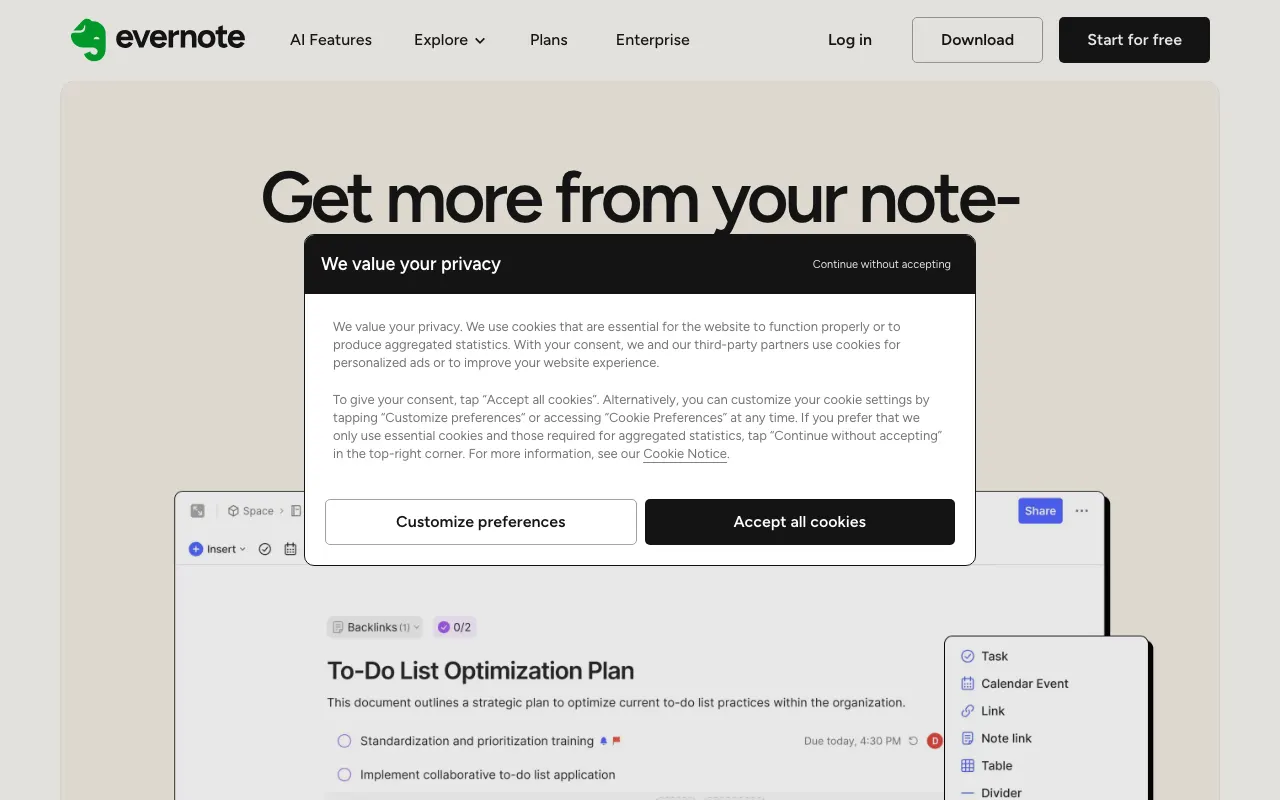
Evernote is a well-established note-taking and organization tool, offering a robust platform for capturing ideas, managing tasks, and storing various types of information. For users exploring alternatives to tools like Notion, Evernote provides a distinct approach with its focus on detailed note-taking, strong search capabilities, and cross-device synchronization.
Features
Evernote excels at helping users gather and organize information effectively. Key features include the ability to create diverse notes—from text and web clippings to audio and images—and organize them into notebooks with a flexible tagging system. The platform integrates tasks directly into your notes, allowing for a unified workflow for managing both information and action items. Real-time editing and collaboration features facilitate teamwork, while seamless syncing ensures your data is always up-to-date across all your devices. Recent updates also include initial access to AI tools for all users, enhancing its capabilities in information processing and retrieval.