Introduction
Discord started as a chat platform for gamers but has grown into one of the most popular communication tools for communities, hobby groups, and even small teams. Unlike Slack, which is built primarily for workplace productivity, Discord emphasizes real-time voice and text chat with a casual, community-first feel. Its generous free tier, low-latency voice channels, and extensive bot ecosystem make it a compelling alternative for groups that want persistent chat without per-user subscription fees.
Features
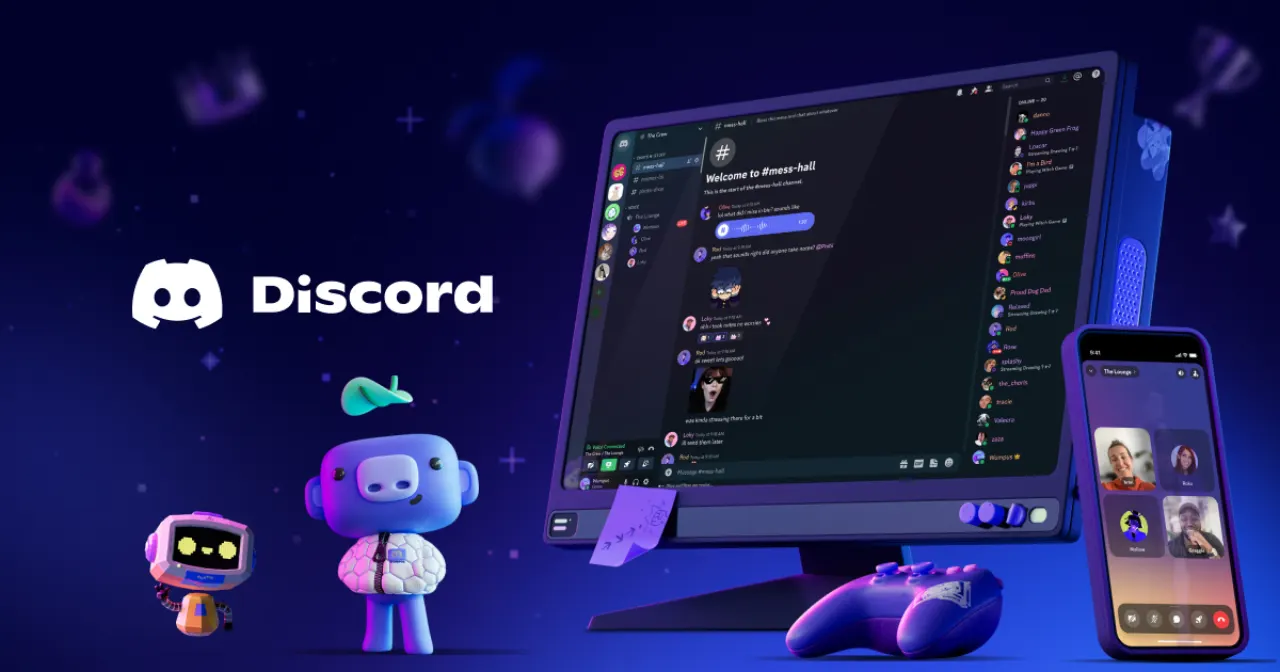
Discord’s core feature set revolves around servers — persistent spaces where members can communicate via text channels, voice channels, and forums. Key capabilities include:
- Voice channels with high-quality, low-latency audio, noise suppression, and echo cancellation — ideal for live conversation, gaming sessions, or remote hangouts.
- Text channels with full message history, markdown support, file attachments, and embedded media previews.
- Server organization through categories, roles, and granular permission controls, letting you tailor access for moderators, members, and guests.
- Moderation and automation powered by custom bots and built-in moderation tools like auto-mod, slow mode, and timeout features.
- Screen sharing and video calls with up to 25 participants in the free tier, plus Go Live streaming for games and applications.
- Cross-platform availability across desktop (Windows, macOS, Linux), mobile (iOS, Android), and web browsers, with seamless sync.
- Rich integrations including Spotify, Twitch, YouTube, and thousands of community-built bots for music, polls, notifications, and more.
- Discord Nitro subscription unlocks higher upload limits (500MB), animated emojis, custom stickers, server boosts, and enhanced streaming quality.
Why Discord Is a Good Alternative to Slack
While Slack dominates professional team communication, Discord offers several advantages for less formal settings. Discord’s free tier imposes no message history limits, unlike Slack’s 90-day cap on the free plan. Voice channels are always-on rooms rather than call-based, making them better for drop-in conversations. Server-wide roles and permissions are more flexible for large communities, and the bot ecosystem is significantly more diverse. For gaming groups, open-source project communities, fan clubs, or any group that values real-time chat over threaded productivity, Discord provides a powerful, free alternative that scales from a handful of friends to thousands of members.