Introduction
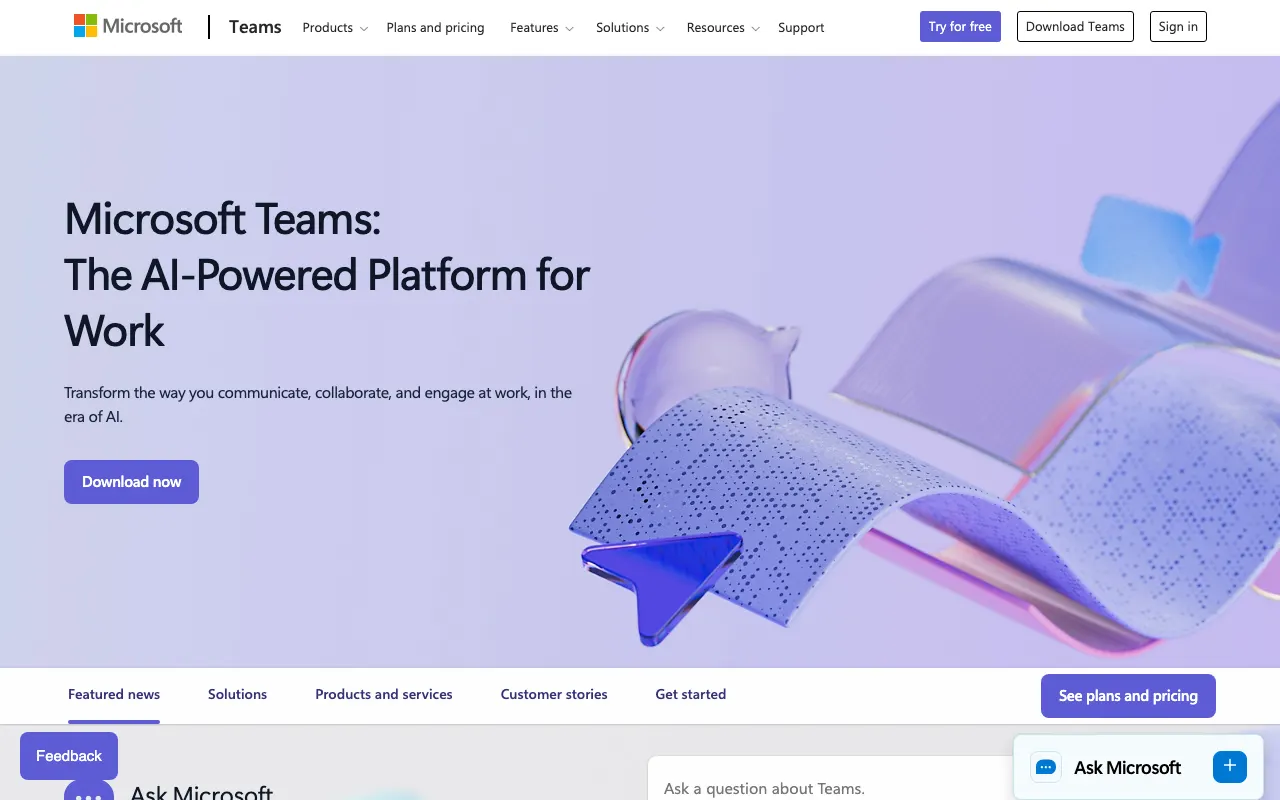
Microsoft Teams stands as a robust communication and collaboration platform, offering a comprehensive suite of tools for businesses and teams. It serves as an excellent alternative to other collaboration solutions, especially for organizations deeply integrated into the Microsoft 365 ecosystem. Teams streamlines communication, project management, and daily workflows, making it a central hub for team productivity.
Features
Microsoft Teams is packed with features designed to enhance team collaboration and communication:
- Integrated Chat and Channels: Organize conversations by topic, project, or department with persistent chat, ensuring everyone stays informed.
- Video Conferencing and Meetings: Conduct high-definition video and audio calls, screen sharing, and virtual meetings with robust features for large groups.
- Real-time File Sharing and Co-authoring: Share documents, spreadsheets, and presentations directly within chats and channels, enabling simultaneous editing and version control.
- Microsoft 365 Integration: Enjoy deep integration with Word, Excel, PowerPoint, Outlook, SharePoint, and other Microsoft 365 applications for a unified workflow.
- App Integrations: Extend functionality by integrating with a wide array of third-party applications and services to customize your workspace.
- Enhanced Security: Benefit from enterprise-grade security, compliance, and privacy features to protect your data and communications.
- Team Management Tools: Centralized administration allows for easy management of teams, members, and permissions, ensuring smooth operation.
- Customizable Workspaces: Tailor your team’s environment with various tabs, connectors, and bots to suit specific project needs.
- Screen Sharing and Whiteboard: Facilitate interactive sessions with screen sharing capabilities and a digital whiteboard for brainstorming and presentations.
Whether you’re looking to enhance team communication, streamline project workflows, or consolidate your collaboration tools, Microsoft Teams provides a powerful and integrated solution.