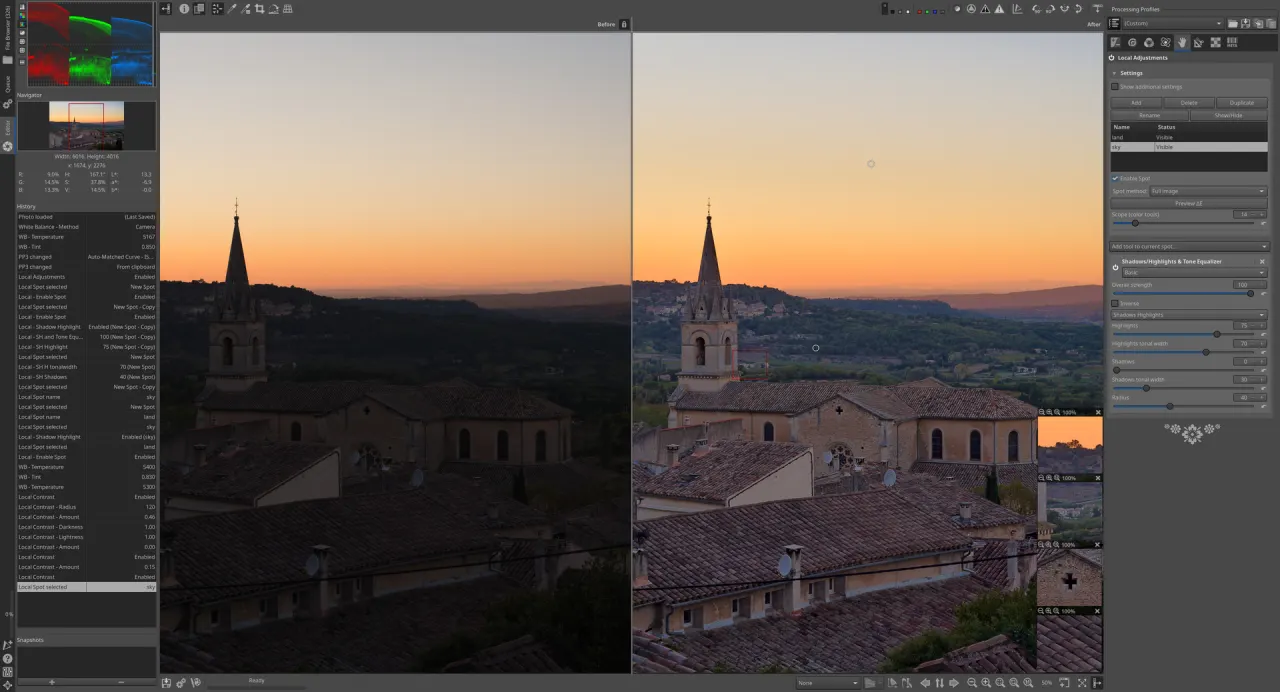
Introduction
RawTherapee is a powerful, cross-platform, and open-source raw photo processing system designed for developing raw files from a wide array of digital cameras. It offers photographers advanced control and flexibility, serving as an excellent free alternative to commercial software like Adobe Lightroom.
Features
RawTherapee provides a comprehensive set of features for image manipulation. It boasts a non-destructive, 32-bit (floating point) processing engine and incorporates modern demosaicing algorithms for superior image quality. Users can perform advanced color and detail editing, and the software supports a broad range of cameras and raw file formats, including HDR DNG, JPEG, PNG, and TIFF. For efficiency, RawTherapee facilitates batch processing and parallel editing. It also includes specialized tools such as pixel-shift raw compositing, dark frame subtraction, flat field correction, and hot/dead pixel correction. All edits are lossless, saved with PP3 sidecar files, and the software operates independently of cloud services or databases, offering a fully localized workflow. A selective editing tool further enhances control over specific image areas.