Introduction
Odoo Accounting is a comprehensive finance application seamlessly integrated within the broader Odoo open-source ERP platform. It offers a robust alternative to standalone accounting solutions like QuickBooks, providing a unified system for managing your business’s financial operations alongside other critical functions. This makes it particularly appealing for businesses looking to consolidate their software ecosystem and gain a holistic view of their operations.
Features
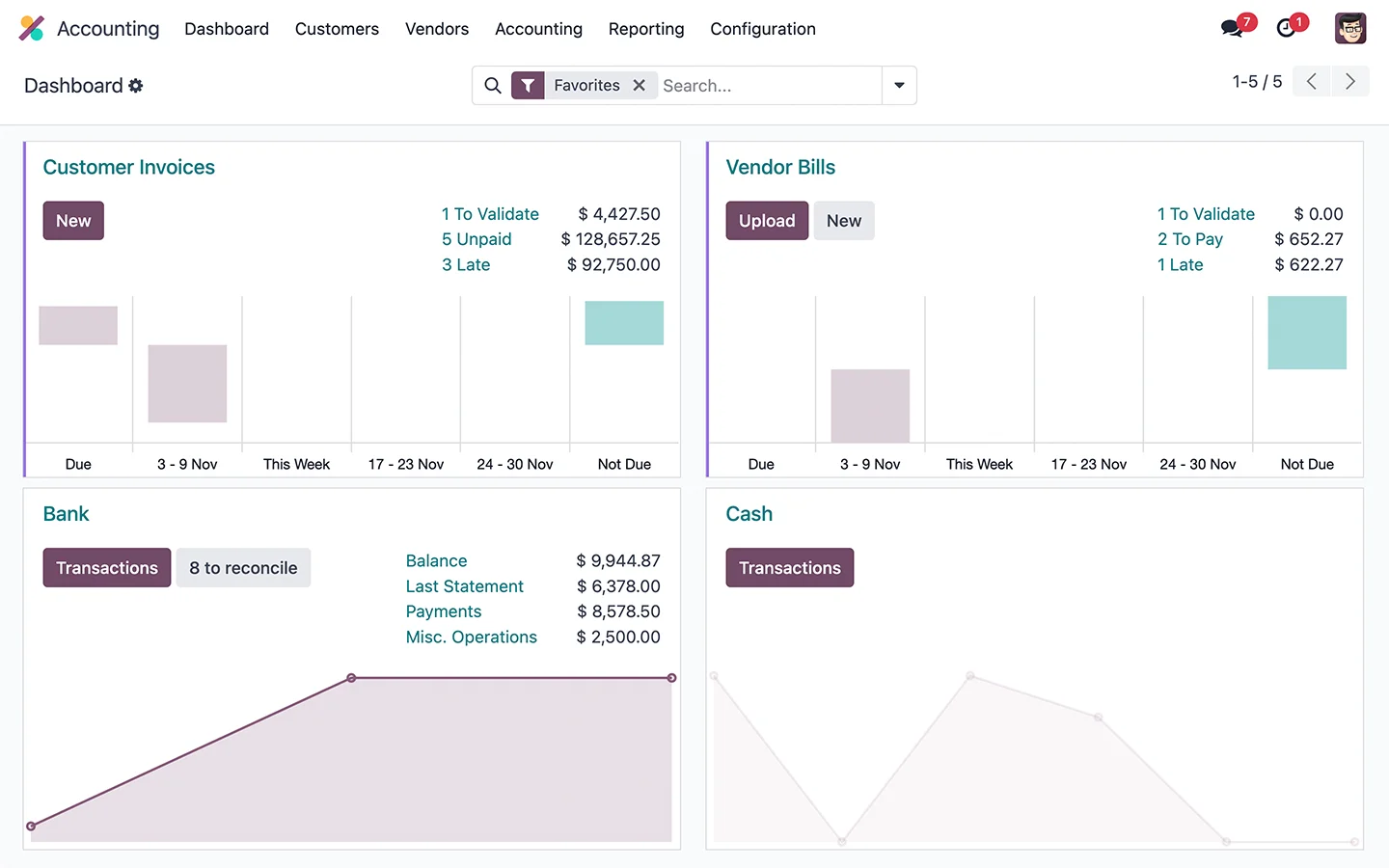
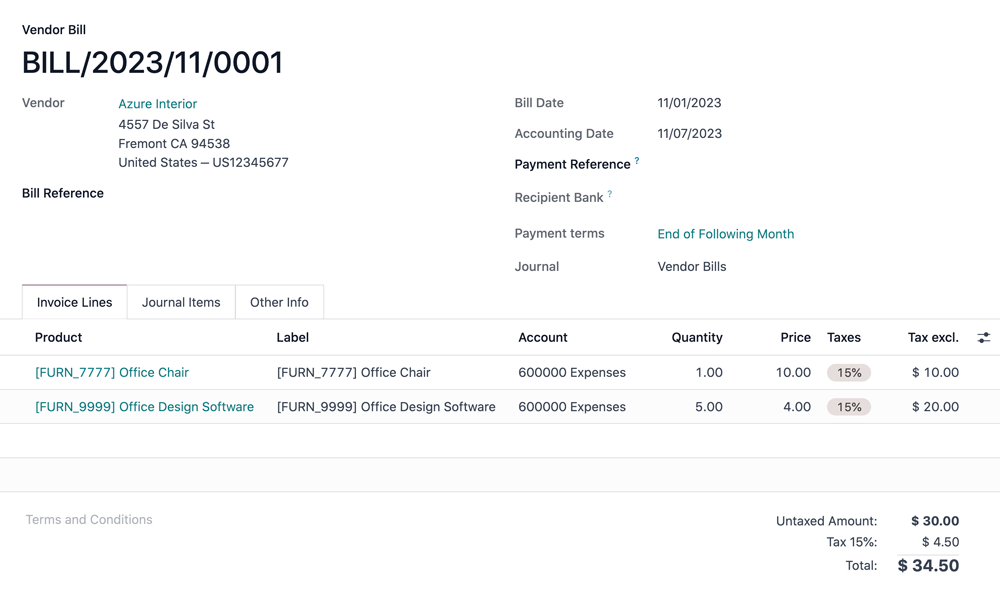
Odoo Accounting provides a rich set of features designed to streamline financial management for businesses of all sizes. Key capabilities include automated bookkeeping, efficient invoice and payment processing, and precise tax management. The platform excels in automating routine tasks such as invoice digitization and bank reconciliation, significantly reducing manual effort.
For businesses operating globally, Odoo Accounting supports multi-currency and multi-company setups, ensuring compliance with international and local standards like IFRS, US GAAP, and GoBD. It offers comprehensive financial analysis and reporting tools, coupled with robust bank integration, to provide deep insights into your financial health. As an integrated part of the Odoo ecosystem, it connects effortlessly with CRM, sales, inventory, and HR modules, fostering an all-in-one business management solution.