Introduction
GitHub Desktop offers a robust and intuitive graphical user interface for Git and GitHub, making version control accessible to a wider audience. It simplifies complex Git commands into clickable actions, providing a smooth experience for managing repositories, committing changes, and collaborating on projects. For those seeking an alternative to command-line Git or other Git clients like GitKraken, GitHub Desktop provides a straightforward and integrated solution.
Features
GitHub Desktop simplifies many aspects of the Git workflow with its user-friendly interface. Key capabilities include:
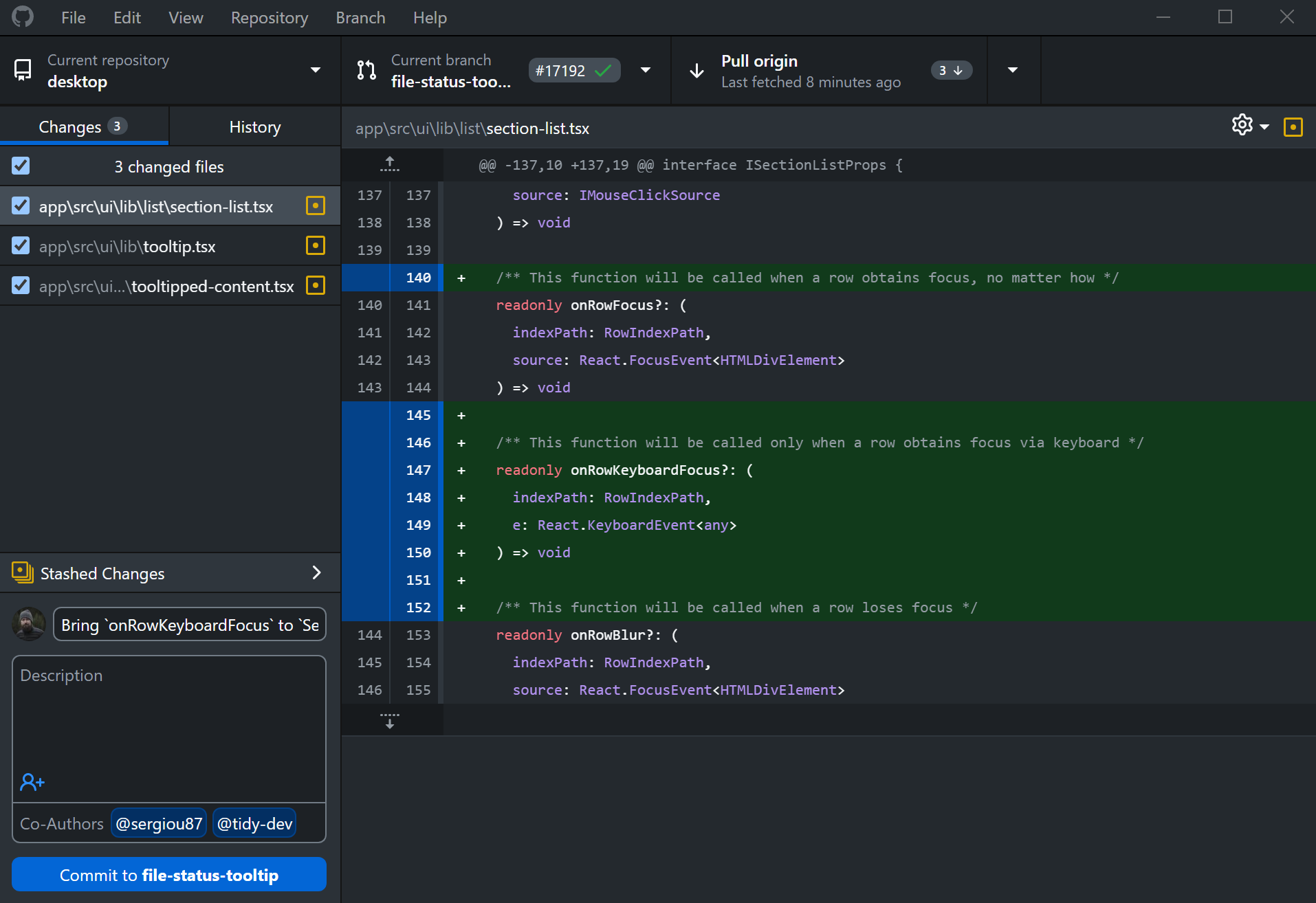
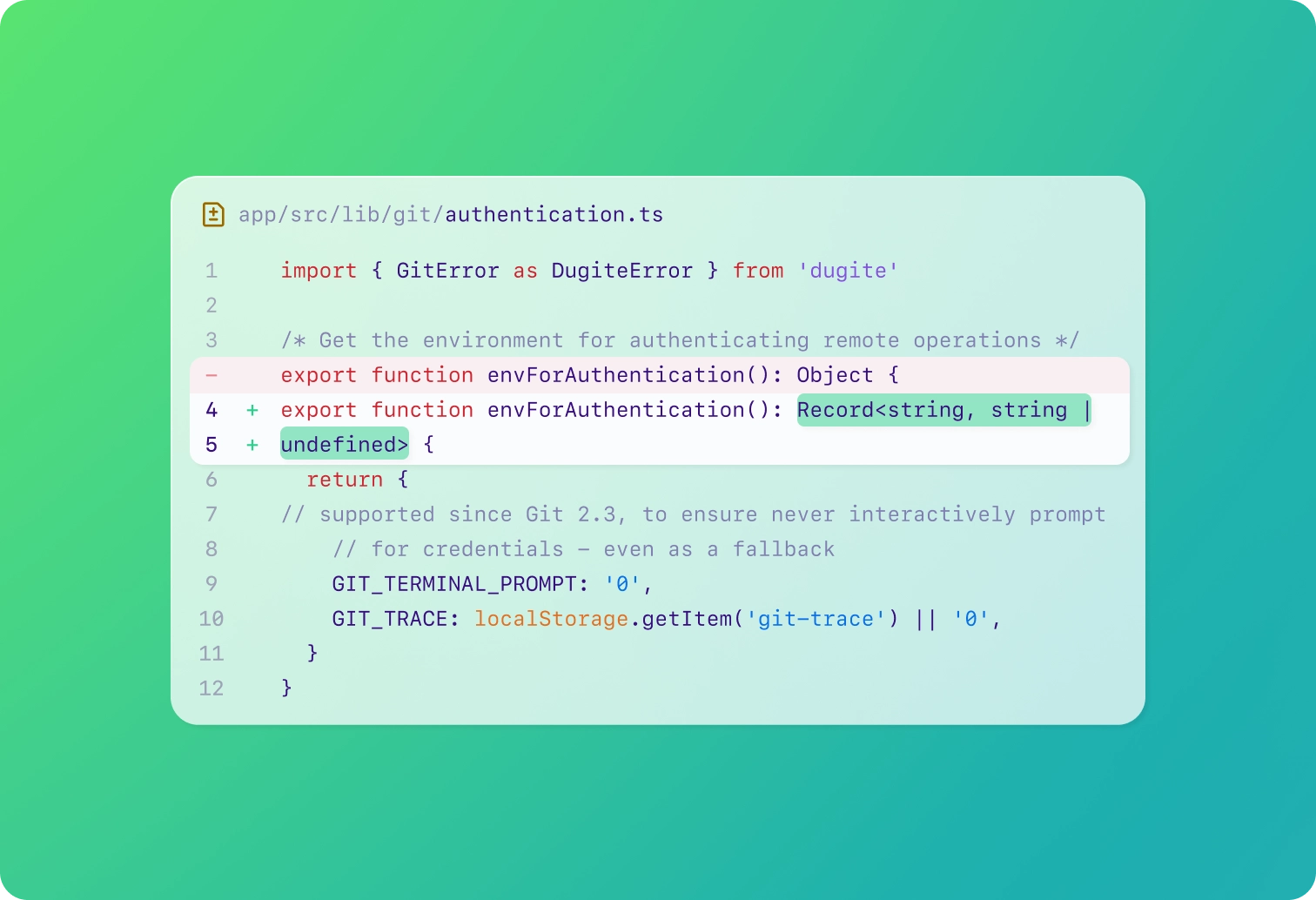
- Visualizing Changes: Easily review code changes and diffs with a clear visual representation, making it simple to track modifications before committing.
- Streamlined Collaboration: Create branches, open pull requests, and manage merges directly from your desktop, facilitating seamless team collaboration.
- Intuitive Repository Management: Clone repositories, create new ones, and publish projects to GitHub with just a few clicks.
- Undo Capabilities: Quickly revert changes or commit mistakes with built-in undo functionality, providing a safety net during development.
- Keyboard Shortcuts: Boost productivity with a suite of keyboard shortcuts for common actions, catering to users who prefer a faster workflow.
This open-source tool is designed to enhance productivity and make Git more approachable for both new users learning version control and experienced developers looking for an efficient GUI client.