Introduction
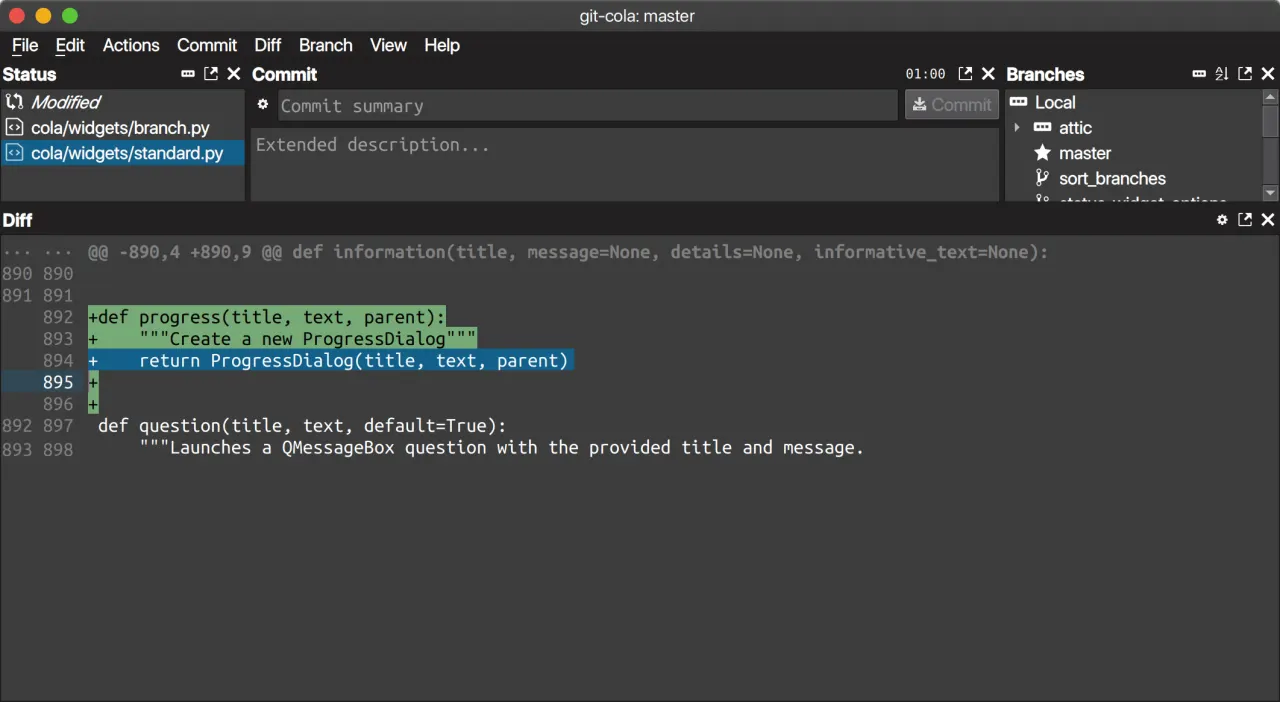
Git Cola is a free and open-source graphical user interface for Git, designed to be cross-platform compatible with Linux, macOS, and Windows. It offers a minimalist approach to version control, making it a compelling alternative to tools like GitKraken for developers seeking a lightweight and highly customizable Git GUI.
Features
Git Cola provides a suite of essential features for managing Git repositories:
- Cross-Platform Compatibility: Works seamlessly across Linux, macOS, and Windows.
- DAG Visualizer: Includes “Git Dag” for clear visualization of your repository’s commit history.
- Keyboard-Driven Workflow: Supports extensive keyboard shortcuts and custom GUI settings, catering to users who prefer a fast, keyboard-centric experience.
- Minimalist Interface: Designed to be lean and efficient, focusing on core Git operations without unnecessary clutter.
- Undo Last Commit: Offers a convenient feature to undo the most recent commit, aiding in error correction.
- Open Source: Being open-source, it benefits from community contributions and transparency.