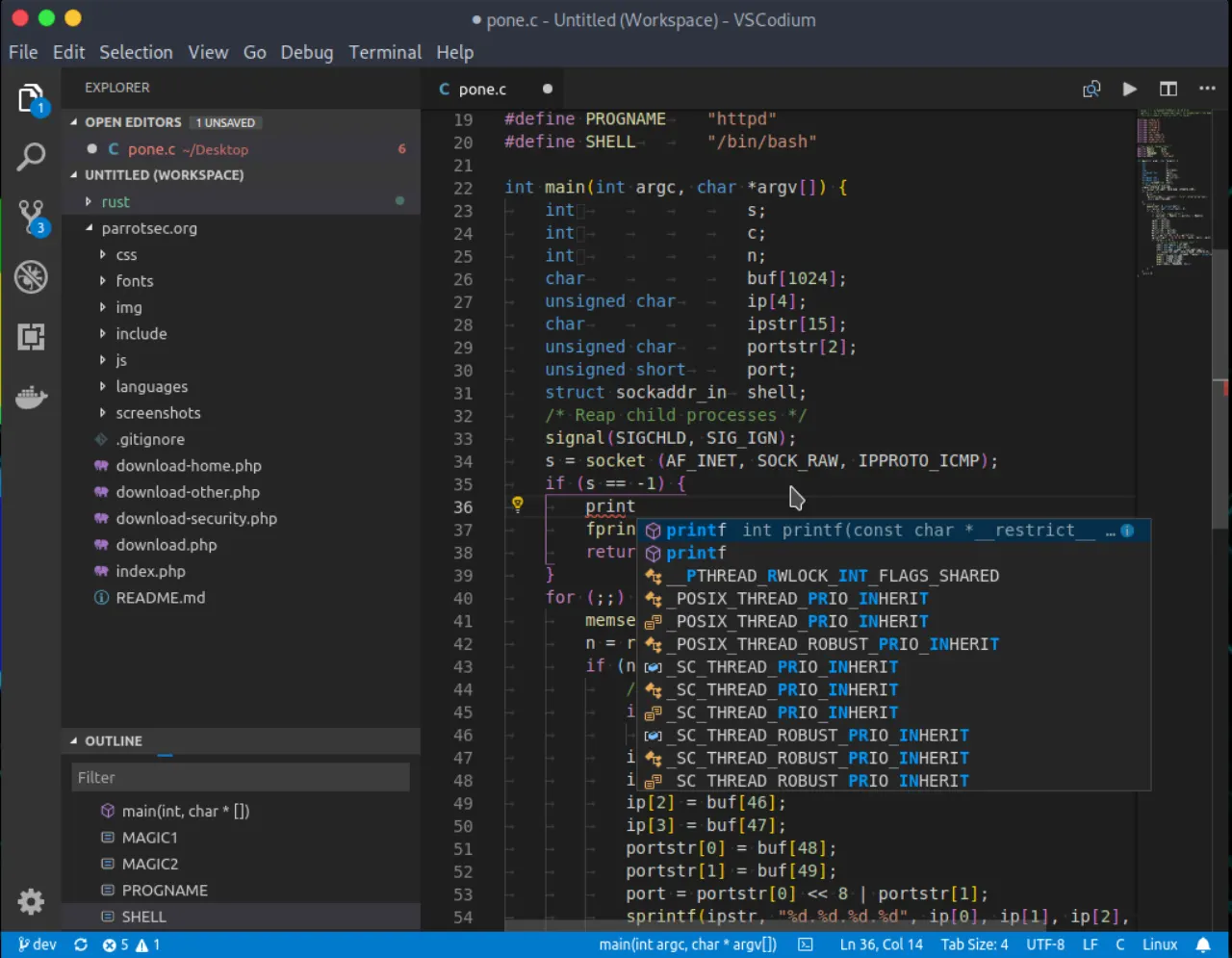
Introduction
VSCodium is an open-source, community-driven code editor that provides freely-licensed binaries of Microsoft’s Visual Studio Code. It meticulously removes all proprietary components, telemetry, and tracking features to prioritize user privacy and software freedom. As a robust and privacy-focused alternative, VSCodium offers developers a familiar and powerful environment without compromising on data security, making it an excellent choice for those seeking an alternative to tools like JetBrains IntelliJ IDEA.
Features
VSCodium maintains all the powerful features expected from Visual Studio Code while enhancing user privacy and software freedom. Key capabilities include:
- Privacy-Focused Development: Absolutely no telemetry or tracking, ensuring your data remains private and secure.
- Completely Open-Source: Built on an MIT-licensed foundation, promoting transparency and community contributions.
- Full VS Code Functionality: Enjoy the rich feature set, debugging tools, and integrated terminal that Visual Studio Code users are accustomed to.
- Community-Driven: Benefits from active community development and support, ensuring continuous improvement and responsiveness.
- Broad Architecture Support: Designed to run on a wider range of system architectures.
- Open Extension Ecosystem: Leverages the Open VSX Registry for extensions, providing an open-source marketplace for adding new functionalities and tools.