Introduction
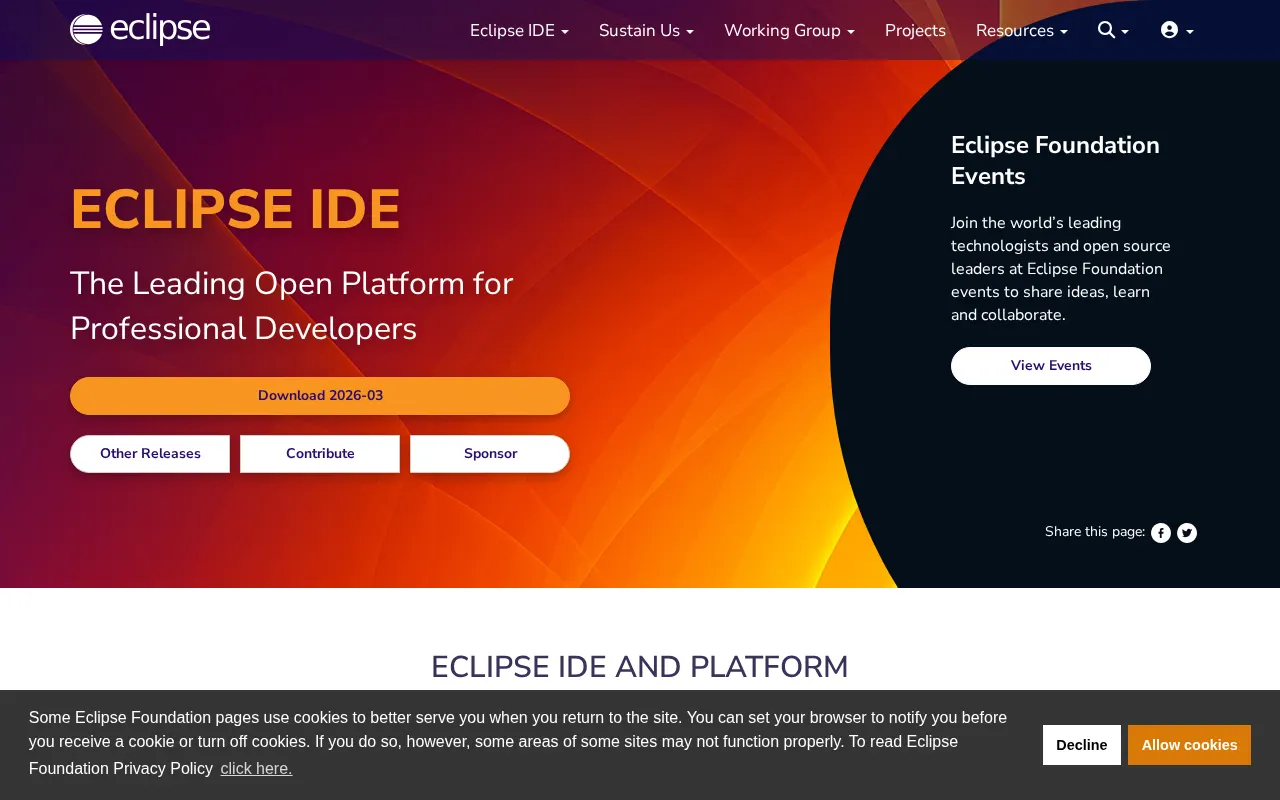
Eclipse IDE is a powerful and widely adopted integrated development environment, renowned for its versatility and extensibility. Primarily developed for Java applications, it offers a robust platform for software development, supporting numerous programming languages through its rich plugin ecosystem. For developers seeking a customizable and open-source alternative to tools like JetBrains IntelliJ IDEA, Eclipse IDE provides a comprehensive and flexible solution.
Features
Eclipse IDE is packed with features designed to enhance developer productivity and streamline the coding process. Its core strengths include:
- Extensive Plugin Ecosystem: Eclipse boasts an unparalleled marketplace of plugins that extend its functionality, allowing developers to tailor the IDE to their specific needs and workflows. This includes support for various programming languages, version control systems, and testing frameworks.
- Multi-Language Support: While its roots are deeply in Java development, Eclipse IDE is highly adaptable, supporting languages such as C/C++, Python, PHP, and many others through dedicated plugins.
- Cross-Platform Compatibility: The IDE runs seamlessly across Windows, macOS, and Linux operating systems, ensuring a consistent development experience regardless of your preferred platform.
- Advanced Java Development Tools: For Java developers, Eclipse offers a suite of powerful features, including an incremental compiler, sophisticated refactoring capabilities, and comprehensive code analysis tools that help maintain code quality and efficiency.
- Customization and Flexibility: Beyond its plugin architecture, Eclipse allows for deep customization of its interface and settings, enabling developers to create an environment perfectly suited to their working style.