Introduction
ClickUp is a powerful and highly customizable project management and productivity platform. It serves as an excellent alternative to simpler task managers like Todoist by providing a comprehensive suite of tools for individuals, small teams, and mid-sized businesses to manage tasks, projects, and workflows in one central hub.
Features
ClickUp offers a rich set of features to streamline project management and team collaboration:
- Customizable Workflows: Adapt the platform to your unique processes with highly flexible customization options.
- Multiple View Options: Visualize your work in numerous ways, including Gantt charts, Kanban boards, timelines, calendar views, and even mind maps, along with unlimited custom views.
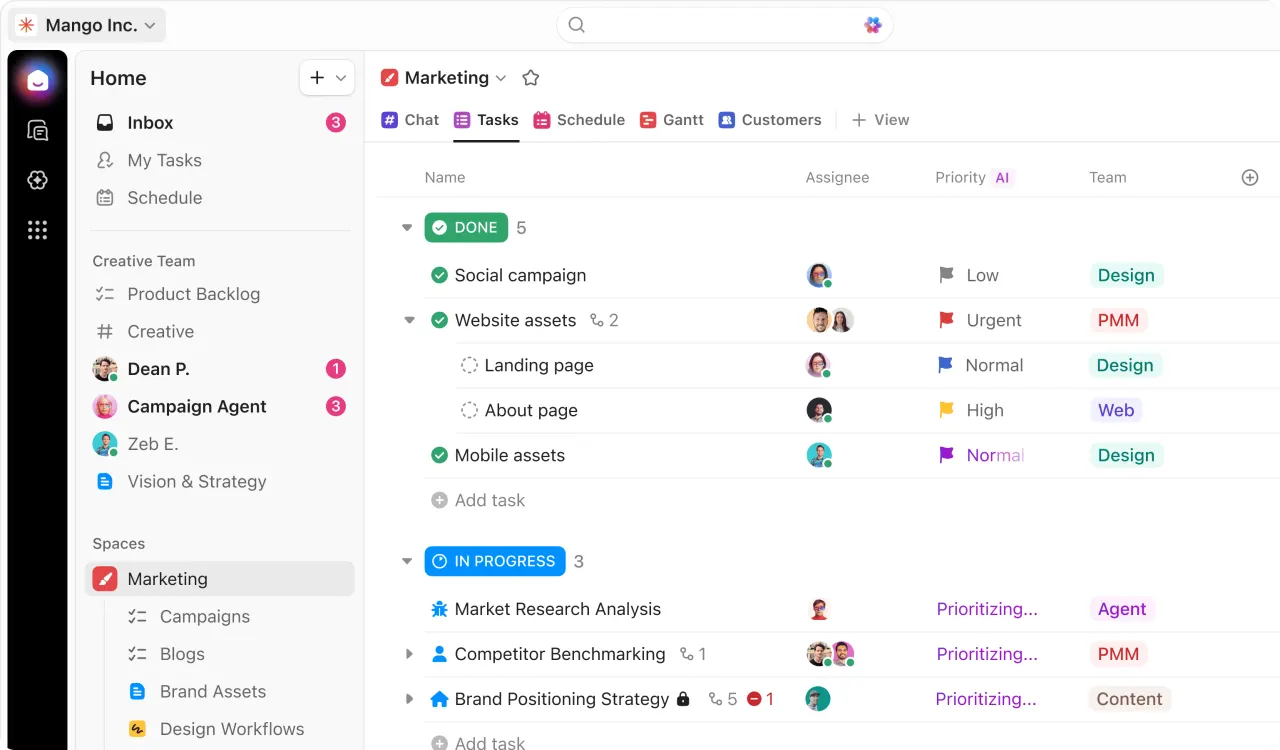
- Comprehensive Task Management: Easily create, organize, and track tasks with status updates, priorities, and assignments.
- Collaboration Tools: Facilitate team communication with native chat, whiteboards, and real-time collaboration features.
- Resource and Time Management: Utilize built-in tools for time tracking, resource allocation, and sprint management.
- AI Workspace: Enhance productivity with ClickUp Brain, an AI assistant available for paid plans, to help with content generation, summarization, and more.
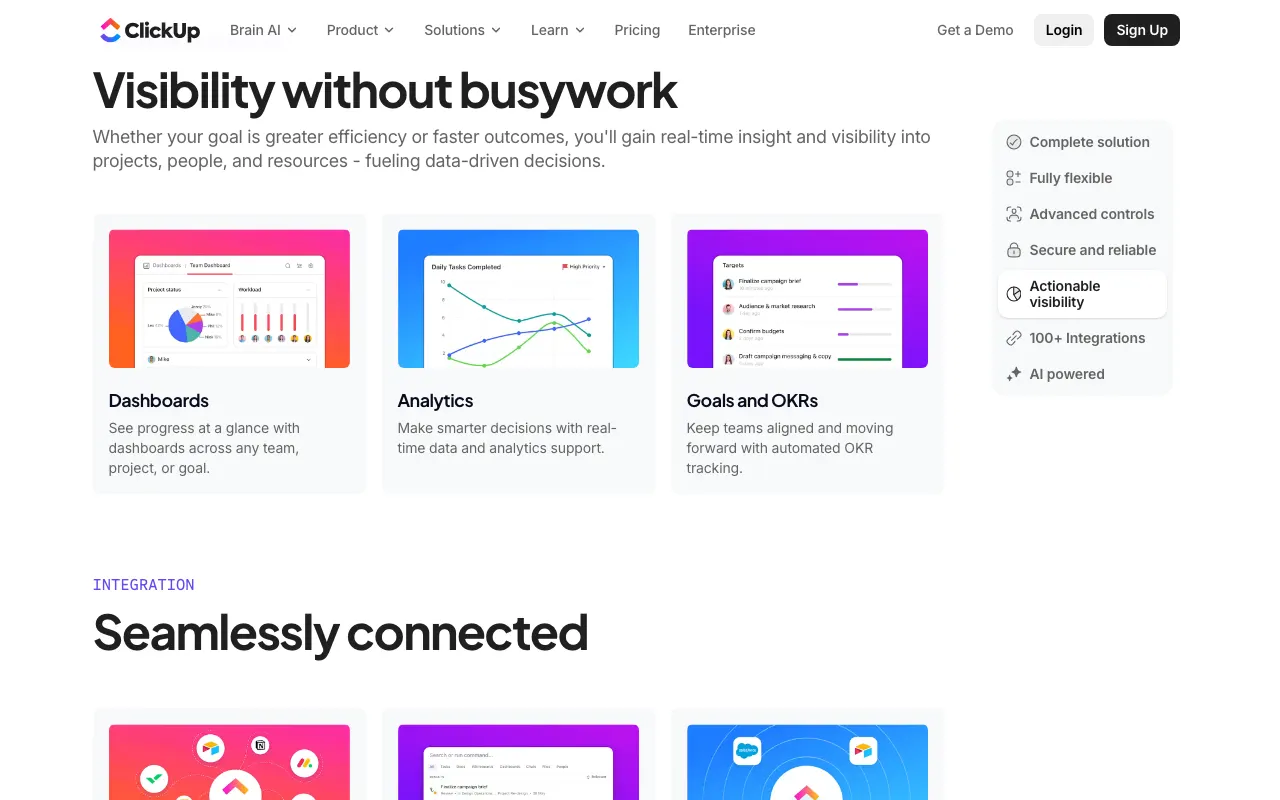
- Dashboards: Gain insights into project progress and team performance with customizable dashboards.
- Generous Free Plan: Get started with unlimited tasks and users, making it accessible for individuals and small teams.