5 Free & Open Source Alternatives to Todoist (2026)
Compare 5 free and open-source alternatives to Todoist: Microsoft To Do, TickTick, and Any.do (+2 more). Pros, cons, pricing, and screenshots tested 2026.
Todoist
Freemium
★
★
★
★
★
4.0
Todoist is a task manager for organizing work and life. It helps individuals and teams manage projects, set deadlines, and collaborate effectively across various platforms.
Freemium
5 free options
Productivity Tools
4 / 5
💡
Why people look for alternatives Todoist has a free tier with limitations. Many users seek fully free or open-source alternatives that offer the same capabilities without paywalled features or usage caps.
Microsoft To Do is a task management app that helps individuals and small teams organize daily activities, track tasks, and set reminders across multiple devices.
★
★
★
★
★
4.0
FreeBest for: Individuals and small teams in the Microsoft 365 ecosystem.
Microsoft To Do is a completely free application.
✓ Pros
Syncs seamlessly with Outlook Tasks and the Microsoft 365 ecosystem.
Offers essential task management features like due dates, reminders, and recurring tasks.
Provides a user-friendly interface and real-time syncing across various devices (web, iOS, Android, Windows).
Includes "My Day" for intelligent, personalized daily planning.
Supports task breakdown into smaller steps and collaborative list sharing with task assignment.
✕ Cons
Lacks advanced features such as natural language input, priority ratings, custom views, or advanced search.
Limited functionality for subtasks, as detailed notes cannot be added to them.
Does not offer advanced project management tools like task dependencies, interactive calendars, Kanban boards, or extensive analytics.
Can require more clicks to create detailed tasks compared to some competitors.
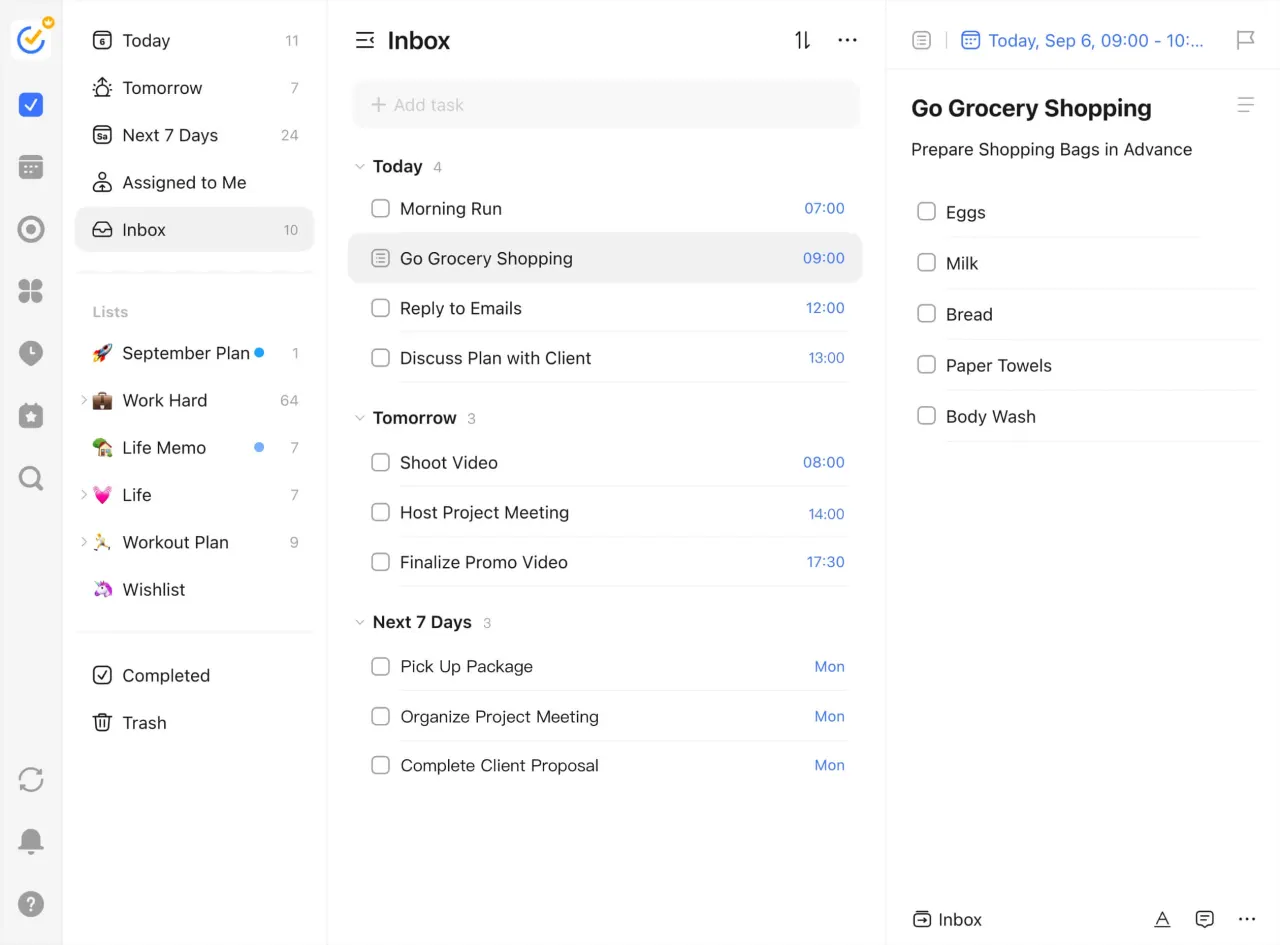
A comprehensive task management and productivity app offering to-do lists, calendar views, habit tracking, and focus tools for efficient personal and professional organization.
★
★
★
★
★
4.0
FreemiumBest for: Personal productivity, solo users, task management with calendar.
Free plan available, Premium is $35.99/year.
2 screenshots — click to enlarge
Screenshot 1Screenshot 2
✓ Pros
Multiple views (list, calendar, Kanban, timeline, Eisenhower Matrix)
Includes Pomodoro timer and habit tracker in Premium
Competitively priced with a generous free tier
Natural language input for quick task creation
Cross-platform sync across various devices
Supports recurring tasks, reminders, tags, and priority levels
Built-in time tracking
Location-based reminders (Premium)
Quick task addition from lock screen (Premium)
✕ Cons
Fewer third-party integrations compared to some competitors (e.g., Todoist)
No official free trial (though offers a 14-day refund policy)
Any.do is a task management and to-do list app designed to help individuals and small teams organize tasks, set reminders, and track daily progress. It offers cross-platform availability and a clean interface.
★
★
★
★
★
3.5
FreemiumBest for: Personal use and small teams to stay organized and on track
Free, Premium from $4.99/month (billed annually), Teams accounts $4.99 per person per month.
1 screenshot — click to enlarge
Screenshot 1
✓ Pros
Apps for all major platforms
Light and airy design
Interesting special features like Any.do Moment
Intuitive design and robust mobile app
Cost-effective
✕ Cons
Highly variable quality in features and user experience across apps
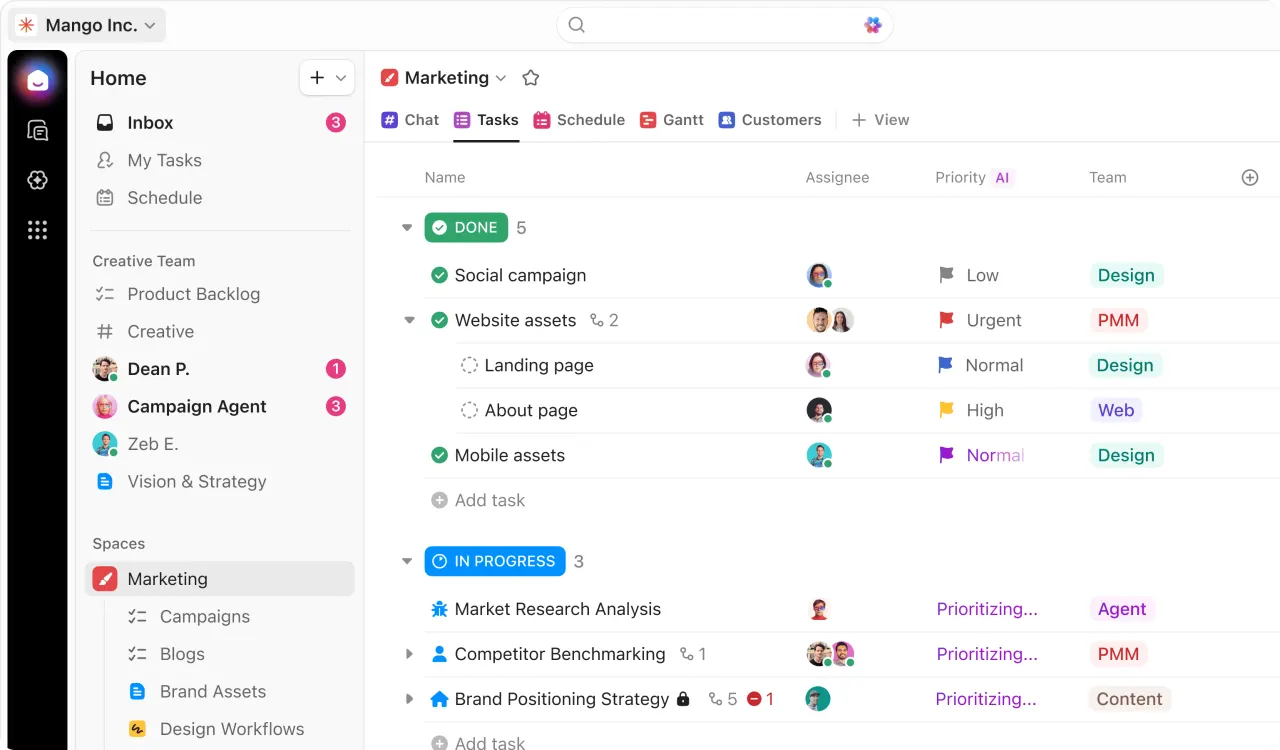
A project management tool and AI workspace offering extensive customization, multiple views, and a freemium model suitable for individuals, small teams, and mid-sized businesses.
★
★
★
★
★
3.5
FreemiumBest for: Individuals, small and mid-sized teams needing customizable PM.
Free plan with limited features. Paid plans start at $7/user/month (billed annually). ClickUp Brain (AI assistant) is $7/user/month for paid plans.
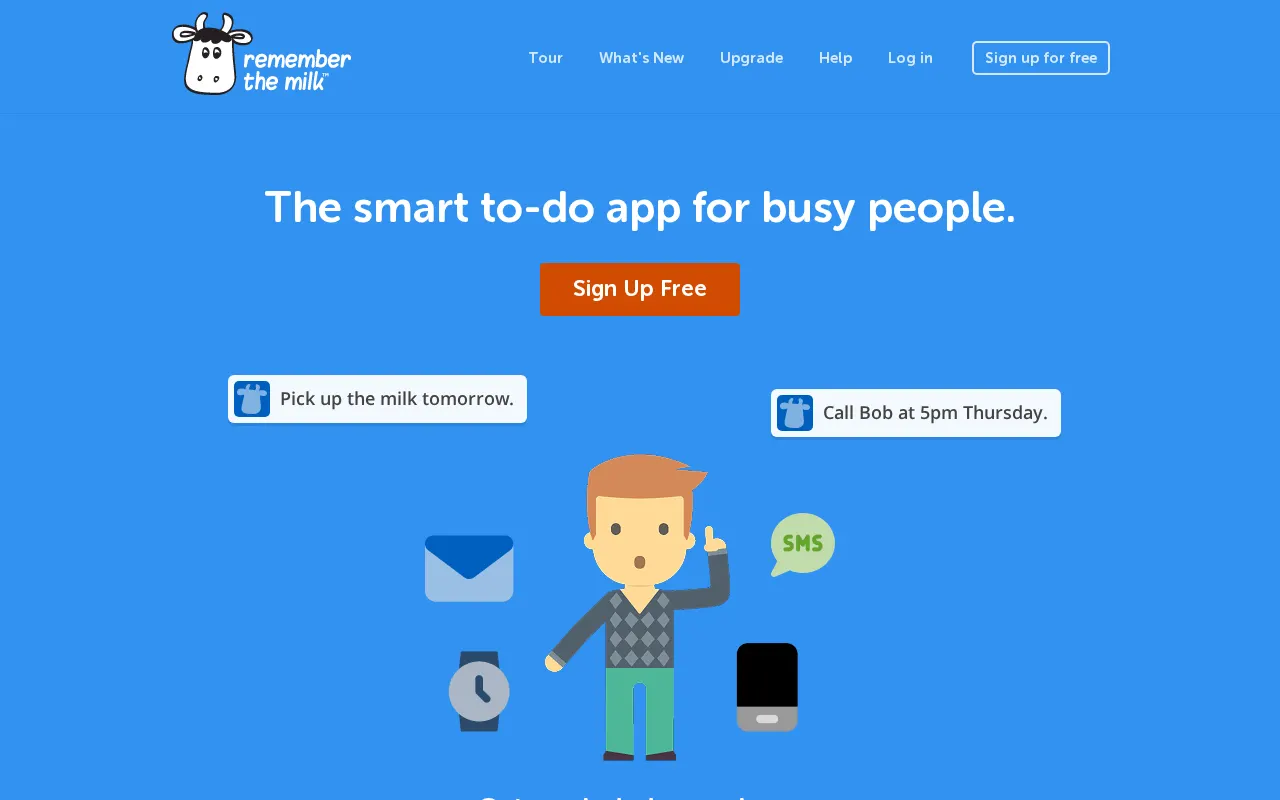
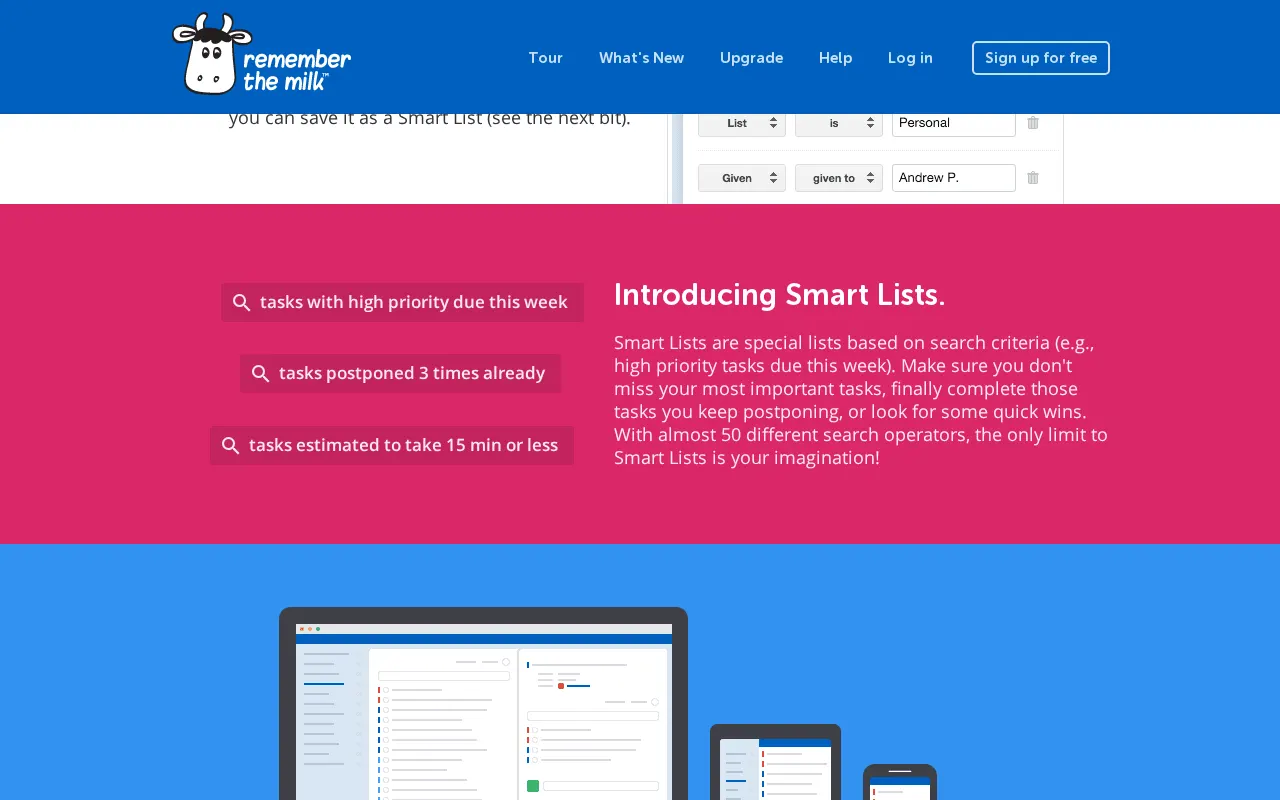
A powerful task management application designed to help individuals organize their tasks, set reminders, and collaborate with others to get things done.
★
★
★
★
★
3.5
FreemiumBest for: Individuals needing robust task management and organization
Free, Pro account for $49.99 per year.
2 screenshots — click to enlarge
Screenshot 1Screenshot 2
✓ Pros
Connects with IFTTT and Zapier for extended automation
Automate tasks and workflows using MilkScript
✕ Cons
Perceived as an "outdated app" by some users
Lacks a dark mode option according to user feedback
Some links are affiliate. We never accept payment for inclusion or ranking.