Introduction
Pixso is a comprehensive cloud-based UI/UX design and collaboration platform designed to streamline the entire product design workflow. It serves as an excellent alternative to traditional design tools, offering a powerful suite of features for vector design, prototyping, and design system management, all within a collaborative environment.
Features
Pixso provides a rich set of features that empower design teams to work more efficiently:
- Professional Vector Design: Create intricate vector graphics and layouts with precision, supporting a wide range of design elements and templates.
- High-Fidelity Prototyping: Bring designs to life with interactive prototypes that accurately simulate user experiences.
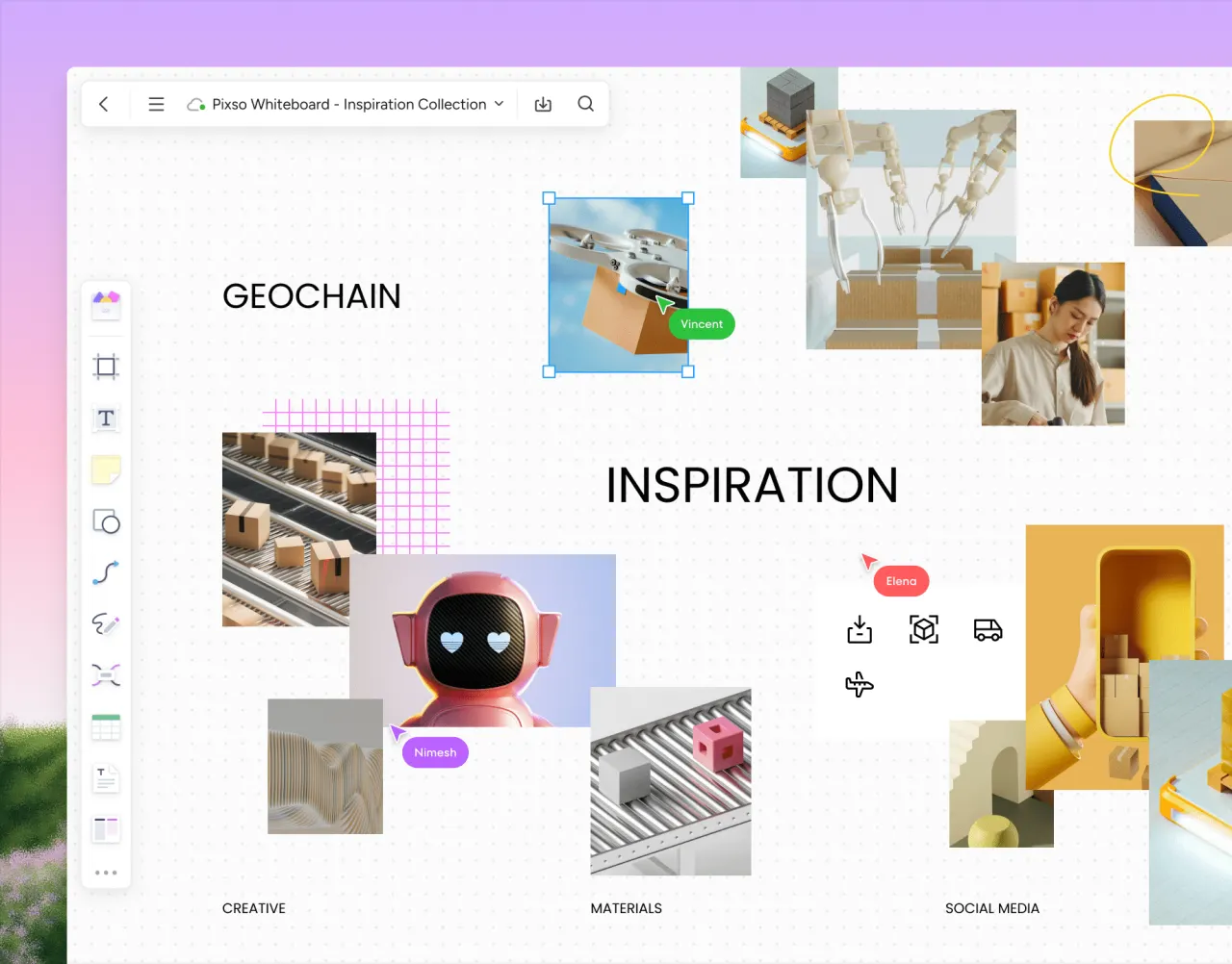
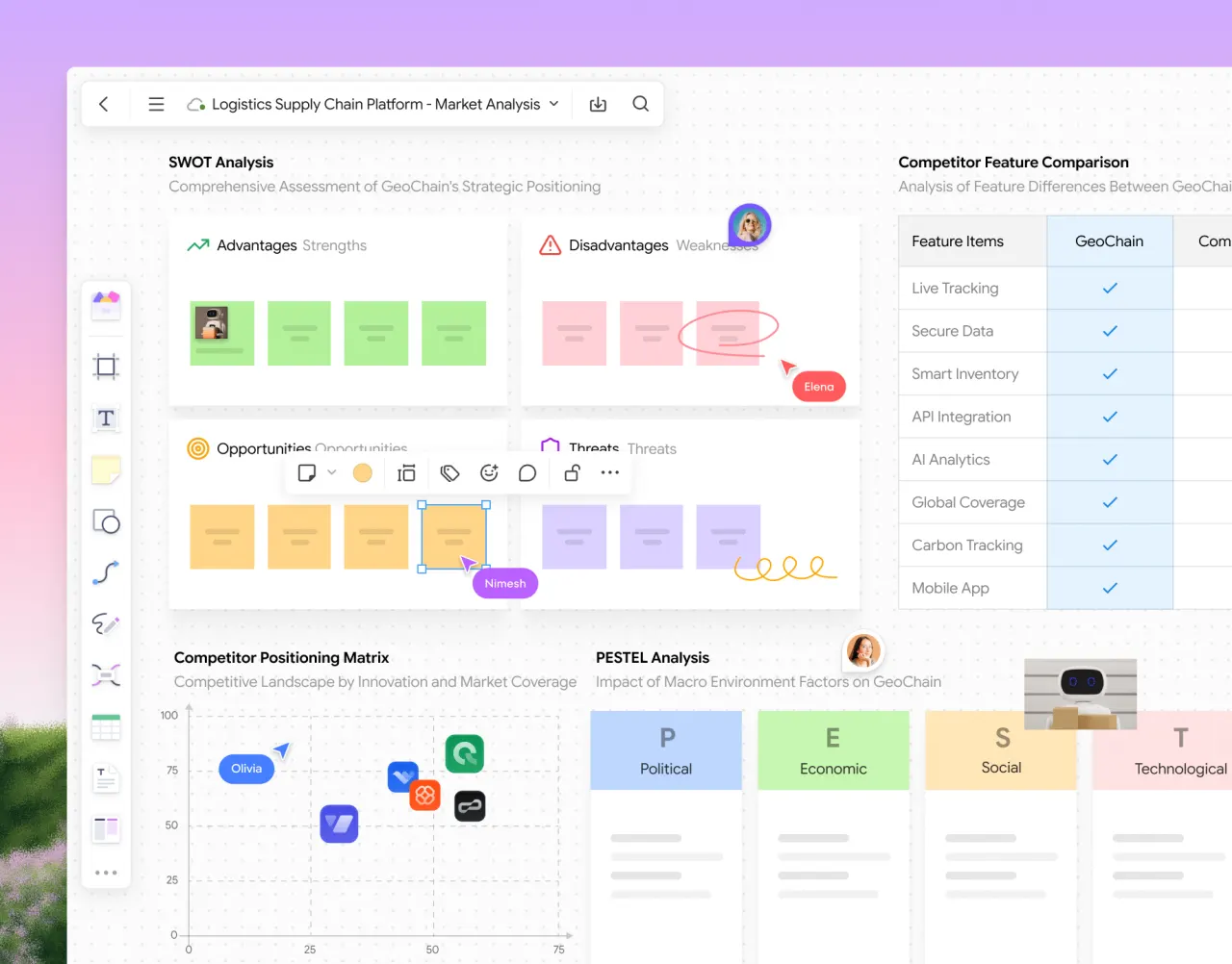
- Seamless Team Collaboration: Work in real-time with your team, sharing designs, gathering feedback, and iterating quickly to achieve project goals.
- Centralized Design System Management: Maintain consistency across projects with robust tools for managing components, design tokens, styles, and team libraries.
- AI-Powered Design Tools: Leverage intelligent features to automate aspects of UI design, speeding up workflows and enhancing creativity.
- Extensive File Compatibility: Easily import files from other popular design tools like Figma, Axure, Sketch, XD, and SVG, ensuring a smooth transition and integration with existing assets.
- Effortless Handoff: Facilitate smooth communication between design and development with features that provide code snippets and clear design specifications.
- Enterprise-Level Security: Ensures your design assets and collaborations are protected with advanced security measures.