Introduction
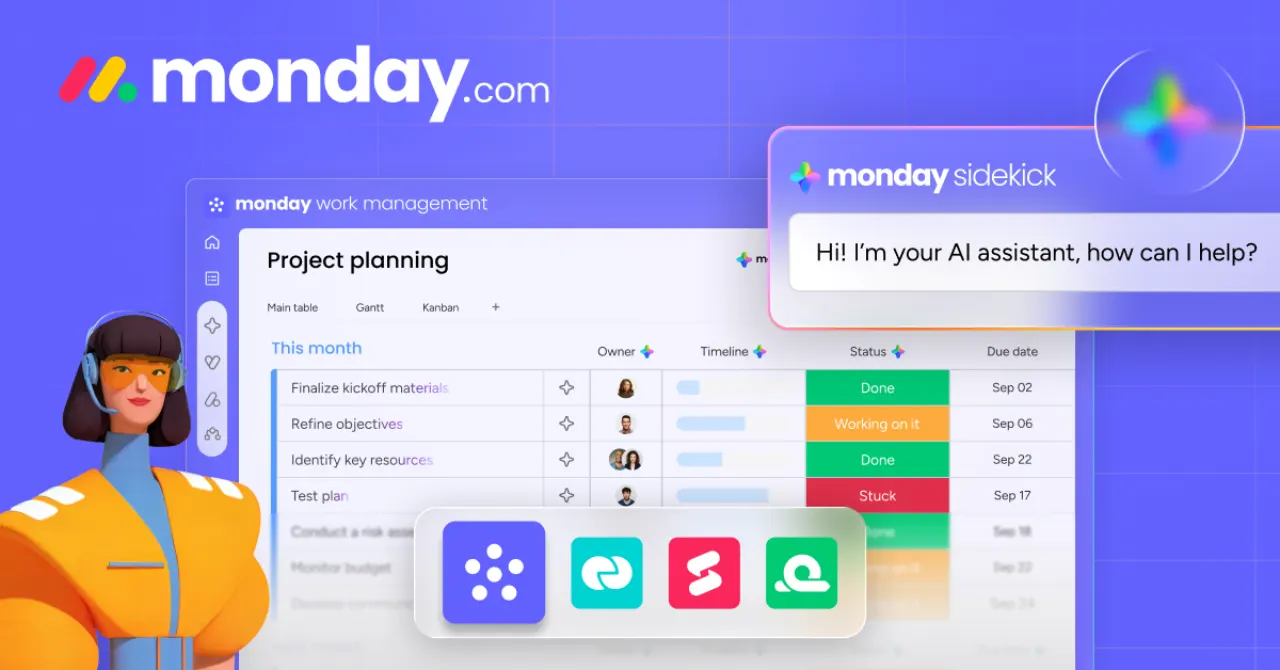
Monday.com is a versatile work operating system designed to help teams manage projects, workflows, and everyday tasks with ease. Its highly visual and customizable interface provides a fresh alternative for organizations seeking to streamline operations and enhance collaboration, particularly when compared to more traditional tools like Jira.
Features
Monday.com stands out with a robust set of features engineered to improve productivity and team synergy. Key capabilities include:
- Customizable Workflows: Tailor boards and dashboards to fit any project or team, from marketing campaigns to software development.
- Intuitive Interface: A drag-and-drop design makes it simple to set up, track, and manage tasks, even for new users.
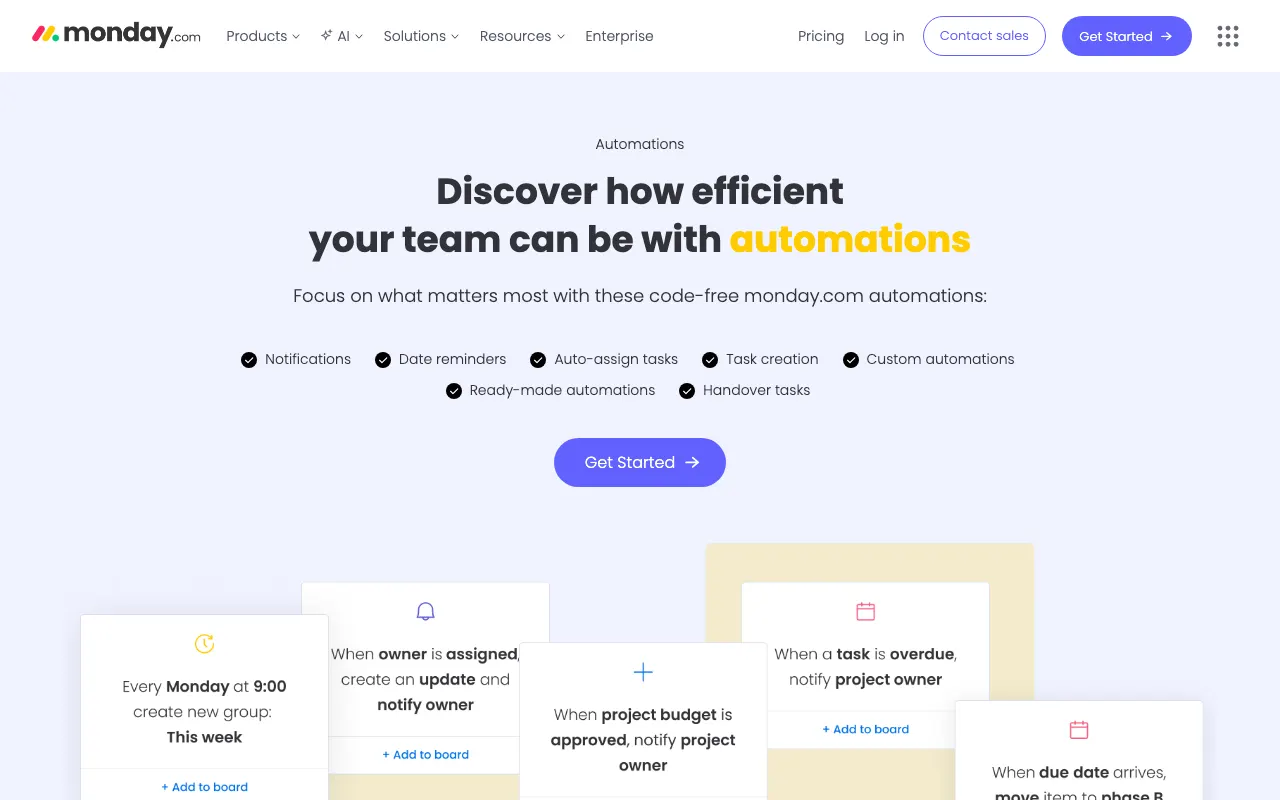
- Powerful Automations: Automate repetitive tasks like notifications, status changes, and task assignments to save time and reduce errors.
- Extensive Integrations: Connect seamlessly with hundreds of popular tools such as Slack, Google Drive, Excel, and Salesforce to centralize all your work.
- Data Visualization: Gain clear insights into project progress, team workloads, and deadlines with various views, including Kanban, Gantt, and Calendar.
- Real-time Collaboration: Facilitate communication with comments, mentions, and file sharing directly within tasks, keeping all discussions in context.