Introduction
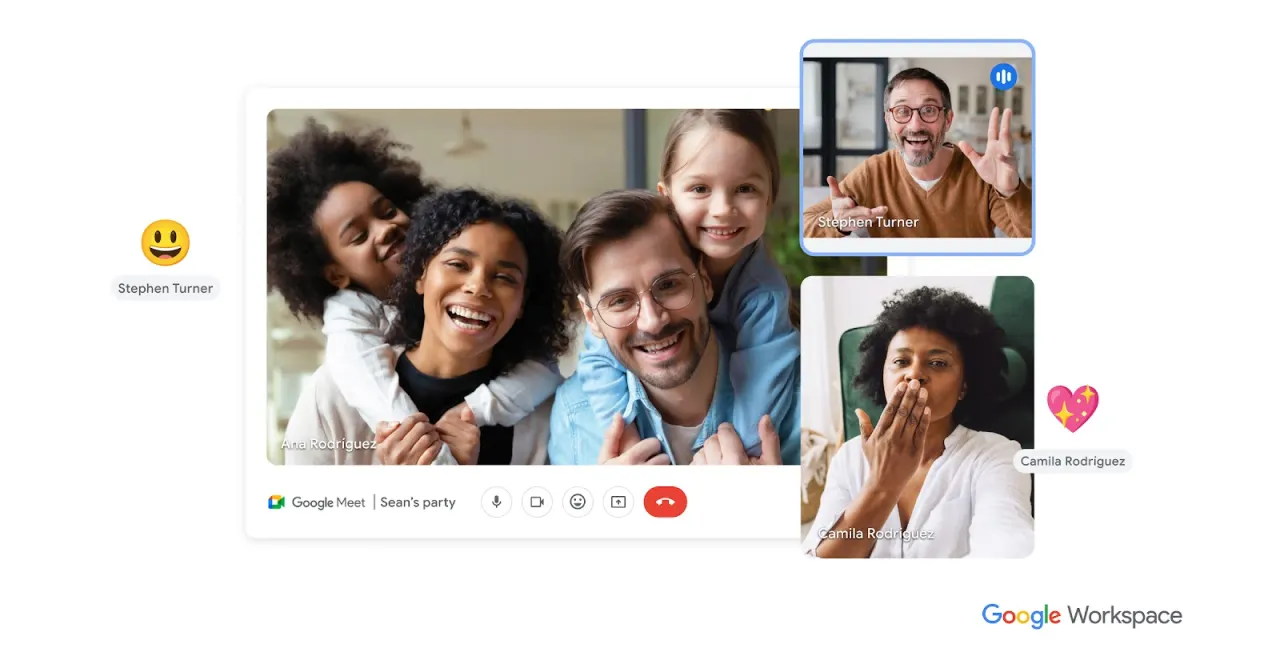
Google Meet is a robust and secure video conferencing platform developed by Google, providing a reliable solution for virtual meetings and online collaboration. It stands as an excellent alternative to tools like Zoom, especially for users already embedded in the Google ecosystem, offering seamless integration with Google Workspace applications.
Features
Google Meet offers a comprehensive set of features designed to facilitate effective communication and collaboration:
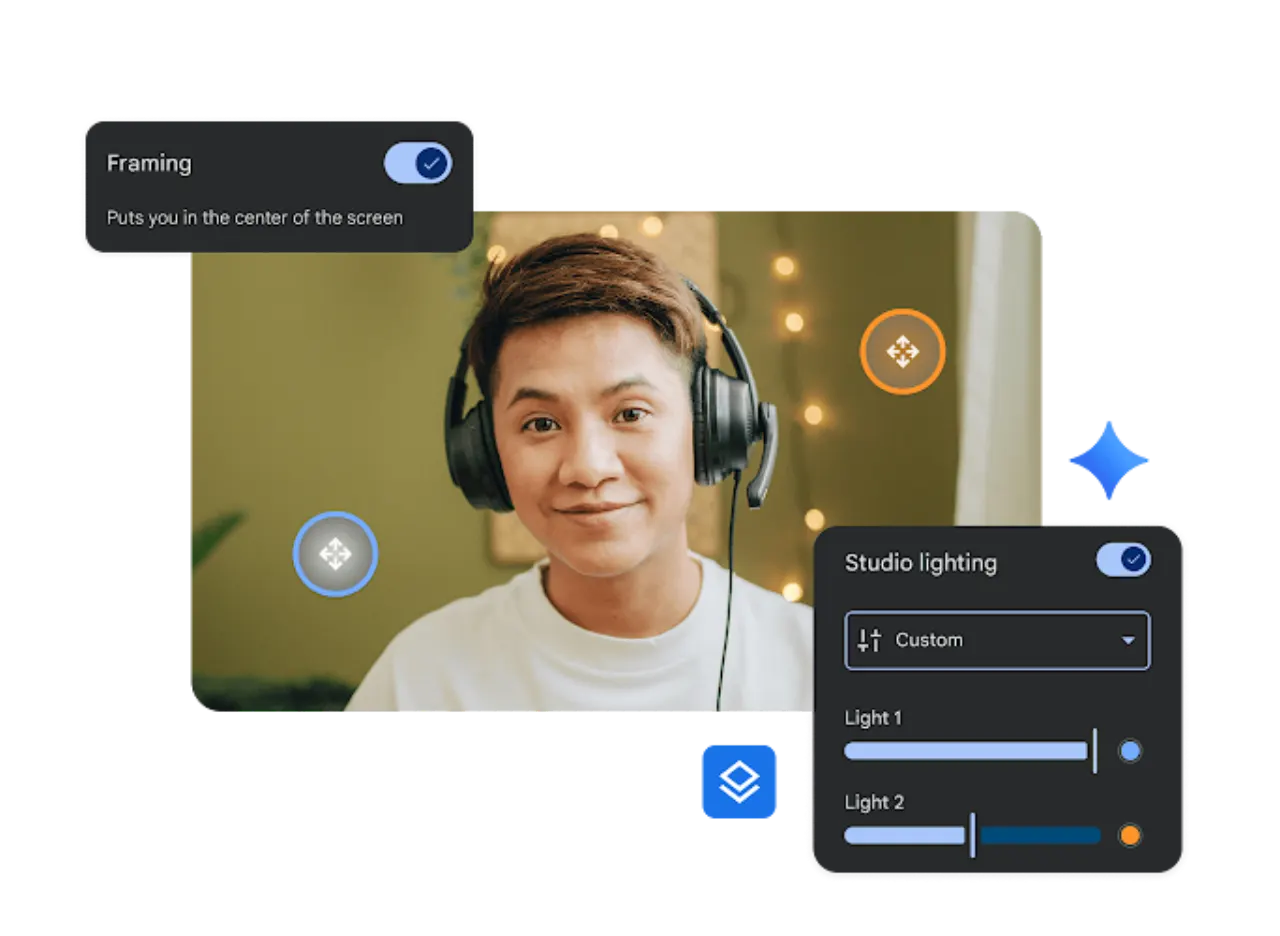
- High-Quality Video and Audio: Experience clear and consistent meeting quality with reliable audio and video performance.
- Screen Sharing: Easily share your entire screen or specific applications to present information or collaborate on documents.
- Live Captions: Enhance accessibility with real-time live captions, making meetings more inclusive for all participants.
- Google Workspace Integration: Enjoy deep integration with other Google Workspace products like Calendar, Docs, and Drive, streamlining workflows and content sharing.
- Interactive Tools: Engage participants with features such as polls, allowing for real-time feedback and interaction during meetings.
- Security and Privacy: Benefit from Google’s secure infrastructure, ensuring your conversations and data remain private and protected.
- Cross-Device Accessibility: Join meetings from any device, including desktops, laptops, tablets, and smartphones, ensuring flexibility and convenience.