3 Free & Open Source Alternatives to Grammarly (2026)

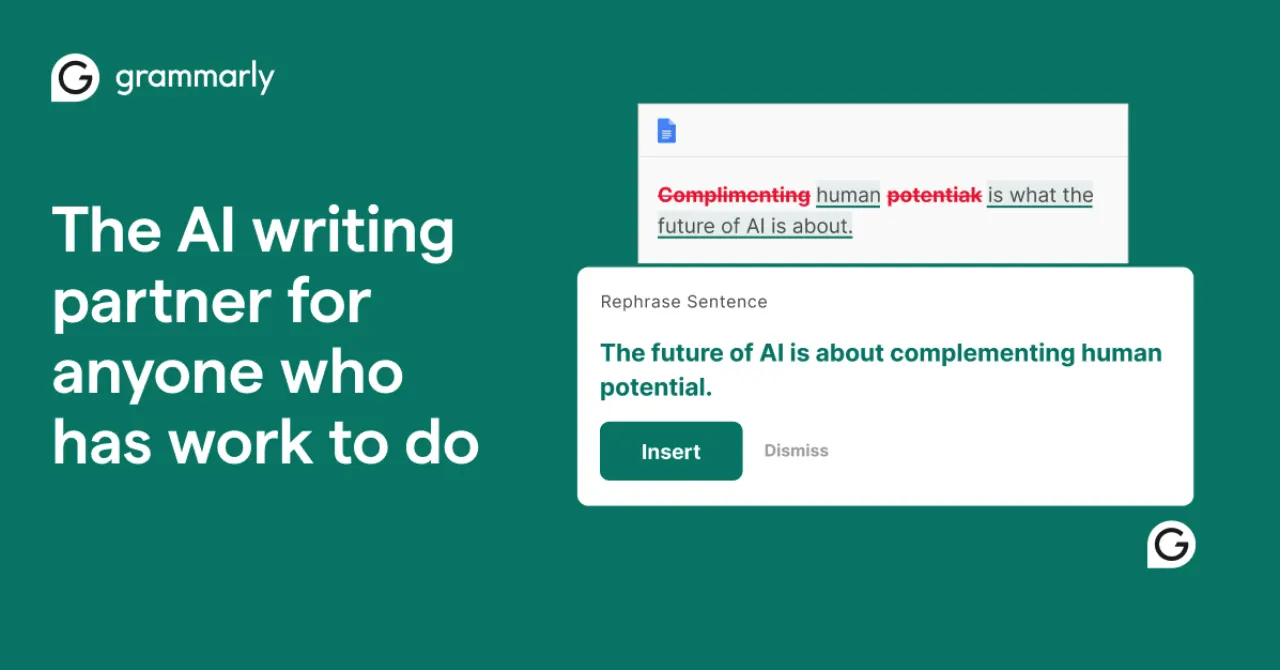
Grammarly is an AI-powered writing assistant that checks grammar, spelling, punctuation, clarity, and tone across emails, documents, and social media posts in real time. Below are the best free replacements we've tested.

Grammarly

Freemium 4.0

Grammarly is an AI-powered writing assistant that checks grammar, spelling, punctuation, clarity, and tone across emails, documents, and social media posts in real time.

Freemium
3 free options
AI Tools
4 / 5
Why people look for alternatives Grammarly has a free tier with limitations. Many users seek fully free or open-source alternatives that offer the same capabilities without paywalled features or usage caps.

Quick Comparison

Tool Pricing Best for Rating

Detailed Reviews

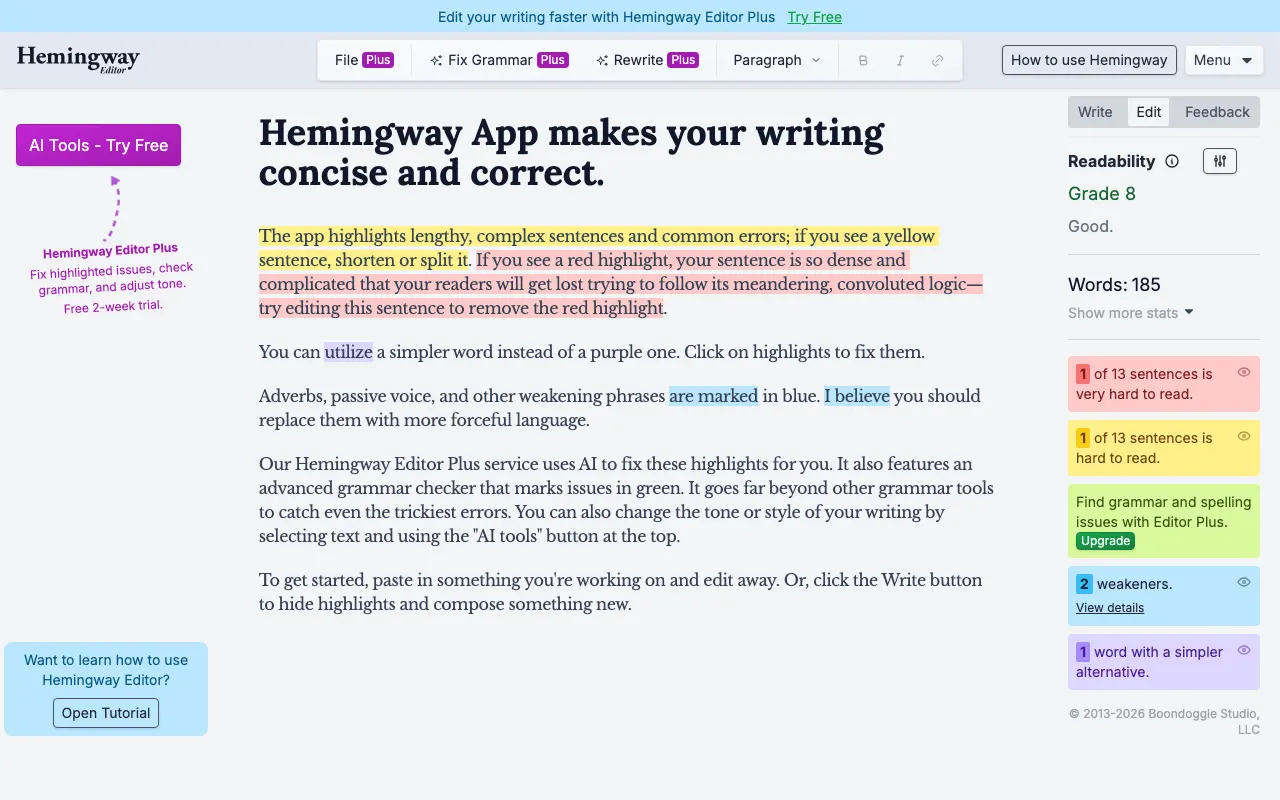
Hemingway Editor

A writing tool that highlights complex sentences, passive voice, and readability issues to help you write clearly and concisely.

4.0
Freemium

Free to use in the browser at hemingwayapp.com with full functionality; one-time $19.99 purchase for the desktop app.

1 screenshot — click to enlarge

Hemingway Editor homepage screenshot Main interface

✓ Pros

  • Free to use in the browser with no account or sign-up required
  • Focuses on clarity and readability rather than rigid grammar rules

✕ Cons

  • Not open source; works only within its own editor with no integrations or API
  • Does not check grammar or spelling — purely style and readability feedback

LanguageTool

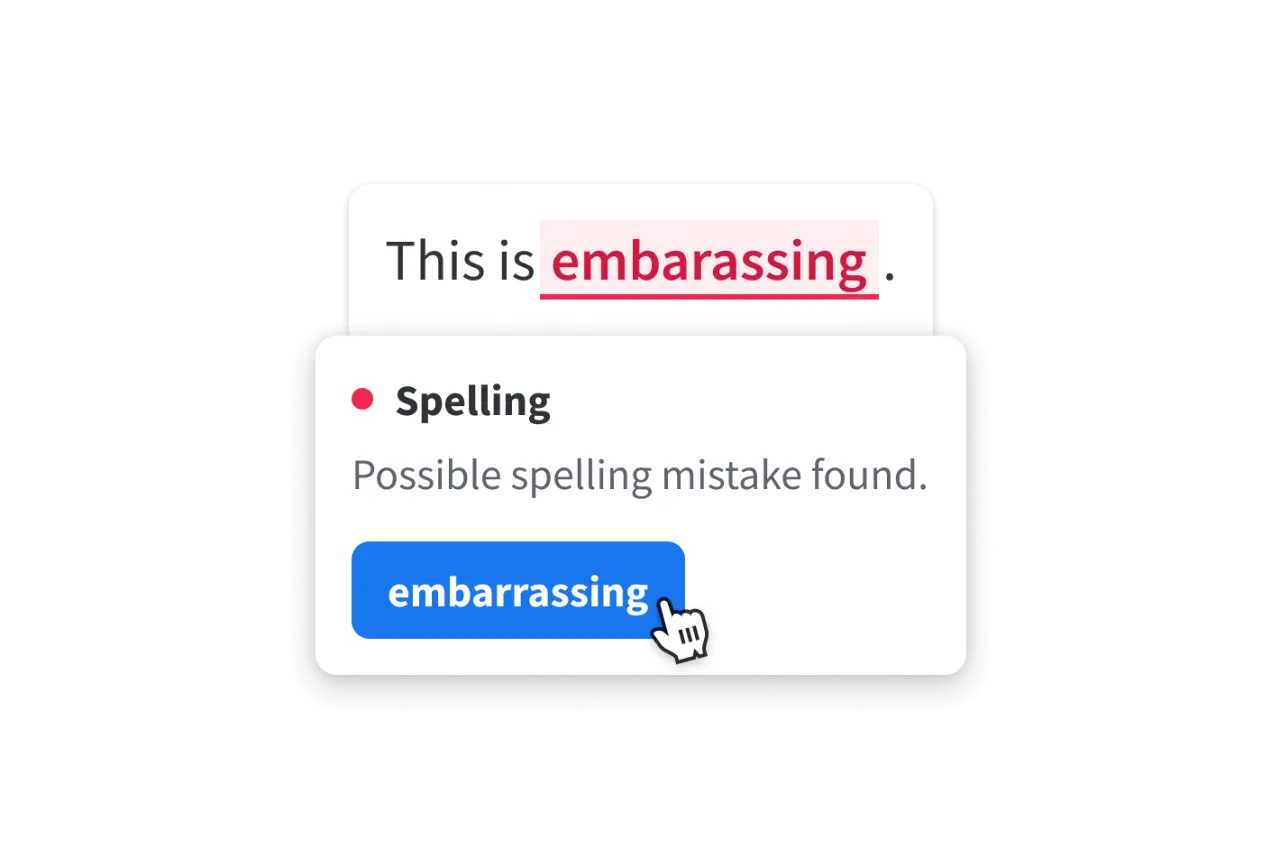
An open-source grammar, style, and spell checker supporting over 30 languages, available as a browser extension, desktop app, and self-hosted service.

4.0
Freemium (Open Source)

Free tier with core grammar and spell checking; Premium at ~$5/month adds advanced style, clarity, and plagiarism detection.

3 screenshots — click to enlarge

LanguageTool grammar Main interface
LanguageTool Windows Settings view

✓ Pros

  • Open source under LGPL — self-host for unlimited checks with complete privacy
  • Supports over 30 languages, far exceeding Grammarly's language coverage

✕ Cons

  • AI-powered style and clarity suggestions require the paid Premium plan
  • Writing tone and engagement scoring is not as polished as Grammarly Premium

Vale

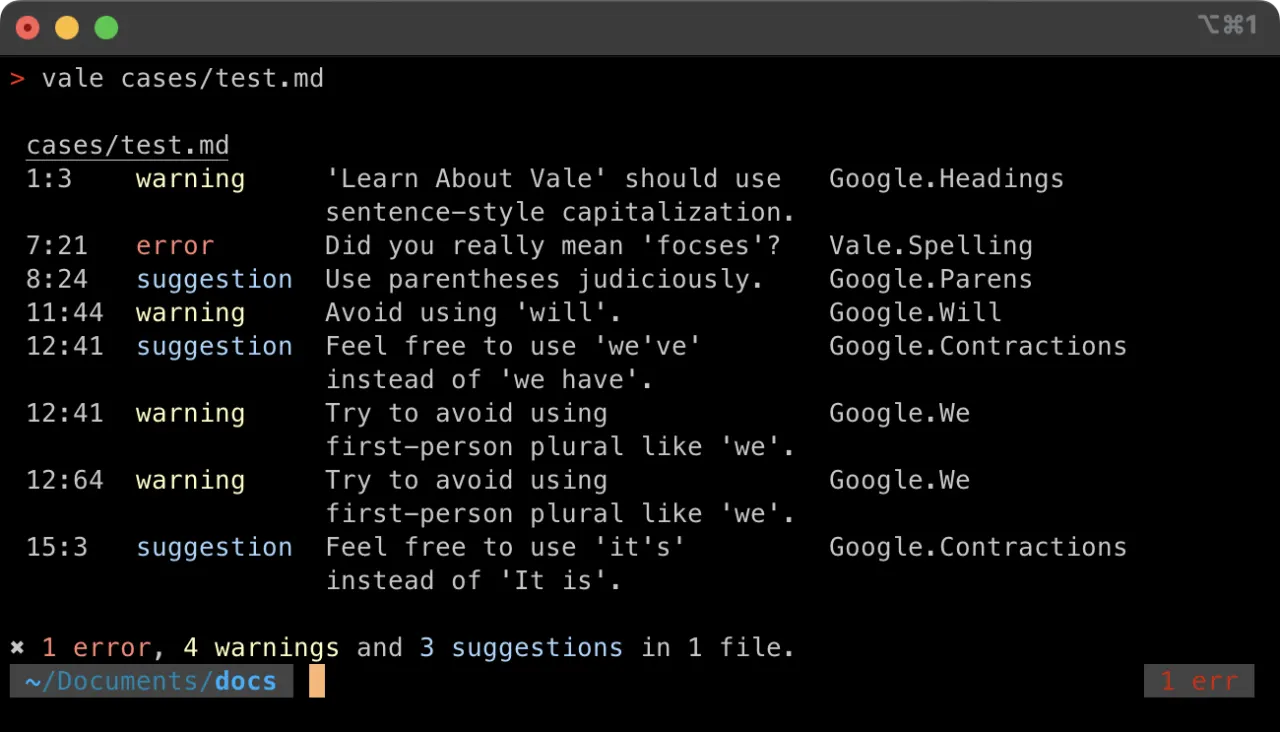
An open-source command-line prose linter that enforces custom style guides for Markdown, AsciiDoc, HTML, and other markup formats.

4.0
Free & Open Source

1 screenshot — click to enlarge

Vale writing Main interface

✓ Pros

  • Fully open source under MIT — extend, fork, or self-host with no restrictions
  • Highly configurable via custom rules; supports Google, Microsoft, and Write Good style guides

✕ Cons

  • Command-line only — no GUI or browser extension; not suitable for non-technical users
  • Requires setup and configuration before use; not a drop-in replacement for Grammarly

Some links are affiliate. We never accept payment for inclusion or ranking.