3 Free & Open Source Alternatives to GitHub Copilot (2026)

GitHub Copilot is an AI-powered code completion tool that suggests whole lines and blocks of code inside your editor, trained on public code repositories and powered by OpenAI models. Below are the best free replacements we've tested.

GitHub Copilot

Freemium 4.0

GitHub Copilot is an AI-powered code completion tool that suggests whole lines and blocks of code inside your editor, trained on public code repositories and powered by OpenAI models.

Freemium
3 free options
AI Tools
4 / 5
Why people look for alternatives GitHub Copilot has a free tier with limitations. Many users seek fully free or open-source alternatives that offer the same capabilities without paywalled features or usage caps.

Quick Comparison

Tool Pricing Best for Rating

Detailed Reviews

Continue

An open-source AI coding assistant for VS Code and JetBrains that connects to any LLM via your own API key or a local model.

4.0
Free & Open Source

3 screenshots — click to enlarge

Continue IDE Main interface
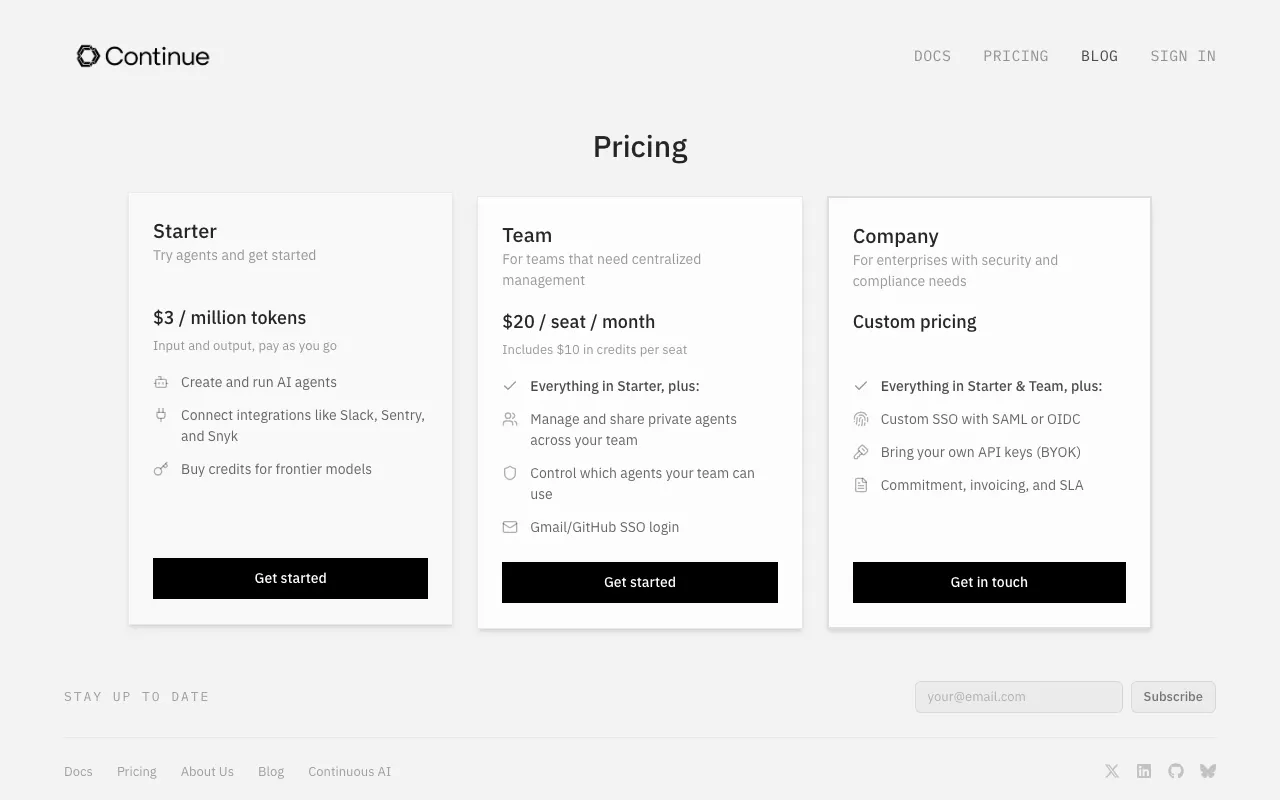
Continue Pricing Plans Settings view

✓ Pros

  • Fully open source under Apache 2.0 — inspect, modify, and self-host freely
  • Works with any LLM including local models via Ollama for complete privacy

✕ Cons

  • Requires an API key or a local LLM setup — no out-of-the-box free model access
  • More setup involved than cloud-first alternatives like Copilot or Cursor

Sourcegraph Cody

An AI coding assistant by Sourcegraph with deep codebase context, available as an IDE extension for VS Code and JetBrains.

4.0
Freemium

Free tier with a Sourcegraph.com account; Pro at $9/month for stronger models and higher rate limits.

2 screenshots — click to enlarge

Sourcegraph Cody homepage screenshot Main interface
Sourcegraph Cody pricing screenshot Settings view

✓ Pros

  • Free tier includes access to multiple models including Claude and GPT-4o
  • Deep codebase understanding via Sourcegraph's code search and indexing integration

✕ Cons

  • Not open source for the hosted service; self-hosted Enterprise setup is complex
  • Free tier rate limits are stricter than some competing tools

Tabby

A self-hosted, open-source AI coding assistant with IDE plugins for VS Code and JetBrains, plus an optional Tabby Cloud hosted tier.

4.0
Free & Open Source

Self-hosting is entirely free and open source; Tabby Cloud offers a free tier and paid plans for teams.

3 screenshots — click to enlarge

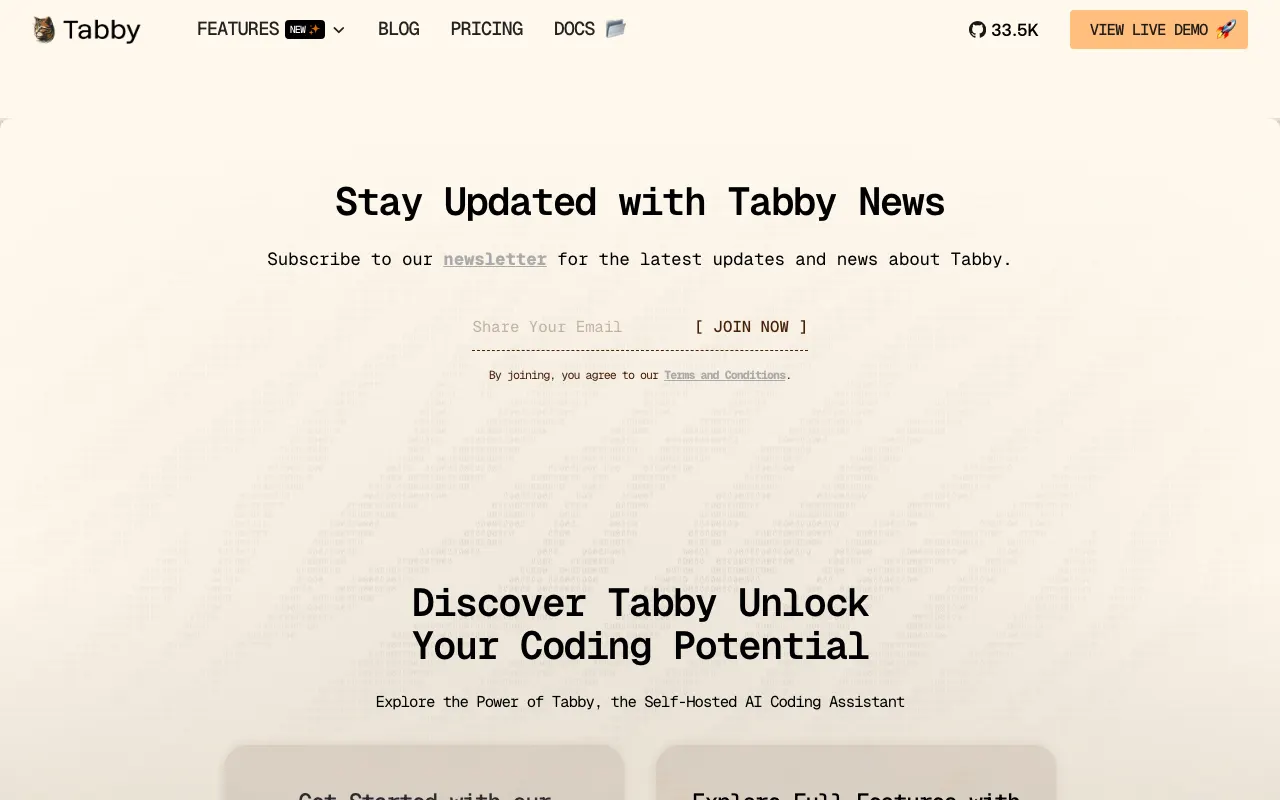
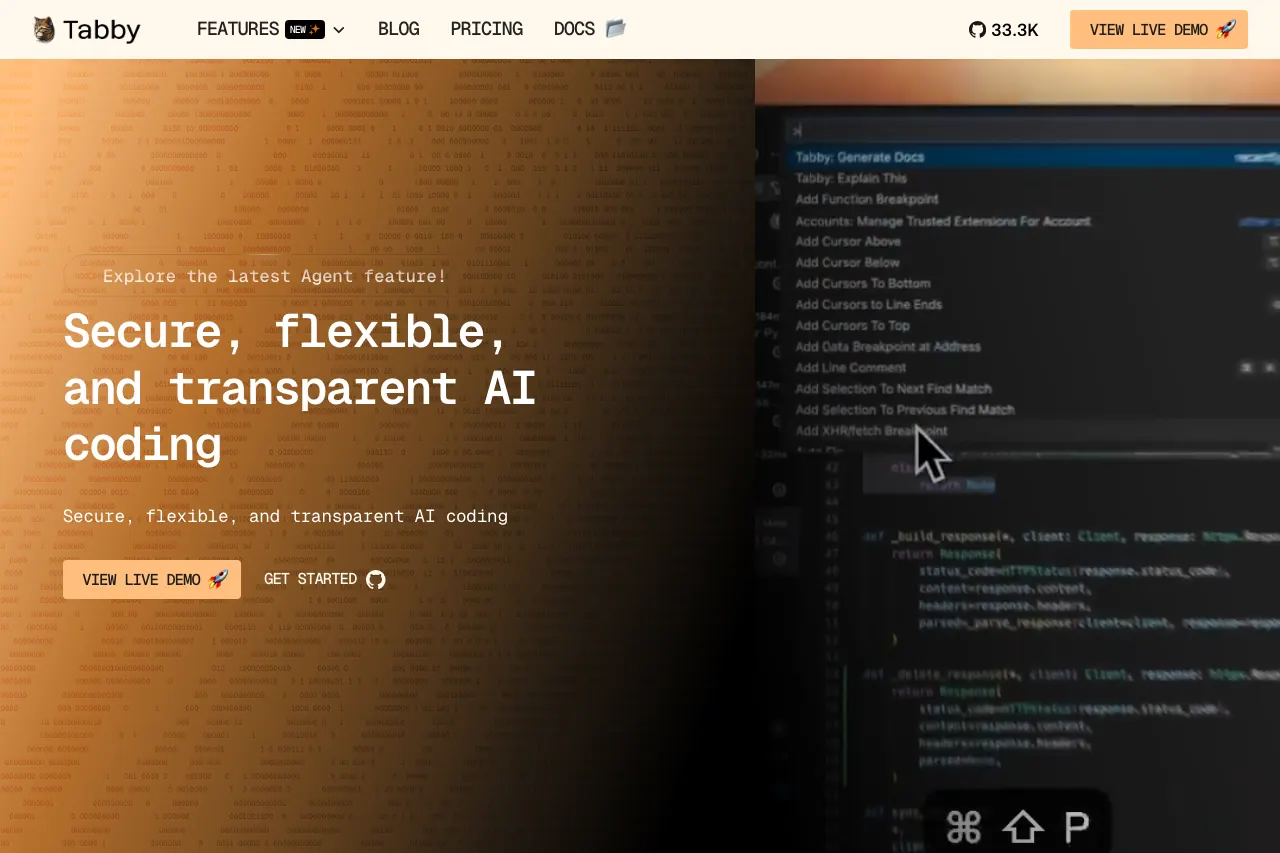
Tabby Main interface
Tab Settings view

✓ Pros

  • Fully self-hostable — your code never leaves your own infrastructure
  • Apache 2.0 licence — fully open for inspection, modification, and contribution

✕ Cons

  • Self-hosting requires a server with a GPU for best completion performance
  • Plugin ecosystem and UI polish lag behind commercial alternatives like Copilot

Some links are affiliate. We never accept payment for inclusion or ranking.